
AppFlowy
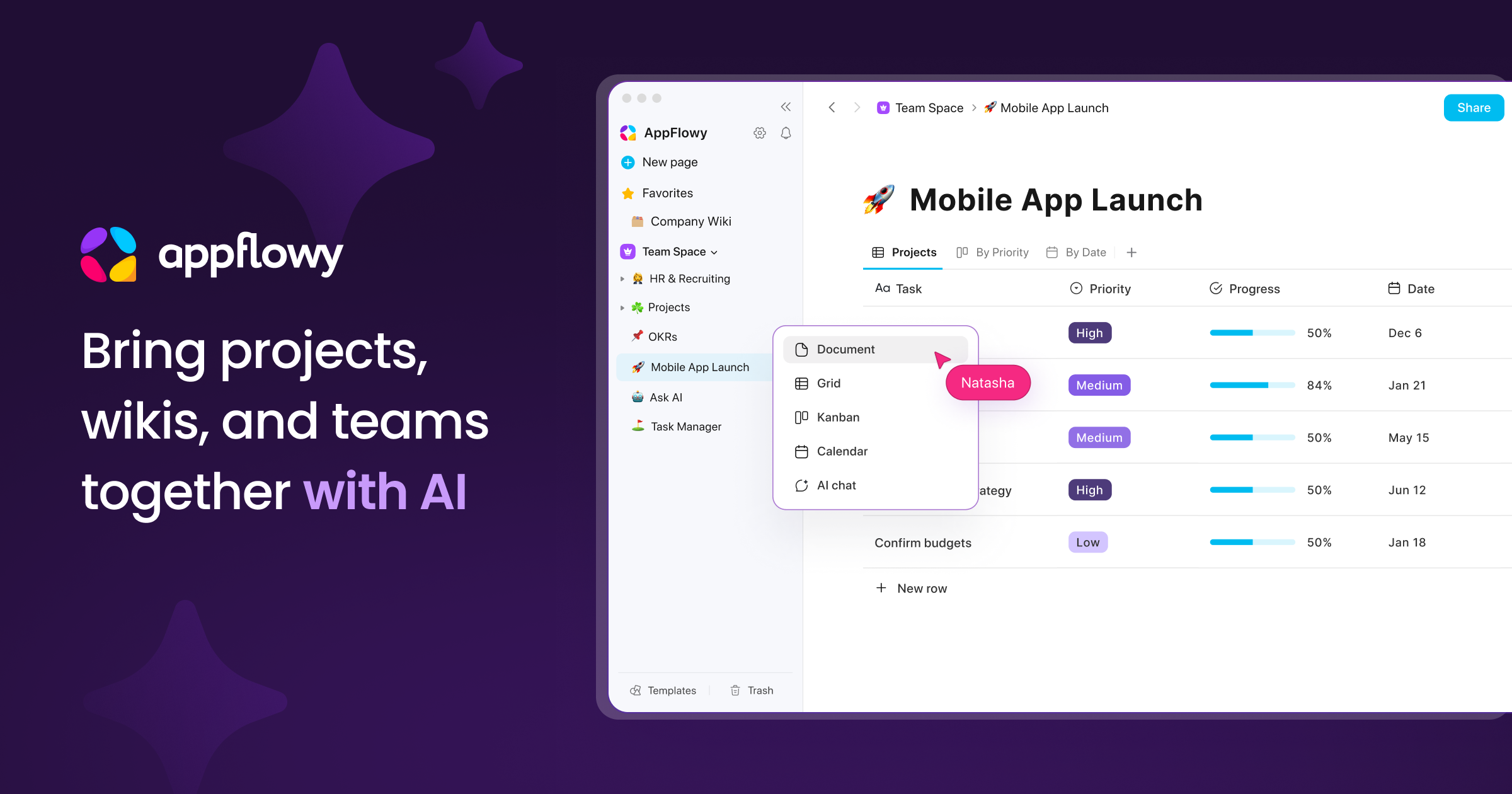
Open-source Notion alternative in one container. Notes, docs, wikis and projects that you own.
- ghcr.io/hsinghhira/appflowy:latest
- port 6101
- Productivity
Web App
/http://localhost:6101/ Admin Console
/consolehttp://localhost:6101/console Mail Viewer
/mailhttp://localhost:6101/mail AppFlowy is an open-source workspace for notes, docs, wikis and projects. This is the self-hosted AppFlowy Cloud in a single container, with one port and one data folder. Secret keys are made for you on first start.
Features
- Docs, databases, boards, calendars and wikis in one workspace
- Real-time sync and teamwork across web, desktop and mobile apps
- Workspaces, members, guests and sharing with access control
- Publish pages to the web
- Built-in keyword search
- PostgreSQL with pgvector, Redis and Silo file storage inside
- Admin console to manage users and workspaces
- Bundled Mailpit catches all email, such as invites and password resets, or use your own email server
- Sign in with Google, GitHub or Discord
- Change sign-up rules, email and more by adding a setting in the app settings
How to use
- Open AppFlowy from your dashboard.
- Sign up with your email and password.
- Create your first workspace and page.
- To use the AppFlowy desktop or mobile app, choose the self-hosted server option and enter your address with port
6101. - Manage users at
/console. Sign in with the admin email and password. - Read the email AppFlowy sends at
/mail. Sign in asadminwith the password in/DATA/AppData/appflowy/data/mail-password.txt(open it with the Files app; it is also in the app log), unless you typed your own login inMP_UI_AUTH.
The settings in the first table are already in the app settings. To use any other one, open the app settings, add the variable with your value, save, and the app restarts with it. A setting you leave out uses its default.
In the app settings
| Variable | Default value | Description |
|---|---|---|
TZ | $TZ | Your time zone. It is filled in from your ZimaOS time zone. Leave it unless you need another. |
PUBLIC_ | http://localhost:6101 | The address you type in your browser. It starts as localhost, which only works on this device. For other devices, change localhost to your ZimaOS IP. Keep the port at 6101. |
MP_ | — | The login for the mail viewer at /mail. Leave it blank and the app makes one on first start: username admin and a random password, saved in /DATA/AppData/appflowy/data/mail-password.txt (open it with the Files app) and shown in the app log. Or type your own as username:password. |
Sign-up and accounts
| Variable | Default value | Description |
|---|---|---|
GOTRUE_ | false | Set to true so only people you invite can join. Default: anyone who can open the page can sign up. |
GOTRUE_ | true | Set to false to make new users click a link in an email before they can sign in. Needs a real email server (SMTP_HOST). Default: no email check. |
GOTRUE_ | 604800 | How long people stay signed in, in seconds. Default: 7 days. |
Email (SMTP)
| Variable | Default value | Description |
|---|---|---|
SMTP_ | — | Your email server, like smtp.gmail.com. AppFlowy uses email for sign-in links, invites and password resets. Leave it out and emails go to the built-in mail viewer at /mail and never leave your server. |
SMTP_ | 465 | Your email server port, usually 465 or 587. |
SMTP_ | — | The username for your email server. |
SMTP_ | — | The password for your email server. For Gmail, use an app password. |
SMTP_ | — | The "from" address on emails. Leave it out to use SMTP_USER. |
SMTP_ | — | How AppFlowy talks to your email server: wrapper (port 465), required (STARTTLS, port 587), opportunistic or none. Leave it out to use wrapper on port 465 and required on any other port. |
APPFLOWY_ | false | Set to true to send people email notifications (mentions, invites). Needs SMTP_HOST. |
Sign in with Google, GitHub or Discord
| Variable | Default value | Description |
|---|---|---|
GOTRUE_ | false | Set to true to turn on "Sign in with Google". In Google Cloud, set the redirect URL to your PUBLIC_URL followed by /gotrue/callback. |
GOTRUE_ | — | Client ID for Google sign-in. |
GOTRUE_ | — | Client secret for Google sign-in. |
GOTRUE_ | false | Set to true to turn on "Sign in with GitHub". In GitHub, set the callback URL to your PUBLIC_URL followed by /gotrue/callback. |
GOTRUE_ | — | Client ID for GitHub sign-in. |
GOTRUE_ | — | Client secret for GitHub sign-in. |
GOTRUE_ | false | Set to true to turn on "Sign in with Discord". In Discord, set the redirect URL to your PUBLIC_URL followed by /gotrue/callback. |
GOTRUE_ | — | Client ID for Discord sign-in. |
GOTRUE_ | — | Client secret for Discord sign-in. |
Logs
| Variable | Default value | Description |
|---|---|---|
RUST_ | info | How much the app writes to its log: error, warn, info or debug. |
docker-compose.yml
name: appflowy
services:
appflowy:
image: ghcr.io/hsinghhira/appflowy:latest
container_name: appflowy
restart: unless-stopped
stop_grace_period: 90s
privileged: true
environment:
- TZ=$TZ
- PUBLIC_URL=http://localhost:6101
- MP_UI_AUTH=
ports:
- target: 8080
published: "6101"
protocol: tcp
volumes:
- type: bind
source: /DATA/AppData/$AppID/data
target: /data
bind:
create_host_path: true
healthcheck:
test: ["CMD", "curl", "-fsS", "-o", "/dev/null", "http://127.0.0.1:8080/api/health"]
interval: 30s
timeout: 10s
retries: 5
start_period: 240s
deploy:
resources:
limits:
cpus: "4.00"
memory: 3072M
reservations:
cpus: "0.00"
memory: 512M
labels:
icon: https://cdn.jsdelivr.net/gh/HSinghHira/IceStore@main/Apps/appflowy/icon.png
x-casaos:
id: com.icestore.appflowy
envs:
- container: TZ
description:
en_US: >-
Your time zone. It is filled in from your ZimaOS time zone.
Leave it unless you need another.
- container: PUBLIC_URL
description:
en_US: >-
The address you type in your browser. It starts as localhost,
which only works on this device. For other devices, change
`localhost` to your ZimaOS IP. Keep the port at 6101.
- container: MP_UI_AUTH
description:
en_US: >-
The login for the mail viewer at /mail. Leave it blank and the
app makes one on first start: username admin and a random
password, saved in /DATA/AppData/appflowy/data/mail-password.txt
(open it with the Files app) and shown in the app log. Or type
your own as `username:password`.
ports:
- container: "8080"
description:
en_US: AppFlowy web app, API, sign-in, admin console (/console) and mail viewer (/mail), published on host as 6101
volumes:
- container: /data
description:
en_US: The database, files, search index, secret keys and settings.
x-casaos:
id: com.icestore.appflowy
architectures:
- amd64
- arm64
main: appflowy
author: HSinghHira
category: Productivity
developer: AppFlowy-IO
icon: https://cdn.jsdelivr.net/gh/HSinghHira/IceStore@main/Apps/appflowy/icon.png
title:
en_US: AppFlowy
tagline:
en_US: Open-source Notion alternative in one container. Notes, docs, wikis and projects that you own.
description:
en_US: >-
Visit: [https://icestore.hsinghhira.me/app/appflowy/](https://icestore.hsinghhira.me/app/appflowy/) for full details
AppFlowy is an open-source workspace for notes, docs, wikis and
projects. This is the self-hosted AppFlowy Cloud in a single
container, with one port and one data folder. Secret keys are made
for you on first start.
**Features**
- Docs, databases, boards, calendars and wikis in one workspace
- Real-time sync and teamwork across web, desktop and mobile apps
- Workspaces, members, guests and sharing with access control
- Publish pages to the web
- Built-in keyword search
- PostgreSQL with pgvector, Redis and Silo file storage inside
- Admin console to manage users and workspaces
- Bundled Mailpit catches all email (invites, password resets), or use
your own email server
- Sign in with Google, GitHub or Discord
- Change sign-up rules, email and more by adding a setting in the app
settings
**How to use?**
1. Open AppFlowy from the Zima OS dashboard.
2. Sign up with your email and password.
3. Create your first workspace and page.
4. To use the AppFlowy desktop or mobile app, choose the self-hosted
server option and enter your AppFlowy address with port 6101.
5. Manage users at `/console`. Sign in with the admin email and
password.
6. Read the email AppFlowy sends at `/mail`. The login is in
/DATA/AppData/appflowy/data/mail-password.txt, unless you typed
your own in MP_UI_AUTH.
tips:
before_install:
en_US: >-
Visit: [https://icestore.hsinghhira.me/app/appflowy/](https://icestore.hsinghhira.me/app/appflowy/) for full details
thumbnail: https://cdn.jsdelivr.net/gh/HSinghHira/IceStore@main/Apps/appflowy/screenshot-1.png
index: /
port_map: "6101"
scheme: http
is_uncontrolled: false
version: "0.19.2"
update_at: "2026-10-21"
release_notes:
en_US: |-
- The mail viewer (/mail) login is now made on first start (admin and a random password, saved in data/mail-password.txt and shown in the log) instead of username:password. If you installed before, make MP_UI_AUTH blank in the app settings, or type your own login there.
- Single-container AppFlowy with one port (6101) and one data folder
- Secret keys are made on first start, so each install gets its own
- appflowy_cloud 0.19.2, appflowy_web 0.19.8, appflowy_worker 0.18.8, appflowy_search 0.18.8, gotrue 0.18.8, admin_frontend 0.18.1
- File storage uses Silo (pgsty/silo), the community fork of MinIO
- The app settings stay short; every other setting is listed on the IceStore app page (Variables tab) and can be added in the app settings
- Blank or missing settings keep their defaults; they are no longer forwarded as empty values
- AI service and pgAdmin are not included
repo: "https://github.com/AppFlowy-IO/AppFlowy-Cloud"
support: "https://github.com/AppFlowy-IO/AppFlowy-Cloud/issues"
docs: "https://github.com/AppFlowy-IO/AppFlowy-Cloud/tree/main/doc" ZimaOS
 CasaOS
 Homeio