
authentik
Open-source identity provider. Single sign-on with OIDC, SAML, LDAP and more.
- ghcr.io/hsinghhira/authentik:latest
- port 6123
- Networking
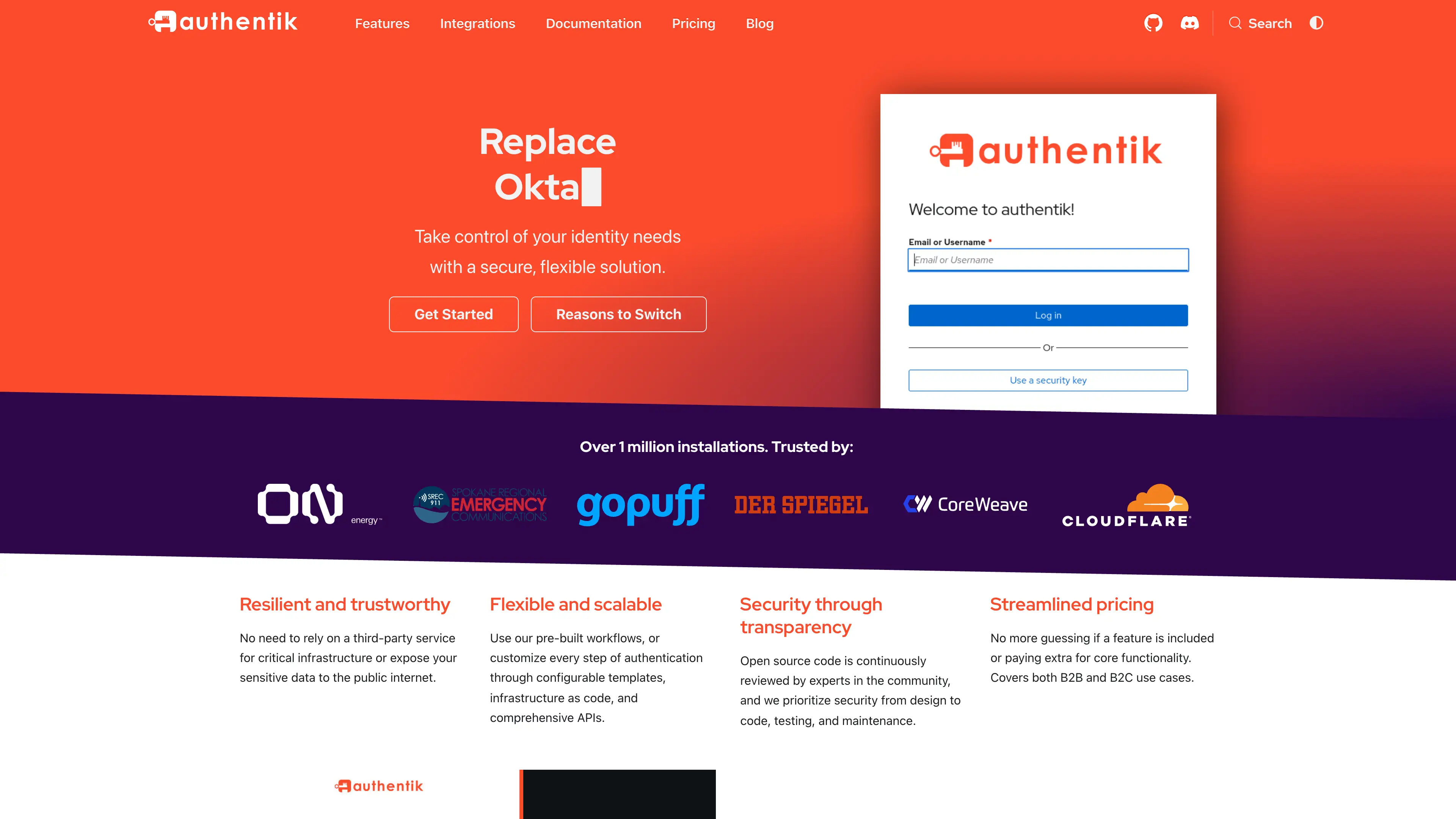
Sign-in and user dashboard
/http://localhost:6123/ Admin interface
/if/admin/http://localhost:6123/if/admin/ authentik is an open-source identity provider and single sign-on platform. It lets your users sign in once and reach all your self-hosted apps, with full control over flows, policies and users. This is authentik in a single container, with one port and one data folder. Secret keys and the database password are made for you on first start.
Features
- Single sign-on with OIDC, OAuth 2.0, SAML 2.0, LDAP and RADIUS
- Sign in with Google, GitHub, Discord and other social logins, or bring another OIDC or SAML provider
- Flows and stages for sign-in, sign-up, recovery and multi-factor login
- Policies to decide who can open which app
- The built-in proxy outpost protects apps that have no sign-in of their own
- PostgreSQL inside, with no extra cache service needed
How to use
- Open authentik from your dashboard.
- Sign in as akadmin with the admin password.
- Open the admin interface and create your users and groups.
- Add an application and a provider (OIDC or SAML) for each app you want to protect.
- Copy the provider details into the app you are connecting.
Before you install
Set ADMIN_EMAIL to your own email. Leave ADMIN_PASSWORD blank to get a random password: after the first start, open the app log and find the line that says "the admin password is". Both are only used the first time; change them later inside authentik. The user name is akadmin. Open http://your-zimaos-ip:6123 from other devices, and use that same address when you connect other apps. The first start takes about five minutes. Email (SMTP) and the other settings are in the Variables tab; add them in the app settings. To let authentik start its own outpost containers, add /var/run/docker.sock as a volume. That gives authentik full control of Docker on the device, so only add it if you need it.
The settings in the first table are already in the app settings. To use any other one, open the app settings, add the variable with your value, save, and the app restarts with it. A setting you leave out uses its default.
In the app settings
| Variable | Default value | Description |
|---|---|---|
TZ | $TZ | Your time zone. It is filled in from your ZimaOS time zone. Leave it unless you need another. |
ADMIN_ | — | The email for the admin account (akadmin). Put your own email here. Only used on the first start. |
ADMIN_ | — | The password for the admin account (akadmin). Leave it blank and the app makes a random one on first start. It is shown in the app log and saved in the data folder. Or type your own. Only used on the first start; change it later in authentik. |
Email (SMTP)
| Variable | Default value | Description |
|---|---|---|
AUTHENTIK_ | localhost | Your mail server, for example smtp.gmail.com. authentik uses it for password resets, sign-up checks and alerts. |
AUTHENTIK_ | 25 | The mail server port. Usually 587 with TLS or 465 with SSL. |
AUTHENTIK_ | — | The user name for your mail server. |
AUTHENTIK_ | — | The password for your mail server. |
AUTHENTIK_ | false | Set to true to use STARTTLS (port 587). |
AUTHENTIK_ | false | Set to true to use SSL (port 465). Don't turn on both TLS and SSL. |
AUTHENTIK_ | 10 | Seconds to wait for the mail server. |
AUTHENTIK_ | authentik@localhost | The sender address, for example "authentik <[email protected]>". |
Admin account
| Variable | Default value | Description |
|---|---|---|
AUTHENTIK_ | — | An API token for akadmin, for scripts and automation. Type any long random text. Only used on the first start. |
AUTHENTIK_ | — | A pre-hashed akadmin password instead of ADMIN_PASSWORD. Only used on the first start. Leave ADMIN_PASSWORD blank when you use it. |
Server
| Variable | Default value | Description |
|---|---|---|
AUTHENTIK_ | — | Share the sign-in cookie with subdomains, for example example.com. Needed for the proxy outpost in domain mode. |
AUTHENTIK_ | days=1 | How long a visitor who has not signed in yet keeps their session. |
Outposts
| Variable | Default value | Description |
|---|---|---|
AUTHENTIK_ | false | Set to true to turn off the built-in proxy outpost. |
AUTHENTIK_ | true | Set to false so authentik doesn't look for Docker or Kubernetes to run outposts on. |
File storage
| Variable | Default value | Description |
|---|---|---|
AUTHENTIK_ | file | Set to s3 to keep uploaded media in S3 instead of the data folder. Then also set the S3 settings below. |
AUTHENTIK_ | — | The S3 address, for example https://s3.us-east-1.amazonaws.com. |
AUTHENTIK_ | — | The S3 region, for example us-east-1. |
AUTHENTIK_ | — | The S3 bucket name. |
AUTHENTIK_ | — | The S3 access key. |
AUTHENTIK_ | — | The S3 secret key. |
Privacy
| Variable | Default value | Description |
|---|---|---|
AUTHENTIK_ | false | Set to true so authentik doesn't check for new versions. |
AUTHENTIK_ | false | Set to true so authentik doesn't send anonymous start-up statistics. |
AUTHENTIK_ | false | Set to true to send error reports to the authentik developers. |
Performance
| Variable | Default value | Description |
|---|---|---|
AUTHENTIK_ | 2 | How many web server processes run. Raise it for many users. |
AUTHENTIK_ | 2 | How many background jobs run at once. |
Logs
| Variable | Default value | Description |
|---|---|---|
AUTHENTIK_ | info | How much goes in the app log: debug, info, warning or error. |
name: authentik
services:
authentik:
image: ghcr.io/hsinghhira/authentik:latest
container_name: authentik
restart: unless-stopped
stop_grace_period: 90s
privileged: true
environment:
- TZ=$TZ
- ADMIN_EMAIL=
- ADMIN_PASSWORD=
ports:
- target: 8080
published: "6123"
protocol: tcp
volumes:
- type: bind
source: /DATA/AppData/$AppID/data
target: /data
bind:
create_host_path: true
healthcheck:
test: ["CMD", "curl", "-fsS", "-o", "/dev/null", "http://127.0.0.1:8080/-/health/live/"]
interval: 30s
timeout: 10s
retries: 5
start_period: 300s
deploy:
resources:
limits:
cpus: "2.00"
memory: 2048M
reservations:
cpus: "0.00"
memory: 512M
labels:
icon: https://cdn.jsdelivr.net/gh/HSinghHira/IceStore@main/Apps/authentik/icon.png
x-casaos:
id: com.icestore.authentik
envs:
- container: TZ
description:
en_US: >-
Your time zone. It is filled in from your ZimaOS time zone.
Leave it unless you need another.
- container: ADMIN_EMAIL
description:
en_US: >-
The email for the admin account (akadmin). Put your own email
here. Only used on the first start.
- container: ADMIN_PASSWORD
description:
en_US: >-
The password for the admin account (akadmin). Leave it blank and
the app makes a random one on first start. It is shown in the
app log and saved in the data folder. Or type your own. Only
used on the first start; change it later in authentik.
ports:
- container: "8080"
description:
en_US: authentik sign-in pages, admin interface and API, published on host as 6123
volumes:
- container: /data
description:
en_US: >-
The database, uploaded media, certificates, email templates,
secret keys and settings.
x-casaos:
id: com.icestore.authentik
architectures:
- amd64
- arm64
main: authentik
author: HSinghHira
category: Networking
developer: authentik
icon: https://cdn.jsdelivr.net/gh/HSinghHira/IceStore@main/Apps/authentik/icon.png
thumbnail: https://cdn.jsdelivr.net/gh/HSinghHira/IceStore@main/Apps/authentik/screenshot-1.png
screenshot_link:
- https://cdn.jsdelivr.net/gh/HSinghHira/IceStore@main/Apps/authentik/screenshot-1.png
title:
en_US: authentik
tagline:
en_US: Open-source identity provider. Single sign-on with OIDC, SAML, LDAP and more.
description:
en_US: >-
authentik is an open-source identity provider and single sign-on
platform. It lets your users sign in once and reach all your
self-hosted apps, with full control over flows, policies and users.
This is authentik in a single container, with one port and one data
folder. Secret keys and the database password are made for you on
first start.
**Features**
- Single sign-on with OIDC, OAuth 2.0, SAML 2.0, LDAP and RADIUS
- Sign in with Google, GitHub, Discord and other social logins, or
bring another OIDC or SAML provider
- Flows and stages for sign-in, sign-up, recovery and multi-factor login
- Policies to decide who can open which app
- The built-in proxy outpost protects apps that have no sign-in of
their own
- PostgreSQL inside, with no extra cache service needed
**How to use?**
1. Open authentik from the Zima OS dashboard.
2. Sign in as akadmin with the admin password.
3. Open the admin interface and create your users and groups.
4. Add an application and a provider (OIDC or SAML) for each app you
want to protect.
5. Copy the provider details into the app you are connecting.
tips:
before_install:
en_US: >-
1. Open the app configuration before you install.
2. Find ADMIN_EMAIL. Set it to your own email.
3. Leave ADMIN_PASSWORD blank to get a random one. Or type your own.
4. More settings, like email (SMTP) and log level, are listed on the
authentik page at https://icestore.hsinghhira.me/app/authentik/
(Variables tab). You can add them now or later in the app settings.
5. Start the installation.
6. Wait about five minutes. The first start sets up the database.
7. If you left ADMIN_PASSWORD blank, open the app log. Find the line
that says "the admin password is".
8. Open http://your-zimaos-ip:6123 and sign in. The user name is
akadmin.
9. Use the same address when you connect other apps to authentik.
Put authentik behind your own domain and HTTPS before you share
it outside your home.
index: /
port_map: "6123"
scheme: http
is_uncontrolled: false
version: "2026.8.4"
update_at: "2026-10-21"
release_notes:
en_US: |-
- Single-container authentik with one port (6123) and one data folder
- Secret key and database passwords are made on first start, so each install gets its own
- ghcr.io/goauthentik/server 2026.8.4 in allinone mode (server and worker in one process)
- PostgreSQL 16 inside
- The separate HTTPS port 9443 with a self-signed certificate is left out; use a reverse proxy for HTTPS
- To let authentik manage outpost containers, add /var/run/docker.sock as a volume
repo: "https://github.com/goauthentik/authentik"
support: "https://github.com/goauthentik/authentik/issues"
docs: "https://docs.goauthentik.io/" ZimaOS
 CasaOS
 Homeio