
Coder
Self-hosted, browser-based remote development environments
- ghcr.io/hsinghhira/coder:latest
- port 6145
- Developer
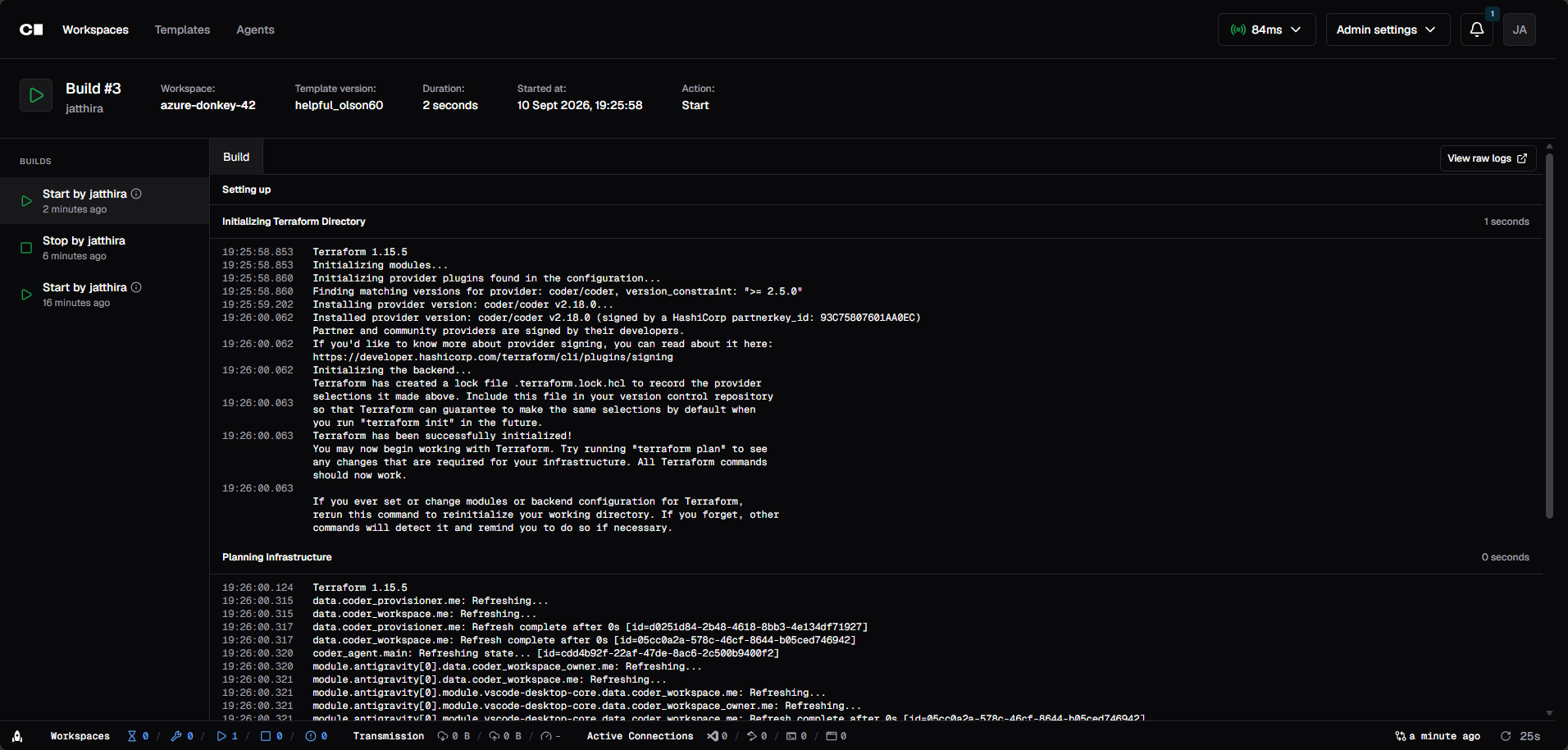
Web App
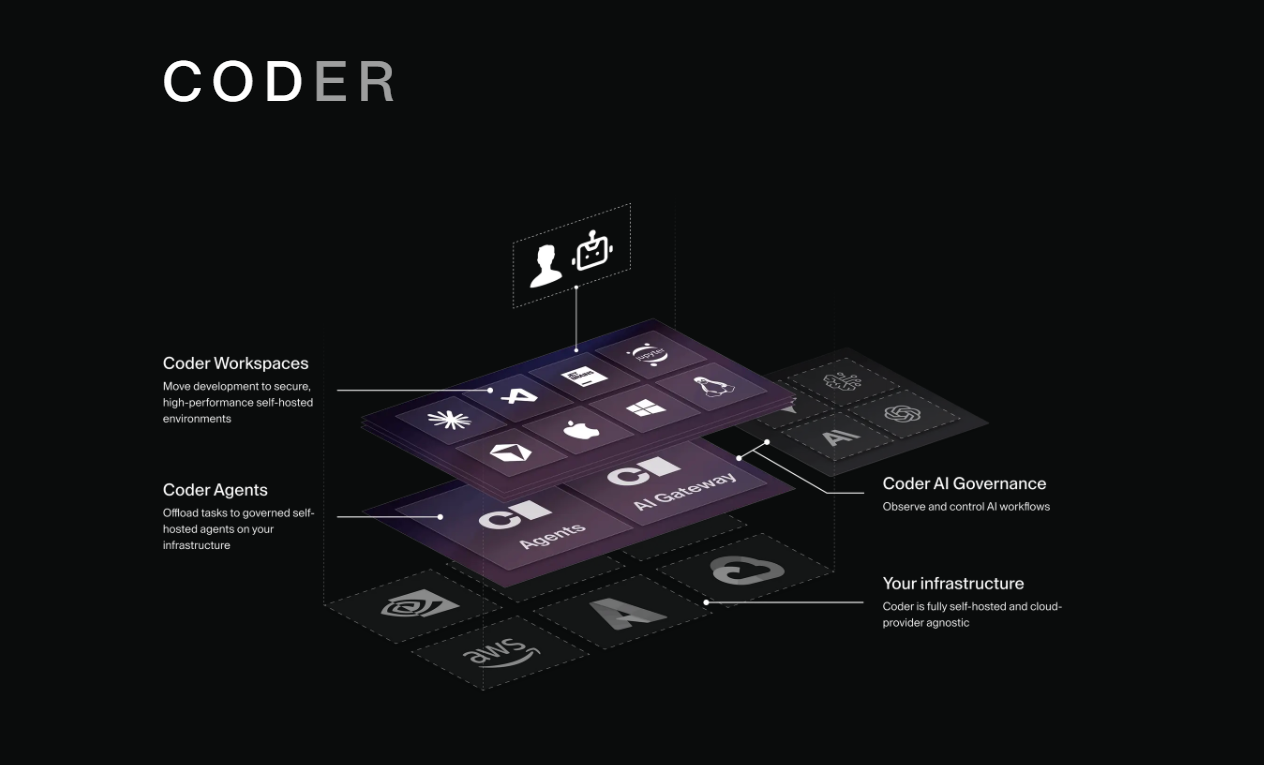
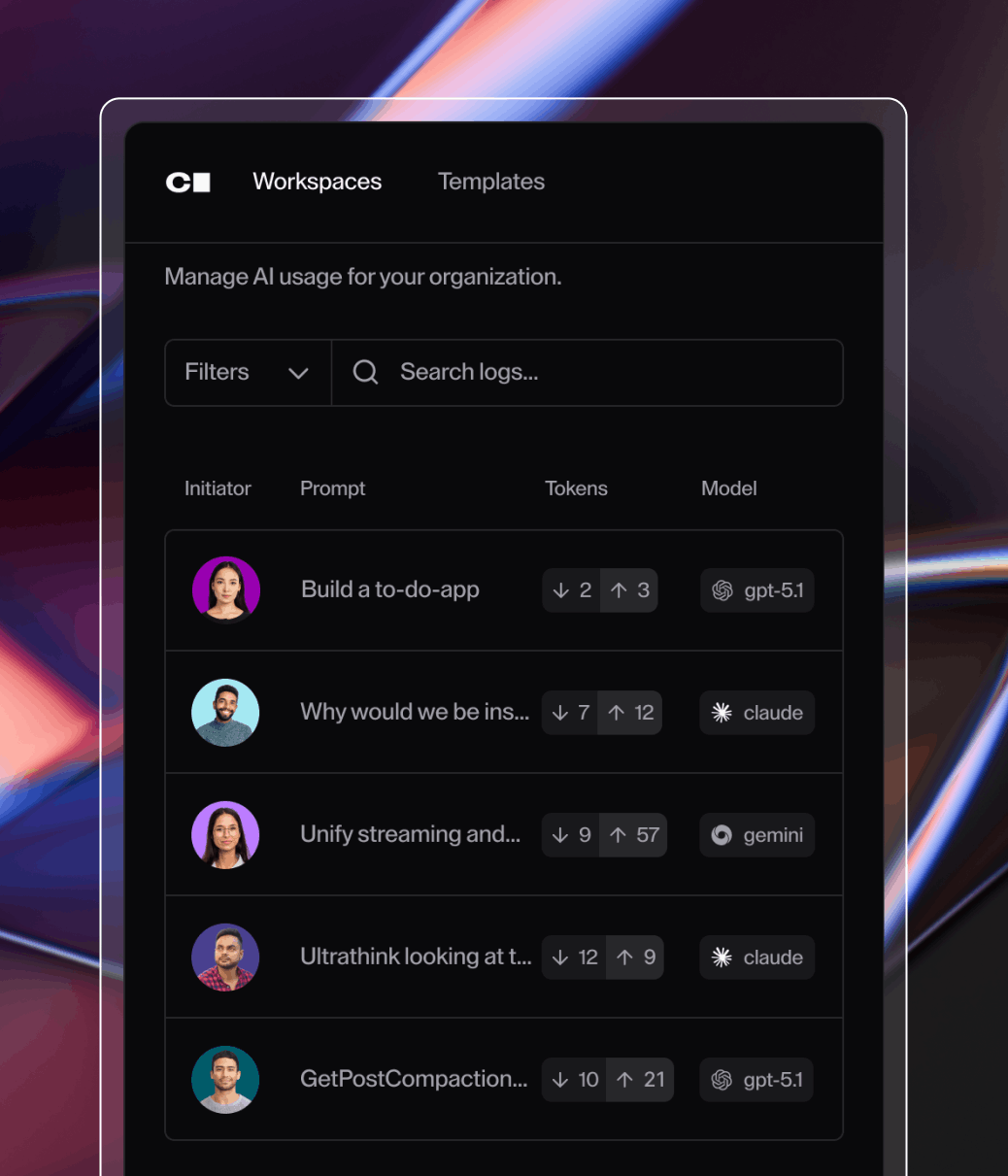
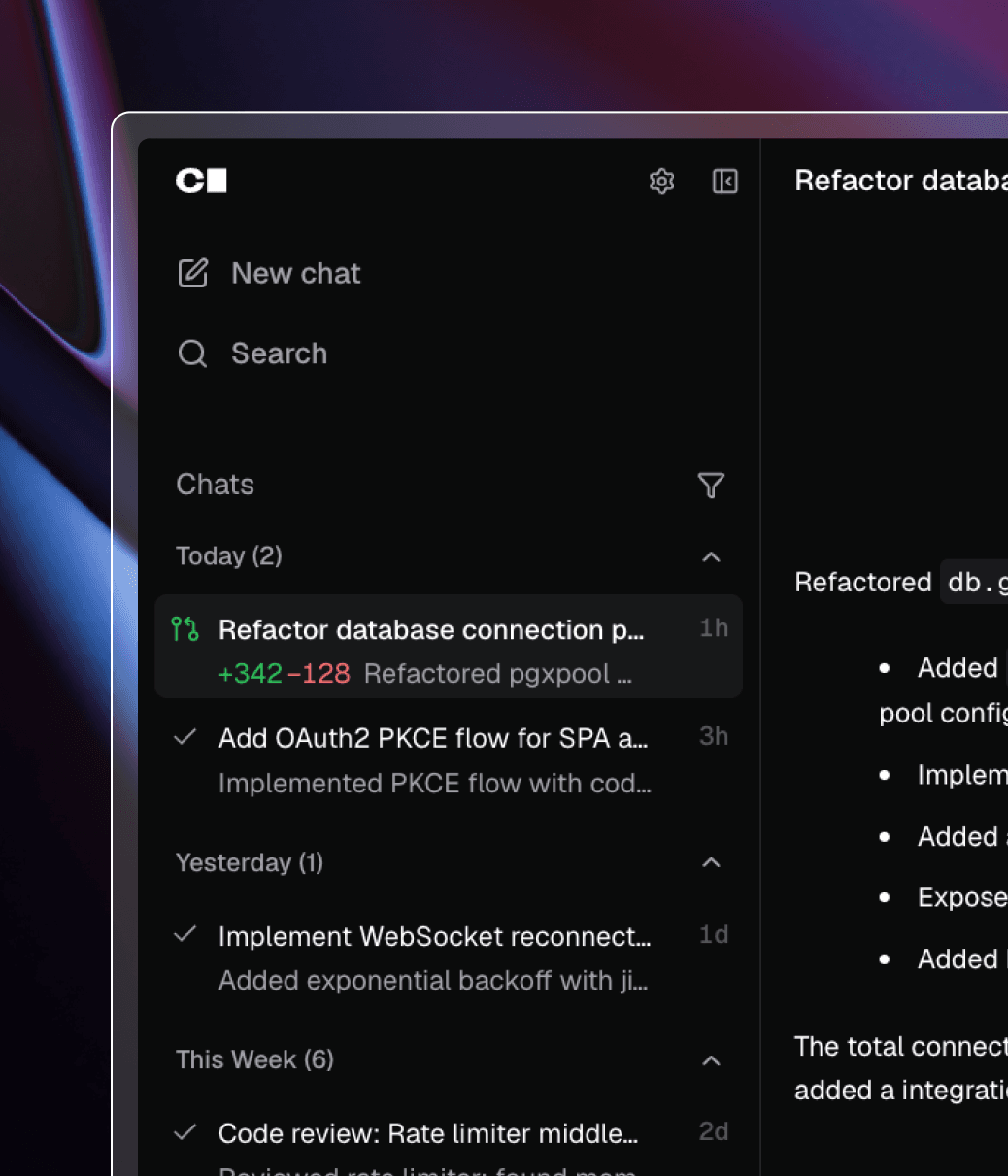
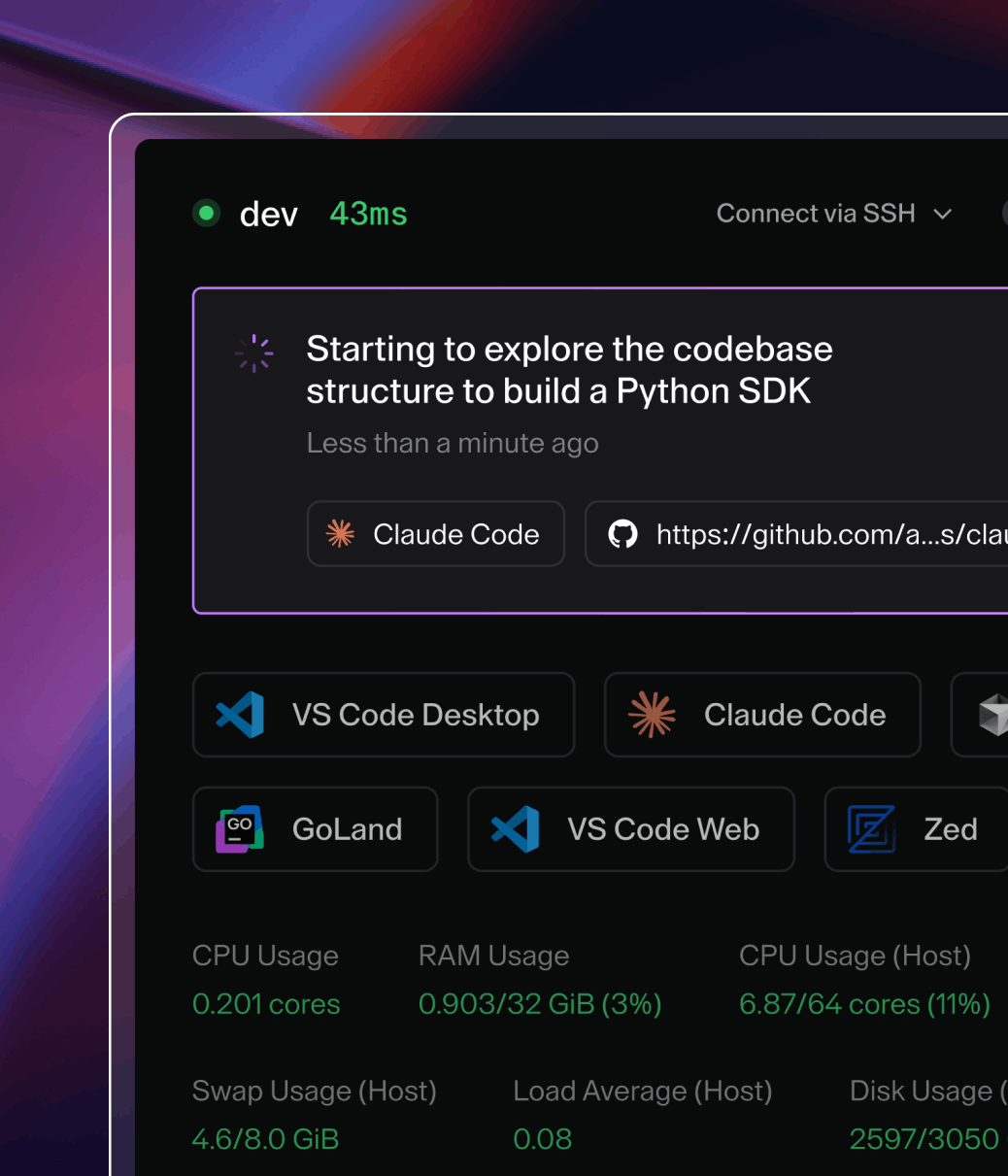
/http://localhost:6145/ Coder turns your server into a cloud development platform: full development environments that open in your browser or in your own IDE, like a self-hosted GitHub Codespaces. This is Coder in a single container, with PostgreSQL inside, one port and one data folder. The database password is made for you on first start.
Features
- Development environments and terminals in the browser, with no local setup
- Connect from VS Code, JetBrains or any SSH editor
- Workspaces defined as code with Terraform templates
- Sign in with Pocket ID or any OIDC provider, or with GitHub, next to Coder's own accounts
- Docker workspaces when you add the Docker socket (below)
- PostgreSQL 17 inside, no second container to look after
How to use
- Open Coder from your dashboard.
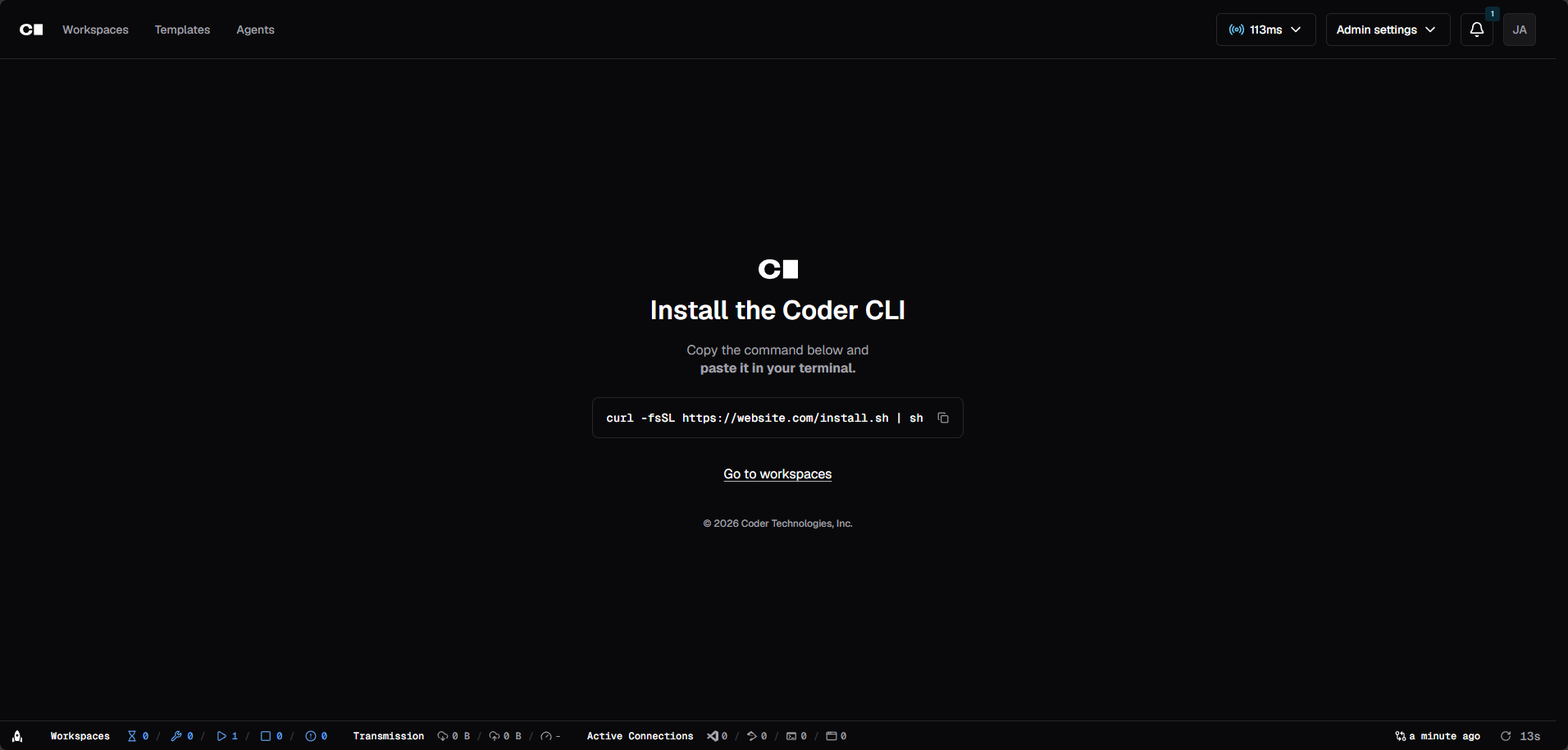
- The first person to open it makes the admin account in the browser.
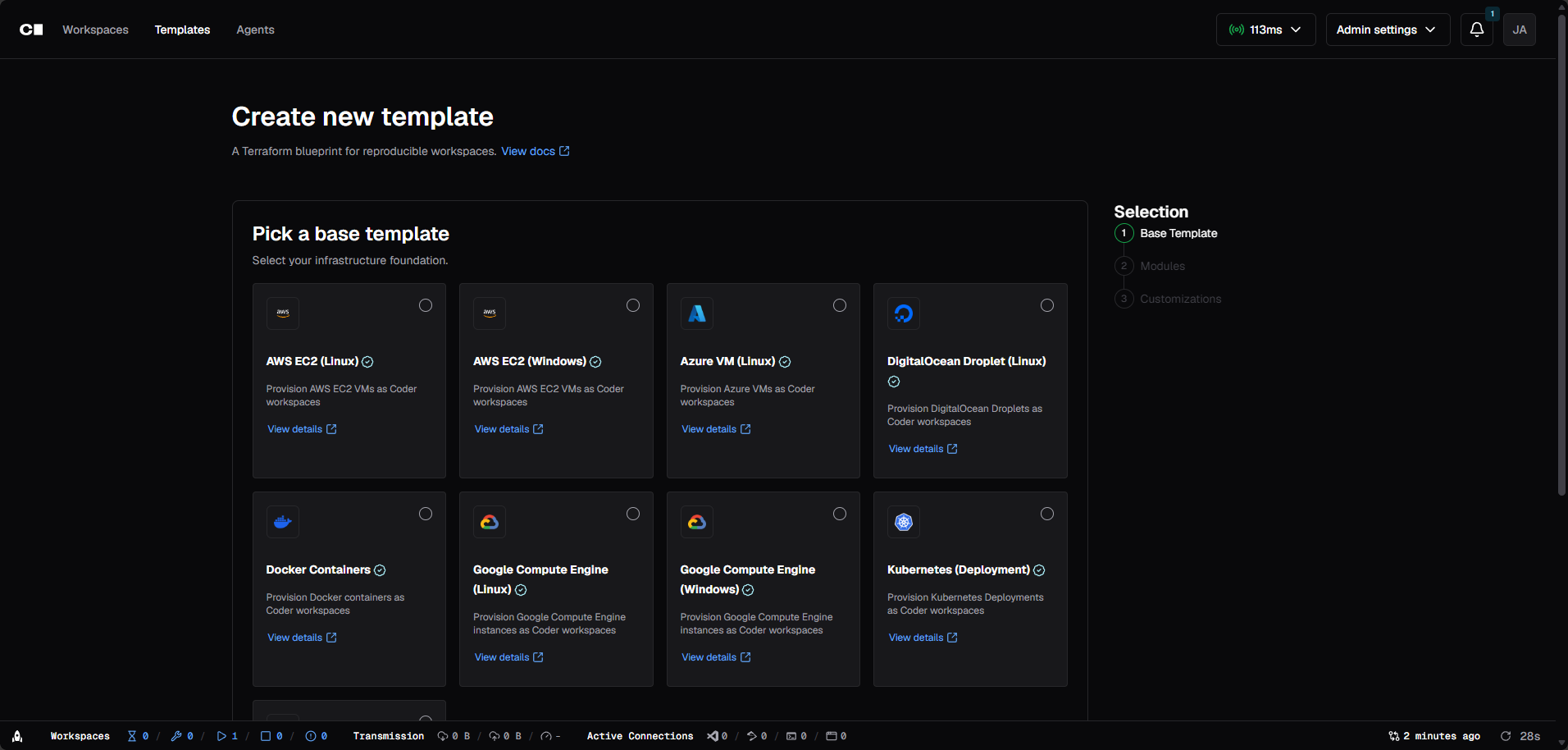
- Open Templates and start from a starter template, or import your own.
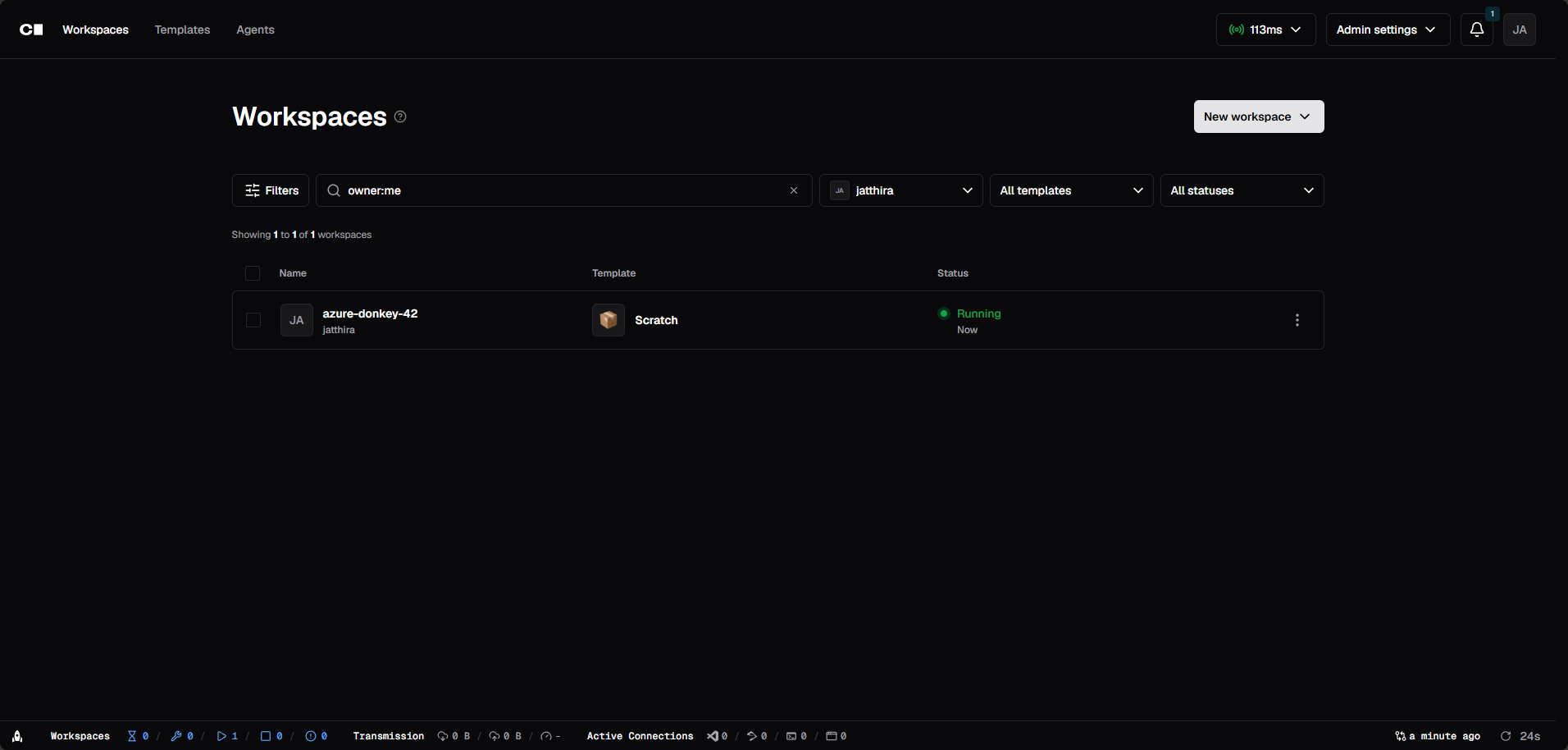
- Create a workspace from a template to get a browser IDE and terminal.
- Connect your own VS Code or JetBrains IDE to the same workspace if you like.
- For Pocket ID, GitHub sign-in or email, add the settings from the Variables tab.
Docker workspaces
Most starter templates make each workspace a Docker container. For that, Coder needs your server's Docker socket. In the app settings, add a volume with host path /var/run/docker.sock and container path /var/run/docker.sock, then restart. The log then says "Docker socket found". This gives Coder full control of Docker on your server, so only do it if you trust everyone who can sign in to Coder.
Sign in with Pocket ID
- In Pocket ID, make a new OIDC client. Set its callback URL to your
PUBLIC_URLfollowed by/api/v2/users/oidc/callback, for examplehttp://192.168.1.20:6145/api/v2/users/oidc/callback. - In the Coder app settings, add
CODER_OIDC_ISSUER_URL(your Pocket ID address),CODER_OIDC_CLIENT_IDandCODER_OIDC_CLIENT_SECRET. AddCODER_OIDC_SIGN_IN_TEXT=Sign in with Pocket IDif you like. - Restart Coder and sign in with the new button.
- Only after that works, you can add
CODER_DISABLE_PASSWORD_AUTH=true.
Before you install
Set PUBLIC_URL to your ZimaOS IP, like http://192.168.1.20:6145 (or your HTTPS domain). Workspaces connect back to Coder at that address, so localhost only works on the server itself. The first start takes about three minutes while the database is set up. The first person to open Coder makes the admin account, so do it right away. More settings, like Pocket ID, GitHub sign-in and email, are in the Variables tab; add them in the app settings.
The settings in the first table are already in the app settings. To use any other one, open the app settings, add the variable with your value, save, and the app restarts with it. A setting you leave out uses its default.
In the app settings
| Variable | Default value | Description |
|---|---|---|
TZ | $TZ | Your time zone. It is filled in from your ZimaOS time zone. Leave it unless you need another. |
PUBLIC_ | http://localhost:6145 | The address you open Coder at. Change localhost to your ZimaOS IP, like http://192.168.1.20:6145, or use your own HTTPS domain like https://coder.example.com. Workspaces connect back to Coder at this address, so it must work from other devices. |
Sign in with Pocket ID / OIDC
| Variable | Default value | Description |
|---|---|---|
CODER_ | — | Your sign-in provider's address, like https://pocketid.example.com. Leave it out to use only Coder's own accounts. |
CODER_ | — | The Client ID of the app you made for Coder in Pocket ID (or another OIDC provider). |
CODER_ | — | The Client Secret of that app. In the provider, set the callback URL to your PUBLIC_URL followed by /api/v2/users/oidc/callback. |
CODER_ | OpenID Connect | The text on the sign-in button, like Sign in with Pocket ID. |
CODER_ | — | A link to an icon shown on the sign-in button. |
CODER_ | true | Set to false so only people who already have a Coder account can sign in with OIDC. |
CODER_ | — | Only let people with an email at these domains sign in, like example.com. Separate several with commas. |
CODER_ | openid,profile,email | The scopes Coder asks your provider for. Add groups to sync groups. |
CODER_ | false | Set to true if your provider does not mark emails as verified. |
CODER_ | preferred_username | Which field from the provider becomes the Coder user name. |
CODER_ | — | The field that holds the user's groups, like groups. Leave it out to not sync groups. |
CODER_ | false | Set to true to make missing Coder groups when they come from the provider. |
CODER_ | — | The message people see when sign-up is off and they have no account. |
Sign-up and accounts
| Variable | Default value | Description |
|---|---|---|
CODER_ | false | Set to true to turn off Coder's own user name and password sign-in. Only do this after you have signed in with OIDC or GitHub once, or you lock yourself out. |
CODER_ | 24h0m0s | How long a browser sign-in lasts, like 72h. |
CODER_ | 876600h0m0s | The longest time an API token may last. |
Sign in with GitHub
| Variable | Default value | Description |
|---|---|---|
CODER_ | — | The Client ID of a GitHub OAuth app. Leave it out to keep GitHub sign-in off. |
CODER_ | — | The Client Secret of that GitHub OAuth app. Its callback URL is your PUBLIC_URL followed by /api/v2/users/oauth2/github/callback. |
CODER_ | false | Set to true so new people can sign up with GitHub. |
CODER_ | — | Only members of these GitHub organizations may sign in. Separate several with commas. |
CODER_ | — | Only members of these teams may sign in, written as org/team. |
CODER_ | false | Set to true to let any GitHub user sign in, whatever their organization. |
CODER_ | — | Your GitHub Enterprise address, if you use one instead of github.com. |
CODER_ | true | Coder offers a shared GitHub sign-in until you set your own app. Set to false to turn that off. |
CODER_ | true | Set to false to turn off Coder's shared GitHub login for git in workspaces. |
Email (SMTP)
| Variable | Default value | Description |
|---|---|---|
CODER_ | — | Your mail server and port, like smtp.gmail.com:587. Leave it out and Coder sends no emails. |
CODER_ | — | The sender address on emails, like [email protected]. |
CODER_ | — | The user name for your mail server. |
CODER_ | — | The password for your mail server. |
CODER_ | localhost | The name Coder gives the mail server when it says hello. |
CODER_ | false | Set to true for a server on port 465 that uses TLS from the start. |
CODER_ | false | Set to true to always upgrade the connection with STARTTLS. |
CODER_ | false | Set to true to accept a mail server with a self-signed certificate. |
Server
| Variable | Default value | Description |
|---|---|---|
CODER_ | — | A wildcard domain for workspace apps, like *.coder.example.com. Needs matching DNS and HTTPS. Leave it out to serve apps on a path. |
CODER_ | false | Set to true to send everyone to PUBLIC_URL when they open Coder at another address. |
CODER_ | false | Set to true when Coder is only used over HTTPS. |
CODER_ | 0 | Seconds browsers should only use HTTPS, like 31536000. Only for HTTPS. |
CODER_ | — | Headers from your reverse proxy that carry the visitor's IP, like X-Forwarded-For. |
CODER_ | — | The IP ranges of your reverse proxy, like 172.17.0.0/16. |
CODER_ | stun.l.google.com:19302,stun1.l.google.com:19302,stun2.l.google.com:19302,stun3.l.google.com:19302,stun4.l.google.com:19302 | STUN servers for direct connections to workspaces. Set to disable to use none. |
CODER_ | false | Set to true so all workspace traffic goes through Coder, never direct. |
Features
| Variable | Default value | Description |
|---|---|---|
CODER_ | 3 | How many workspace builds can run at the same time. |
CODER_ | false | Set to true to stop serving workspace apps on a path. Safer with a wildcard domain. |
CODER_ | false | Set to true so admins cannot open other people's workspaces. |
CODER_ | — | Experimental features to turn on, separated by commas. |
CODER_ | true | Set to false to stop sending usage data to Coder. |
CODER_ | false | Set to true to show a message when a new Coder version is out. |
Logs
| Variable | Default value | Description |
|---|---|---|
CODER_ | 0 | How long to keep audit logs, like 2160h for 90 days. 0 keeps them forever. |
CODER_ | 7d | How long to keep workspace start-up logs. |
CODER_ | false | Set to true for detailed logs while you fix a problem. |
CODER_ | — | Only show log lines that match this pattern. |
name: coder
services:
coder:
image: ghcr.io/hsinghhira/coder:latest
container_name: coder
restart: unless-stopped
stop_grace_period: 90s
privileged: true
environment:
- TZ=$TZ
- PUBLIC_URL=http://localhost:6145
ports:
- target: 8080
published: "6145"
protocol: tcp
volumes:
- type: bind
source: /DATA/AppData/$AppID/data
target: /data
bind:
create_host_path: true
healthcheck:
test: ["CMD", "curl", "-fsS", "-o", "/dev/null", "http://127.0.0.1:8080/healthz"]
interval: 30s
timeout: 10s
retries: 5
start_period: 180s
deploy:
resources:
limits:
cpus: "2.00"
memory: 4096M
reservations:
cpus: "0.25"
memory: 512M
labels:
icon: https://cdn.jsdelivr.net/gh/HSinghHira/IceStore@main/Apps/coder/icon.png
x-casaos:
id: com.icestore.coder
envs:
- container: TZ
description:
en_US: >-
Your time zone. It is filled in from your ZimaOS time zone.
Leave it unless you need another.
- container: PUBLIC_URL
description:
en_US: >-
The address you open Coder at. Change localhost to your ZimaOS
IP, like http://192.168.1.20:6145, or use your own HTTPS domain
like https://coder.example.com. Workspaces connect back to
Coder at this address, so it must work from other devices.
ports:
- container: "8080"
description:
en_US: Coder web UI, API, web terminals and workspace connections, published on host as 6145
volumes:
- container: /data
description:
en_US: >-
The database (users, templates, workspaces, audit logs), the
Terraform cache in coder/, and the database password in
state/. Back up this folder.
x-casaos:
id: com.icestore.coder
architectures:
- amd64
- arm64
main: coder
author: HSinghHira
category: Developer
developer: Coder Technologies, Inc.
icon: https://cdn.jsdelivr.net/gh/HSinghHira/IceStore@main/Apps/coder/icon.png
thumbnail: https://cdn.jsdelivr.net/gh/HSinghHira/IceStore@main/Apps/coder/screenshot-1.png
screenshot_link:
- https://cdn.jsdelivr.net/gh/HSinghHira/IceStore@main/Apps/coder/screenshot-1.png
- https://cdn.jsdelivr.net/gh/HSinghHira/IceStore@main/Apps/coder/screenshot-2.png
- https://cdn.jsdelivr.net/gh/HSinghHira/IceStore@main/Apps/coder/screenshot-3.png
- https://cdn.jsdelivr.net/gh/HSinghHira/IceStore@main/Apps/coder/screenshot-4.png
- https://cdn.jsdelivr.net/gh/HSinghHira/IceStore@main/Apps/coder/screenshot-5.png
- https://cdn.jsdelivr.net/gh/HSinghHira/IceStore@main/Apps/coder/screenshot-6.png
- https://cdn.jsdelivr.net/gh/HSinghHira/IceStore@main/Apps/coder/screenshot-7.png
- https://cdn.jsdelivr.net/gh/HSinghHira/IceStore@main/Apps/coder/screenshot-8.png
- https://cdn.jsdelivr.net/gh/HSinghHira/IceStore@main/Apps/coder/screenshot-9.png
title:
en_US: Coder
tagline:
en_US: Self-hosted, browser-based remote development environments
description:
en_US: >-
Coder turns your server into a cloud development platform: full
development environments that open in your browser or in your own IDE,
like a self-hosted GitHub Codespaces. This is Coder in a single
container, with PostgreSQL inside, one port and one data folder. The
database password is made for you on first start.
**Features**
- Development environments and terminals in the browser, with no
local setup
- Connect from VS Code, JetBrains or any SSH editor
- Workspaces defined as code with Terraform templates
- Sign in with Pocket ID or any OIDC provider, or with GitHub,
next to Coder's own accounts
- Docker workspaces when you add the Docker socket (see the README)
- PostgreSQL 17 inside, no second container to look after
**How to use?**
1. Open Coder from the Zima OS dashboard.
2. The first person to open it makes the admin account in the
browser.
3. Open Templates and start from a starter template, or import your
own.
4. Create a workspace from a template to get a browser IDE and
terminal.
5. Connect your own VS Code or JetBrains IDE to the same workspace
if you like.
6. For Pocket ID, GitHub sign-in or email, add the settings from the
Variables tab on the IceStore page.
tips:
before_install:
en_US: >-
1. Open the app settings before you install.
2. Find PUBLIC_URL. Change localhost to your ZimaOS IP, for example
http://192.168.1.20:6145 (your own IP will differ).
3. Want Docker workspaces? Add a volume: host
/var/run/docker.sock, container /var/run/docker.sock.
4. More settings, like Pocket ID or GitHub sign-in and email, are
listed on the Coder page at
https://icestore.hsinghhira.me/app/coder/ (Variables tab). You
can add them now or later in the app settings.
5. Start the installation.
6. Wait about three minutes. The first start sets up the database.
7. Open http://your-zimaos-ip:6145.
8. The first person to open Coder makes the admin account. Do it
right away.
9. Open Templates, pick a starter template, and make your first
workspace.
index: /
port_map: "6145"
scheme: http
is_uncontrolled: false
version: "v2.38.2"
update_at: "2026-10-25"
release_notes:
en_US: |-
- Single-container Coder with one port (6145) and one data folder
- The database password is made on first start, so each install gets its own
- Optional Docker workspaces: mount /var/run/docker.sock and Coder can use it
- Pocket ID / OIDC, GitHub sign-in and email settings are in the Variables tab
- coder/coder v2.38.2
- PostgreSQL 17 inside
repo: "https://github.com/coder/coder"
support: "https://github.com/coder/coder/issues"
docs: "https://coder.com/docs" ZimaOS
 CasaOS
 Homeio