
Dispatcharr
Your ultimate IPTV and stream management companion.
- ghcr.io/dispatcharr/dispatcharr:0.33.0
- port 6106
- Media
Web App
/http://localhost:6106/ Dispatcharr is an open-source tool for managing IPTV streams, EPG data and VOD content. Think of it as the *arr family's IPTV cousin.
Features
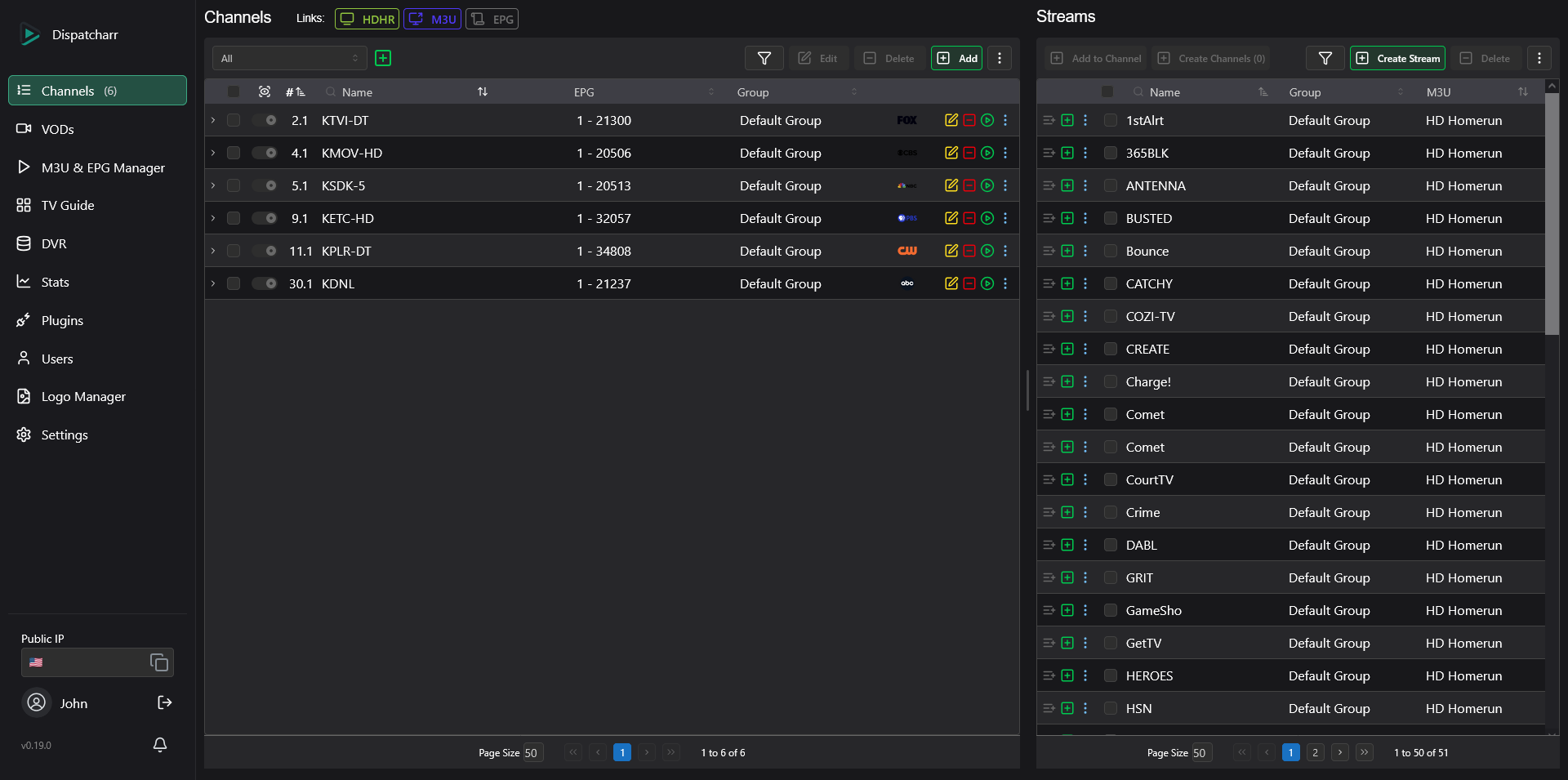
- Combine many IPTV/M3U and Xtream Codes sources in one place
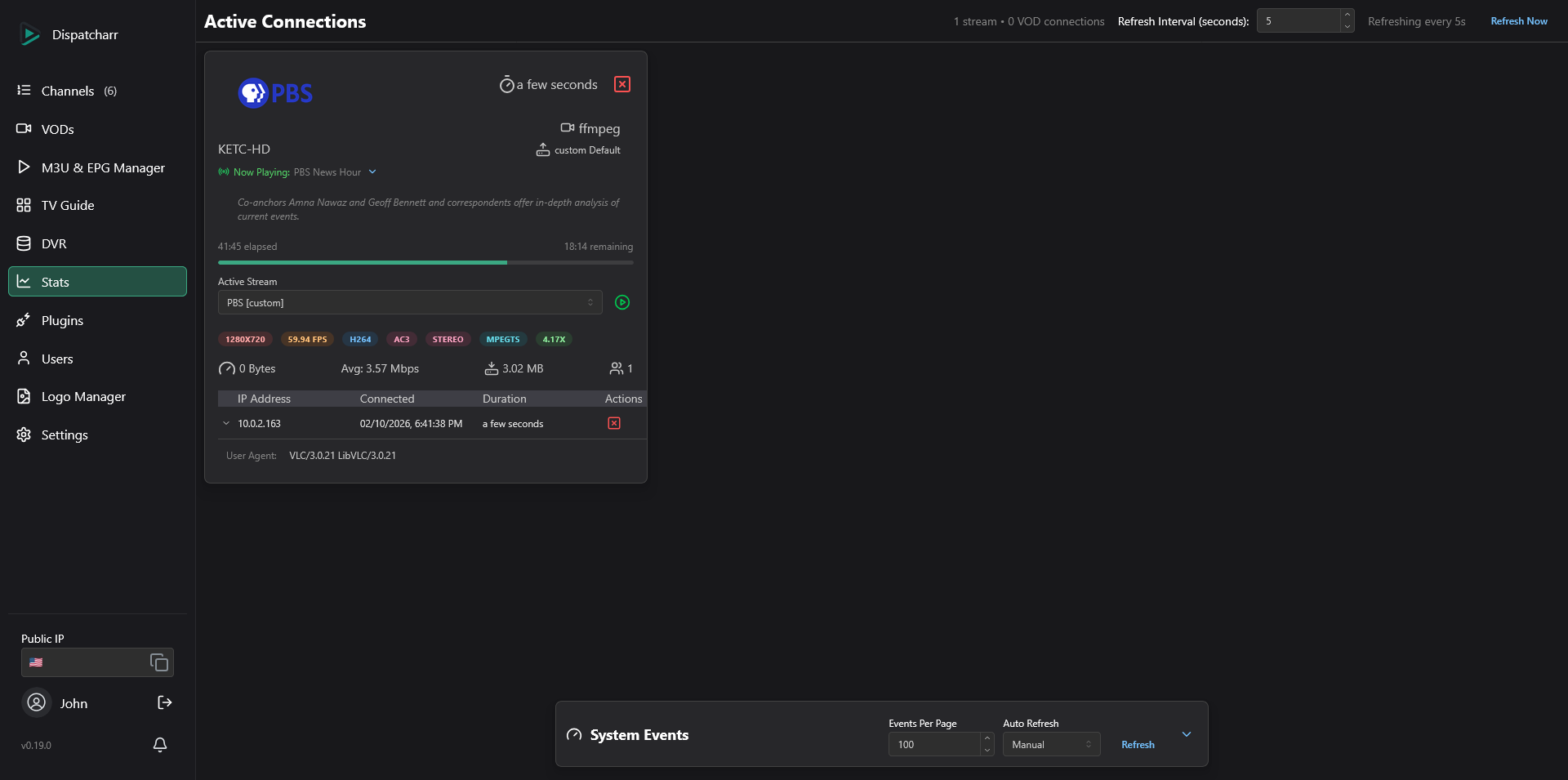
- Stream proxy with live client management and automatic failover between backup sources
- HDHomeRun tuner emulation, so Plex, Emby and Jellyfin find it as a live TV source
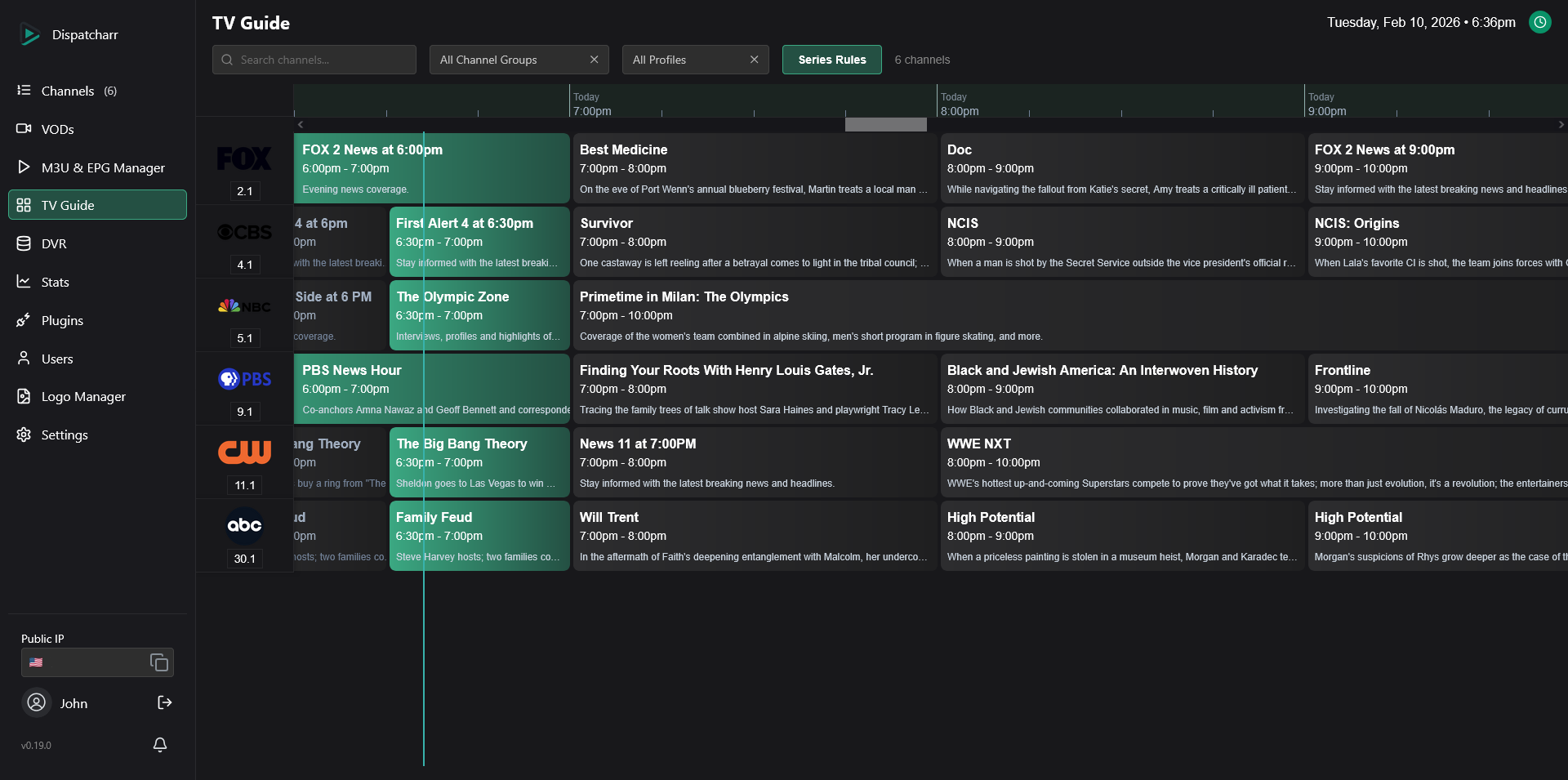
- EPG matching and generation, with XMLTV, M3U, Xtream Codes and HDHomeRun output
- FFmpeg output profiles to transcode streams per client
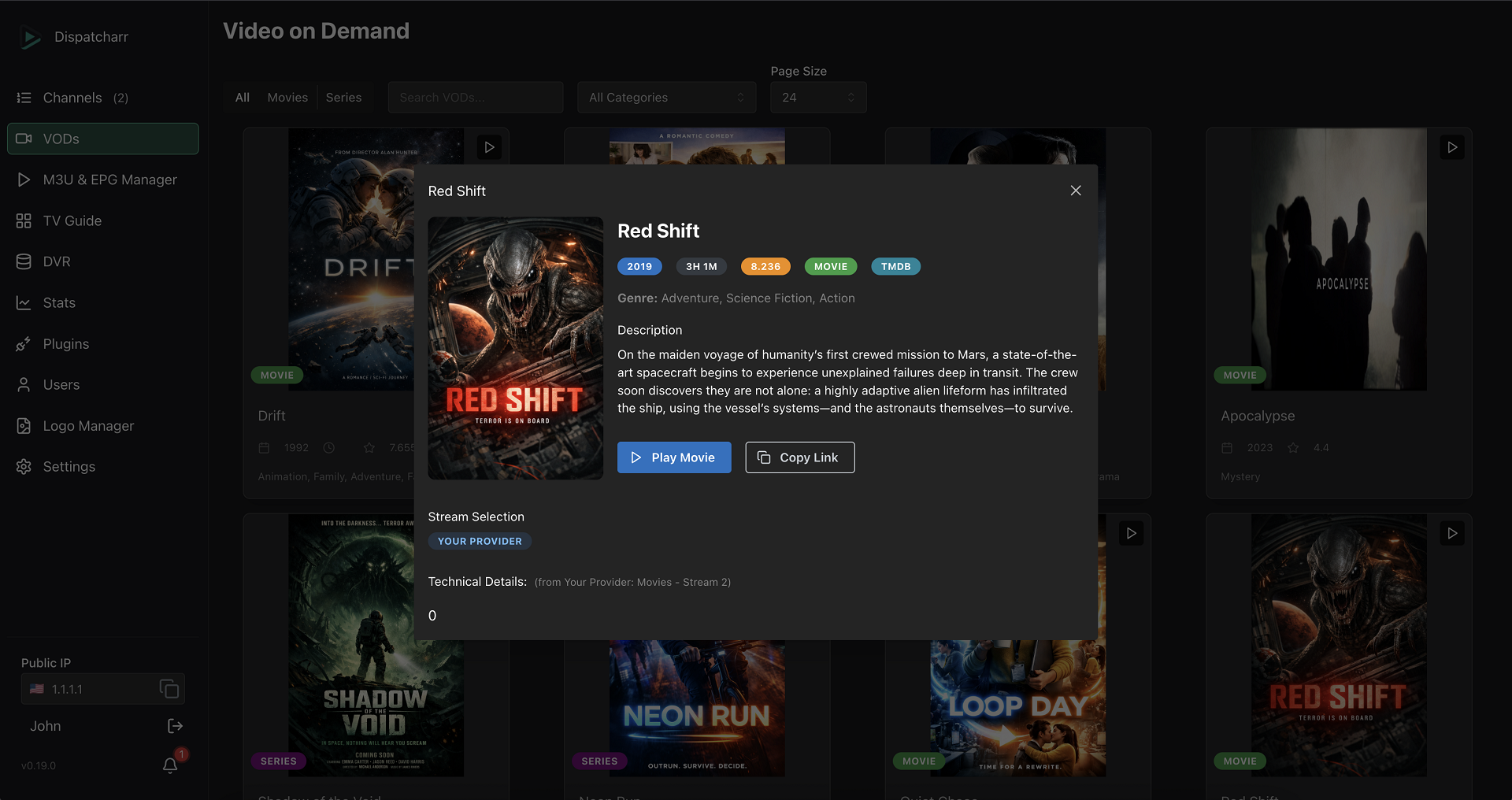
- Video on Demand with IMDB/TMDB metadata
- Multi-user accounts with permissions and network access rules
- Plugin system for custom automations
- PostgreSQL and Redis inside the container, nothing extra to set up
How to use
- Open Dispatcharr from your dashboard.
- Create your admin account on the setup page.
- Add your IPTV sources under Settings, M3U & EPG Manager.
- Create channels from your streams and match them to EPG data.
- Add the M3U and XMLTV EPG links, or the HDHomeRun tuner, to Plex, Emby, Jellyfin or another player.
Before you install
Nothing needs to be set first. Create your admin account from your home network right after install. If you miss the setup window, run python manage.py createsuperuser inside the container. Log level and proxy settings are in the Variables tab and are added in the app settings. The first start takes a little longer while the built-in database is set up.
The settings in the first table are already in the app settings. To use any other one, open the app settings, add the variable with your value, save, and the app restarts with it. A setting you leave out uses its default.
In the app settings
| Variable | Default value | Description |
|---|---|---|
TZ | $TZ | Your time zone. ZimaOS fills this in for you. |
DISPATCHARR_ | aio | Runs Dispatcharr in all-in-one mode, with PostgreSQL and Redis inside the container. Do not change. |
Logs
| Variable | Default value | Description |
|---|---|---|
DISPATCHARR_ | info | How much detail goes in the log. One of debug, info, warning or error. |
Network
| Variable | Default value | Description |
|---|---|---|
DISPATCHARR_ | — | Only needed to finish the first admin setup from a public IP address. Set it to the exact client IP shown on the setup page. |
DISPATCHARR_ | — | Your reverse proxy's IP or CIDR, so Dispatcharr sees real client IPs. Set to none to ignore forwarded headers. Leave it out for a normal install. |
name: dispatcharr
services:
dispatcharr:
image: ghcr.io/dispatcharr/dispatcharr:0.33.0
container_name: dispatcharr
restart: unless-stopped
stop_grace_period: 60s
network_mode: bridge
environment:
- TZ=$TZ
- DISPATCHARR_ENV=aio
ports:
- target: 9191
published: "6106"
protocol: tcp
volumes:
- type: bind
source: /DATA/AppData/$AppID
target: /data
bind:
create_host_path: true
deploy:
resources:
limits:
cpus: "4"
memory: 4096M
reservations:
cpus: "0.50"
memory: 1024M
labels:
icon: https://cdn.jsdelivr.net/gh/HSinghHira/IceStore@main/Apps/dispatcharr/icon.png
x-casaos:
id: com.icestore.dispatcharr
envs:
- container: TZ
description:
en_US: Your time zone. ZimaOS fills this in for you.
- container: DISPATCHARR_ENV
description:
en_US: >-
Runs Dispatcharr in all-in-one mode, with PostgreSQL and Redis
inside the container. Do not change.
ports:
- container: "9191"
description:
en_US: >-
Web UI, HDHomeRun tuner emulation, and stream/M3U/EPG/XC output,
published on host as 6106.
volumes:
- container: /data
description:
en_US: >-
All app data: the bundled PostgreSQL database, Redis data,
uploaded logos and artwork, DVR recordings, and logs.
x-casaos:
id: com.icestore.dispatcharr
architectures:
- amd64
- arm64
main: dispatcharr
author: HSinghHira
category: Media
developer: Dispatcharr
icon: https://cdn.jsdelivr.net/gh/HSinghHira/IceStore@main/Apps/dispatcharr/icon.png
thumbnail: https://cdn.jsdelivr.net/gh/HSinghHira/IceStore@main/Apps/dispatcharr/screenshot-1.png
screenshot_link:
- https://cdn.jsdelivr.net/gh/HSinghHira/IceStore@main/Apps/dispatcharr/screenshot-1.png
- https://cdn.jsdelivr.net/gh/HSinghHira/IceStore@main/Apps/dispatcharr/screenshot-2.png
- https://cdn.jsdelivr.net/gh/HSinghHira/IceStore@main/Apps/dispatcharr/screenshot-3.png
- https://cdn.jsdelivr.net/gh/HSinghHira/IceStore@main/Apps/dispatcharr/screenshot-4.png
title:
en_US: Dispatcharr
tagline:
en_US: Your ultimate IPTV and stream management companion.
description:
en_US: >-
Visit: [https://icestore.hsinghhira.me/app/dispatcharr/](https://icestore.hsinghhira.me/app/dispatcharr/) for full details
Dispatcharr is an open-source tool for managing IPTV streams, EPG data
and VOD content. Think of it as the *arr family's IPTV cousin.
**Features**
- Combine many IPTV/M3U and Xtream Codes sources in one place
- Stream proxy with live client management and automatic failover
between backup sources
- HDHomeRun tuner emulation, so Plex, Emby and Jellyfin find it as a
live TV source
- EPG matching and generation, with XMLTV, M3U, Xtream Codes and
HDHomeRun output
- FFmpeg output profiles to transcode streams per client
- Video on Demand with IMDB/TMDB metadata
- Multi-user accounts with permissions and network access rules
- Plugin system for custom automations
- PostgreSQL and Redis inside the container, nothing extra to set up
**How to use?**
1. Open Dispatcharr from the Zima OS dashboard.
2. Create your admin account on the setup page.
3. Add your IPTV sources under Settings, M3U & EPG Manager.
4. Create channels from your streams and match them to EPG data.
5. Add the M3U and XMLTV EPG links, or the HDHomeRun tuner, to Plex,
Emby, Jellyfin or another player.
tips:
before_install:
en_US: >-
Visit: [https://icestore.hsinghhira.me/app/dispatcharr/](https://icestore.hsinghhira.me/app/dispatcharr/) for full details
index: /
port_map: "6106"
scheme: http
is_uncontrolled: false
version: "0.33.0"
update_at: "2026-10-25"
release_notes:
en_US: |-
- Moved to IceStore. Port changed from 8415 to 6106.
- Removed REDIS_HOST, CELERY_BROKER_URL and DISPATCHARR_LOG_LEVEL from the compose file; all-in-one mode already uses those values.
- Optional settings moved to the Variables tab on the IceStore website.
- Pinned the image to 0.33.0 instead of latest.
repo: "https://github.com/Dispatcharr/Dispatcharr"
support: "https://github.com/Dispatcharr/Dispatcharr/issues"
docs: "https://dispatcharr.github.io/Dispatcharr-Docs/" ZimaOS
 CasaOS
 Homeio