
Helix
A self-hosted Pandora or Spotify built on your own music library.
- ghcr.io/unifiedkings/helix:0.3.0
- port 6105
- Media
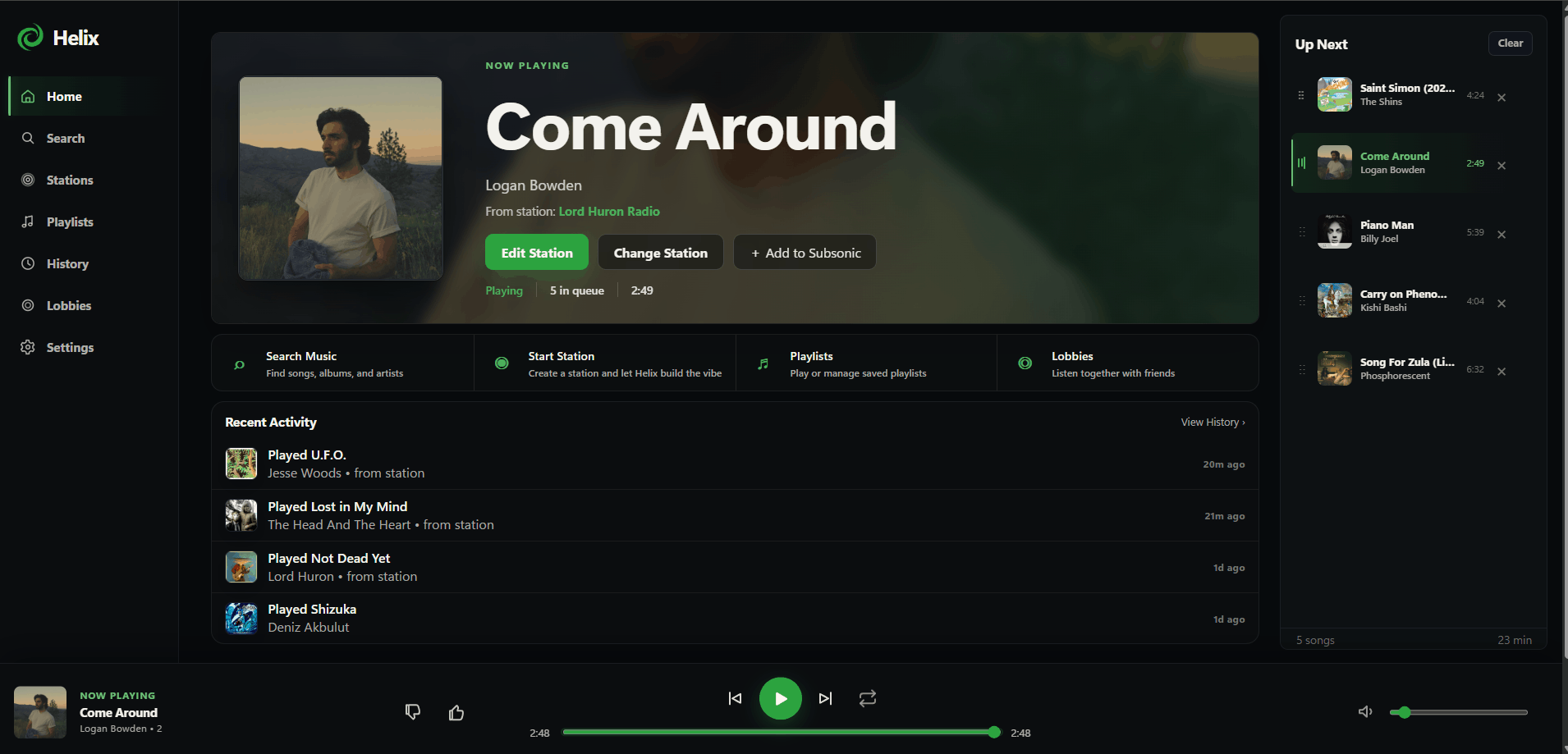
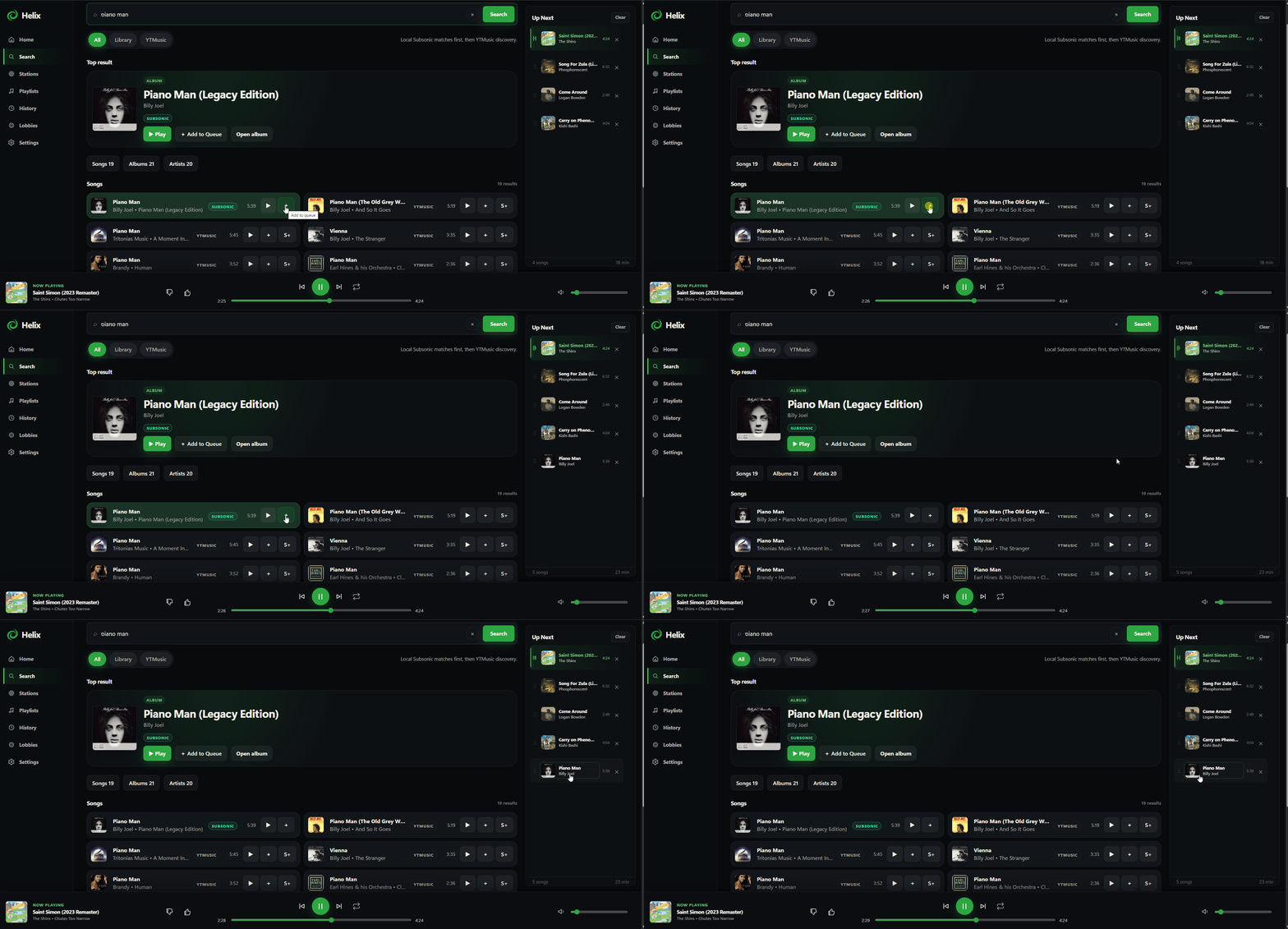
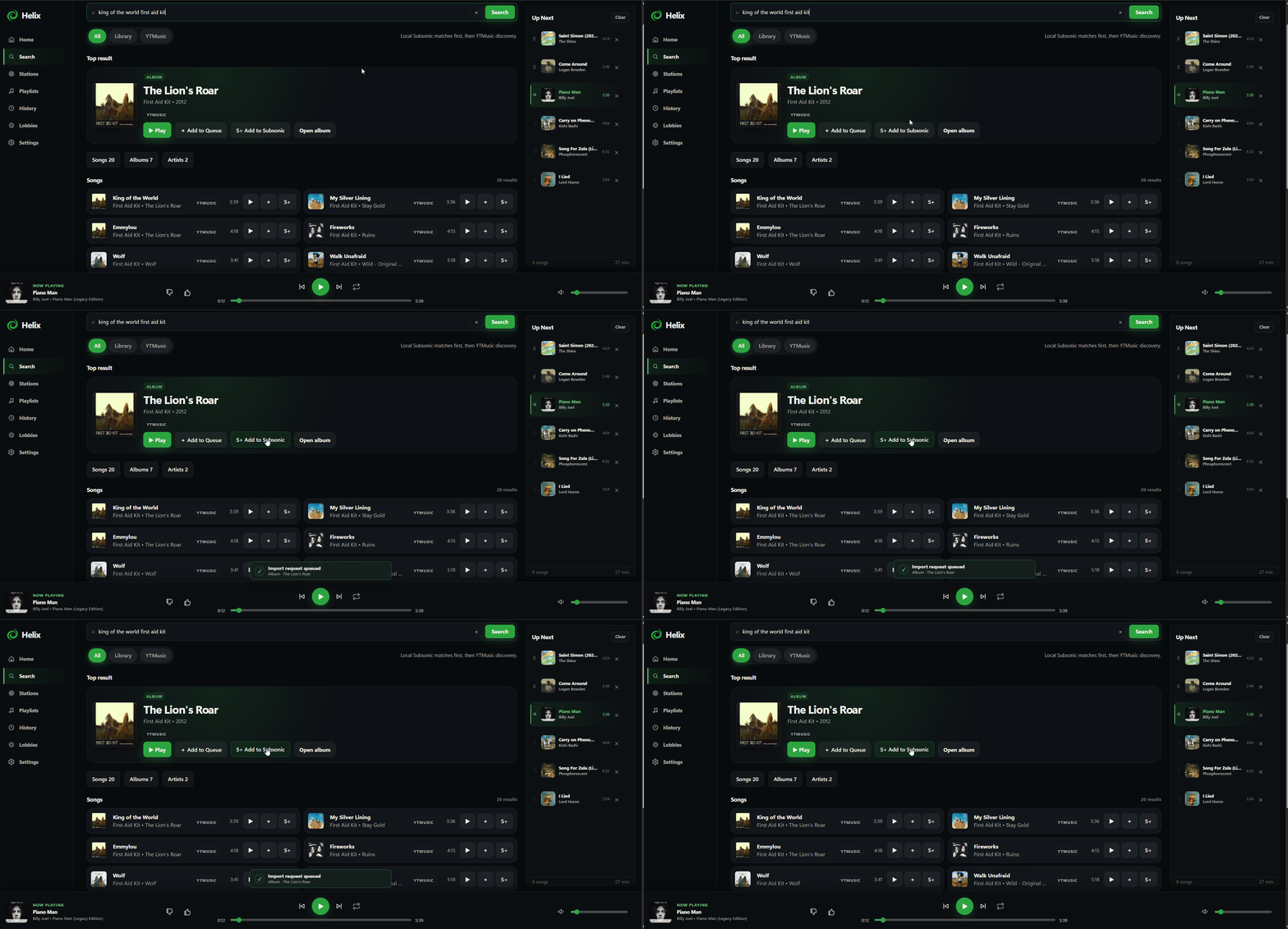
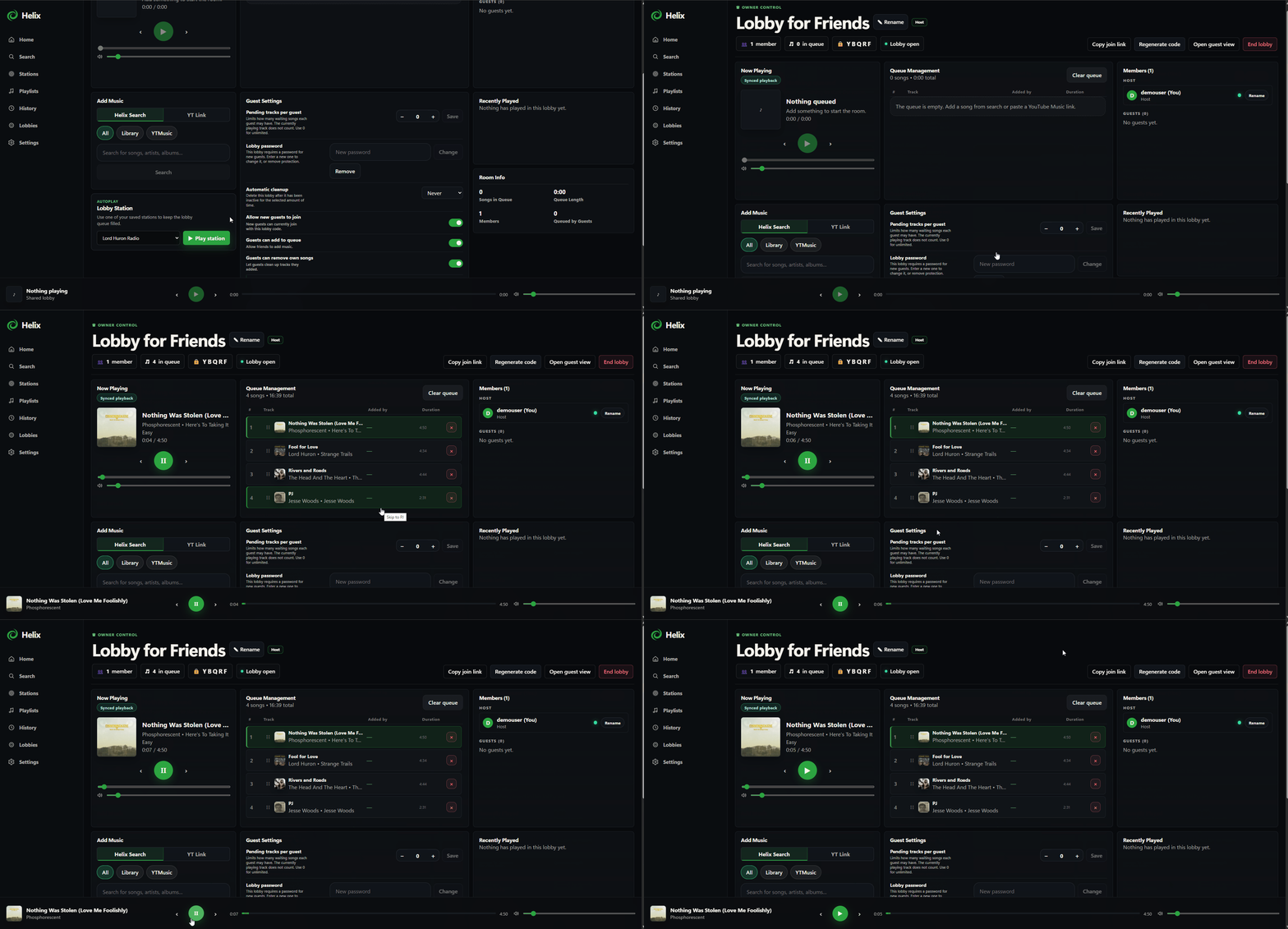
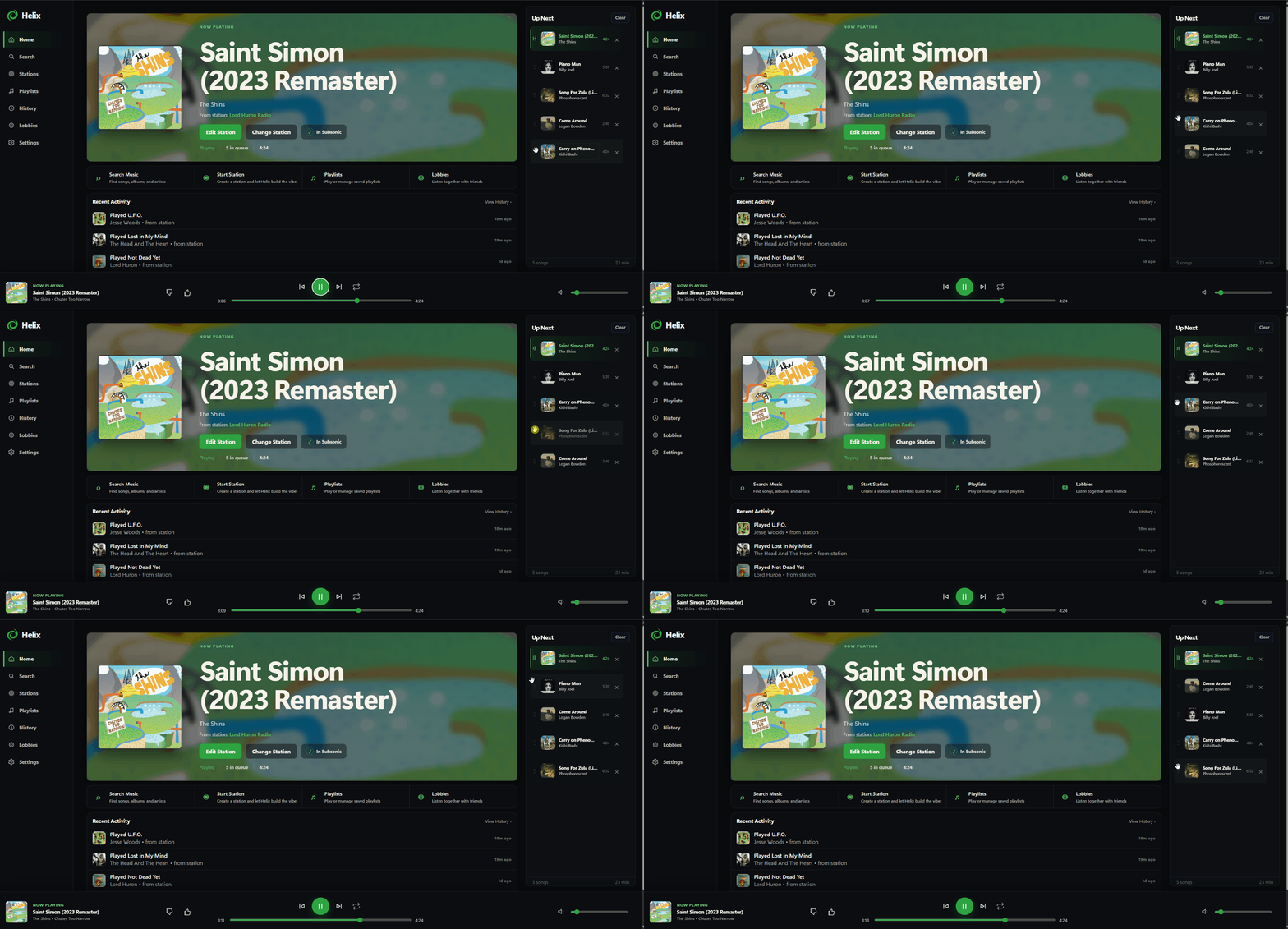
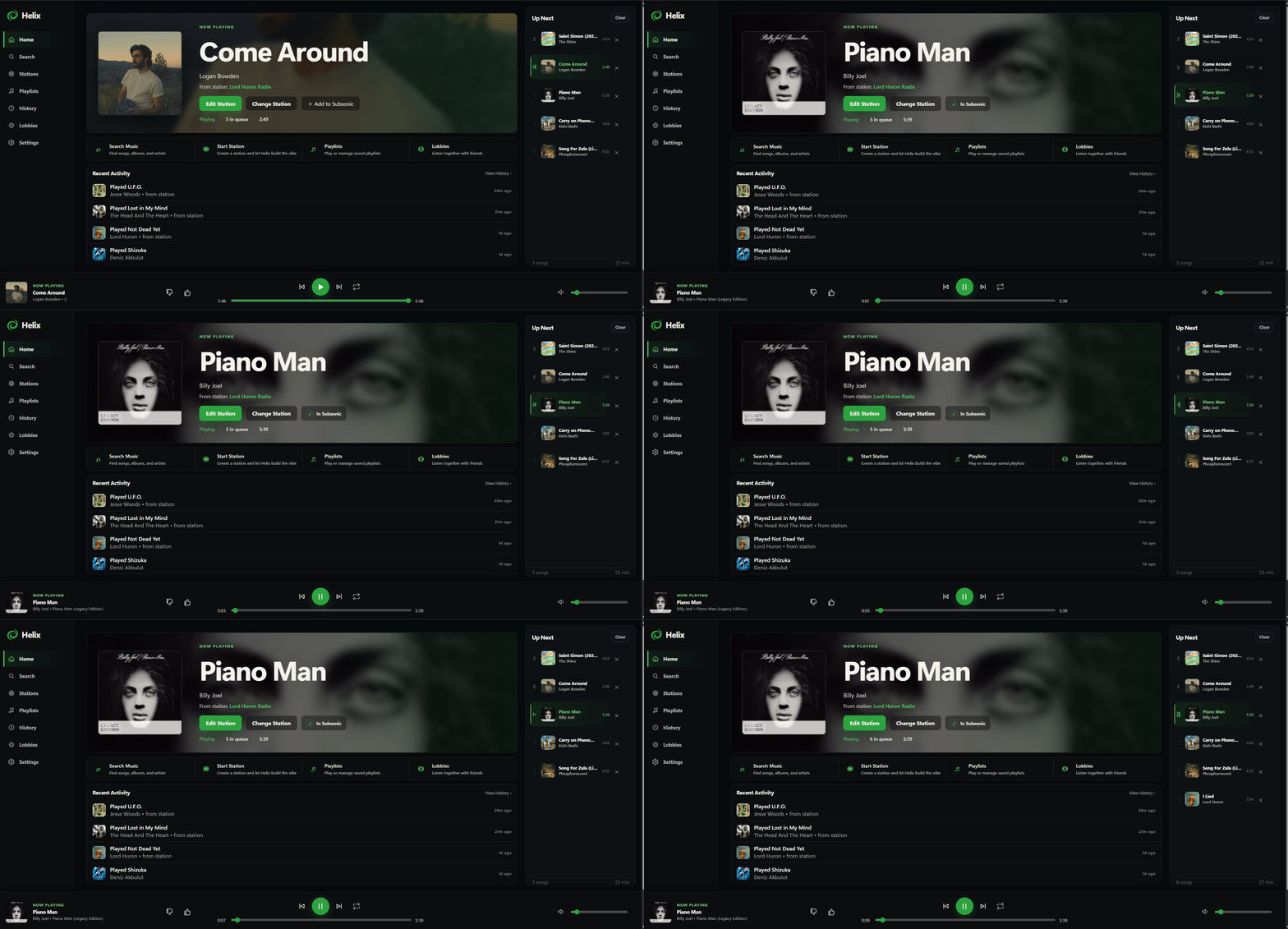
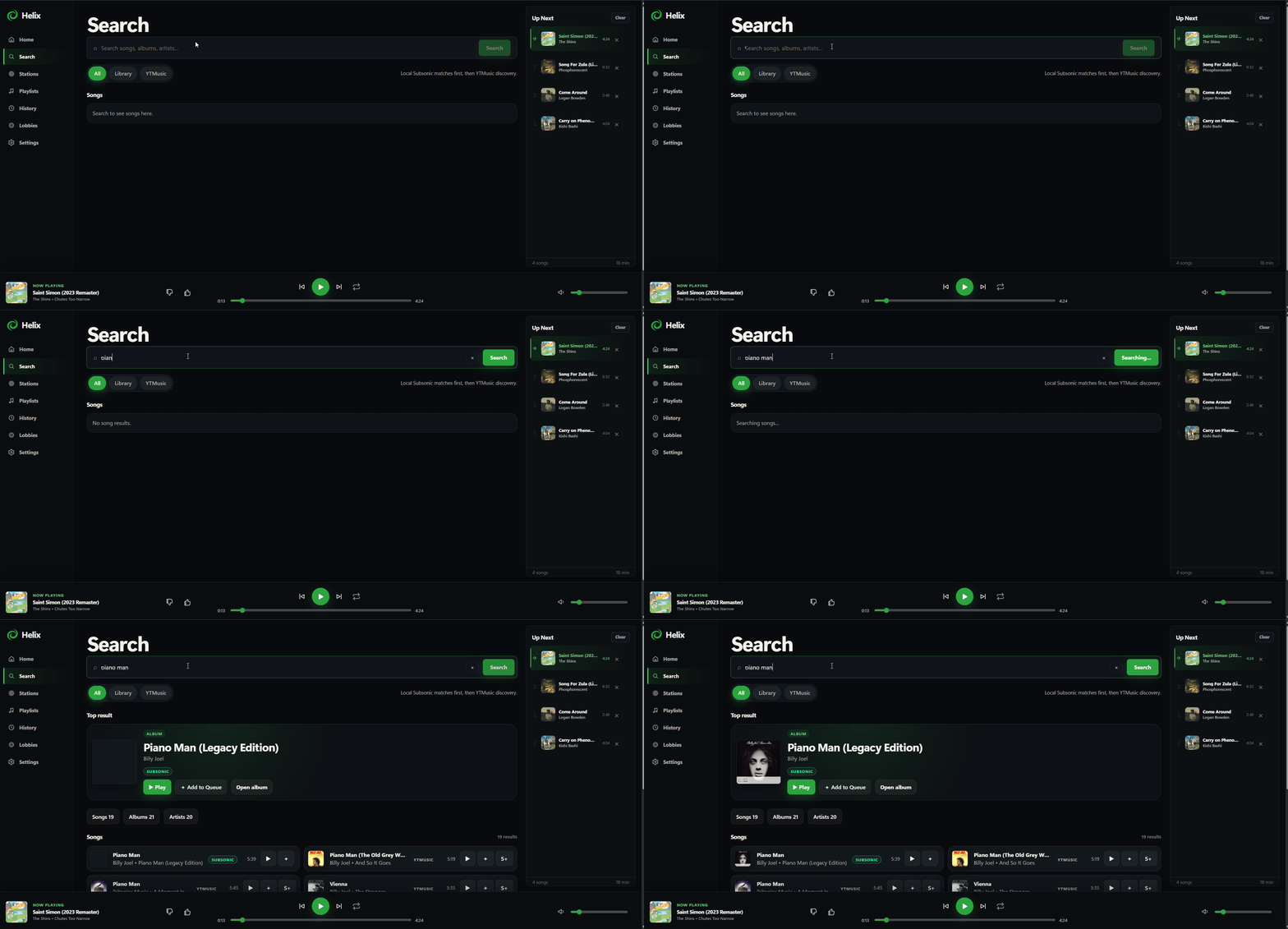
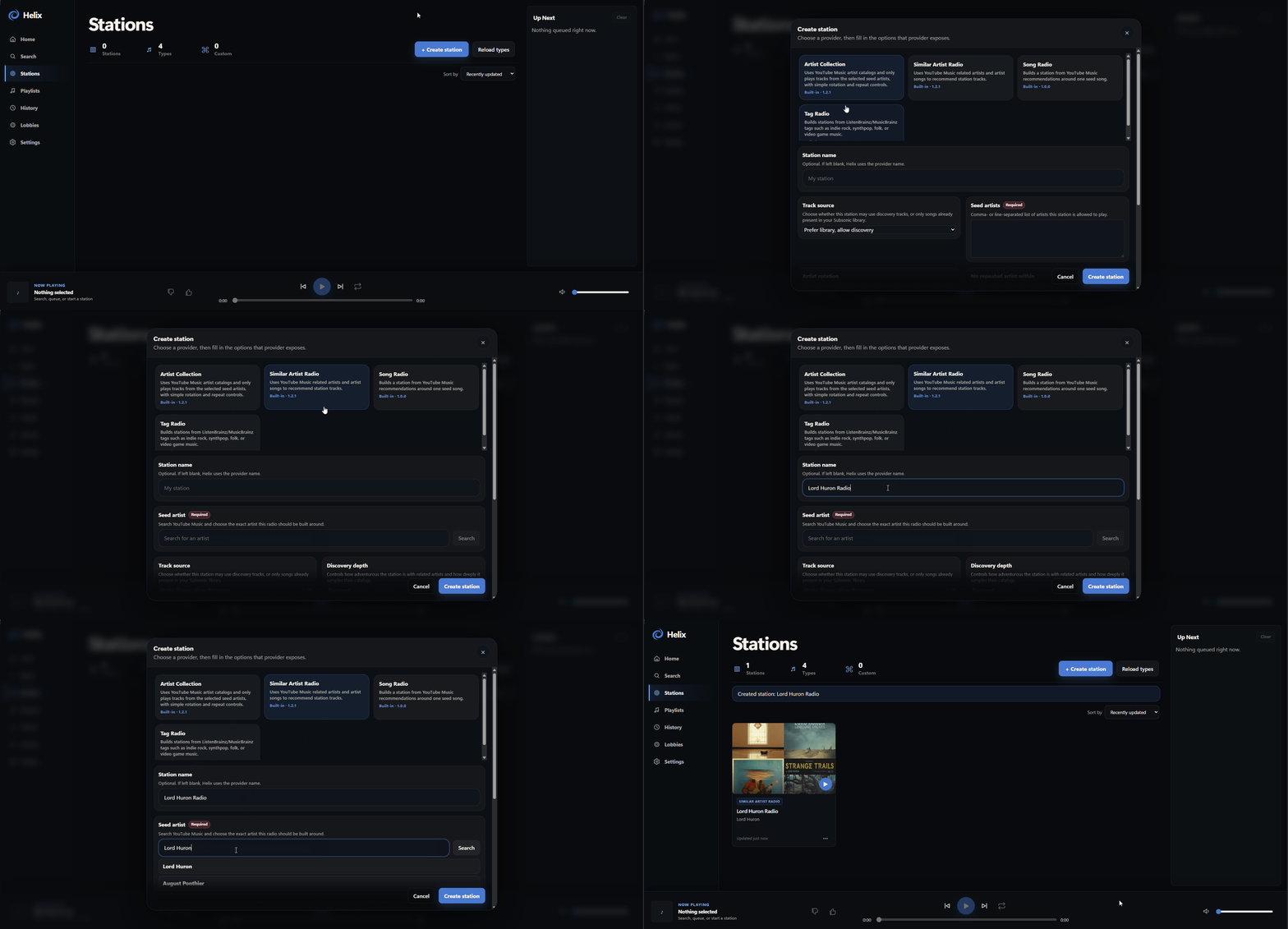
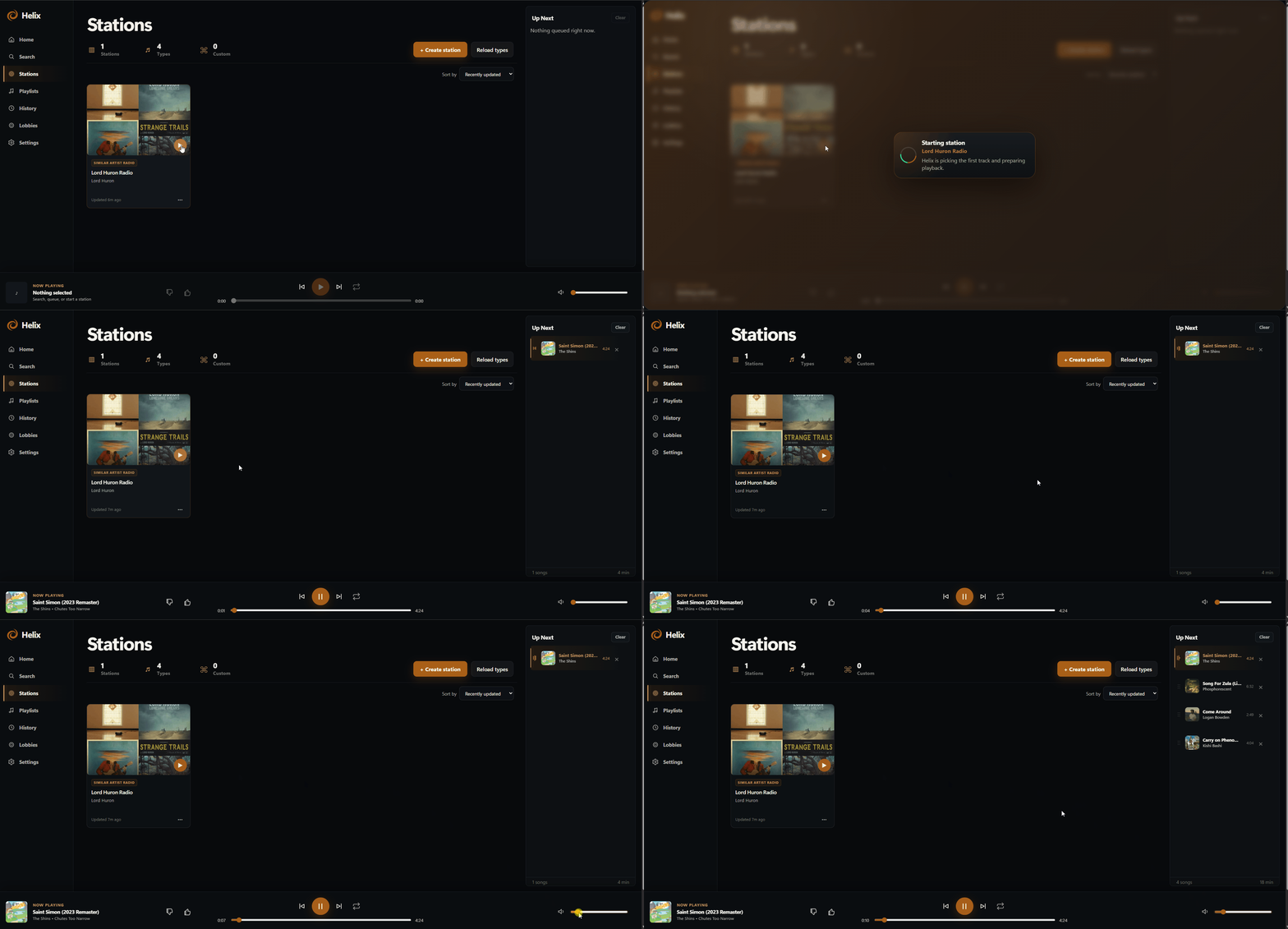
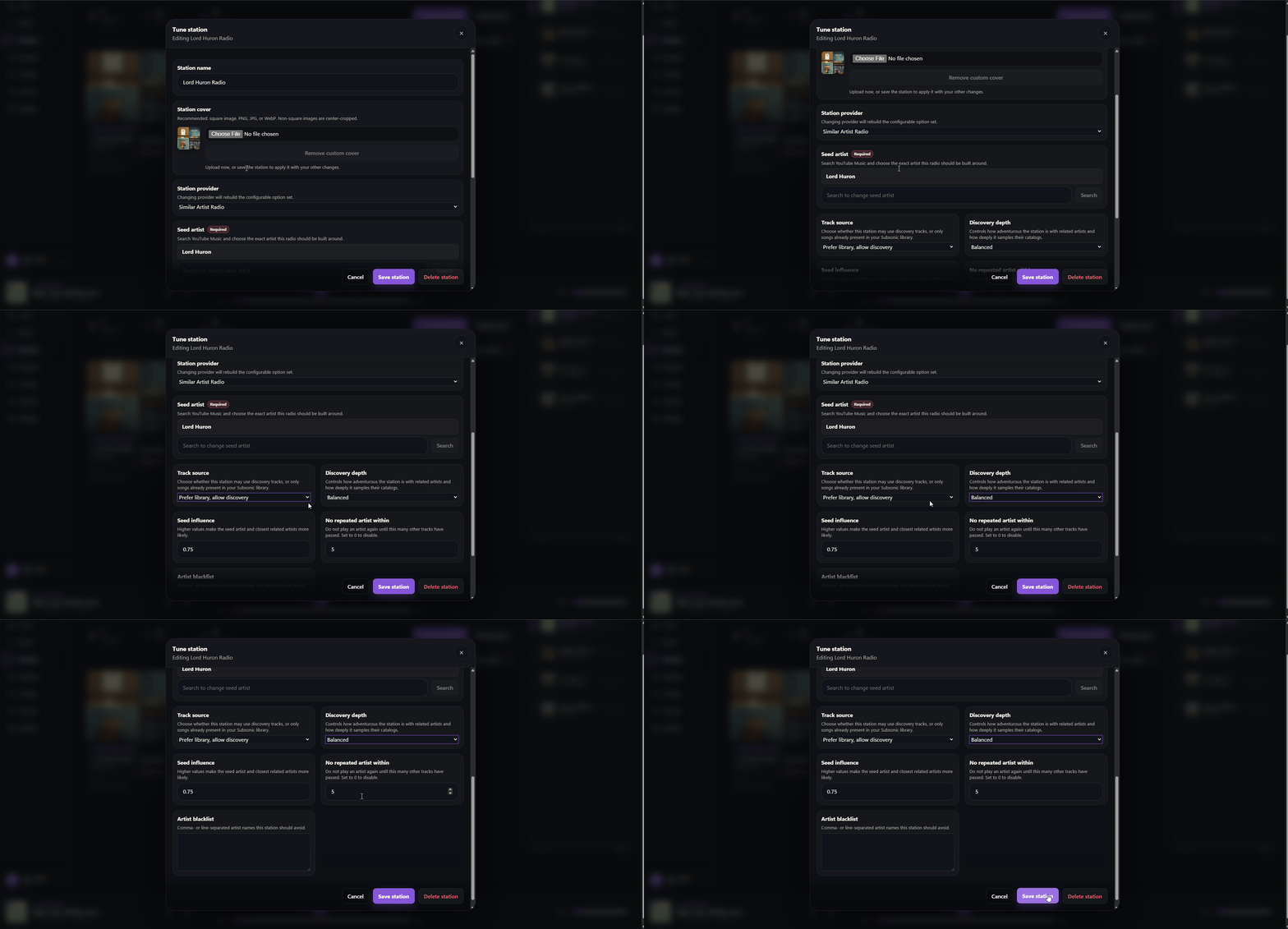
Web App
/http://localhost:6105/ Helix is a self-hosted music player, discovery tool and shared listening space built around a Subsonic-compatible music library, such as Navidrome.
Features
- Search and play music from your Subsonic-compatible library
- Stations made from artists, artist collections or tags, which keep filling the queue
- Import playlists from Helix, YouTube Music, Spotify and Pandora, with a review step before anything is added
- Shared listening lobbies: join with a 5-letter code, with an optional password, and everyone hears the same thing
- Optional fulfillment: ask for music you don't have yet, and Helix fetches it, fixes its metadata and adds it to your library
- Optional sign-in with authentik or another OpenID Connect provider
- Custom station providers through a Python plugin system
- Still works, with fewer features, without a Subsonic server
How to use
- Open Helix from your dashboard.
- Create the admin account on first launch.
- If you run Navidrome or another Subsonic server, add its address, username and password on Helix's Settings page.
- Search your library, start a station or build a queue.
- Start a lobby to listen with others. Share the 5-letter code so they can join.
- Turn on fulfillment and import only after your beets settings and music folder are set up the way you want.
Before you install
Point the /data/music volume at your music folder, the same one Navidrome uses, or remove it if you won't import music. HELIX_COOKIE_SECURE is false so login works over plain http://; set it to true once Helix is behind HTTPS. Your Subsonic server, ListenBrainz token, single sign-on and other settings are in the Variables tab and are added in the app settings. The first start takes about a minute while Helix checks for a newer yt-dlp. This image is for amd64 only.
The settings in the first table are already in the app settings. To use any other one, open the app settings, add the variable with your value, save, and the app restarts with it. A setting you leave out uses its default.
In the app settings
| Variable | Default value | Description |
|---|---|---|
TZ | $TZ | Your time zone. ZimaOS fills this in for you. |
HELIX_ | false | Keep this false when you open Helix with http://, as you do on ZimaOS. Set it to true only when Helix is behind HTTPS, or login will not stick. |
Subsonic / Navidrome
| Variable | Default value | Description |
|---|---|---|
SUBSONIC_ | — | The address of your Navidrome or Subsonic server, like http://192.168.1.10:4533. You can also set it on Helix's Settings page. |
SUBSONIC_ | — | Your Navidrome or Subsonic username. |
SUBSONIC_ | — | Your Navidrome or Subsonic password. Setting it on Helix's Settings page keeps it out of the app settings. |
Discovery
| Variable | Default value | Description |
|---|---|---|
LISTENBRAINZ_ | — | Your ListenBrainz API token from listenbrainz.org. Some station and discovery features work better with it. |
HELIX_ | 3 | How many tracks a station gets ready ahead of the one playing. |
Lobbies
| Variable | Default value | Description |
|---|---|---|
HELIX_ | 100 | The most tracks added when someone pastes a playlist or album link into a lobby. |
yt-dlp
| Variable | Default value | Description |
|---|---|---|
HELIX_ | true | Checks for a newer yt-dlp each time Helix starts. Set to false to only use the version inside the image. |
HELIX_ | stable | stable uses the latest stable yt-dlp. nightly also allows pre-release builds when a fix has not reached stable yet. |
Security
| Variable | Default value | Description |
|---|---|---|
HELIX_ | false | Set to true to let accounts that are not admins import music into the library. Only do this if you trust every account. |
HELIX_ | false | Set to true to load Python station plugins from the custom_stations folder. That code runs inside Helix, so only use files you trust. |
HELIX_ | false | Set to true to publish the interactive API documentation. |
Sign in with authentik or OIDC
| Variable | Default value | Description |
|---|---|---|
HELIX_ | false | Set to true to show single sign-on on the login page. Local Helix accounts keep working. |
HELIX_ | authentik | The provider name shown on the login page, like authentik or Keycloak. |
HELIX_ | — | Your provider's issuer URL, like https://auth.example.com/application/o/helix/. |
HELIX_ | — | The client ID your provider gave Helix. |
HELIX_ | — | The client secret your provider gave Helix. |
HELIX_ | — | The callback URL, like https://helix.example.com/auth/oidc/callback. It must match the redirect URI set in your provider exactly. |
HELIX_ | openid profile email | The scopes Helix asks for, separated by spaces. |
HELIX_ | preferred_username | The claim used as the Helix username for a new single sign-on user. |
HELIX_ | groups | The claim Helix reads to find a user's groups. |
HELIX_ | true | Set to false so only people who already have a Helix account can sign in with single sign-on. |
HELIX_ | false | Set to true to let the first single sign-on user become the admin when Helix has no accounts yet. |
HELIX_ | false | Set to true to link a single sign-on user to the local account with the same username. |
HELIX_ | — | The group whose members become Helix admins, like helix-admins. Used with HELIX_OIDC_SYNC_ROLES. |
HELIX_ | false | Set to true to update each user's admin role from HELIX_OIDC_ADMIN_GROUP every time they sign in. |
Login background
| Variable | Default value | Description |
|---|---|---|
HELIX_ | false | Set to true to show a random music photo from Unsplash on the login page. Needs HELIX_UNSPLASH_ACCESS_KEY. |
HELIX_ | — | Your Unsplash API access key. |
HELIX_ | — | The words Helix searches Unsplash for. Leave it out to use "vinyl record player turntable music". |
HELIX_ | 900 | How many seconds Helix keeps the search results before it asks Unsplash again. |
slskd quality upgrades
| Variable | Default value | Description |
|---|---|---|
SLSKD_ | false | Set to true to let Helix swap tracks it added for better copies found through your own slskd (Soulseek) server. slskd is not included. |
SLSKD_ | — | The address of your slskd server, like http://192.168.1.10:5030. |
SLSKD_ | — | An API key made in slskd for Helix. |
SLSKD_ | — | The folder inside Helix where slskd's finished downloads appear. Add a volume that points at slskd's download folder first. |
name: helix
services:
helix:
image: ghcr.io/unifiedkings/helix:0.3.0
container_name: helix
restart: unless-stopped
stop_grace_period: 30s
network_mode: bridge
environment:
- TZ=$TZ
- HELIX_COOKIE_SECURE=false
ports:
- target: 8000
published: "6105"
protocol: tcp
volumes:
- type: bind
source: /DATA/AppData/$AppID/data
target: /data
bind:
create_host_path: true
- type: bind
source: /DATA/AppData/$AppID/inbound_yt
target: /inbound_yt
bind:
create_host_path: true
- type: bind
source: /DATA/AppData/$AppID/beets_config
target: /data/helix/beets
bind:
create_host_path: true
- type: bind
source: /DATA/AppData/$AppID/custom_stations
target: /data/plugins/stations
bind:
create_host_path: true
- type: bind
source: /DATA/Media/Music
target: /data/music
bind:
create_host_path: true
deploy:
resources:
limits:
cpus: "2.00"
memory: 2048M
reservations:
cpus: "0.00"
memory: 256M
labels:
icon: https://cdn.jsdelivr.net/gh/HSinghHira/IceStore@main/Apps/helix/icon.png
x-casaos:
id: com.icestore.helix
envs:
- container: TZ
description:
en_US: Your time zone. ZimaOS fills this in for you.
- container: HELIX_COOKIE_SECURE
description:
en_US: Keep this false when you open Helix with http://, as you do on ZimaOS. Set it to true only when Helix is behind HTTPS, or login will not stick.
ports:
- container: "8000"
description:
en_US: Helix web interface, published on host as 6105.
volumes:
- container: /data
description:
en_US: "Helix's own data: its database, logs, stream cache and station cover art."
- container: /inbound_yt
description:
en_US: Staging folder for tracks Helix downloads before they are imported into your library.
- container: /data/helix/beets
description:
en_US: Beets settings Helix uses to fix metadata and import tracks into your library.
- container: /data/plugins/stations
description:
en_US: Optional folder for custom Python station plugins. Only used when HELIX_ENABLE_CUSTOM_STATION_TYPES is true.
- container: /data/music
description:
en_US: Your music library, the same folder your Navidrome or Subsonic server reads. Change the host path to match your setup, or remove this mount if you won't use Helix's import features.
x-casaos:
id: com.icestore.helix
architectures:
- amd64
main: helix
author: HSinghHira
category: Media
developer: UnifiedKings
icon: https://cdn.jsdelivr.net/gh/HSinghHira/IceStore@main/Apps/helix/icon.png
thumbnail: https://cdn.jsdelivr.net/gh/HSinghHira/IceStore@main/Apps/helix/screenshot-1.png
screenshot_link:
- https://cdn.jsdelivr.net/gh/HSinghHira/IceStore@main/Apps/helix/screenshot-1.png
- https://cdn.jsdelivr.net/gh/HSinghHira/IceStore@main/Apps/helix/screenshot-2.gif
- https://cdn.jsdelivr.net/gh/HSinghHira/IceStore@main/Apps/helix/screenshot-3.gif
- https://cdn.jsdelivr.net/gh/HSinghHira/IceStore@main/Apps/helix/screenshot-4.gif
- https://cdn.jsdelivr.net/gh/HSinghHira/IceStore@main/Apps/helix/screenshot-5.gif
- https://cdn.jsdelivr.net/gh/HSinghHira/IceStore@main/Apps/helix/screenshot-6.gif
- https://cdn.jsdelivr.net/gh/HSinghHira/IceStore@main/Apps/helix/screenshot-7.gif
- https://cdn.jsdelivr.net/gh/HSinghHira/IceStore@main/Apps/helix/screenshot-8.gif
- https://cdn.jsdelivr.net/gh/HSinghHira/IceStore@main/Apps/helix/screenshot-9.gif
- https://cdn.jsdelivr.net/gh/HSinghHira/IceStore@main/Apps/helix/screenshot-10.gif
title:
en_US: Helix
tagline:
en_US: A self-hosted Pandora or Spotify built on your own music library.
description:
en_US: >-
Visit: [https://icestore.hsinghhira.me/app/helix/](https://icestore.hsinghhira.me/app/helix/) for full details
Helix is a self-hosted music player, discovery tool and shared
listening space built around a Subsonic-compatible music library, such
as Navidrome.
**Features**
- Search and play music from your Subsonic-compatible library
- Stations made from artists, artist collections or tags, which keep
filling the queue
- Import playlists from Helix, YouTube Music, Spotify and Pandora, with
a review step before anything is added
- Shared listening lobbies: join with a 5-letter code, with an optional
password, and everyone hears the same thing
- Optional fulfillment: ask for music you don't have yet, and Helix
fetches it, fixes its metadata and adds it to your library
- Optional sign-in with authentik or another OpenID Connect provider
- Custom station providers through a Python plugin system
- Still works, with fewer features, without a Subsonic server
**How to use?**
1. Open Helix from the Zima OS dashboard.
2. Create the admin account on first launch.
3. If you run Navidrome or another Subsonic server, add its address,
username and password on Helix's Settings page.
4. Search your library, start a station or build a queue.
5. Start a lobby to listen with others. Share the 5-letter code so
they can join.
6. Turn on fulfillment and import only after your beets settings and
music folder are set up the way you want.
tips:
before_install:
en_US: >-
Visit: [https://icestore.hsinghhira.me/app/helix/](https://icestore.hsinghhira.me/app/helix/) for full details
index: /
port_map: "6105"
scheme: http
is_uncontrolled: false
version: "0.3.0"
update_at: "2026-10-19"
release_notes:
en_US: |-
- Moved to IceStore and pinned to ghcr.io/unifiedkings/helix:0.3.0.
- Port changed from 8440 to 6105.
- Added HELIX_COOKIE_SECURE=false so login works over plain http. Helix 0.3.0 defaults it to true.
- New in 0.3.0: redesigned login page, OpenID Connect (authentik) sign-in and optional Unsplash login backgrounds.
- Optional settings moved to the Variables tab on the IceStore website.
- amd64 only: the 0.3.0 image is not published for arm64.
- The optional slskd quality-upgrade companion is not bundled.
repo: "https://github.com/UnifiedKings/helix"
support: "https://github.com/UnifiedKings/helix/issues"
docs: "https://github.com/UnifiedKings/helix#readme" ZimaOS
 CasaOS
 Homeio