
Indelible
A self-hosted, permanent home for everything you save to read later
- ghcr.io/hsinghhira/indelible:latest
- port 6152
- Productivity
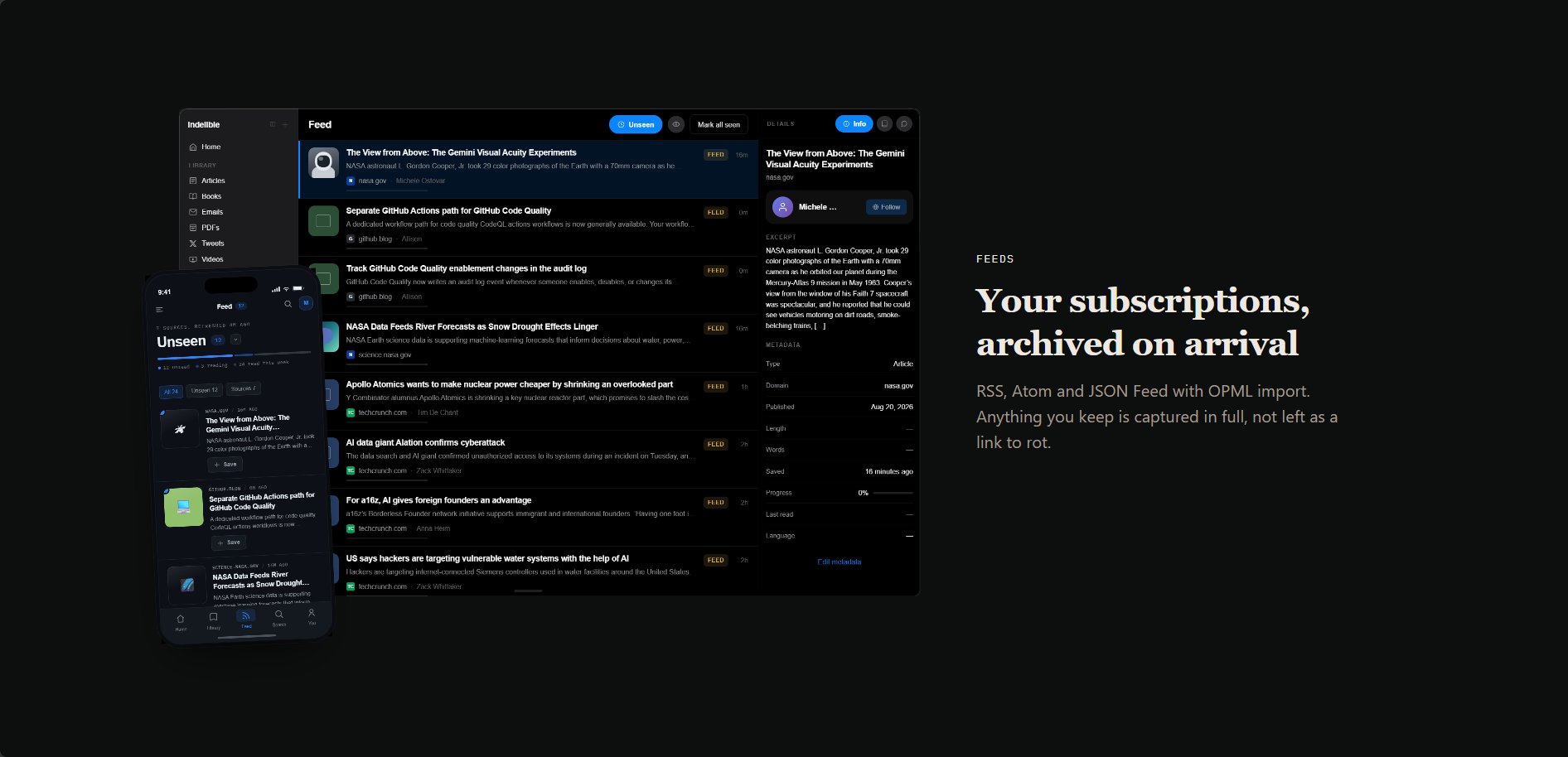
Web App
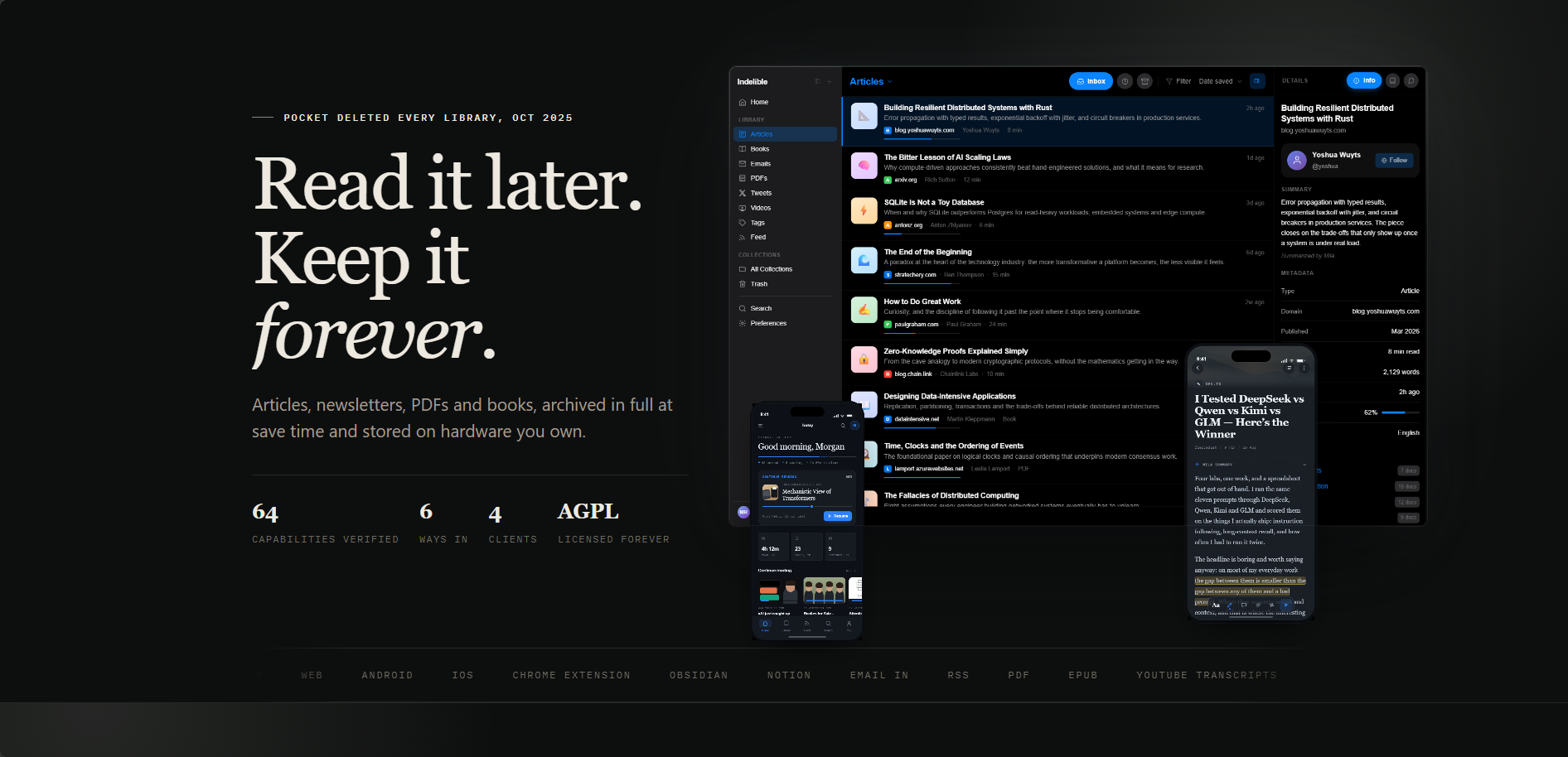
/http://localhost:6152/ Indelible is a self-hosted, open source knowledge library and read-it-later archiver: a private Pocket or Readwise that keeps everything you save, in full, on your own server. This is Indelible in a single container, with PostgreSQL (pgvector), Silo file storage, the page renderer and the background worker inside, one port and one data folder. Every secret key and password is made for you on first start.
Features
- Full-content archiving of articles, PDFs and EPUBs, with a headless Chromium renderer for pages that resist simple scraping
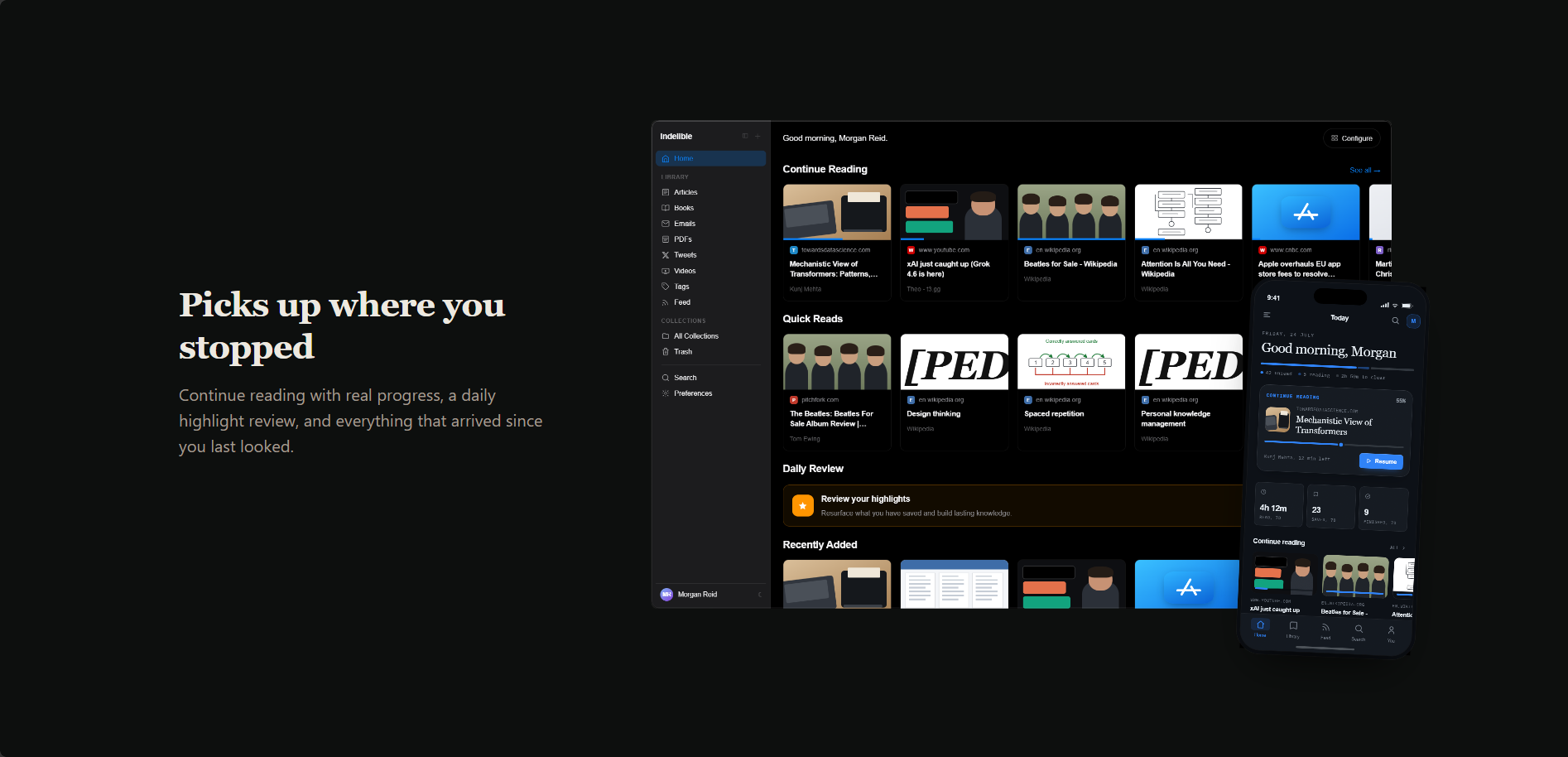
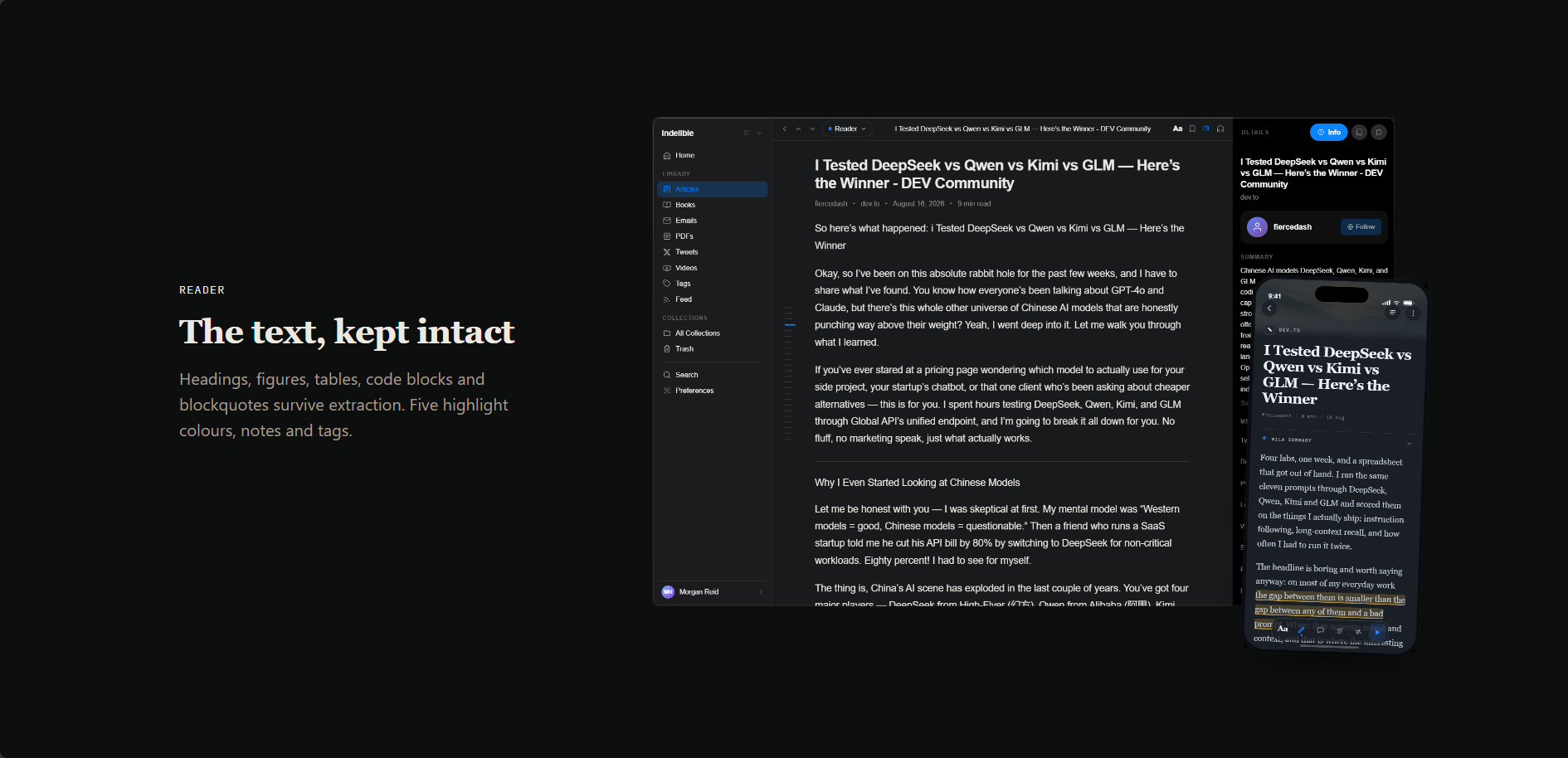
- A focused reading view with highlights, notes and reading progress that syncs across web and mobile
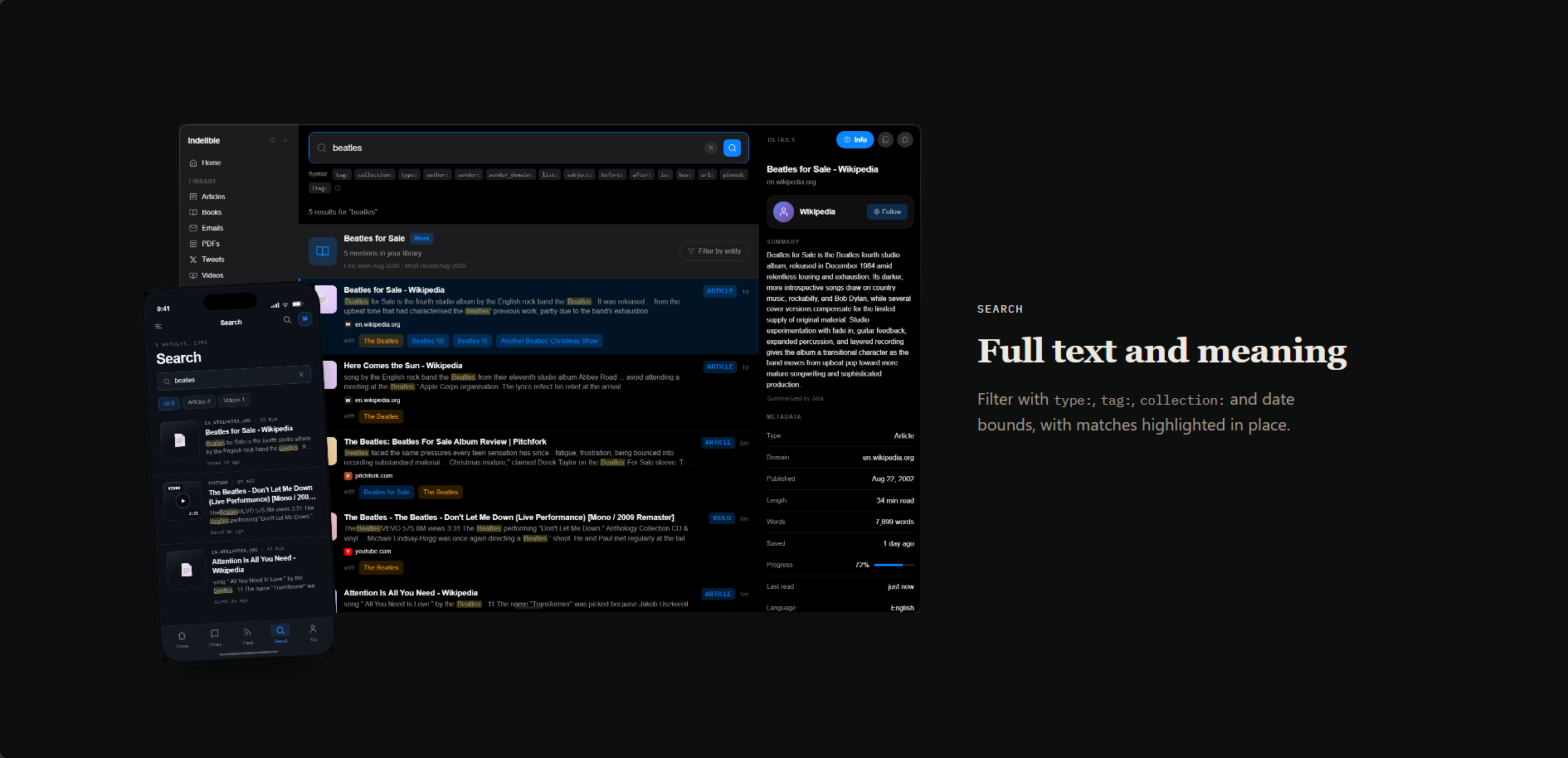
- Full-text and semantic search across your whole library
- Mila, an optional AI assistant that summarizes and answers questions about your saved content, using your own AI provider key
- Save from the browser extension, RSS feeds, file uploads or a personal email address
- Syncs to Obsidian and Notion
How to use
- Open Indelible from your dashboard.
- Create your account on the first visit. Sign-ups close by themselves as soon as that first account exists.
- Save something: paste a link, upload a file, install the browser extension or add an RSS feed.
- Open a saved item to highlight text, take notes and track your reading.
- Turn on Mila in Settings if you want AI summaries; you add your own OpenAI-compatible API key there.
Before you install
PUBLIC_URL starts as http://localhost:6152. Change localhost to your ZimaOS IP, like http://192.168.1.20:6152; signing in only works at this exact address. Over http:// Indelible runs in development mode so it works on your network; with an https:// PUBLIC_URL behind your own reverse proxy it switches to production mode. The first start takes about three minutes. All secret keys are made for you and kept in the data folder. More sign-ups, OIDC sign-in, Notion sync and save-by-email are in the Variables tab; add them in the app settings.
The settings in the first table are already in the app settings. To use any other one, open the app settings, add the variable with your value, save, and the app restarts with it. A setting you leave out uses its default.
In the app settings
| Variable | Default value | Description |
|---|---|---|
TZ | $TZ | Your time zone. It is filled in from your ZimaOS time zone. Leave it unless you need another. |
PUBLIC_ | http://localhost:6152 | The exact address you open Indelible at, like http://192.168.1.20:6152. Change localhost to your ZimaOS IP. Sign-in only works at this address. Use your own https:// domain if you put Indelible behind a reverse proxy. |
Sign-up and accounts
| Variable | Default value | Description |
|---|---|---|
AUTH_ | false | Set to true while you let more people make an account. The first account can always sign up. |
Sign in with OIDC
| Variable | Default value | Description |
|---|---|---|
OIDC_ | false | Set to true to sign in with your own OIDC provider (Authentik, ZITADEL, Pocket ID...). |
OIDC_ | — | Your provider's issuer address, like https://auth.example.com/application/o/indelible/. |
OIDC_ | — | The client ID from your provider. |
OIDC_ | — | The client secret from your provider. |
OIDC_ | OpenID Connect | The name on the sign-in button. |
OIDC_ | openid,email,profile | The scopes to ask for, separated by commas. |
OIDC_ | true | Set to false so only people who already have an account can sign in with OIDC. |
Notion sync
| Variable | Default value | Description |
|---|---|---|
NOTION_ | — | The client ID of your Notion integration, for Notion export and sync. |
NOTION_ | — | The client secret of your Notion integration. |
NOTION_ | <PUBLIC_URL>/api/v1/integrations/notion/callback | The callback address to register at Notion. It is made from PUBLIC_URL, so you rarely need to set it. |
Save by email
| Variable | Default value | Description |
|---|---|---|
EMAIL_ | — | The domain for newsletter addresses (<token>@this-domain). Set it only together with the email provider settings below. |
EMAIL_ | — | The domain for one-off forward addresses. |
EMAIL_ | resend | The service that receives your emails and passes them on. |
EMAIL_ | — | The webhook signing secret from that service. |
RESEND_ | — | Your Resend API key. |
Browser extension
| Variable | Default value | Description |
|---|---|---|
EXTENSION_ | — | Callback addresses for your own builds of the browser extension, comma separated. Leave it out for the official Chrome and Firefox extensions. |
Uploads
| Variable | Default value | Description |
|---|---|---|
UPLOAD_ | 52428800 | The largest file you can upload to your library, in bytes. |
IMPORT_ | 209715200 | The largest Readwise import, in bytes. |
Feeds and cleanup
| Variable | Default value | Description |
|---|---|---|
FEED_ | — | How often RSS feeds are checked, in minutes. |
TRASH_ | — | How many days items stay in the trash before they are deleted. |
Page capture
| Variable | Default value | Description |
|---|---|---|
CAPTURE_ | — | The language the page renderer asks websites for, like en-US. |
CAPTURE_ | — | The time zone the page renderer shows to websites, like Europe/Berlin. |
Server
| Variable | Default value | Description |
|---|---|---|
IND_ | development | development works over plain http on your network. production needs an https PUBLIC_URL and is the default when PUBLIC_URL starts with https://. |
CORS_ | — | Other addresses that reach this server (a LAN name and a tailnet name, say), comma separated. PUBLIC_URL is always allowed. |
TRUSTED_ | 127.0.0.1/32 | Reverse proxies whose client IP headers are trusted, comma separated. Add your proxy's address when you put Indelible behind one. |
Security
| Variable | Default value | Description |
|---|---|---|
EGRESS_ | true | Lets Indelible fetch addresses on your own network (like a local Ollama for Mila). On by default in development mode, off in production. Set to false for an instance others can reach. |
WEBHOOKS_ | false | Set to true to let webhooks call addresses on your own network. |
Logs
| Variable | Default value | Description |
|---|---|---|
RUST_ | info | How much to log, like warn, info or debug. |
name: indelible
services:
indelible:
image: ghcr.io/hsinghhira/indelible:latest
container_name: indelible
restart: unless-stopped
stop_grace_period: 90s
privileged: true
environment:
- TZ=$TZ
- PUBLIC_URL=http://localhost:6152
ports:
- target: 8080
published: "6152"
protocol: tcp
volumes:
- type: bind
source: /DATA/AppData/$AppID/data
target: /data
bind:
create_host_path: true
healthcheck:
test: ["CMD", "curl", "-fsS", "-o", "/dev/null", "http://127.0.0.1:8080/api/health"]
interval: 30s
timeout: 10s
retries: 5
start_period: 180s
deploy:
resources:
limits:
cpus: "3.00"
memory: 4096M
reservations:
cpus: "0.25"
memory: 768M
labels:
icon: https://cdn.jsdelivr.net/gh/HSinghHira/IceStore@main/Apps/indelible/icon.png
x-casaos:
id: com.icestore.indelible
envs:
- container: TZ
description:
en_US: >-
Your time zone. It is filled in from your ZimaOS time zone.
Leave it unless you need another.
- container: PUBLIC_URL
description:
en_US: >-
The exact address you open Indelible at, like
http://192.168.1.20:6152. Change localhost to your ZimaOS IP.
Sign-in only works at this address. Use your own https://
domain if you put Indelible behind a reverse proxy.
ports:
- container: "8080"
description:
en_US: Indelible web app and API, published on host as 6152
volumes:
- container: /data
description:
en_US: >-
The database (your library, highlights, notes and search index),
every archived page, PDF and EPUB in silo/, secret keys and
settings.
x-casaos:
id: com.icestore.indelible
architectures:
- amd64
- arm64
main: indelible
author: HSinghHira
category: Productivity
developer: useindelible
icon: https://cdn.jsdelivr.net/gh/HSinghHira/IceStore@main/Apps/indelible/icon.png
thumbnail: https://cdn.jsdelivr.net/gh/HSinghHira/IceStore@main/Apps/indelible/screenshot-1.png
screenshot_link:
- https://cdn.jsdelivr.net/gh/HSinghHira/IceStore@main/Apps/indelible/screenshot-1.png
- https://cdn.jsdelivr.net/gh/HSinghHira/IceStore@main/Apps/indelible/screenshot-2.png
- https://cdn.jsdelivr.net/gh/HSinghHira/IceStore@main/Apps/indelible/screenshot-3.png
- https://cdn.jsdelivr.net/gh/HSinghHira/IceStore@main/Apps/indelible/screenshot-4.png
- https://cdn.jsdelivr.net/gh/HSinghHira/IceStore@main/Apps/indelible/screenshot-5.png
title:
en_US: Indelible
tagline:
en_US: A self-hosted, permanent home for everything you save to read later
description:
en_US: >-
Indelible is a self-hosted, open source knowledge library and
read-it-later archiver: a private Pocket or Readwise that keeps
everything you save, in full, on your own server. This is Indelible in
a single container, with PostgreSQL (pgvector), Silo file storage, the
page renderer and the background worker inside, one port and one data
folder. Every secret key and password is made for you on first start.
**Features**
- Full-content archiving of articles, PDFs and EPUBs, with a headless
Chromium renderer for pages that resist simple scraping
- A focused reading view with highlights, notes and reading progress
that syncs across web and mobile
- Full-text and semantic search across your whole library
- Mila, an optional AI assistant that summarizes and answers questions
about your saved content, using your own AI provider key
- Save from the browser extension, RSS feeds, file uploads or a
personal email address
- Syncs to Obsidian and Notion
**How to use?**
1. Open Indelible from the Zima OS dashboard.
2. Create your account on the first visit. Sign-ups close by themselves
as soon as that first account exists.
3. Save something: paste a link, upload a file, install the browser
extension or add an RSS feed.
4. Open a saved item to highlight text, take notes and track your
reading.
5. Turn on Mila in Settings if you want AI summaries; you add your own
OpenAI-compatible API key there.
tips:
before_install:
en_US: >-
1. Open the app configuration before you install.
2. Find PUBLIC_URL. It starts as http://localhost:6152. Change
localhost to your ZimaOS IP, like http://192.168.1.20:6152.
Signing in only works at this exact address.
3. More settings, like letting more people sign up, OIDC sign-in and
Notion sync, are listed on the Indelible page at
https://icestore.hsinghhira.me/app/indelible/ (Variables tab). You
can add them now or later in the app settings.
4. Start the installation.
5. Wait about three minutes. The first start sets up the database
and file storage.
6. Open http://your-zimaos-ip:6152.
7. Sign up. The first account is yours, and sign-ups close after it.
index: /
port_map: "6152"
scheme: http
is_uncontrolled: false
version: "0.1.1"
update_at: "2026-10-25"
release_notes:
en_US: |-
- Single-container Indelible with one port (6152) and one data folder
- Every secret key and password is made on first start, so each install gets its own
- Runs in development mode over http (works on your network) and production mode when PUBLIC_URL is https
- ind-api 0.1.1
- ind-worker 0.1.1
- ind-renderer 0.1.1
- pgsty/silo RELEASE.2026-10-18T00-00-00Z
- PostgreSQL 18 with pgvector inside
repo: "https://github.com/useindelible/indelible"
support: "https://github.com/useindelible/indelible/issues"
docs: "https://useindelible.com/docs/self-hosting/install/" ZimaOS
 CasaOS
 Homeio