name: m3u-editor

services:
  m3u-editor:
    image: sparkison/m3u-editor:0.13.6
    container_name: m3u-editor
    restart: unless-stopped
    stop_grace_period: 60s
    network_mode: bridge
    environment:
      - TZ=$TZ
      - APP_URL=http://localhost:6153
      - ENABLE_POSTGRES=true
      - DB_CONNECTION=pgsql
      - PG_DATABASE=m3ue
      - PG_USER=m3ue
      - PG_PASSWORD=change-me
      - DB_HOST=localhost
      - DB_PORT=5432
      - DB_DATABASE=m3ue
      - DB_USERNAME=m3ue
      - DB_PASSWORD=change-me
    ports:
      - target: 36400
        published: "6153"
        protocol: tcp
    volumes:
      - type: bind
        source: /DATA/AppData/$AppID/config
        target: /var/www/config
        bind:
          create_host_path: true
      - type: bind
        source: /DATA/AppData/$AppID/pgdata
        target: /var/lib/postgresql/data
        bind:
          create_host_path: true
      - type: bind
        source: /DATA/AppData/$AppID/storage
        target: /var/www/html/storage/app/public
        bind:
          create_host_path: true
    healthcheck:
      test: ["CMD", "curl", "-f", "http://127.0.0.1:36400/up"]
      interval: 30s
      timeout: 10s
      retries: 5
      start_period: 120s
    deploy:
      resources:
        limits:
          cpus: "2.00"
          memory: 3072M
        reservations:
          cpus: "0.25"
          memory: 512M
    labels:
      icon: https://cdn.jsdelivr.net/gh/HSinghHira/IceStore@main/Apps/m3u-editor/icon.png
    x-casaos:
      id: com.icestore.m3u-editor
      envs:
        - container: TZ
          description:
            en_US: >-
              Your time zone. It is filled in from your ZimaOS time zone.
              Leave it unless you need another.
        - container: APP_URL
          description:
            en_US: >-
              The address used in your playlist, EPG and Xtream links, like
              http://192.168.1.20:6153. Change localhost to your ZimaOS IP so
              players on other devices can use the links.
        - container: ENABLE_POSTGRES
          description:
            en_US: Runs the PostgreSQL database built into the image. Keep it at true.
        - container: DB_CONNECTION
          description:
            en_US: Tells the app to use that database. Keep it at pgsql.
        - container: PG_DATABASE
          description:
            en_US: The name of the built-in database. Must match DB_DATABASE.
        - container: PG_USER
          description:
            en_US: The user of the built-in database. Must match DB_USERNAME.
        - container: PG_PASSWORD
          description:
            en_US: >-
              Pre-filled with a random password for the built-in database. You
              can replace it before the first start (letters and numbers only).
              Must match DB_PASSWORD. It is locked in on the first start.
        - container: DB_HOST
          description:
            en_US: The database runs inside the same container. Keep it at localhost.
        - container: DB_PORT
          description:
            en_US: The database port inside the container. Keep it at 5432.
        - container: DB_DATABASE
          description:
            en_US: Must match PG_DATABASE.
        - container: DB_USERNAME
          description:
            en_US: Must match PG_USER.
        - container: DB_PASSWORD
          description:
            en_US: Must match PG_PASSWORD.
      ports:
        - container: "36400"
          description:
            en_US: M3U Editor web app, playlists, EPG and Xtream API, published on host as 6153
      volumes:
        - container: /var/www/config
          description:
            en_US: App settings and config.
        - container: /var/lib/postgresql/data
          description:
            en_US: The built-in PostgreSQL database (playlists, channels, EPG, users).
        - container: /var/www/html/storage/app/public
          description:
            en_US: Uploaded logos and images.

x-casaos:
  id: com.icestore.m3u-editor
  architectures:
    - amd64
    - arm64
  main: m3u-editor
  author: HSinghHira
  category: Media
  developer: sparkison
  icon: https://cdn.jsdelivr.net/gh/HSinghHira/IceStore@main/Apps/m3u-editor/icon.png
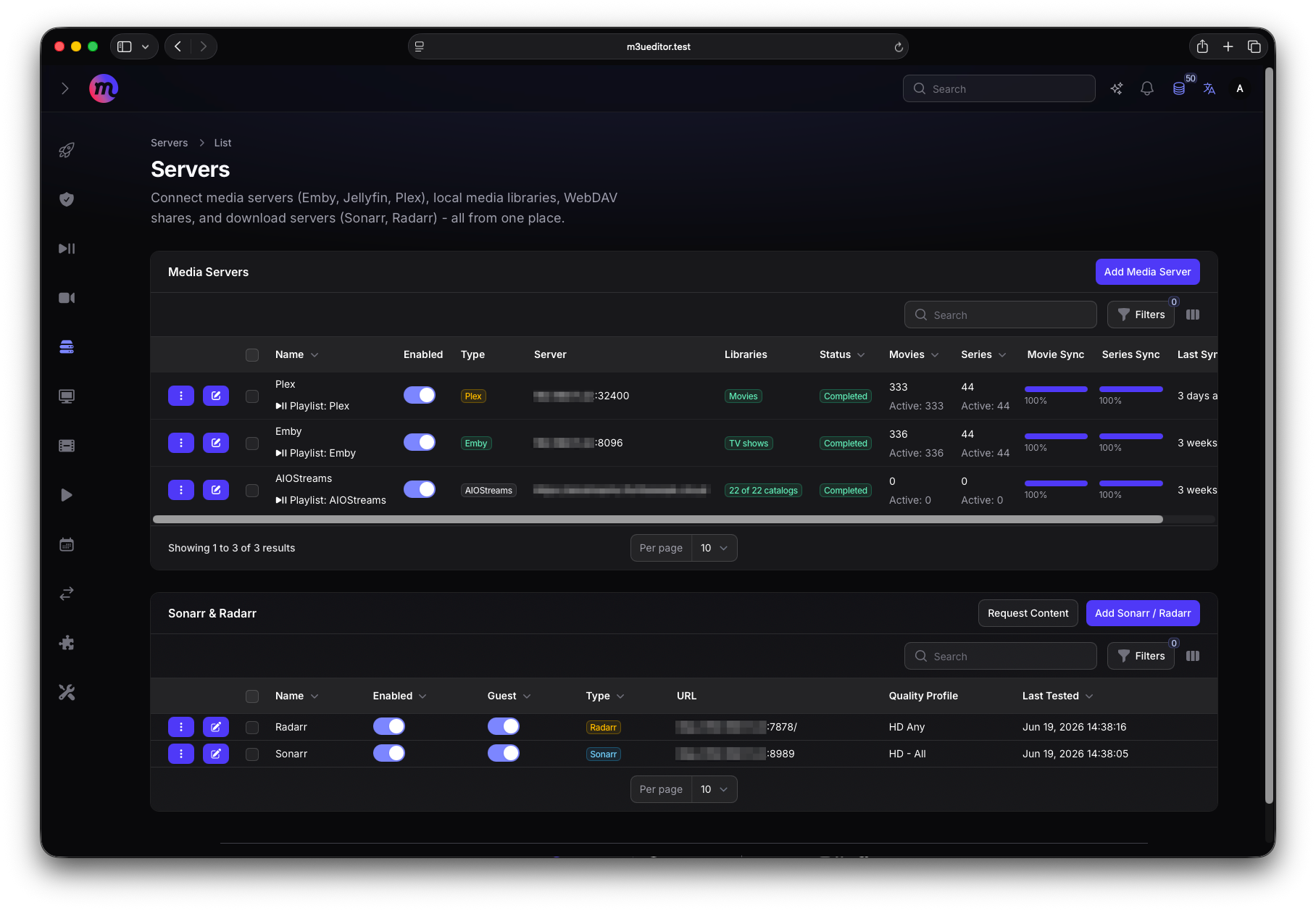
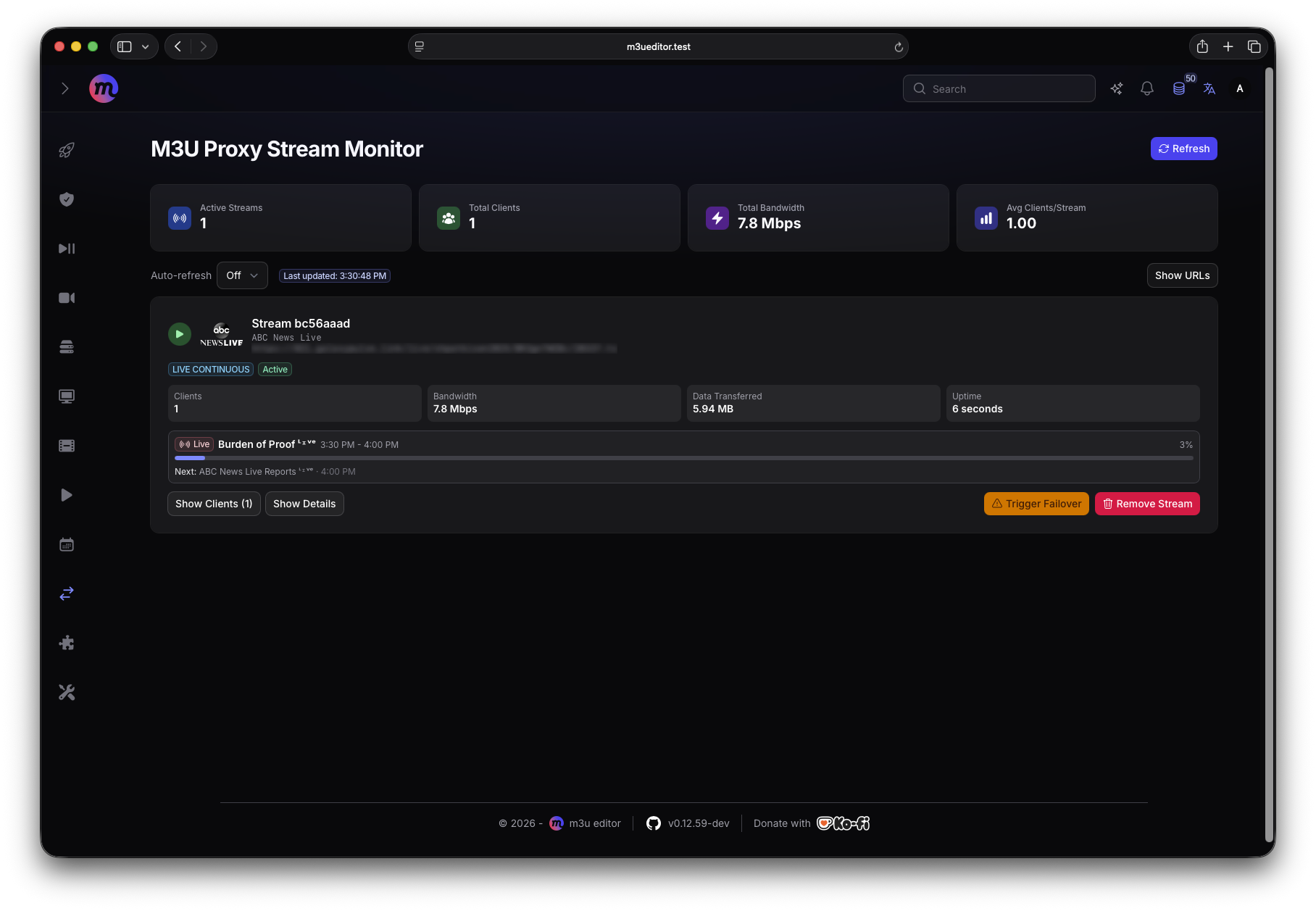
  thumbnail: https://cdn.jsdelivr.net/gh/HSinghHira/IceStore@main/Apps/m3u-editor/screenshot-1.png
  screenshot_link:
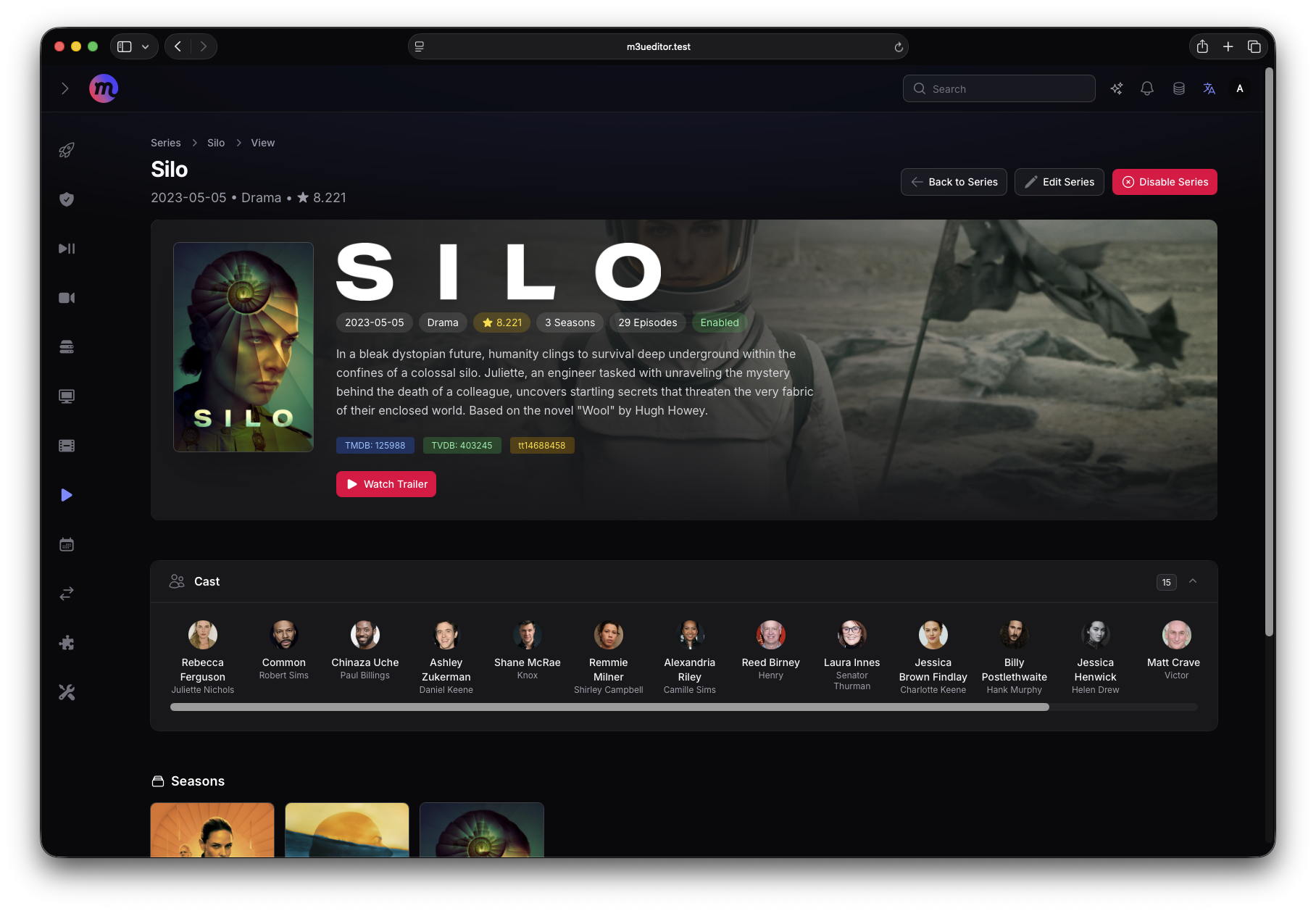
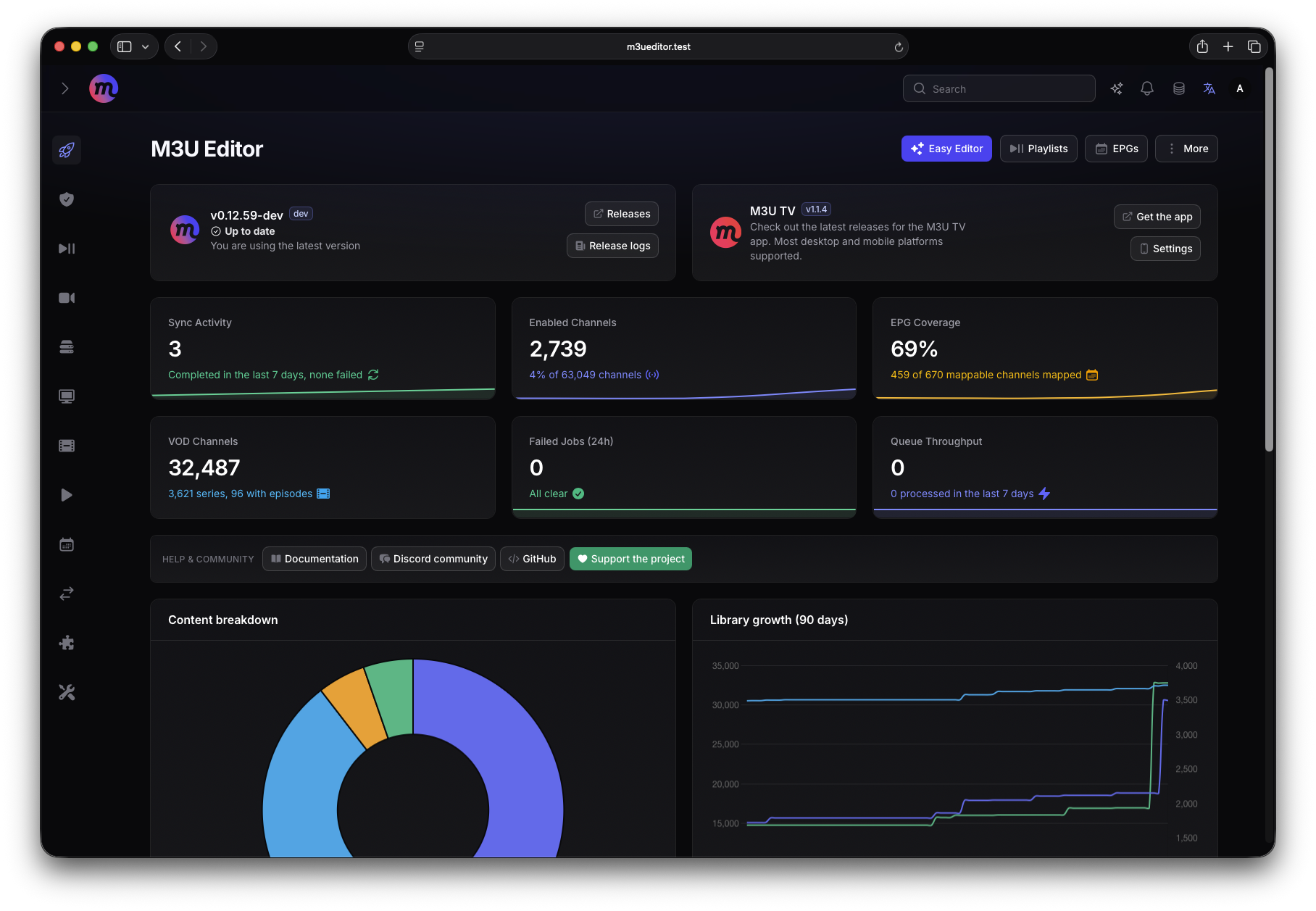
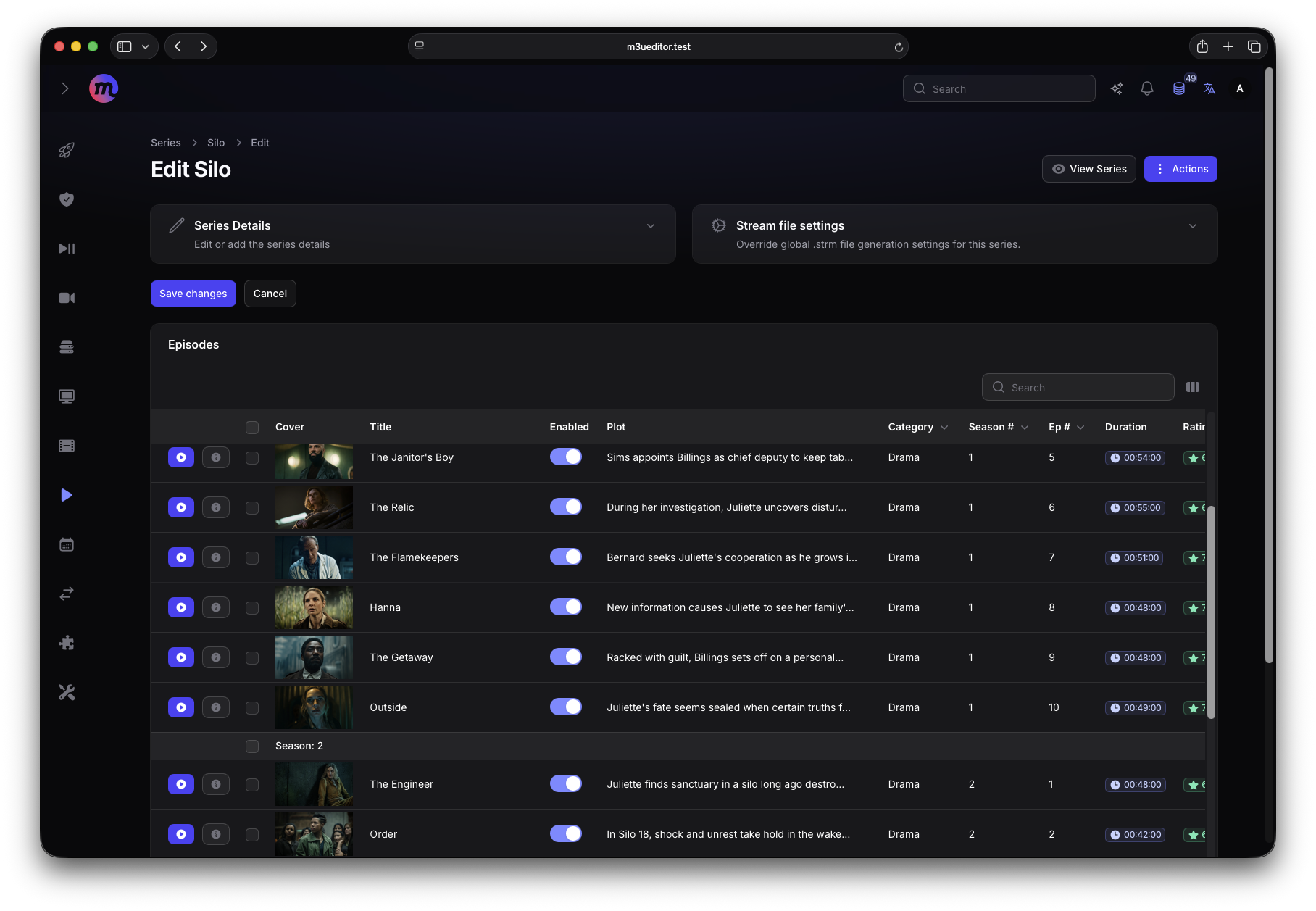
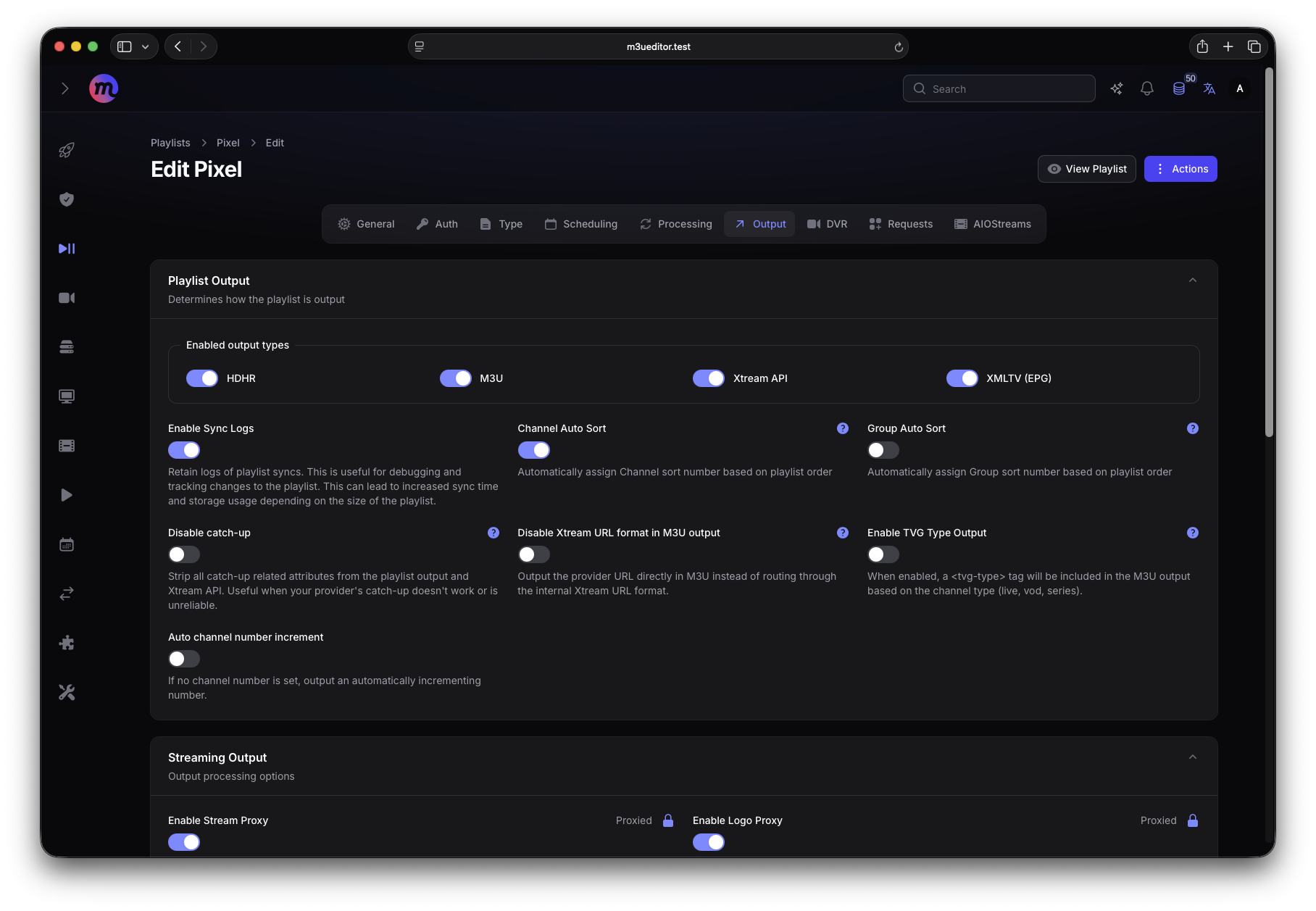
    - https://cdn.jsdelivr.net/gh/HSinghHira/IceStore@main/Apps/m3u-editor/screenshot-1.png
    - https://cdn.jsdelivr.net/gh/HSinghHira/IceStore@main/Apps/m3u-editor/screenshot-2.png
    - https://cdn.jsdelivr.net/gh/HSinghHira/IceStore@main/Apps/m3u-editor/screenshot-3.png
    - https://cdn.jsdelivr.net/gh/HSinghHira/IceStore@main/Apps/m3u-editor/screenshot-4.png
    - https://cdn.jsdelivr.net/gh/HSinghHira/IceStore@main/Apps/m3u-editor/screenshot-5.png
    - https://cdn.jsdelivr.net/gh/HSinghHira/IceStore@main/Apps/m3u-editor/screenshot-6.png
  title:
    en_US: M3U Editor
  tagline:
    en_US: Manage IPTV playlists, EPG guides and Xtream output in one place
  description:
    en_US: >-
      A full-featured IPTV editor, like xTeVe or Threadfin. It handles
      playlists, EPG data and Xtream API output. This uses upstream's own
      all-in-one image: PostgreSQL, Redis and the m3u-proxy stream proxy all
      run inside the one container.


      **Features**


      - Works with m3u, m3u8, m3u+ and Xtream Codes API sources

      - EPG from XMLTV files, XMLTV URLs and Schedules Direct

      - Xtream API output and series management with .strm file sync

      - Post processing with custom scripts, webhooks and email

      - Built-in stream proxy with Redis pooling for smoother playback

      - Sign in with your own OIDC provider, if you want


      **How to use?**


      1. Open M3U Editor from the Zima OS dashboard.

      2. Sign in with user name admin and password admin.

      3. Change the admin password right away.

      4. Add a playlist from your IPTV provider.

      5. Add an EPG source to get a TV guide.

      6. Copy your output playlist or Xtream link into Plex, Jellyfin, Emby
         or any IPTV player.
  tips:
    before_install:
      en_US: >-
        1. Open the app configuration before you install.


        2. Find APP_URL. It starts as http://localhost:6153. Change localhost
           to your ZimaOS IP, like http://192.168.1.20:6153, so your playlist
           links work on other devices.


        3. PG_PASSWORD and DB_PASSWORD are filled in with a random password.
           You can leave them. If you change one, change the other to the
           same value, using letters and numbers only.


        4. More settings, like OIDC sign-in, are listed on the M3U Editor
           page at https://icestore.hsinghhira.me/app/m3u-editor/ (Variables
           tab). You can add them now or later in the app settings.


        5. Start the installation.


        6. Wait about two minutes before you open the app.


        7. Open http://your-zimaos-ip:6153 and sign in with admin and admin.


        8. Change the admin password. Then add your playlist and EPG.
  index: /
  port_map: "6153"
  scheme: http
  is_uncontrolled: false
  version: "0.13.6"
  update_at: "2026-10-25"
  release_notes:
    en_US: |-
      - Uses upstream's all-in-one image, with PostgreSQL, Redis and m3u-proxy inside one container
      - sparkison/m3u-editor 0.13.6
      - Published on port 6153
  repo: "https://github.com/m3ue/m3u-editor"
  support: "https://github.com/m3ue/m3u-editor/issues"
  docs: "https://sparkison.github.io/m3u-editor-docs/docs/about/getting-started/"

 ZimaOS
 CasaOS
 Homeio