name: ntfy

services:
  ntfy:
    image: binwiederhier/ntfy:v2.32.0
    container_name: ntfy
    restart: unless-stopped
    stop_grace_period: 40s
    network_mode: bridge
    init: true
    entrypoint:
      - /bin/sh
      - -c
      - |
        export NTFY_CACHE_FILE="$${NTFY_CACHE_FILE:-/var/lib/ntfy/cache.db}"
        export NTFY_AUTH_FILE="$${NTFY_AUTH_FILE:-/var/lib/ntfy/auth.db}"
        export NTFY_AUTH_DEFAULT_ACCESS="$${NTFY_AUTH_DEFAULT_ACCESS:-deny-all}"
        export NTFY_ENABLE_LOGIN="$${NTFY_ENABLE_LOGIN:-true}"
        export NTFY_REQUIRE_LOGIN="$${NTFY_REQUIRE_LOGIN:-true}"
        f=/var/lib/ntfy/password.txt
        if [ -z "$$NTFY_AUTH_USERS" ]; then
          if [ ! -s "$$f" ]; then
            head -c 18 /dev/urandom | od -An -tx1 | tr -d ' \n' > "$$f" || { echo "[icestore] cannot write $$f"; exit 1; }
            chmod 600 "$$f"
            echo "[icestore] first start: sign in as admin with the password $$(cat "$$f")"
          fi
          pw=$$(cat "$$f")
          hash=$$(printf '%s\n%s\n' "$$pw" "$$pw" | ntfy user hash 2>/dev/null)
          [ -n "$$hash" ] || { echo "[icestore] could not hash the password in $$f"; exit 1; }
          NTFY_AUTH_USERS="admin:$$hash:admin"
          export NTFY_AUTH_USERS
          echo "[icestore] admin password: see /DATA/AppData/ntfy/password.txt"
        fi
        exec ntfy serve
    environment:
      - TZ=$TZ
      - NTFY_BASE_URL=http://localhost:6113
    ports:
      - target: 80
        published: "6113"
        protocol: tcp
    volumes:
      - type: bind
        source: /DATA/AppData/$AppID
        target: /var/lib/ntfy
        bind:
          create_host_path: true
    healthcheck:
      test: ["CMD-SHELL", "wget -q --tries=1 http://127.0.0.1:80/v1/health -O - | grep -Eo '\"healthy\"\\s*:\\s*true' || exit 1"]
      interval: 60s
      timeout: 10s
      retries: 3
      start_period: 40s
    deploy:
      resources:
        limits:
          cpus: "1.00"
          memory: 256M
        reservations:
          cpus: "0.00"
          memory: 64M
    labels:
      icon: https://cdn.jsdelivr.net/gh/HSinghHira/IceStore@main/Apps/ntfy/icon.png
    x-casaos:
      id: com.icestore.ntfy
      envs:
        - container: TZ
          description:
            en_US: Your time zone. ZimaOS fills this in for you.
        - container: NTFY_BASE_URL
          description:
            en_US: >-
              The web address of your ntfy server. localhost only works on
              this device. For other devices, change localhost to your ZimaOS
              IP, like http://192.168.1.50:6113, or use your public address,
              like https://ntfy.example.com.
      ports:
        - container: "80"
          description:
            en_US: Web app and API, published on host as 6113.
      volumes:
        - container: /var/lib/ntfy
          description:
            en_US: Saved messages and the user database.

x-casaos:
  id: com.icestore.ntfy
  architectures:
    - amd64
    - arm64
  main: ntfy
  author: HSinghHira
  category: Productivity
  developer: Philipp Heckel
  icon: https://cdn.jsdelivr.net/gh/HSinghHira/IceStore@main/Apps/ntfy/icon.png
  thumbnail: https://cdn.jsdelivr.net/gh/HSinghHira/IceStore@main/Apps/ntfy/screenshot-1.png
  screenshot_link:
    - https://cdn.jsdelivr.net/gh/HSinghHira/IceStore@main/Apps/ntfy/screenshot-1.png
    - https://cdn.jsdelivr.net/gh/HSinghHira/IceStore@main/Apps/ntfy/screenshot-2.png
    - https://cdn.jsdelivr.net/gh/HSinghHira/IceStore@main/Apps/ntfy/screenshot-3.png
    - https://cdn.jsdelivr.net/gh/HSinghHira/IceStore@main/Apps/ntfy/screenshot-4.png
  title:
    en_US: ntfy
  tagline:
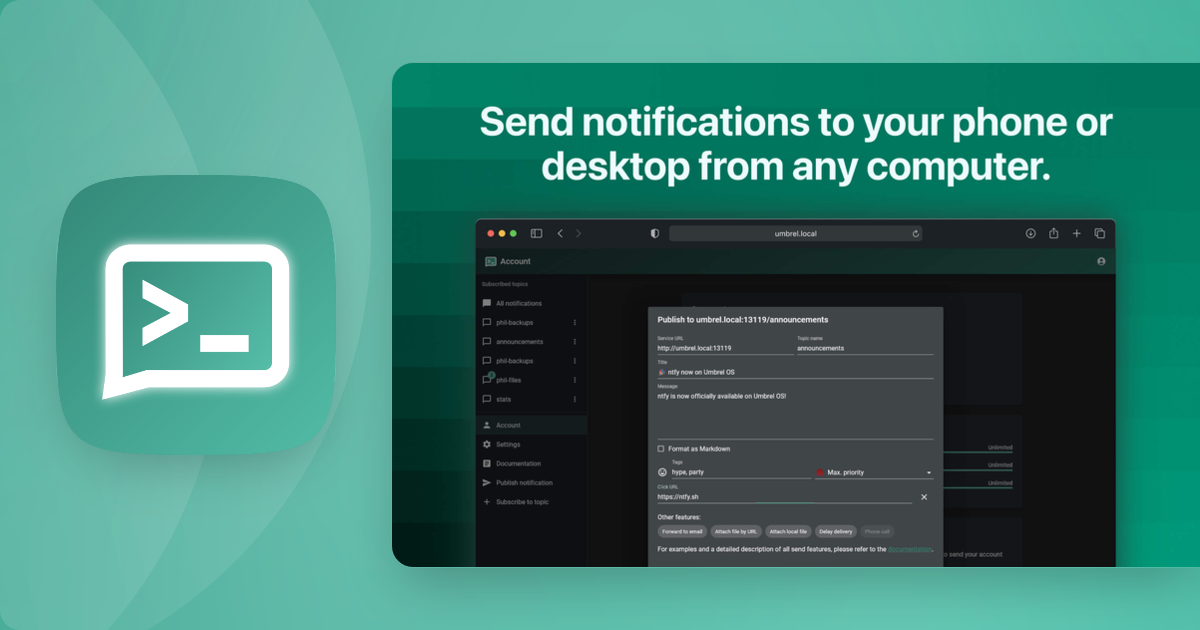
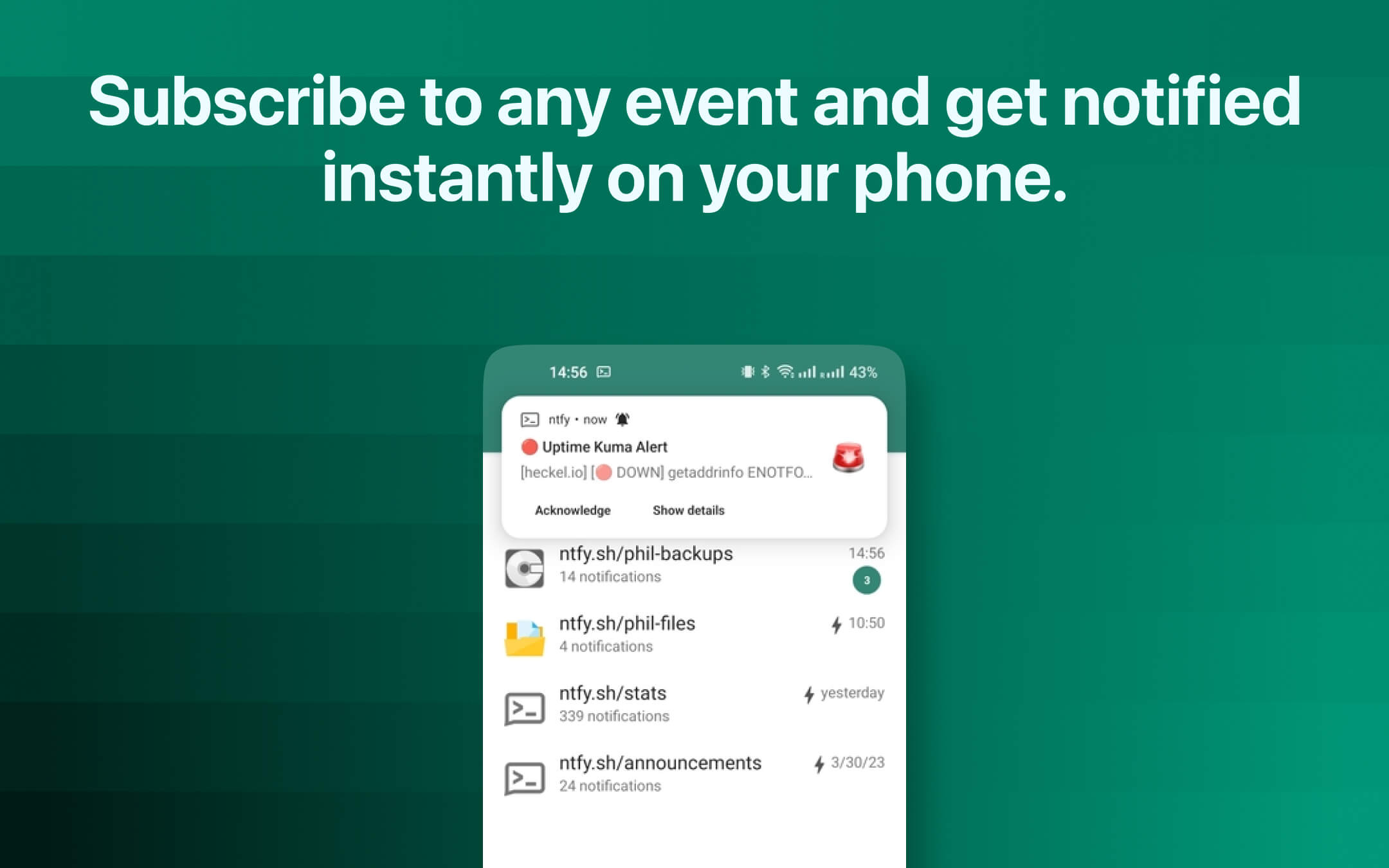
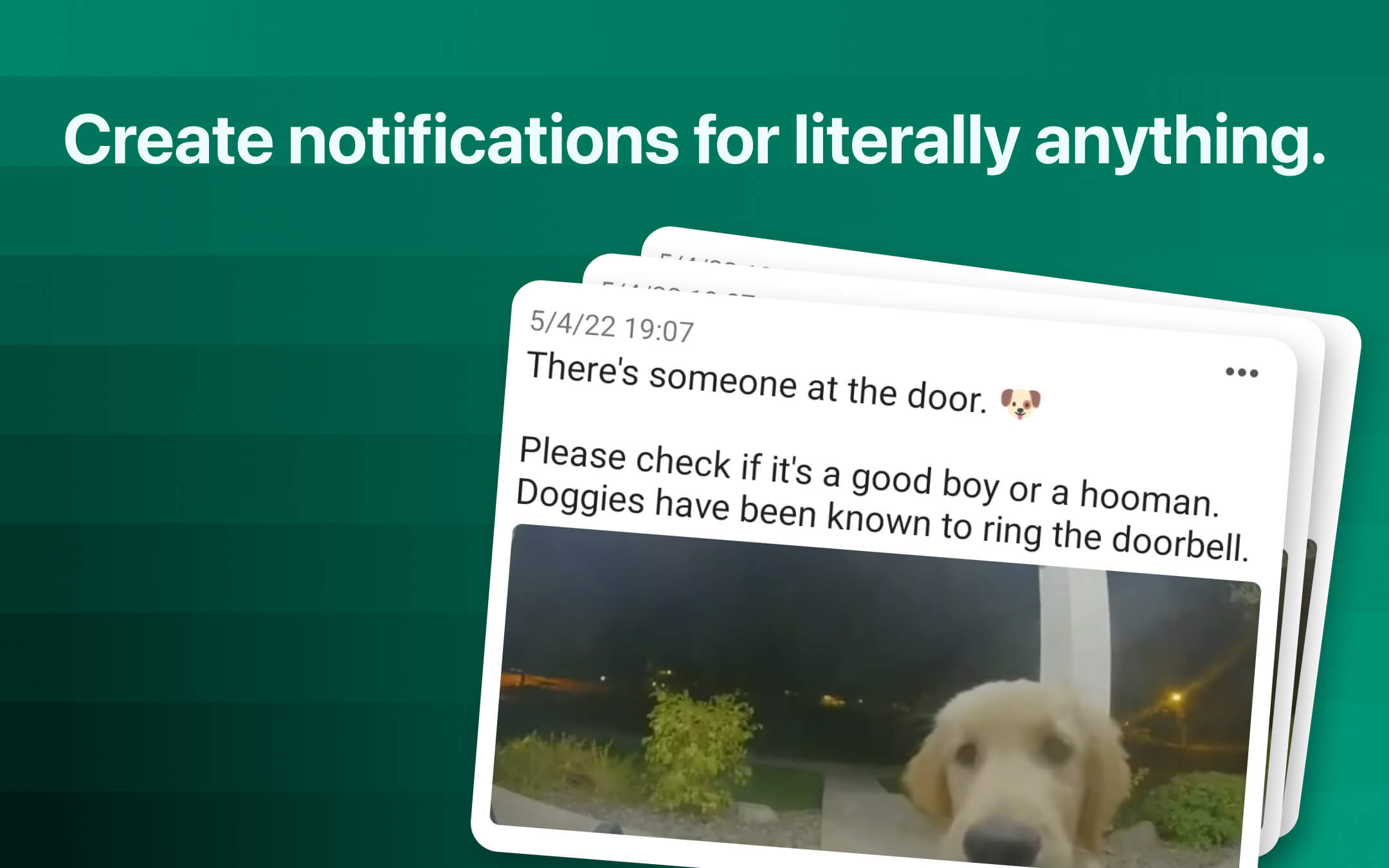
    en_US: Send push notifications to your phone or desktop with simple HTTP requests.
  description:
    en_US: >-
      Visit: [https://icestore.hsinghhira.me/app/ntfy/](https://icestore.hsinghhira.me/app/ntfy/) for full details


      A simple, self-hosted notification service. Send alerts from any
      script or app to your phone or desktop with a plain PUT or POST.


      **Features**


      - Publish and subscribe to topics over HTTP

      - Android, iOS and web apps for receiving notifications

      - Users and access rules, locked down by default

      - Messages and users saved in the app data folder


      **How to use?**


      1. Open ntfy from the Zima OS dashboard.


      2. Sign in as **admin**. The password is in
         /DATA/AppData/ntfy/password.txt (open it with the Files app).


      3. Subscribe to a topic.


      4. Send a test message with `curl -u admin:YOUR-PASSWORD -d "Hello"
         http://YOUR-ZIMAOS-IP:6113/mytopic`.


      5. Add the same server and topic in the ntfy phone app.
  tips:
    before_install:
      en_US: >-
        Visit: [https://icestore.hsinghhira.me/app/ntfy/](https://icestore.hsinghhira.me/app/ntfy/) for full details
  index: /
  port_map: "6113"
  scheme: http
  is_uncontrolled: false
  version: "2.32.0"
  update_at: "2026-10-21"
  release_notes:
    en_US: |-
      - Pinned to binwiederhier/ntfy:v2.32.0 instead of latest.
      - No more admin/admin: each install makes its own random admin password on first start, saved in password.txt in the app folder and shown in the log. Change it by editing that file and restarting. If you installed before, your app still uses admin/admin until you change NTFY_AUTH_USERS (or make it blank) in the app settings.
      - Moved to IceStore. Port changed from 8473 to 6113.
      - NTFY_BEHIND_PROXY and NTFY_UPSTREAM_BASE_URL moved to the Variables tab on the IceStore website. Add NTFY_UPSTREAM_BASE_URL=https://ntfy.sh to get instant alerts on iPhone.
      - NTFY_AUTH_DEFAULT_ACCESS, NTFY_ENABLE_LOGIN, NTFY_REQUIRE_LOGIN and NTFY_AUTH_USERS moved to the Variables tab. The app still locks ntfy down by default when they are left out.
  repo: "https://github.com/binwiederhier/ntfy"
  support: "https://github.com/binwiederhier/ntfy/issues"
  docs: "https://docs.ntfy.sh/"


 ZimaOS
 CasaOS
 Homeio