
Pocket ID
A simple, passkey-only OIDC and OAuth 2.0 provider for your self-hosted apps
- ghcr.io/hsinghhira/pocket-id:latest
- port 6157
- Networking
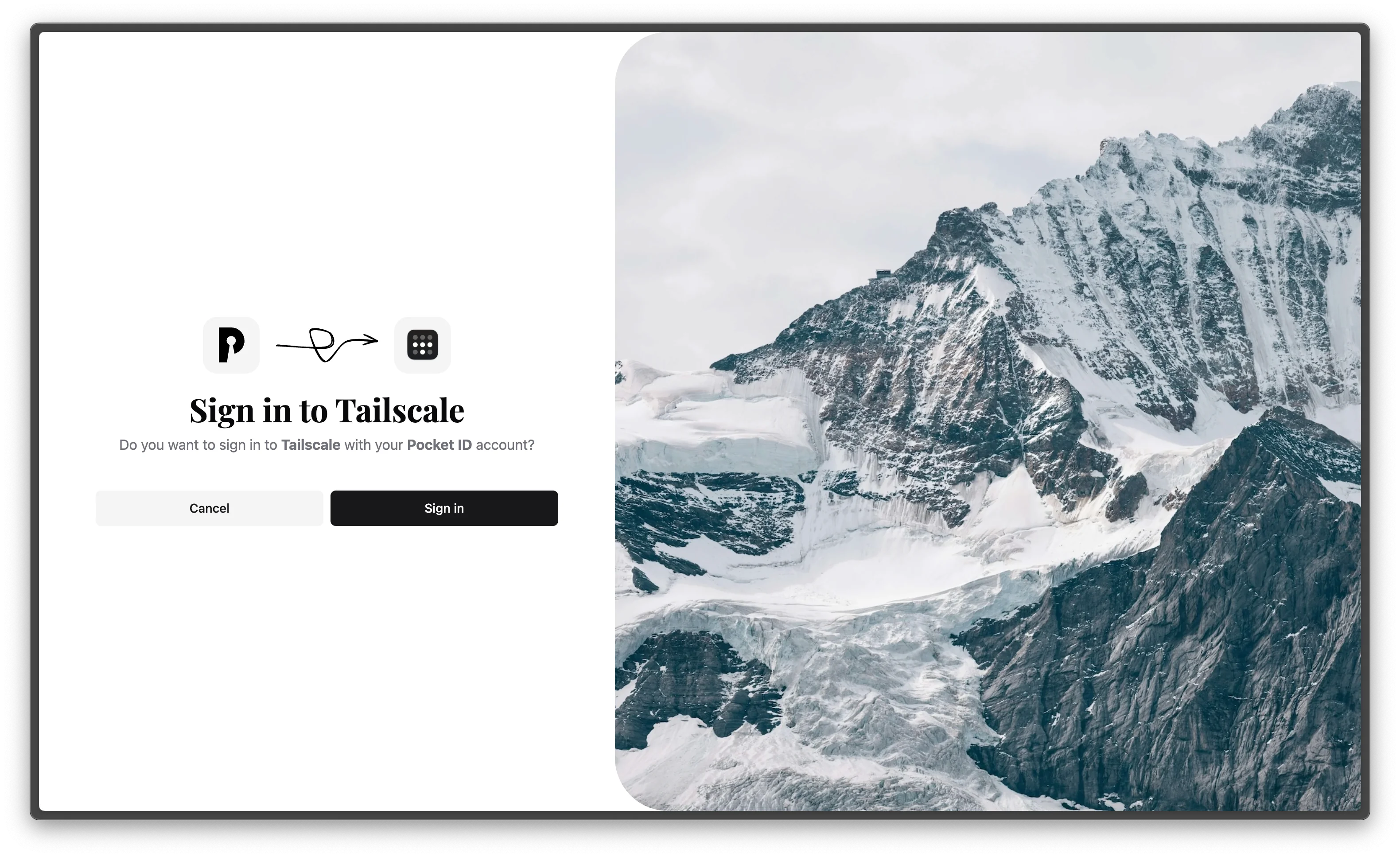
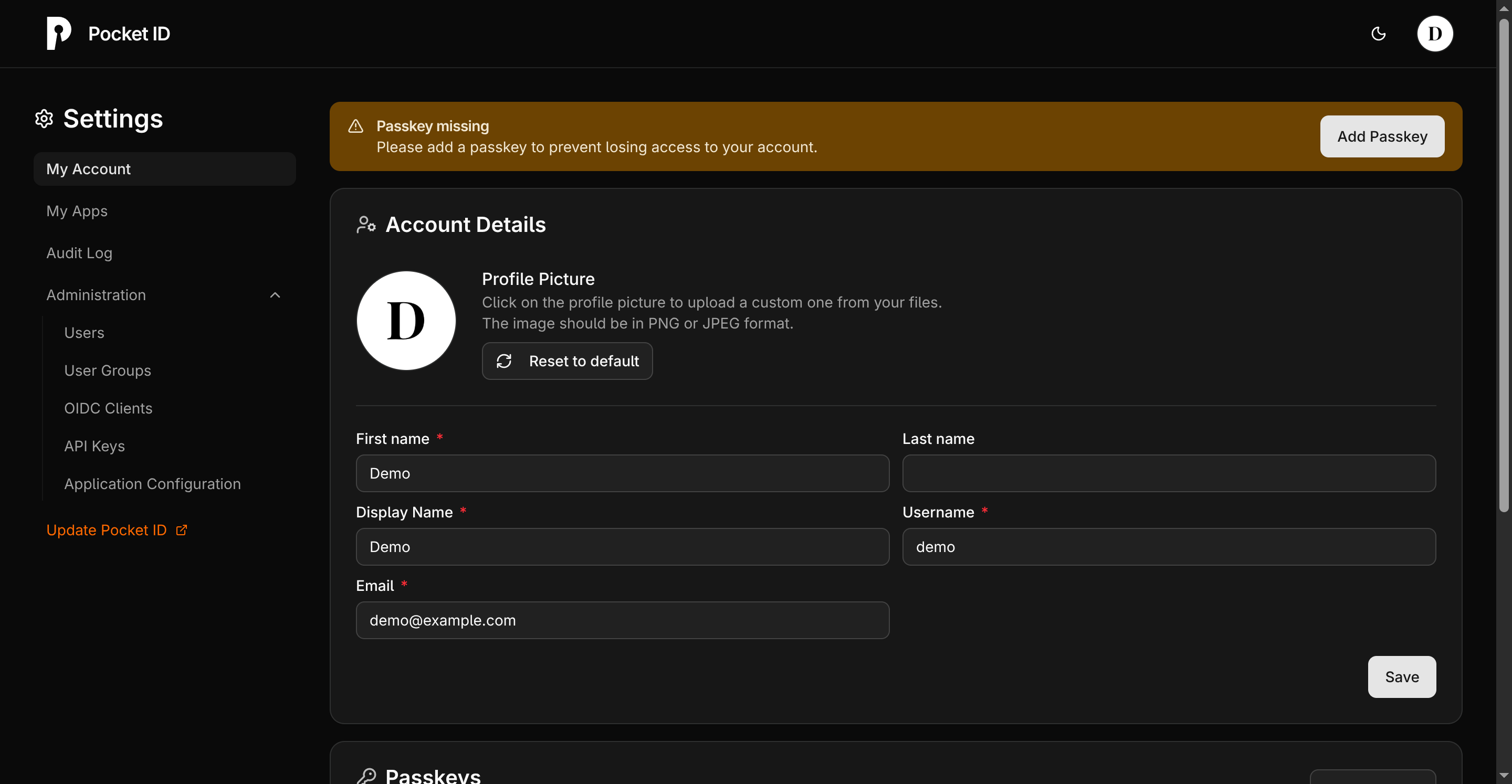
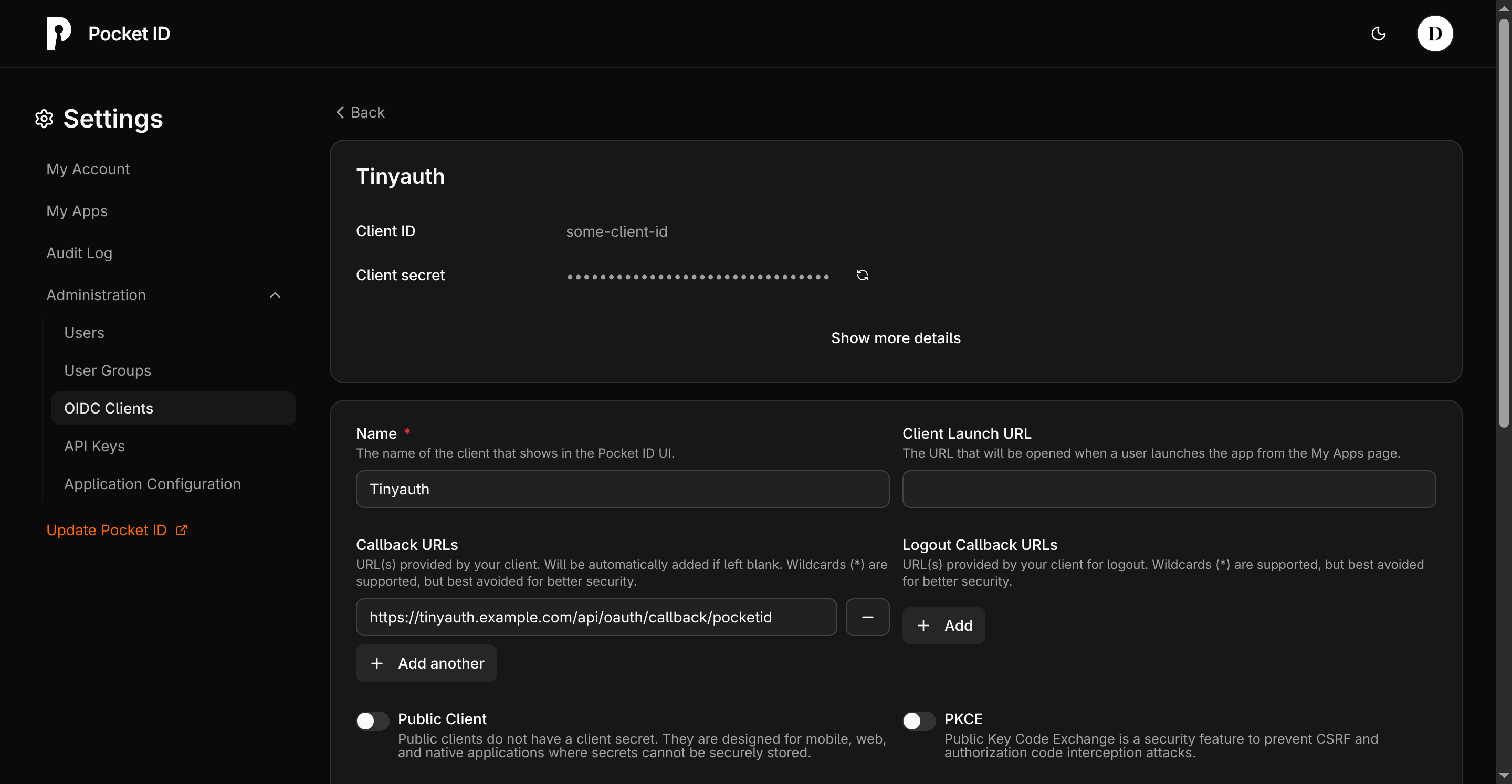
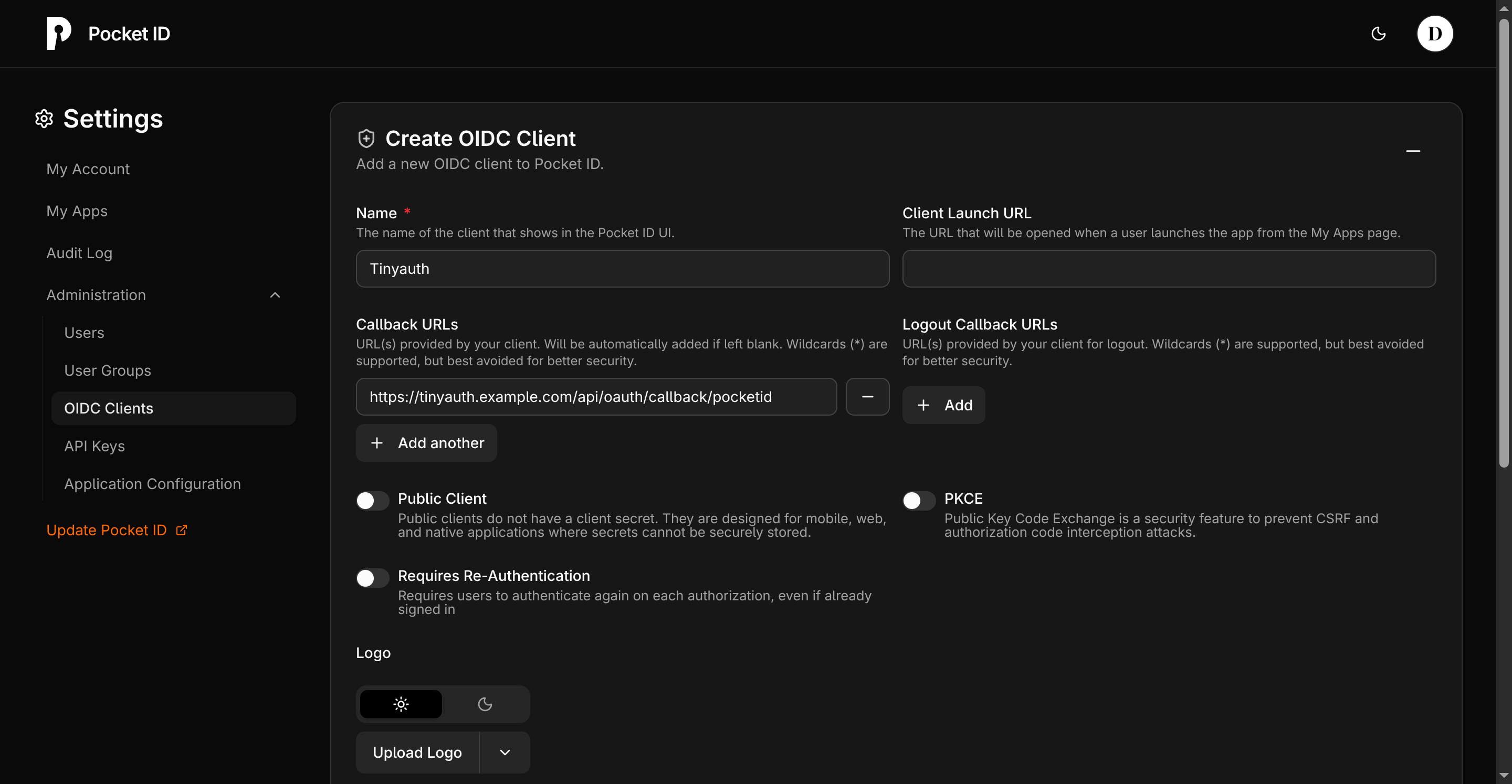
Web App
/http://localhost:6157/ First Setup
/setuphttp://localhost:6157/setup Pocket ID is a simple, OpenID Connect Certified OIDC and OAuth 2.0 provider built around passkeys. There are no passwords to leak: people sign in with a passkey or a hardware key like a YubiKey. Every install makes its own encryption key on first start.
Features
- Passkey-only sign-in, with no passwords anywhere in the system
- OpenID Connect Certified and OAuth 2.0 compliant, so it works with most apps that offer "Login with OIDC"
- Simple admin pages for users, groups and OIDC clients, without the complexity of Keycloak or Authentik
- Optional self-service sign-up, LDAP sync and SCIM provisioning
- SQLite built in, so there is no separate database to look after
How to use
- Open Pocket ID at the address you set in
APP_URL. - Go to the
/setuppage and create the first admin account with a passkey. - Add your users, or connect LDAP if you already have a directory.
- Create an OIDC client for each app you want to sign in to with Pocket ID.
- In that app's OIDC settings, type your Pocket ID address and the client ID and secret.
- Branding, email and sign-up rules are in the admin pages under Application Configuration.
Before you install
Set APP_URL to the exact address you will open Pocket ID at, like https://id.example.com, before the first start, and don't change it later: passkeys are locked to it. Browsers only allow passkeys on https addresses (or http://localhost:6157 on the ZimaOS box itself), so put Pocket ID behind a reverse proxy with https. The encryption key is made on first start and kept in the data folder as .encryption_key, so back the whole folder up. The app is ready in a few seconds; open your address with /setup at the end and make your admin account. More settings are in the Variables tab; add them in the app settings. The Application Configuration ones only work with UI_CONFIG_DISABLED=true, and then each one should only be added with a value.
The settings in the first table are already in the app settings. To use any other one, open the app settings, add the variable with your value, save, and the app restarts with it. A setting you leave out uses its default.
In the app settings
| Variable | Default value | Description |
|---|---|---|
TZ | $TZ | Your time zone. It is filled in from your ZimaOS time zone. Leave it unless you need another. |
APP_ | http://localhost:6157 | The exact address you open Pocket ID at, like https://id.example.com. Passkeys only work on https, or on http://localhost on this device. Passkeys are locked to this address, so set it before you make your admin account and do not change it later. |
PUID | $PUID | The user that owns the data folder. It is filled in by ZimaOS. Leave it. |
PGID | $PGID | The group that owns the data folder. It is filled in by ZimaOS. Leave it. |
Server
| Variable | Default value | Description |
|---|---|---|
ENCRYPTION_ | — | Your own encryption key, at least 16 characters. Leave it out: each install makes its own on first start and keeps it in the data folder as .encryption_key. Never change the key after the first start, or Pocket ID can't read its data. |
TRUST_ | false | The reverse proxies Pocket ID takes the visitor's real IP from, as a comma-separated list of IPs or ranges like 172.17.0.0/16. Set to true to trust every address, only when Pocket ID can't be reached without your proxy. |
TRUSTED_ | — | The header your CDN puts the visitor's IP in, like CF-Connecting-IP for Cloudflare. Use it instead of TRUST_PROXY behind a CDN. |
INTERNAL_ | — | Another address for the token and key endpoints, for apps that reach Pocket ID on your network instead of through APP_URL, like http://192.168.1.20:6157. Leave it out to use APP_URL. |
DB_ | data/pocket-id.db | A PostgreSQL database instead of the built-in SQLite one, like postgres://pocketid:[email protected]:5432/pocketid. Set it before the first start: data already in SQLite is not moved. |
MAXMIND_ | — | A free MaxMind GeoLite2 key, so the audit log shows where sign-ins came from instead of "unknown". |
Security
| Variable | Default value | Description |
|---|---|---|
ALLOW_ | true | Set to false to refuse http:// callback URLs on hosts other than localhost. Keep it true if one of your apps only runs on http. |
AUDIT_ | 90 | How many days the audit log keeps sign-in events. |
Application Configuration
| Variable | Default value | Description |
|---|---|---|
UI_ | false | Set to true to take the Application Configuration settings below from these variables instead of the admin pages. Then add each one only with a value: an empty one counts as set. |
APP_ | Pocket ID | The name shown in the UI and in emails, up to 30 characters. Needs UI_CONFIG_DISABLED=true. |
SESSION_ | 60 | How many minutes a Pocket ID session lasts before people sign in again. Needs UI_CONFIG_DISABLED=true. |
ALLOW_ | disabled | Who can make an account: disabled (only the admin adds people), withToken (people with a sign-up link) or open (anyone). Needs UI_CONFIG_DISABLED=true. |
Email (SMTP)
| Variable | Default value | Description |
|---|---|---|
SMTP_ | — | Your mail server, like smtp.gmail.com. Needs UI_CONFIG_DISABLED=true; otherwise set email up in the admin pages. |
SMTP_ | — | Your mail server's port, like 587 or 465. |
SMTP_ | — | The sender address, like [email protected]. |
SMTP_ | — | The user name for your mail server. |
SMTP_ | — | The password for your mail server. |
SMTP_ | none | How to encrypt the connection: none, starttls (usually port 587) or tls (usually port 465). |
EMAIL_ | false | Set to true to email people when they sign in from a new device. |
EMAIL_ | false | Set to true so admins can email a sign-in code to someone who lost their passkey. |
Privacy
| Variable | Default value | Description |
|---|---|---|
ANALYTICS_ | false | Set to true to stop the daily anonymous heartbeat that counts running Pocket ID servers. |
VERSION_ | false | Set to true to stop Pocket ID checking GitHub for new versions. |
Logs
| Variable | Default value | Description |
|---|---|---|
LOG_ | info | How much Pocket ID writes to the app log: debug, info, warn or error. |
name: pocket-id
services:
pocket-id:
image: ghcr.io/hsinghhira/pocket-id:latest
container_name: pocket-id
restart: unless-stopped
stop_grace_period: 20s
network_mode: bridge
environment:
- TZ=$TZ
- APP_URL=http://localhost:6157
- PUID=$PUID
- PGID=$PGID
ports:
- target: 1411
published: "6157"
protocol: tcp
volumes:
- type: bind
source: /DATA/AppData/$AppID/data
target: /app/data
bind:
create_host_path: true
healthcheck:
test: ["CMD", "/app/pocket-id", "healthcheck"]
interval: 1m30s
timeout: 5s
retries: 2
start_period: 10s
deploy:
resources:
limits:
cpus: "1.00"
memory: 512M
reservations:
cpus: "0.10"
memory: 128M
labels:
icon: https://cdn.jsdelivr.net/gh/HSinghHira/IceStore@main/Apps/pocket-id/icon.png
x-casaos:
id: com.icestore.pocket-id
envs:
- container: TZ
description:
en_US: >-
Your time zone. It is filled in from your ZimaOS time zone.
Leave it unless you need another.
- container: APP_URL
description:
en_US: >-
The exact address you open Pocket ID at, like
https://id.example.com. Passkeys only work on https, or on
http://localhost on this device. Passkeys are locked to this
address, so set it before you make your admin account and do
not change it later.
- container: PUID
description:
en_US: >-
The user that owns the data folder. It is filled in by ZimaOS.
Leave it.
- container: PGID
description:
en_US: >-
The group that owns the data folder. It is filled in by ZimaOS.
Leave it.
ports:
- container: "1411"
description:
en_US: Pocket ID web UI and API, published on host as 6157
volumes:
- container: /app/data
description:
en_US: >-
The SQLite database, uploaded logos and pictures, the GeoLite2
location database and .encryption_key, this install's own key
made on first start. Back this folder up; the data can't be
read without the key.
x-casaos:
id: com.icestore.pocket-id
architectures:
- amd64
- arm64
main: pocket-id
author: HSinghHira
category: Networking
developer: Pocket ID
icon: https://cdn.jsdelivr.net/gh/HSinghHira/IceStore@main/Apps/pocket-id/icon.png
thumbnail: https://cdn.jsdelivr.net/gh/HSinghHira/IceStore@main/Apps/pocket-id/screenshot-1.webp
screenshot_link:
- https://cdn.jsdelivr.net/gh/HSinghHira/IceStore@main/Apps/pocket-id/screenshot-1.webp
- https://cdn.jsdelivr.net/gh/HSinghHira/IceStore@main/Apps/pocket-id/screenshot-2.png
- https://cdn.jsdelivr.net/gh/HSinghHira/IceStore@main/Apps/pocket-id/screenshot-3.png
- https://cdn.jsdelivr.net/gh/HSinghHira/IceStore@main/Apps/pocket-id/screenshot-4.png
title:
en_US: Pocket ID
tagline:
en_US: A simple, passkey-only OIDC and OAuth 2.0 provider for your self-hosted apps
description:
en_US: >-
Pocket ID is a simple, OpenID Connect Certified OIDC and OAuth 2.0
provider built around passkeys. There are no passwords to leak: people
sign in with a passkey or a hardware key like a YubiKey. Every install
makes its own encryption key on first start.
**Features**
- Passkey-only sign-in, with no passwords anywhere in the system
- OpenID Connect Certified and OAuth 2.0 compliant, so it works with
most apps that offer "Login with OIDC"
- Simple admin pages for users, groups and OIDC clients, without the
complexity of Keycloak or Authentik
- Optional self-service sign-up, LDAP sync and SCIM provisioning
- SQLite built in, so there is no separate database to look after
**How to use?**
1. Open Pocket ID at the address you set in APP_URL.
2. Go to the /setup page and create the first admin account with a
passkey.
3. Add your users, or connect LDAP if you already have a directory.
4. Create an OIDC client for each app you want to sign in to with
Pocket ID.
5. In that app's OIDC settings, type your Pocket ID address and the
client ID and secret.
6. Branding, email and sign-up rules are in the admin pages under
Application Configuration.
tips:
before_install:
en_US: >-
1. Open the app configuration before you install.
2. Find APP_URL. Set it to the exact address you will open Pocket ID
at, like https://id.example.com.
3. Passkeys only work on an https address. Put Pocket ID behind a
reverse proxy with https first. On the ZimaOS box itself,
http://localhost:6157 also works.
4. Do not change APP_URL later. Passkeys are locked to it.
5. More settings, like email, sign-up rules and log level, are listed
on the Pocket ID page at https://icestore.hsinghhira.me/app/pocket-id/
(Variables tab). You can add them now or later in the app settings.
6. Start the installation. It is ready in a few seconds.
7. Open your APP_URL address and add /setup at the end.
8. Make your admin account with a passkey.
index: /
port_map: "6157"
scheme: http
is_uncontrolled: false
version: "v2.19.1"
update_at: "2026-10-25"
release_notes:
en_US: |-
- Moved to IceStore, now on port 6157
- Built on ghcr.io/pocket-id/pocket-id v2.19.1, plus a start script that makes each install's own encryption key
- No encryption key in the compose file any more: it is made on first start and kept in the data folder as .encryption_key
- Data moved to /DATA/AppData/pocket-id/data
- Optional settings moved to the Variables tab on the IceStore page, so Application Configuration in the admin pages works again
repo: "https://github.com/pocket-id/pocket-id"
support: "https://github.com/pocket-id/pocket-id/issues"
docs: "https://pocket-id.org/docs/introduction" ZimaOS
 CasaOS
 Homeio