
SearXNG
Private, self-hosted metasearch engine.
- docker.io/searxng/searxng:2026.8.10-0a118066d
- port 6116
- Networking
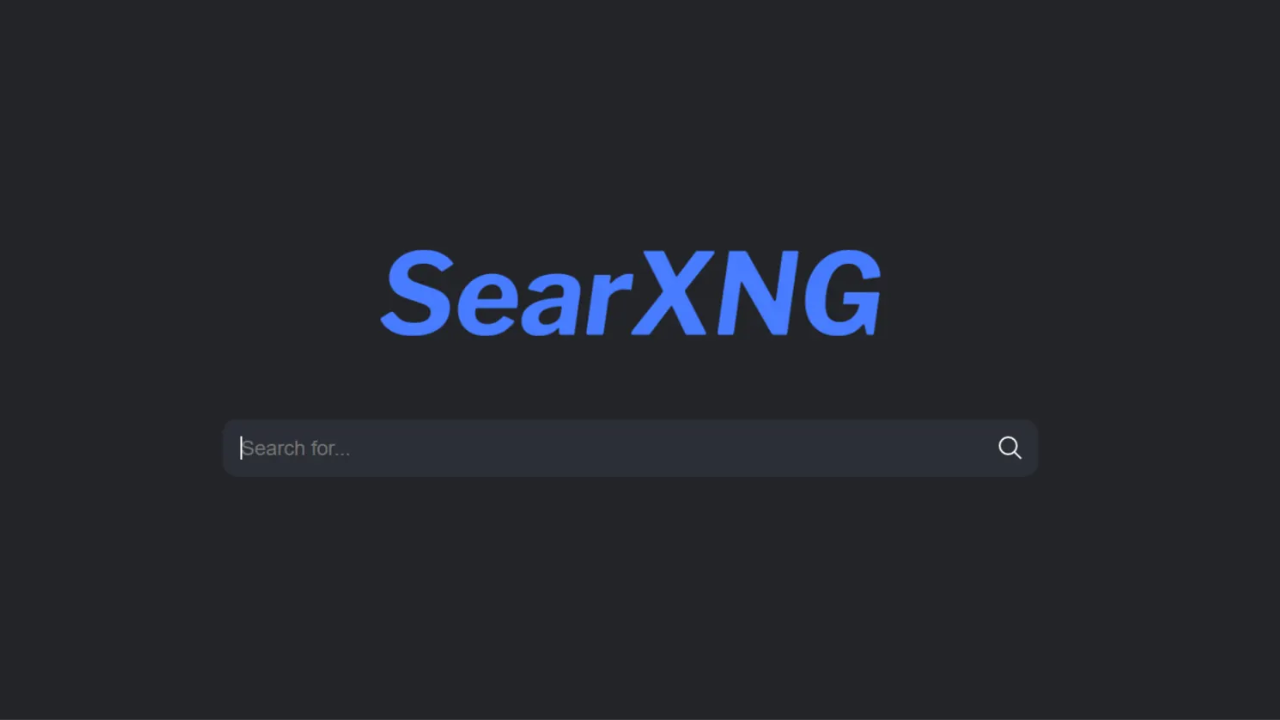
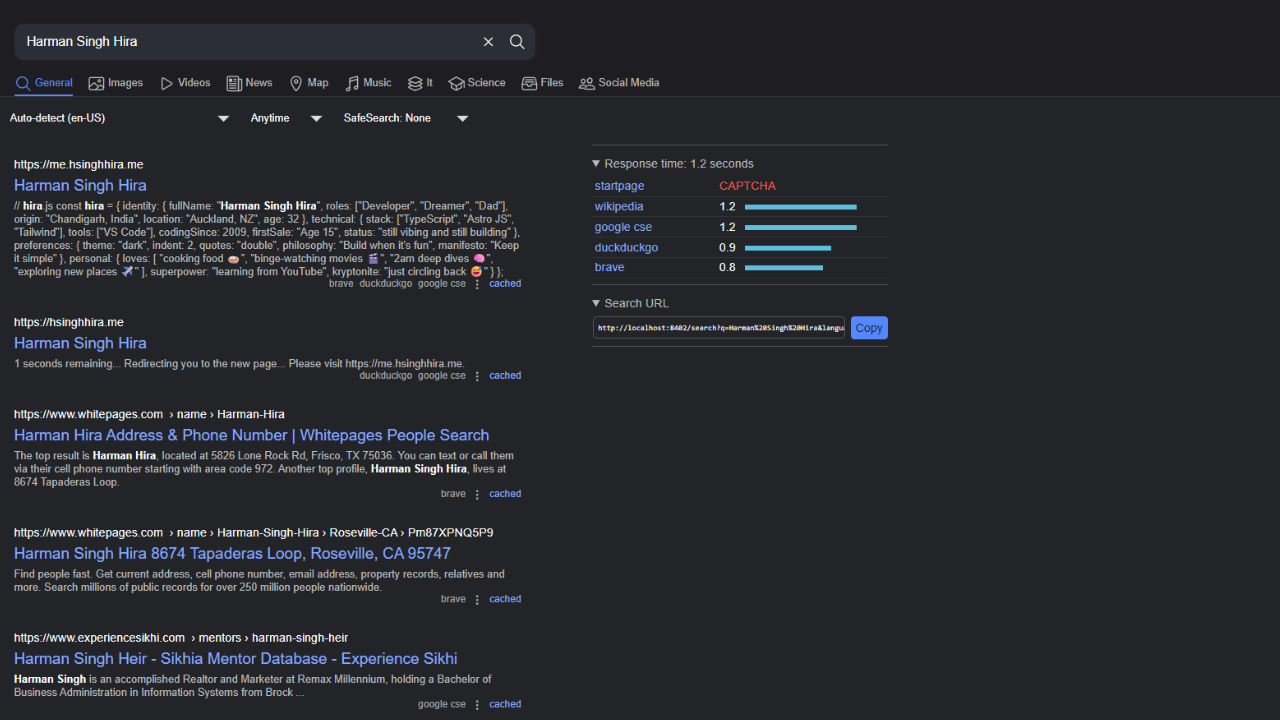
Search
/http://localhost:6116/ SearXNG gathers results from many search engines without tracking you. It is a private, self-hosted alternative to Google or DuckDuckGo that you fully control.
Features
- Results from dozens of search engines with no tracking, profiling or ads
- Configurable through settings.yml: turn engines on or off, tune ranking, change the look
- Valkey cache included
- Settings and cache kept in the app data folder
How to use
- Open SearXNG from your dashboard.
- Start searching. No account is needed.
- To change engines, ranking or the look, edit
settings.ymlin the config folder, then restart the app.
Before you install
Nothing needs to be set first. To use SearXNG from other devices, change localhost in SEARXNG_BASE_URL to your server's IP. The Valkey cache container starts with SearXNG; add SEARXNG_VALKEY_URL=valkey://searxng-valkey:6379/0 from the Variables tab to connect them. More settings live in settings.yml under /DATA/AppData/searxng/config.
The settings in the first table are already in the app settings. To use any other one, open the app settings, add the variable with your value, save, and the app restarts with it. A setting you leave out uses its default.
In the app settings
| Variable | Default value | Description |
|---|---|---|
TZ | $TZ | Your time zone. ZimaOS fills this in for you. |
SEARXNG_ | http://localhost:6116/ | The address people open SearXNG at. localhost only works on this device; change it to your ZimaOS IP, like http://192.168.1.50:6116/, or your own domain. |
Cache
| Variable | Default value | Description |
|---|---|---|
SEARXNG_ | — | Connects SearXNG to the bundled Valkey cache. Set it to valkey://searxng-valkey:6379/0 to use it. |
Security
| Variable | Default value | Description |
|---|---|---|
SEARXNG_ | false | Set to true to block bots and too many requests. Needs SEARXNG_VALKEY_URL. |
SEARXNG_ | false | Set to true if strangers on the internet will use your instance. It turns on extra protection. |
SEARXNG_ | — | The secret key SearXNG uses. Set a long random value; it overrides the one in settings.yml. |
Privacy
| Variable | Default value | Description |
|---|---|---|
SEARXNG_ | false | Set to true to load result images through your server, so image sites don't see your IP. |
name: searxng
services:
searxng:
image: docker.io/searxng/searxng:2026.8.10-0a118066d
container_name: searxng
restart: unless-stopped
stop_grace_period: 40s
depends_on:
- searxng-valkey
environment:
- TZ=$TZ
- SEARXNG_BASE_URL=http://localhost:6116/
ports:
- target: 8080
published: "6116"
protocol: tcp
volumes:
- type: bind
source: /DATA/AppData/$AppID/config
target: /etc/searxng
bind:
create_host_path: true
- type: bind
source: /DATA/AppData/$AppID/data
target: /var/cache/searxng
bind:
create_host_path: true
networks:
- searxng_network
deploy:
resources:
limits:
cpus: "1.00"
memory: 512M
reservations:
cpus: "0.25"
memory: 128M
labels:
icon: https://cdn.jsdelivr.net/gh/HSinghHira/IceStore@main/Apps/searxng/icon.png
x-casaos:
id: com.icestore.searxng
envs:
- container: TZ
description:
en_US: Your time zone. ZimaOS fills this in for you.
- container: SEARXNG_BASE_URL
description:
en_US: >-
The address people open SearXNG at. localhost only works on this
device; change it to your ZimaOS IP, like
http://192.168.1.50:6116/, or your own domain.
ports:
- container: "8080"
description:
en_US: Web UI, published on host as 6116.
volumes:
- container: /etc/searxng
description:
en_US: Settings files (settings.yml, limiter.toml, favicons.toml).
- container: /var/cache/searxng
description:
en_US: Cache data, like the favicon cache.
searxng-valkey:
image: docker.io/valkey/valkey:9-alpine
container_name: searxng-valkey
restart: unless-stopped
stop_grace_period: 40s
command: valkey-server --save 30 1 --loglevel warning
volumes:
- type: bind
source: /DATA/AppData/$AppID/valkey
target: /data
bind:
create_host_path: true
networks:
- searxng_network
deploy:
resources:
limits:
cpus: "0.50"
memory: 128M
reservations:
cpus: "0.00"
memory: 64M
labels:
icon: https://cdn.jsdelivr.net/gh/HSinghHira/IceStore@main/Apps/searxng/icon.png
x-casaos:
id: com.icestore.searxng
volumes:
- container: /data
description:
en_US: Valkey data behind SearXNG's request cache and limiter.
networks:
searxng_network:
driver: bridge
x-casaos:
id: com.icestore.searxng
architectures:
- amd64
- arm64
main: searxng
author: HSinghHira
category: Networking
developer: searxng
icon: https://cdn.jsdelivr.net/gh/HSinghHira/IceStore@main/Apps/searxng/icon.png
thumbnail: https://cdn.jsdelivr.net/gh/HSinghHira/IceStore@main/Apps/searxng/screenshot-1.png
screenshot_link:
- https://cdn.jsdelivr.net/gh/HSinghHira/IceStore@main/Apps/searxng/screenshot-1.png
- https://cdn.jsdelivr.net/gh/HSinghHira/IceStore@main/Apps/searxng/screenshot-2.png
title:
en_US: SearXNG
tagline:
en_US: Private, self-hosted metasearch engine.
description:
en_US: >-
Visit: [https://icestore.hsinghhira.me/app/searxng/](https://icestore.hsinghhira.me/app/searxng/) for full details
SearXNG gathers results from many search engines without tracking you.
It is a private, self-hosted alternative to Google or DuckDuckGo that
you fully control.
**Features**
- Results from dozens of search engines with no tracking, profiling or
ads
- Configurable through settings.yml: turn engines on or off, tune
ranking, change the look
- Valkey cache included
- Settings and cache kept in the app data folder
**How to use?**
1. Open SearXNG from the Zima OS dashboard.
2. Start searching. No account is needed.
3. To change engines, ranking or the look, edit settings.yml in the
config folder, then restart the app.
tips:
before_install:
en_US: >-
Visit: [https://icestore.hsinghhira.me/app/searxng/](https://icestore.hsinghhira.me/app/searxng/) for full details
index: /
port_map: "6116"
scheme: http
is_uncontrolled: false
version: "2026.8.10-0a118066d"
update_at: "2026-10-20"
release_notes:
en_US: |-
- Moved to IceStore. Port changed from 8402 to 6116.
- Optional settings are listed in the Variables tab on the IceStore website.
- SearXNG is a rolling release; each image tag is a snapshot of the latest commit.
repo: "https://github.com/searxng/searxng"
support: "https://github.com/searxng/searxng/issues"
docs: "https://docs.searxng.org" ZimaOS
 CasaOS
 Homeio