name: stoatchat

services:
  stoatchat:
    image: ghcr.io/hsinghhira/stoatchat:latest
    container_name: stoatchat
    restart: unless-stopped
    stop_grace_period: 90s
    privileged: true
    environment:
      - TZ=$TZ
      - PUBLIC_URL=http://localhost:6167
    ports:
      - target: 8080
        published: "6167"
        protocol: tcp
      - target: 6168
        published: "6168"
        protocol: tcp
      - target: 6169
        published: "6169"
        protocol: udp
    volumes:
      - type: bind
        source: /DATA/AppData/$AppID/data
        target: /data
        bind:
          create_host_path: true
    healthcheck:
      test: ["CMD", "curl", "-fsS", "-o", "/dev/null", "http://127.0.0.1:8080/api/"]
      interval: 30s
      timeout: 10s
      retries: 5
      start_period: 240s
    deploy:
      resources:
        limits:
          cpus: "4.00"
          memory: 3072M
        reservations:
          cpus: "0.50"
          memory: 768M
    labels:
      icon: https://cdn.jsdelivr.net/gh/HSinghHira/IceStore@main/Apps/stoatchat/icon.png
    x-casaos:
      id: com.icestore.stoatchat
      envs:
        - container: TZ
          description:
            en_US: >-
              Your time zone. It is filled in from your ZimaOS time zone.
              Leave it unless you need another.
        - container: PUBLIC_URL
          description:
            en_US: >-
              Your main address for Stoat, like https://chat.example.com or
              http://192.168.1.20:6167. Stoat works from any address you open
              it at; this one is used for links in emails and, when it is an
              IP, for voice. Voice and video need HTTPS.
      ports:
        - container: "8080"
          description:
            en_US: Stoat web app, API, websocket and file server, published on host as 6167
        - container: "6168"
          description:
            en_US: Voice and video (LiveKit) over TCP, published on host as 6168. Must stay 6168.
        - container: "6169"
          description:
            en_US: Voice and video (LiveKit) over UDP, published on host as 6169. Must stay 6169.
      volumes:
        - container: /data
          description:
            en_US: >-
              The database (mongodb/), uploaded files (silo/), the message
              broker (rabbit/) and the secret keys (state/). Back up the
              whole folder: without state/secrets.env uploaded files can't be
              read.

x-casaos:
  id: com.icestore.stoatchat
  architectures:
    - amd64
    - arm64
  main: stoatchat
  author: HSinghHira
  category: Social
  developer: stoatchat
  icon: https://cdn.jsdelivr.net/gh/HSinghHira/IceStore@main/Apps/stoatchat/icon.png
  thumbnail: https://cdn.jsdelivr.net/gh/HSinghHira/IceStore@main/Apps/stoatchat/screenshot-1.webp
  screenshot_link:
    - https://cdn.jsdelivr.net/gh/HSinghHira/IceStore@main/Apps/stoatchat/screenshot-1.webp
    - https://cdn.jsdelivr.net/gh/HSinghHira/IceStore@main/Apps/stoatchat/screenshot-2.webp
    - https://cdn.jsdelivr.net/gh/HSinghHira/IceStore@main/Apps/stoatchat/screenshot-3.webp
    - https://cdn.jsdelivr.net/gh/HSinghHira/IceStore@main/Apps/stoatchat/screenshot-4.png
    - https://cdn.jsdelivr.net/gh/HSinghHira/IceStore@main/Apps/stoatchat/screenshot-5.webp
    - https://cdn.jsdelivr.net/gh/HSinghHira/IceStore@main/Apps/stoatchat/screenshot-6.webp
    - https://cdn.jsdelivr.net/gh/HSinghHira/IceStore@main/Apps/stoatchat/screenshot-7.webp
  title:
    en_US: Stoat Chat
  tagline:
    en_US: A modern self-hosted chat platform, Discord-style.
  description:
    en_US: >-
      Stoat Chat (formerly Revolt) is an open-source chat platform for
      communities, friends and teams: servers, channels, direct messages and
      voice. This is Stoat in a single container, with MongoDB, Redis,
      RabbitMQ, Silo file storage and LiveKit inside, one web port and one
      data folder. Every key (file encryption, push notifications, LiveKit)
      is made for you on first start.


      **Features**


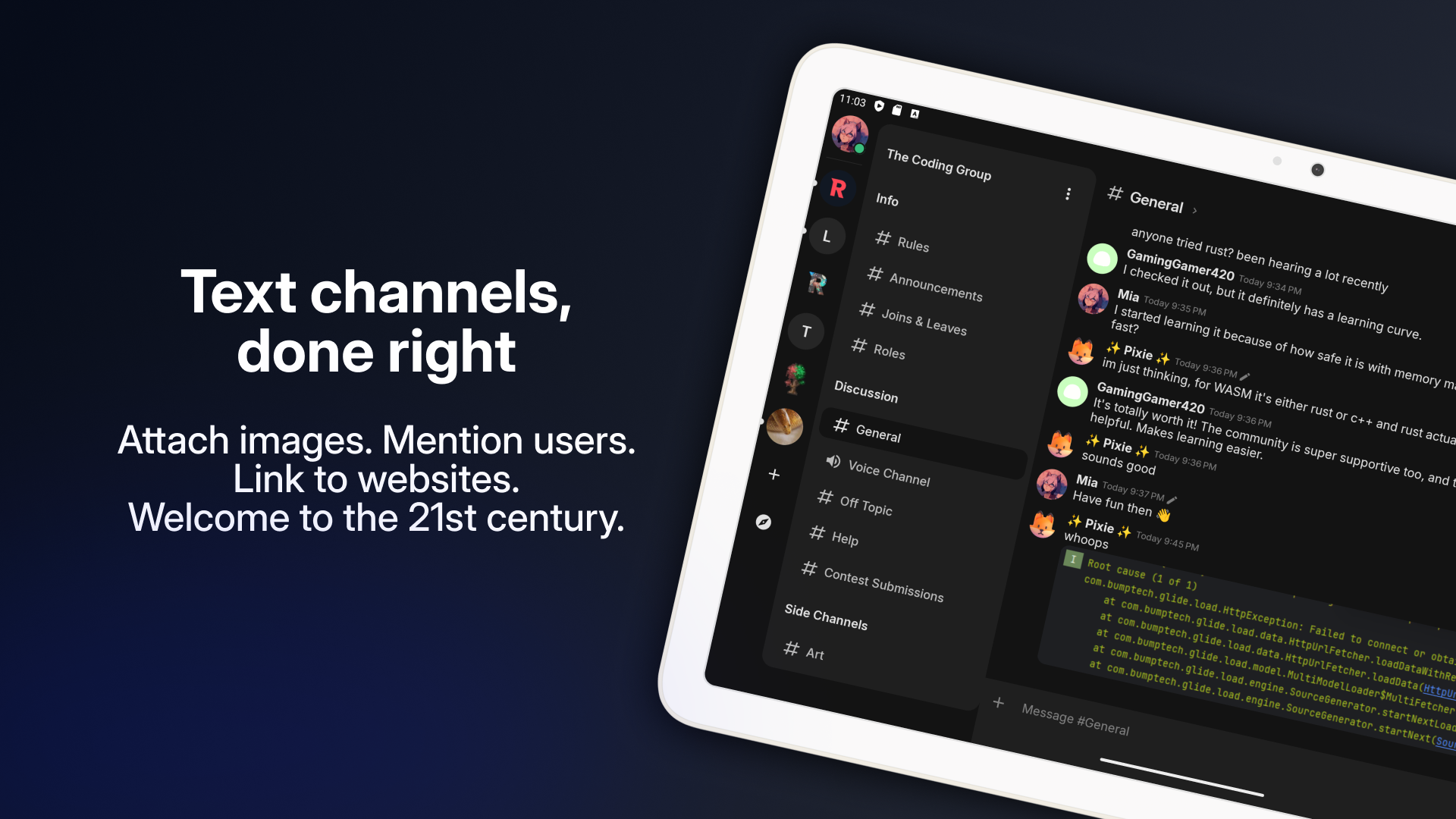
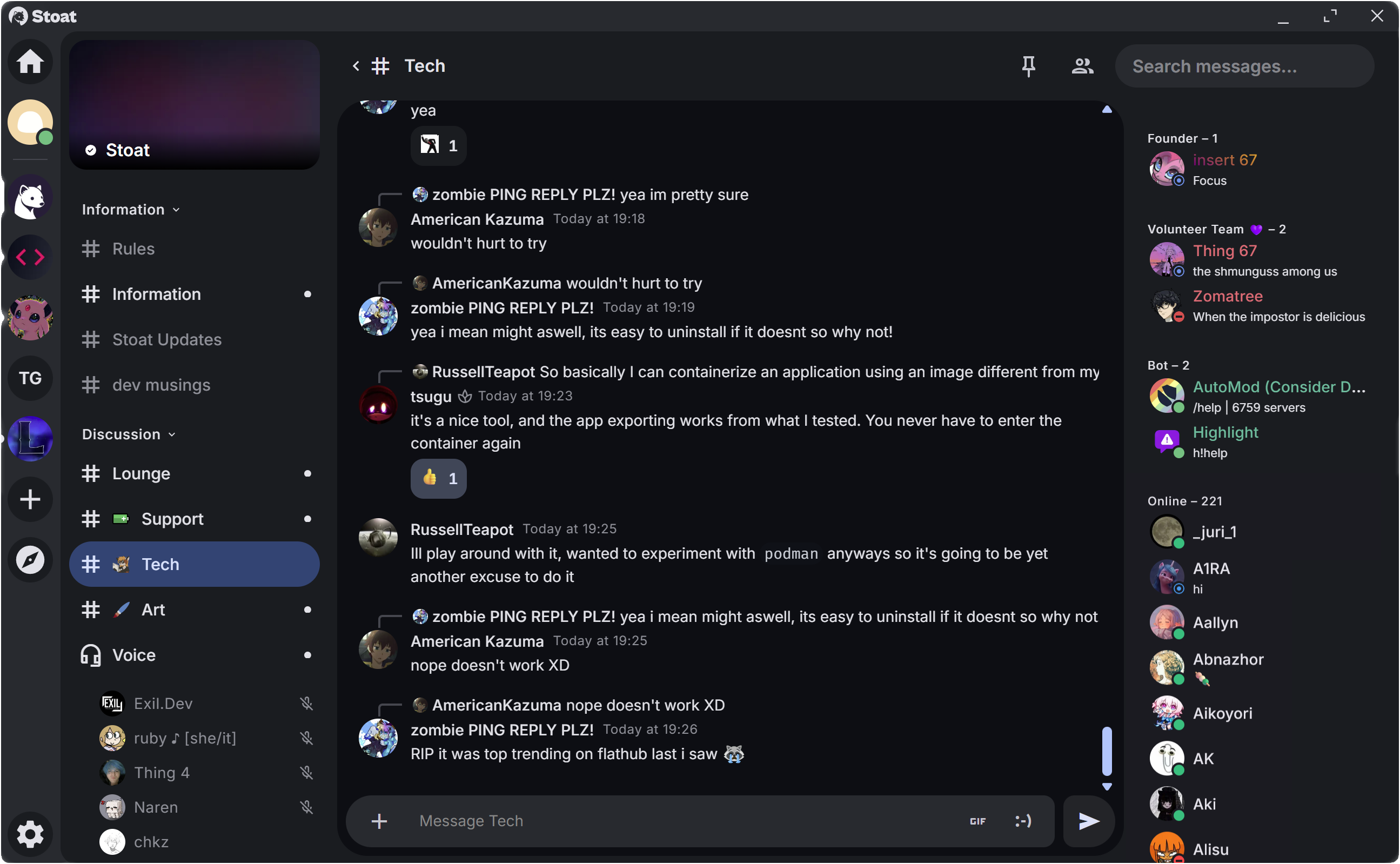
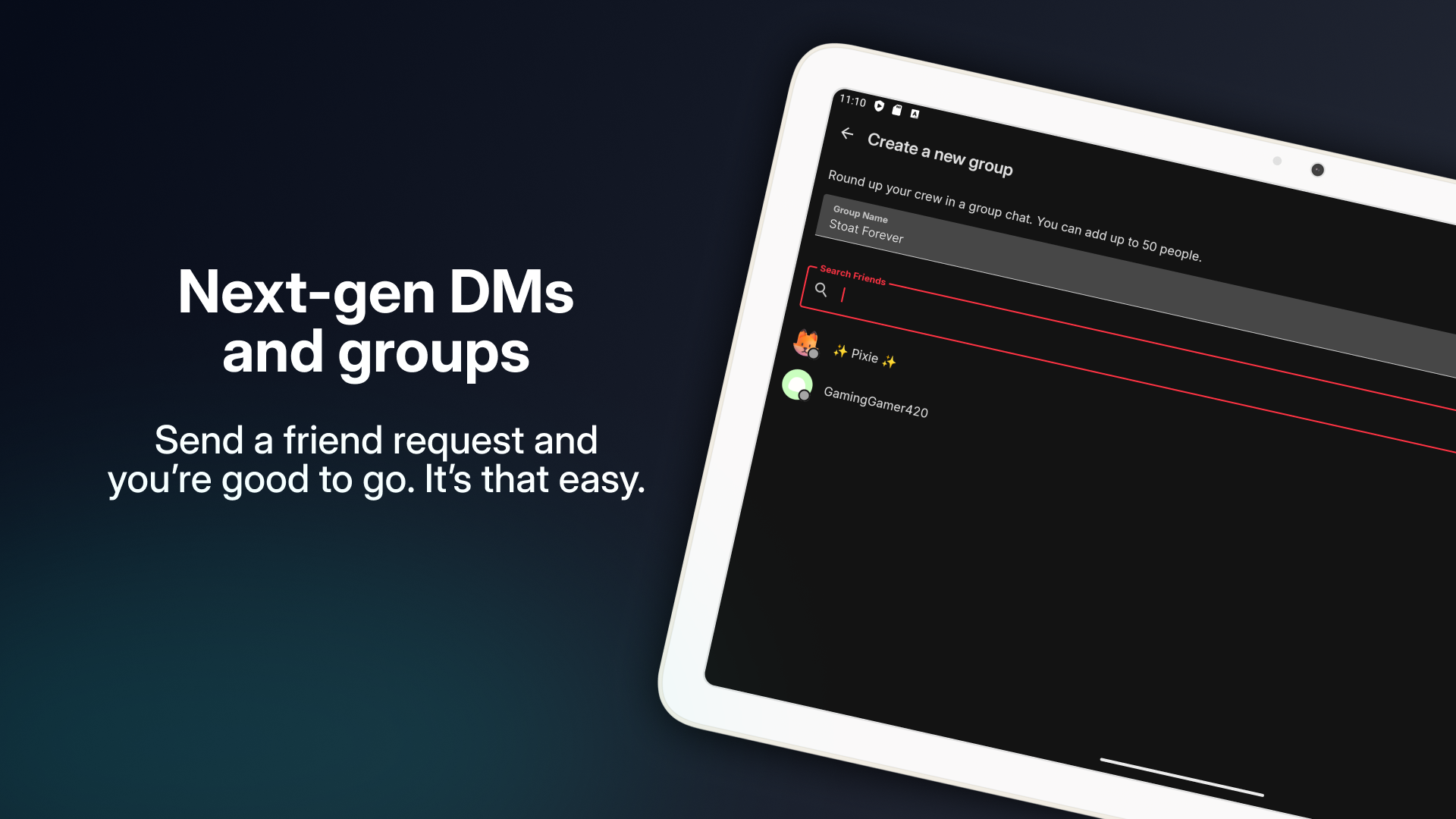
      - Servers, channels, roles, direct messages and group chats

      - File uploads, emojis, link previews and a GIF picker

      - Voice and video calls through LiveKit (needs HTTPS in the browser)

      - Bots and webhooks

      - Only the web port and LiveKit's two media ports are published


      **How to use?**


      1. Open Stoat from the Zima OS dashboard.


      2. Make your account. The first account is a normal account; Stoat
         has no separate admin login.


      3. Make a server and invite your friends with an invite link.


      4. For voice and video, open Stoat over HTTPS.
  tips:
    before_install:
      en_US: >-
        1. Open the app configuration before you install.


        2. Find PUBLIC_URL. It starts as http://localhost:6167. Change
           localhost to your ZimaOS IP, like http://192.168.1.20:6167.


        3. Voice and video only work over HTTPS. For them, put Stoat
           behind a reverse proxy with your own domain and set PUBLIC_URL
           to it, like https://chat.example.com. Text chat works without
           HTTPS.


        4. Keep ports 6168 and 6169 as they are. To call from outside your
           home, forward them in your router (6168 TCP, 6169 UDP).


        5. Your box needs a 64-bit CPU that MongoDB runs on: Intel or AMD
           with AVX, or ARM v8.2 and newer.


        6. More settings, like invite-only sign-up and email, are listed on
           the Stoat Chat page at https://icestore.hsinghhira.me/app/stoatchat/
           (Variables tab). You can add them now or later in the app
           settings.


        7. Start the installation.


        8. Wait about three minutes. The first start sets up the database
           and file storage.


        9. Open http://your-zimaos-ip:6167 and make your account.
  index: /
  port_map: "6167"
  scheme: http
  is_uncontrolled: false
  version: "v0.16.2"
  update_at: "2026-10-25"
  release_notes:
    en_US: |-
      - The web app now works from whatever address you open it at (LAN IP, localhost or your domain), instead of only the one in PUBLIC_URL. Before, it showed a dark screen or "Couldn't fetch Stoat configuration from 'localhost:6167'".
      - Moved to IceStore as a single container with one data folder. The web port changed from 8422 to 6167 and voice uses 6168 (TCP) and 6169 (UDP) instead of 8423-8429. The app id is now com.icestore.stoatchat.
      - The file encryption key, the VAPID push keys, the LiveKit key and every internal password are made on first start, so each install gets its own. The compose file no longer ships fixed keys.
      - Routes, ports and Revolt.toml follow upstream's self-hosted setup (the services listen on 14702-14706), and every Revolt.toml setting can be set with a REVOLT__SECTION__KEY variable.
      - LiveKit uses one TCP and one UDP port with the same number inside and outside, and the IP from PUBLIC_URL, so calls can connect.
      - Now runs on arm64 too. The web app's files are served by nginx.
      - api v0.16.2
      - events v0.16.2
      - file-server v0.16.2
      - proxy v0.16.2
      - gifbox v0.16.2
      - crond v0.16.2
      - pushd v0.16.2
      - voice-ingress v0.16.2
      - ghcr.io/stoatchat/for-web 607a0ce (stoat-for-web v0.16.2)
      - ghcr.io/stoatchat/livekit-server v1.9.14
      - mongo 8.3.13
      - rabbitmq 4.4.0
      - pgsty/silo RELEASE.2026-10-18T00-00-00Z
      - Redis inside
  repo: "https://github.com/stoatchat/self-hosted"
  support: "https://github.com/stoatchat/self-hosted/issues"
  docs: "https://github.com/stoatchat/self-hosted"

 ZimaOS
 CasaOS
 Homeio