
VERT
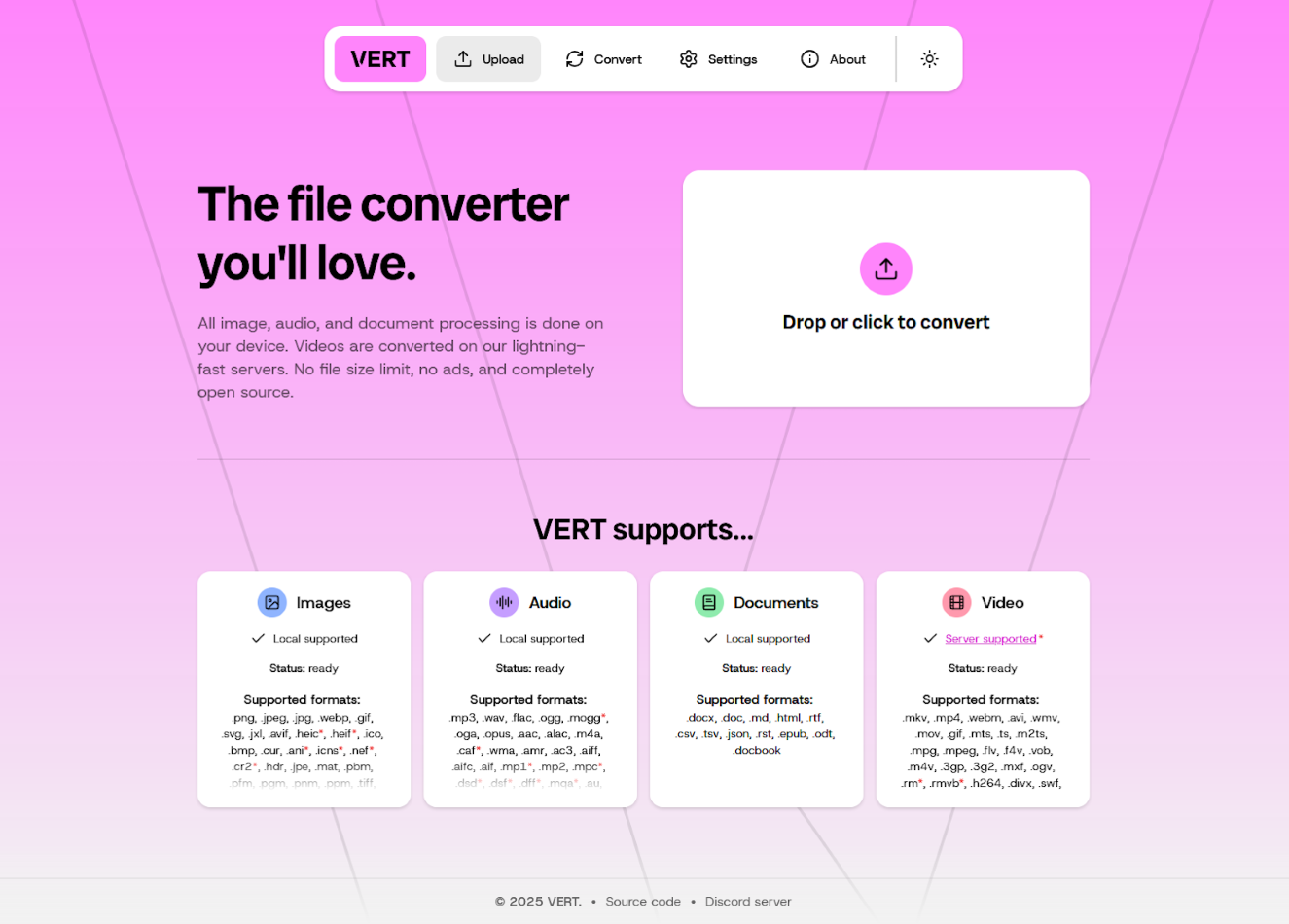
Convert files locally in your browser with WebAssembly. No uploads, no cloud.
- ghcr.io/vert-sh/vert:latest
- port 6118
- Productivity
Web App
/http://localhost:6118/ VERT is an open-source file converter that runs conversions on your own device with WebAssembly instead of uploading files to a cloud service. It is a private alternative to online conversion sites.
Features
- Images, audio and documents convert in your browser (ImageMagick, FFmpeg and Pandoc under the hood), so files never leave your device
- 250+ file formats across images, audio, documents and video
- No file size limits and no ads
- Video converts through VERT's shared vertd servers by default
- Nothing stored, nothing to back up
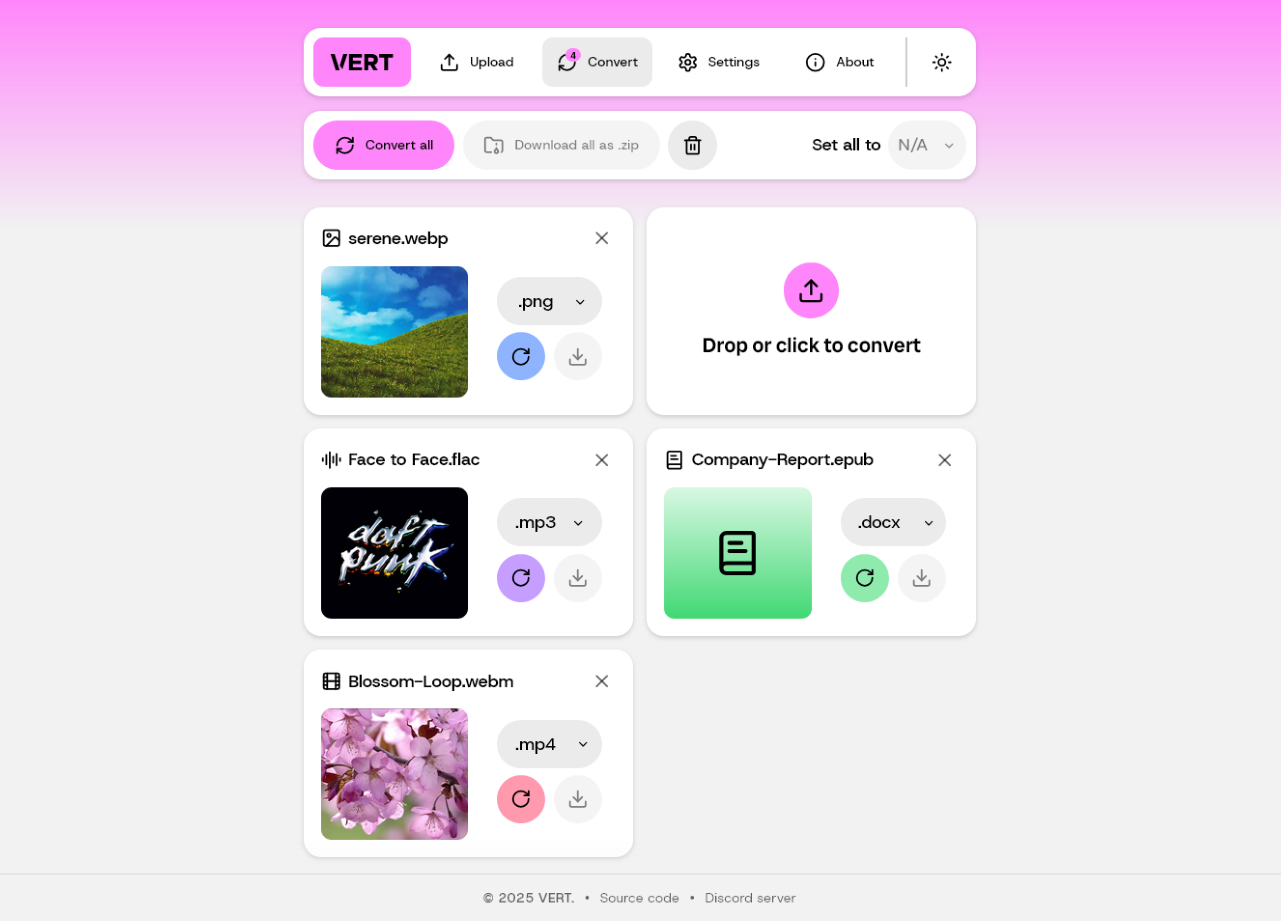
How to use
- Open VERT from your dashboard.
- Drop a file onto the upload box, or click it to pick one.
- Choose the format you want.
- Click convert, then download the result.
Before you install
Nothing needs to be set first. VERT has no settings and stores nothing. Video files are sent to VERT's shared vertd servers for conversion; everything else stays in your browser.
docker-compose.yml
name: vert
services:
vert:
image: ghcr.io/vert-sh/vert:latest
container_name: vert
restart: unless-stopped
stop_grace_period: 40s
network_mode: bridge
ports:
- target: 80
published: "6118"
protocol: tcp
deploy:
resources:
limits:
cpus: "1.00"
memory: 256M
reservations:
cpus: "0.00"
memory: 64M
labels:
icon: https://cdn.jsdelivr.net/gh/HSinghHira/IceStore@main/Apps/vert/icon.png
x-casaos:
id: com.icestore.vert
ports:
- container: "80"
description:
en_US: VERT web interface, published on host as 6118.
x-casaos:
id: com.icestore.vert
architectures:
- amd64
- arm64
main: vert
author: HSinghHira
category: Productivity
developer: VERT-sh
icon: https://cdn.jsdelivr.net/gh/HSinghHira/IceStore@main/Apps/vert/icon.png
thumbnail: https://cdn.jsdelivr.net/gh/HSinghHira/IceStore@main/Apps/vert/screenshot-1.png
screenshot_link:
- https://cdn.jsdelivr.net/gh/HSinghHira/IceStore@main/Apps/vert/screenshot-1.png
- https://cdn.jsdelivr.net/gh/HSinghHira/IceStore@main/Apps/vert/screenshot-2.png
title:
en_US: VERT
tagline:
en_US: Convert files locally in your browser with WebAssembly. No uploads, no cloud.
description:
en_US: >-
Visit: [https://icestore.hsinghhira.me/app/vert/](https://icestore.hsinghhira.me/app/vert/) for full details
VERT is an open-source file converter that runs conversions on your
own device with WebAssembly instead of uploading files to a cloud
service. It is a private alternative to online conversion sites.
**Features**
- Images, audio and documents convert in your browser (ImageMagick,
FFmpeg and Pandoc under the hood), so files never leave your device
- 250+ file formats across images, audio, documents and video
- No file size limits and no ads
- Video converts through VERT's shared vertd servers by default
- Nothing stored, nothing to back up
**How to use?**
1. Open VERT from the Zima OS dashboard.
2. Drop a file onto the upload box, or click it to pick one.
3. Choose the format you want.
4. Click convert, then download the result.
tips:
before_install:
en_US: >-
Visit: [https://icestore.hsinghhira.me/app/vert/](https://icestore.hsinghhira.me/app/vert/) for full details
index: /
port_map: "6118"
scheme: http
is_uncontrolled: false
version: "latest"
update_at: "2026-10-20"
release_notes:
en_US: |-
- Moved to IceStore. Port changed from 8420 to 6118.
- Upstream only publishes a floating latest tag (plus per-commit sha-* tags).
repo: "https://github.com/VERT-sh/VERT"
support: "https://github.com/VERT-sh/VERT/issues"
docs: "https://github.com/VERT-sh/VERT/blob/main/docs/GETTING_STARTED.md" ZimaOS
 CasaOS
 Homeio