name: watchyourlan

services:
  watchyourlan:
    image: aceberg/watchyourlan:2.1.4
    container_name: watchyourlan
    restart: unless-stopped
    stop_grace_period: 40s
    network_mode: host
    environment:
      - TZ=$TZ
      - IFACES=CHANGEME_IFACE
      - PORT=6121
    volumes:
      - type: bind
        source: /DATA/AppData/$AppID
        target: /data/WatchYourLAN
        bind:
          create_host_path: true
    deploy:
      resources:
        limits:
          cpus: "1.00"
          memory: 256M
        reservations:
          cpus: "0.00"
          memory: 64M
    labels:
      icon: https://cdn.jsdelivr.net/gh/HSinghHira/IceStore@main/Apps/watchyourlan/icon.png
    x-casaos:
      id: com.icestore.watchyourlan
      envs:
        - container: TZ
          description:
            en_US: Your time zone. ZimaOS fills this in for you.
        - container: IFACES
          description:
            en_US: >-
              The network interface to scan, like eth0 or enp3s0. List more
              than one with a space between them. It must be a real interface
              name on this server.
        - container: PORT
          description:
            en_US: >-
              The port the web UI uses. This app uses host networking, so this
              is the real port on your server. Keep it at 6121.
      volumes:
        - container: /data/WatchYourLAN
          description:
            en_US: The app's SQLite database, settings file and scan history.

x-casaos:
  id: com.icestore.watchyourlan
  architectures:
    - amd64
    - arm64
  main: watchyourlan
  author: HSinghHira
  category: Networking
  developer: aceberg
  icon: https://cdn.jsdelivr.net/gh/HSinghHira/IceStore@main/Apps/watchyourlan/icon.png
  thumbnail: https://cdn.jsdelivr.net/gh/HSinghHira/IceStore@main/Apps/watchyourlan/screenshot-1.png
  screenshot_link:
    - https://cdn.jsdelivr.net/gh/HSinghHira/IceStore@main/Apps/watchyourlan/screenshot-1.png
    - https://cdn.jsdelivr.net/gh/HSinghHira/IceStore@main/Apps/watchyourlan/screenshot-2.png
    - https://cdn.jsdelivr.net/gh/HSinghHira/IceStore@main/Apps/watchyourlan/screenshot-3.png
  title:
    en_US: WatchYourLAN
  tagline:
    en_US: A lightweight scanner that watches every device on your network.
  description:
    en_US: >-
      Visit: [https://icestore.hsinghhira.me/app/watchyourlan/](https://icestore.hsinghhira.me/app/watchyourlan/) for full details


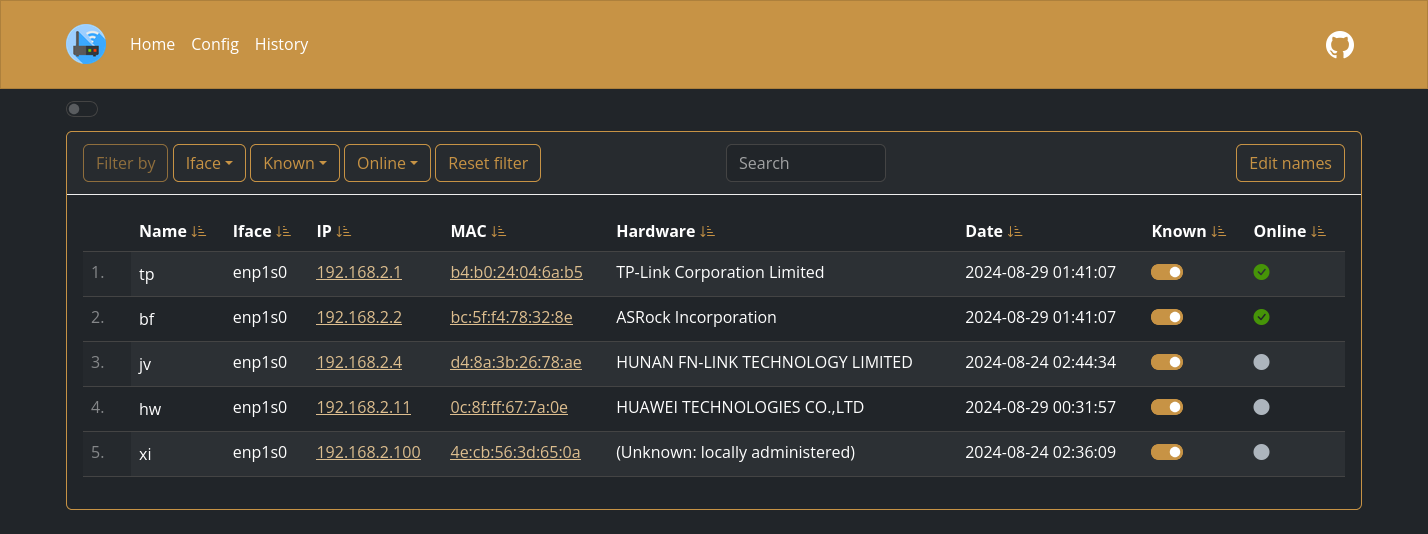
      WatchYourLAN is a lightweight network IP scanner with a clean web UI.
      It keeps track of every device that joins or leaves your local
      network.


      **Features**


      - Uses arp-scan to list every device on your network, with vendor and
        hostname lookup

      - Sends a notification when a new, unknown device shows up

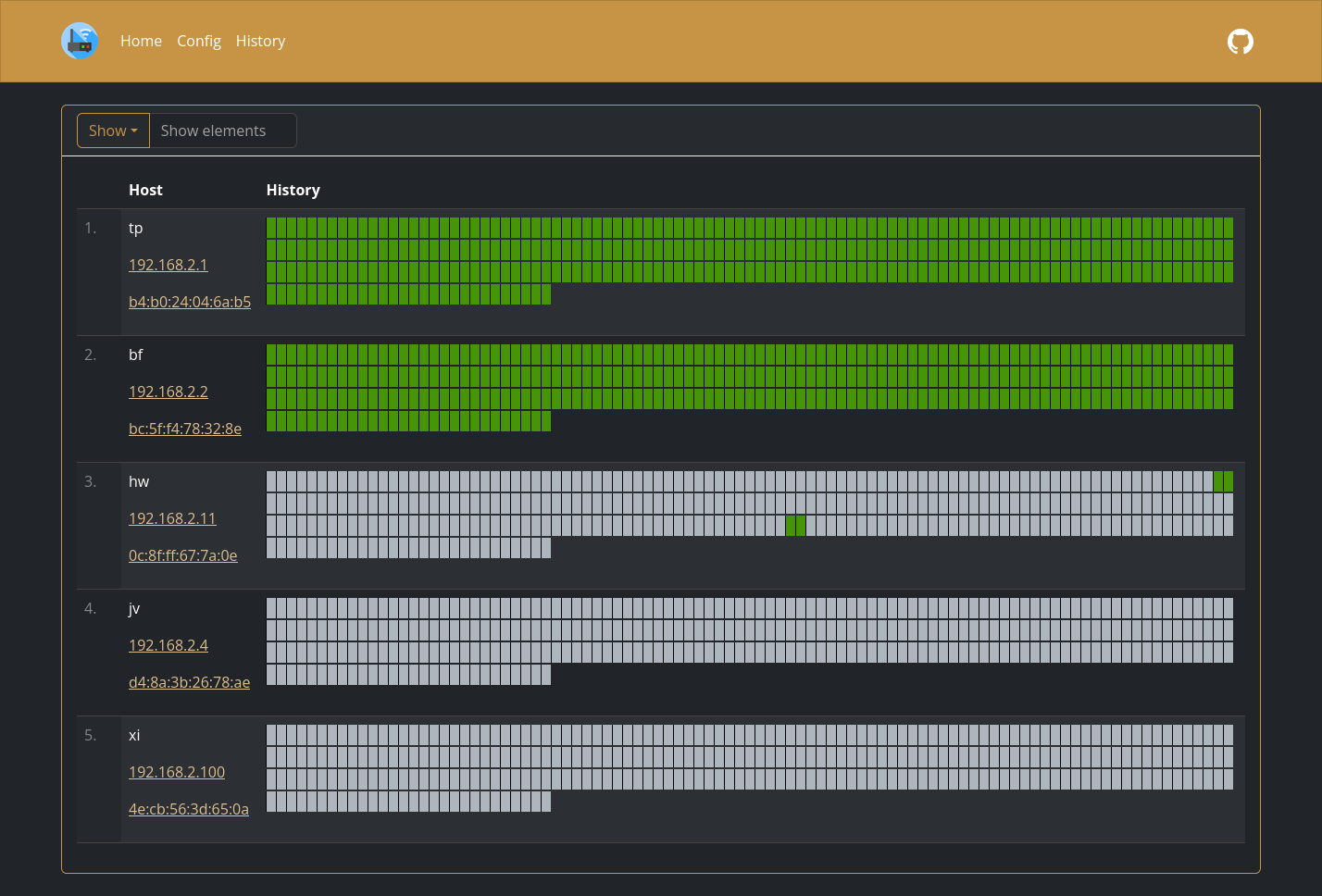
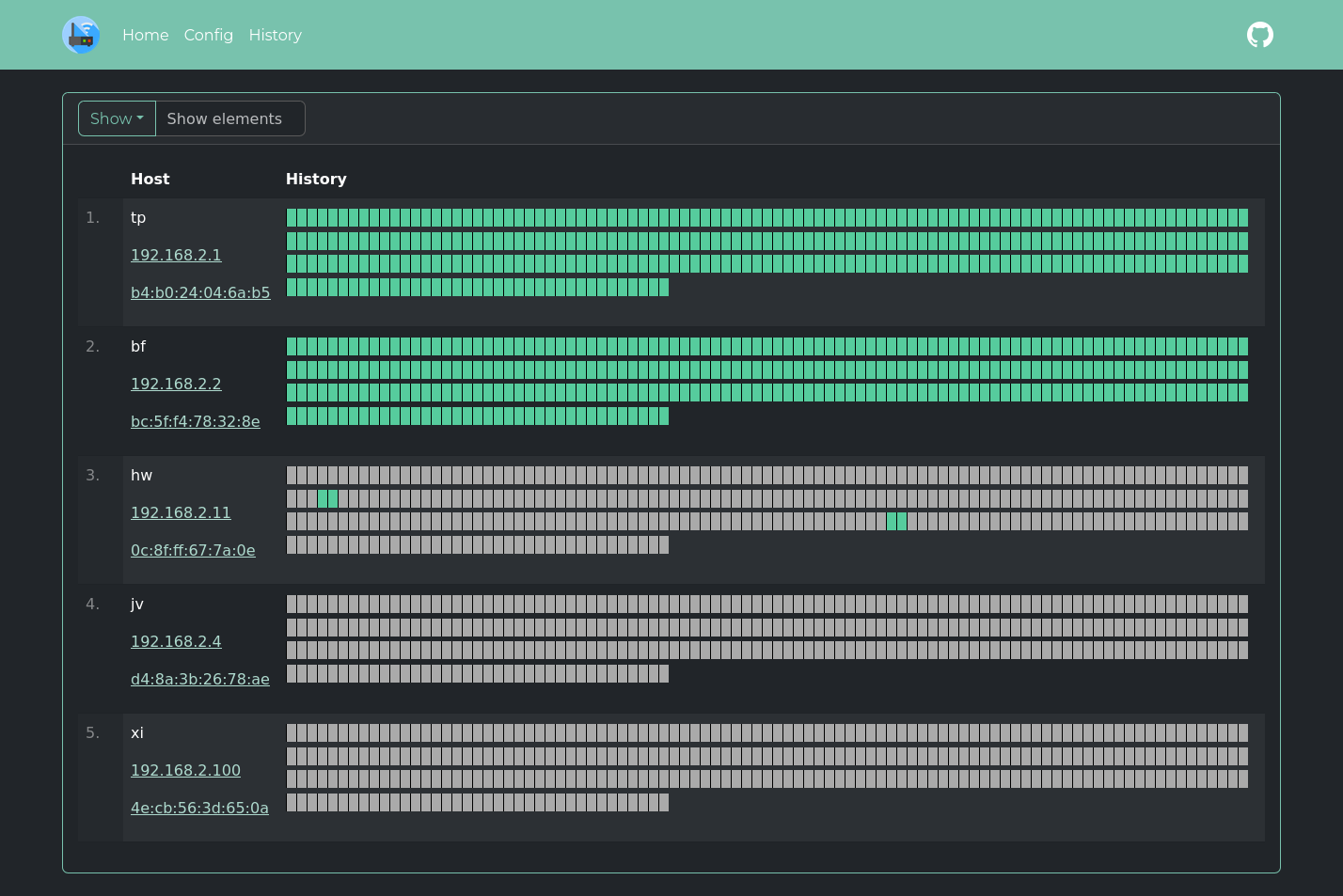
      - Keeps online and offline history for each device

      - Can send data to InfluxDB2 or Prometheus for a Grafana dashboard

      - SQLite storage by default, with optional PostgreSQL

      - Uses host networking so arp-scan can see your real network


      **How to use?**


      1. Open WatchYourLAN from the Zima OS dashboard.


      2. Wait a minute for the first scan, then refresh.


      3. Click a device to name it, tag it or see its history.


      4. Set a Shoutrrr URL on the Config page to get alerts for new
         devices.
  tips:
    before_install:
      en_US: >-
        Visit: [https://icestore.hsinghhira.me/app/watchyourlan/](https://icestore.hsinghhira.me/app/watchyourlan/) for full details
  index: /
  port_map: "6121"
  scheme: http
  is_uncontrolled: false
  version: "2.1.4"
  update_at: "2026-10-20"
  release_notes:
    en_US: |-
      - Moved to IceStore. Port changed from 8421 to 6121.
      - TZ now comes from ZimaOS instead of a fixed UTC.
      - Optional settings are listed in the Variables tab on the IceStore website.
  repo: "https://github.com/aceberg/WatchYourLAN"
  support: "https://github.com/aceberg/WatchYourLAN/issues"
  docs: "https://github.com/aceberg/WatchYourLAN/tree/main/docs"
 ZimaOS
 CasaOS
 Homeio