
CyberChef
The Cyber Swiss Army Knife for encoding, decoding and analysing data.
- ghcr.io/gchq/cyberchef:11.5.0
- v11.5.0
- Updated 16 Nov 2026
- port 6729
- amd64 · arm64
- Developer
- 36.5k stars
Screenshots
Open the app
About CyberChef
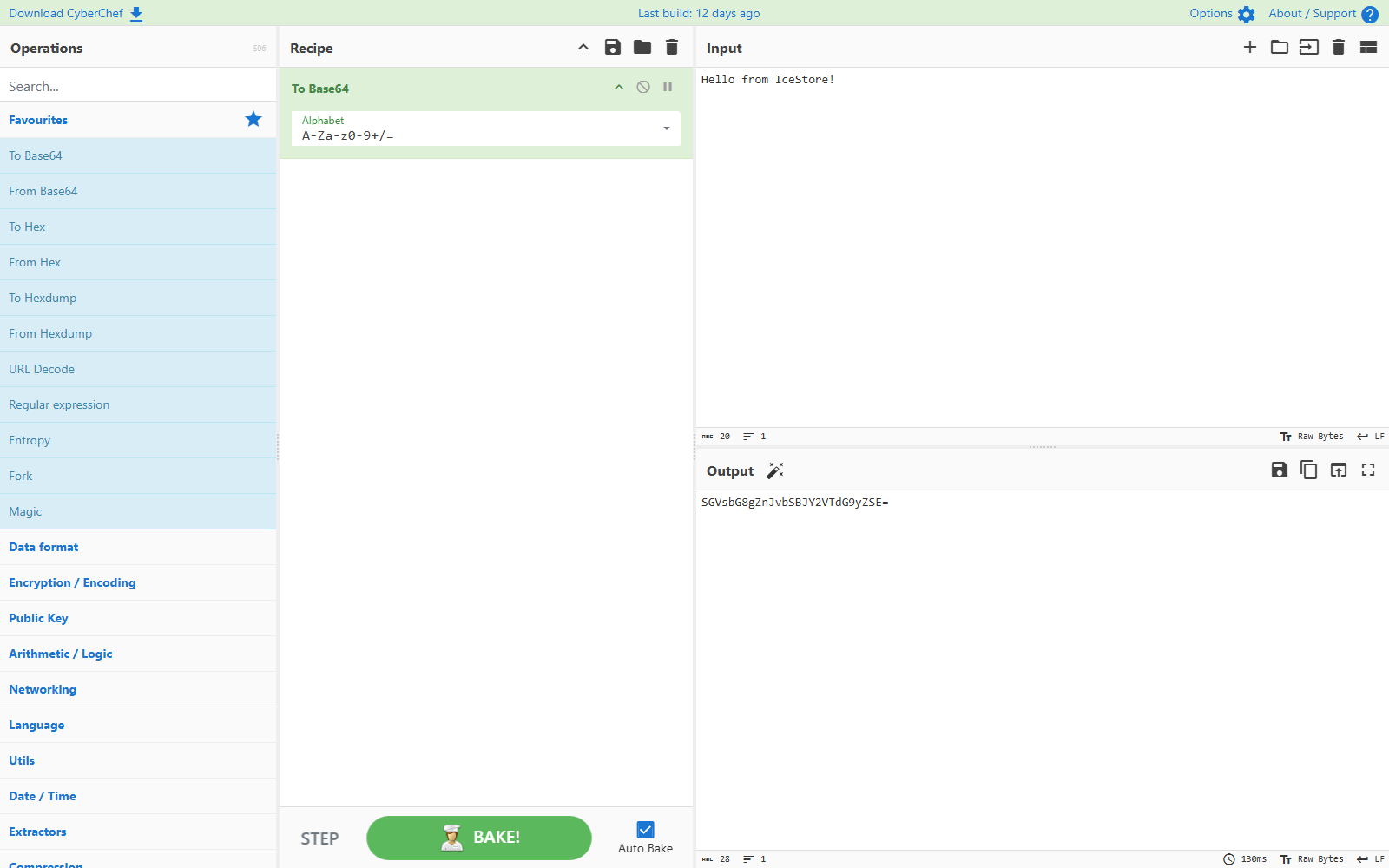
CyberChef, made by GCHQ, is a web app for working with data: encode and decode it, encrypt it, compress it, pull things out of it and analyse it. You drag operations into a recipe, and the output updates as you type. It all runs in your browser, so the data you paste stays on your computer.
Features
- Over 400 operations: Base64, hex, XOR, AES, hashes, compression, regex, dates, networking and more
- Chain operations into recipes and save them
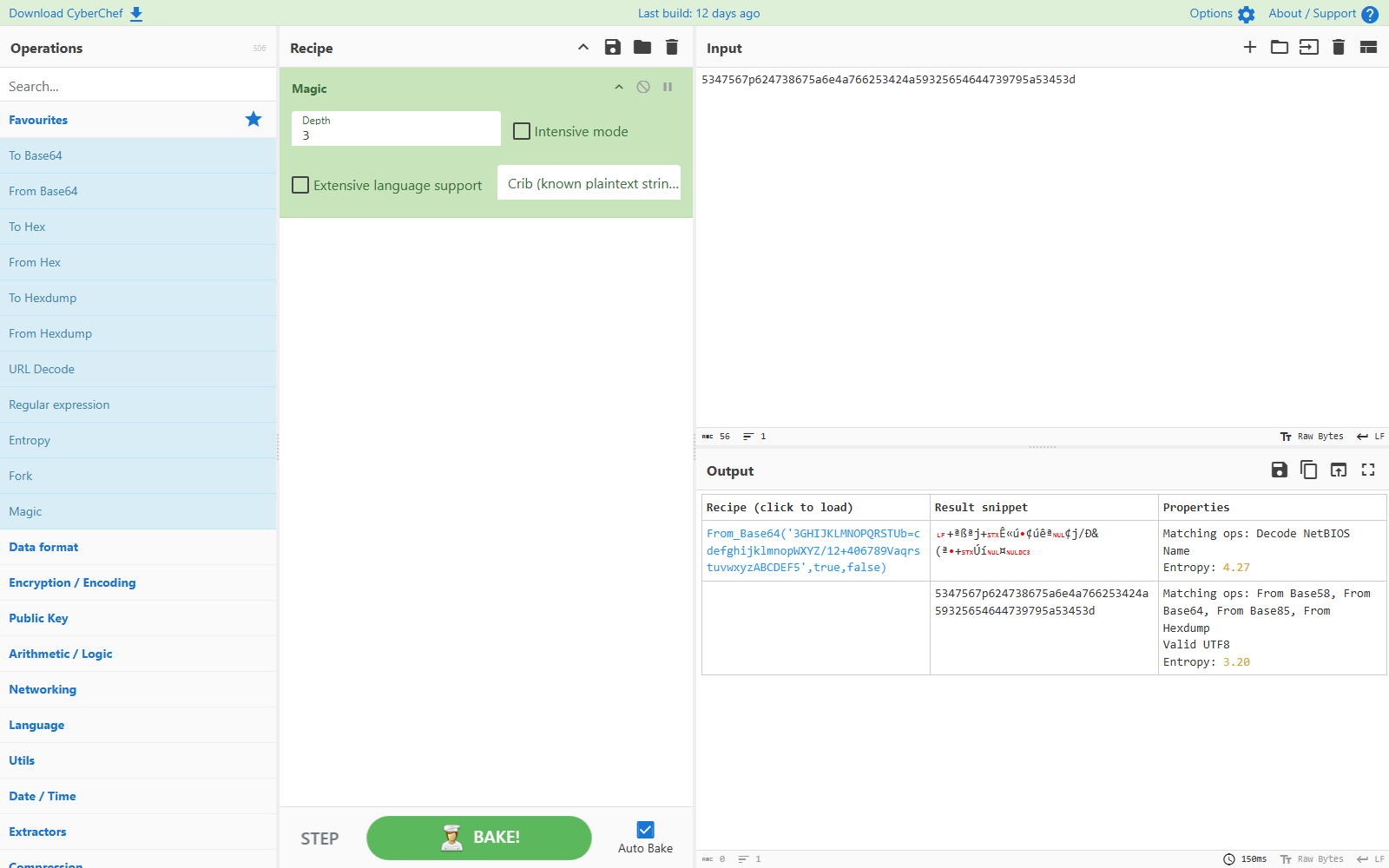
- Magic mode guesses how data is encoded
- Works on text and files up to about 2 GB
- Share a recipe and its input as a link
- No account, no data stored on the server
How to use
- Open
http://[ZIMAOS-IP-ADDRESS]:6729in your browser. - Paste your data into the Input box.
- Drag operations from the left into the Recipe, or use Magic.
Before you install
Nothing needs to be set first, and it starts in a few seconds. CyberChef has no settings and no login, so keep port 6729 on your home network. Saved recipes and favourites are kept in your browser, not on the server.
| Variable | Default value | Description |
|---|---|---|
TZ | $TZ | Your time zone. It is filled in from your ZimaOS time zone. Leave it unless you need another. |
name: cyberchef

services:
  cyberchef:
    image: ghcr.io/gchq/cyberchef:11.5.0
    container_name: cyberchef
    restart: unless-stopped
    stop_grace_period: 20s
    network_mode: bridge
    environment:
      - TZ=$TZ
    ports:
      - target: 8080
        published: "6729"
        protocol: tcp
    healthcheck:
      test: ["CMD", "wget", "-q", "--spider", "http://127.0.0.1:8080/"]
      interval: 30s
      timeout: 5s
      retries: 3
      start_period: 15s
    deploy:
      resources:
        limits:
          cpus: "0.50"
          memory: 128M
        reservations:
          cpus: "0.00"
          memory: 16M
    labels:
      icon: https://cdn.jsdelivr.net/gh/HSinghHira/IceStore@main/Apps/cyberchef/icon.png
    x-casaos:
      id: com.icestore.cyberchef
      envs:
        - container: TZ
          description:
            en_US: >-
              Your time zone. It is filled in from your ZimaOS time zone.
              Leave it unless you need another.
      ports:
        - container: "8080"
          description:
            en_US: CyberChef web page, published on host as 6729

x-casaos:
  id: com.icestore.cyberchef
  architectures:
    - amd64
    - arm64
  main: cyberchef
  author: HSinghHira
  category: Developer
  developer: GCHQ
  icon: https://cdn.jsdelivr.net/gh/HSinghHira/IceStore@main/Apps/cyberchef/icon.png
  screenshot_link:
    - https://cdn.jsdelivr.net/gh/HSinghHira/IceStore@main/Apps/cyberchef/screenshot-1.png
    - https://cdn.jsdelivr.net/gh/HSinghHira/IceStore@main/Apps/cyberchef/screenshot-2.png
  thumbnail: https://cdn.jsdelivr.net/gh/HSinghHira/IceStore@main/Apps/cyberchef/screenshot-1.png
  title:
    en_US: CyberChef
  tagline:
    en_US: The Cyber Swiss Army Knife for encoding, decoding and analysing data.
  description:
    en_US: >-
      Visit: [https://icestore.hsinghhira.me/app/cyberchef/](https://icestore.hsinghhira.me/app/cyberchef/) for full details


      CyberChef, made by GCHQ, is a web app for working with data: encode
      and decode it, encrypt it, compress it, pull things out of it and
      analyse it. You drag operations into a recipe, and the output updates
      as you type. It all runs in your browser, so the data you paste stays
      on your computer.


      **Features**


      - Over 400 operations: Base64, hex, XOR, AES, hashes, compression,
        regex, dates, networking and more

      - Chain operations into recipes and save them

      - Magic mode guesses how data is encoded

      - Works on text and files up to about 2 GB

      - Share a recipe and its input as a link

      - No account, no data stored on the server


      **How to use?**


      1. Open http://[ZIMAOS-IP-ADDRESS]:6729 in your browser.


      2. Paste your data into the Input box.


      3. Drag operations from the left into the Recipe, or use Magic.
  tips:
    before_install:
      en_US: >-
        1. Nothing needs to be set first.


        2. Start the installation. It is ready in a few seconds.


        3. Open http://[ZIMAOS-IP-ADDRESS]:6729 in your browser, like
           http://192.168.1.20:6729 on your laptop.


        4. There is no login. Keep the port on your home network.
  index: /
  port_map: "6729"
  scheme: http
  is_uncontrolled: false
  version: "11.5.0"
  update_at: "2026-11-16"
  release_notes:
    en_US: |-
      - First IceStore version: ghcr.io/gchq/cyberchef 11.5.0
      - Web page on port 6729
  repo: "https://github.com/gchq/CyberChef"
  support: "https://github.com/gchq/CyberChef/issues"
  docs: "https://github.com/gchq/CyberChef/wiki"
Install CyberChef
Something not working with CyberChef?
Report it so it gets fixed, or ask for an app that is not here yet.
 ZimaOS
Add the store link, then find CyberChef in the App Store and install it.
 CasaOS
Add the store link, then find CyberChef in the App Store and install it.
 ReCasaOS
Add the store link, then find CyberChef in the App Store and install it.
 Homeio
Add the store link, then find CyberChef in the App Store and install it.
 MOS
Add the repository in MOS Hub Settings, then find CyberChef in Docker → MOS Hub and install it.


