
Penpot
Design and prototyping for teams, an open-source Figma alternative
- ghcr.io/hsinghhira/penpot:latest
- v2.19.3
- Updated 20 Nov 2026
- port 6751
- amd64 · arm64
- Developer
- 62.6k stars
Screenshots
Open the app
About Penpot
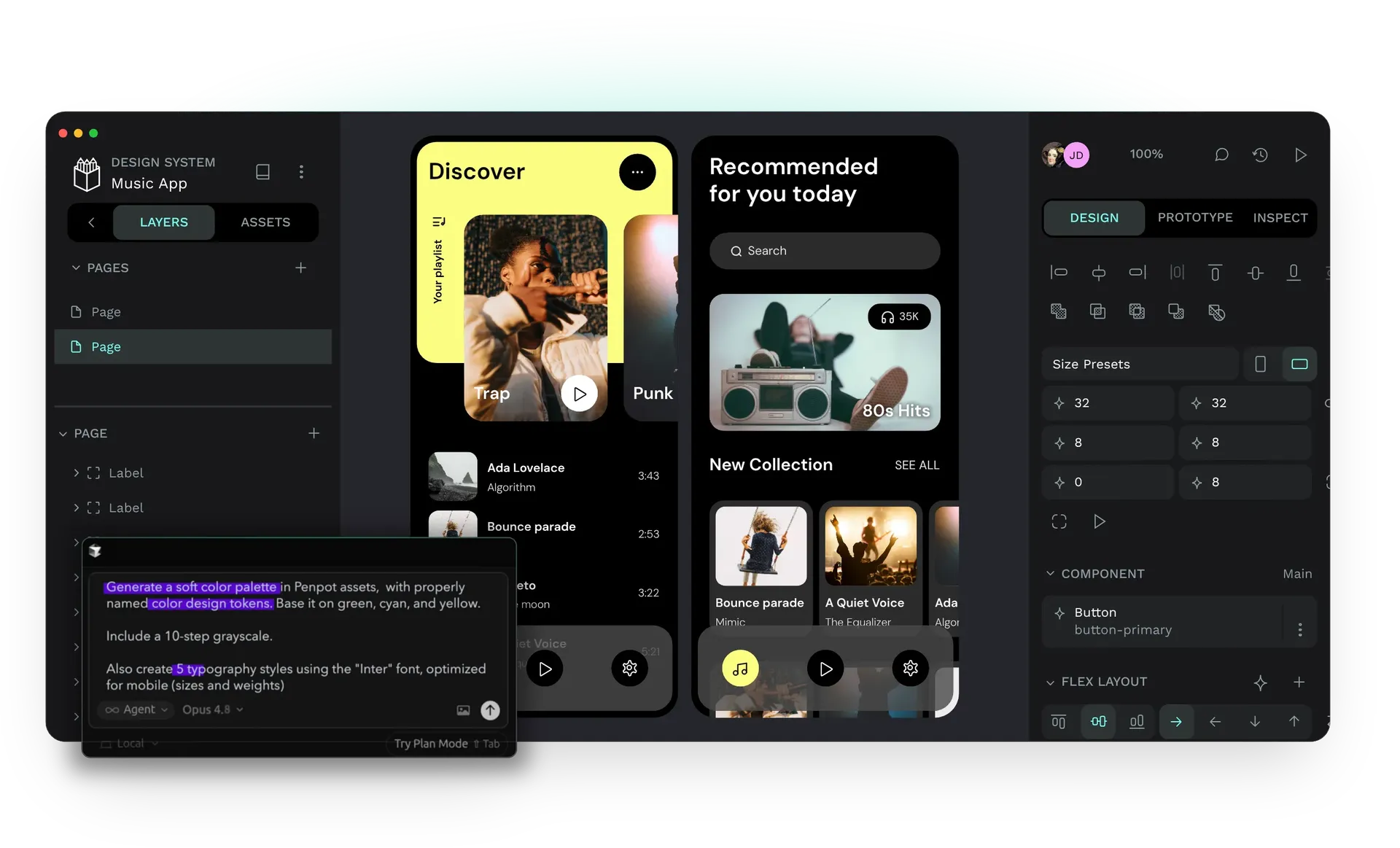
Penpot is a design and prototyping tool that runs in your browser and works with open standards like SVG, CSS and HTML. Designers and developers work in the same files at the same time. PostgreSQL, Redis, the exporter and a mail viewer are built in, so it is one container.
Features
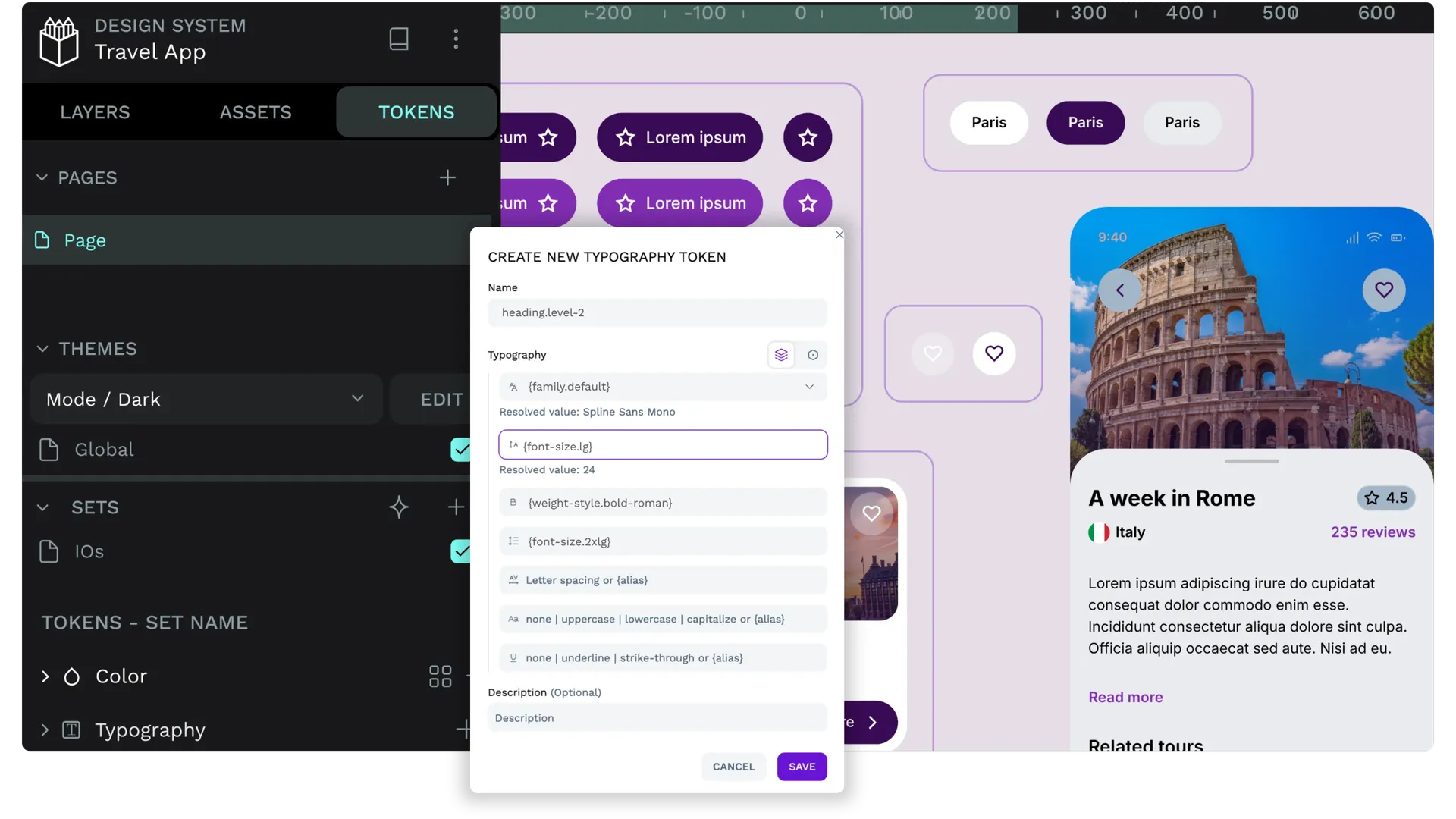
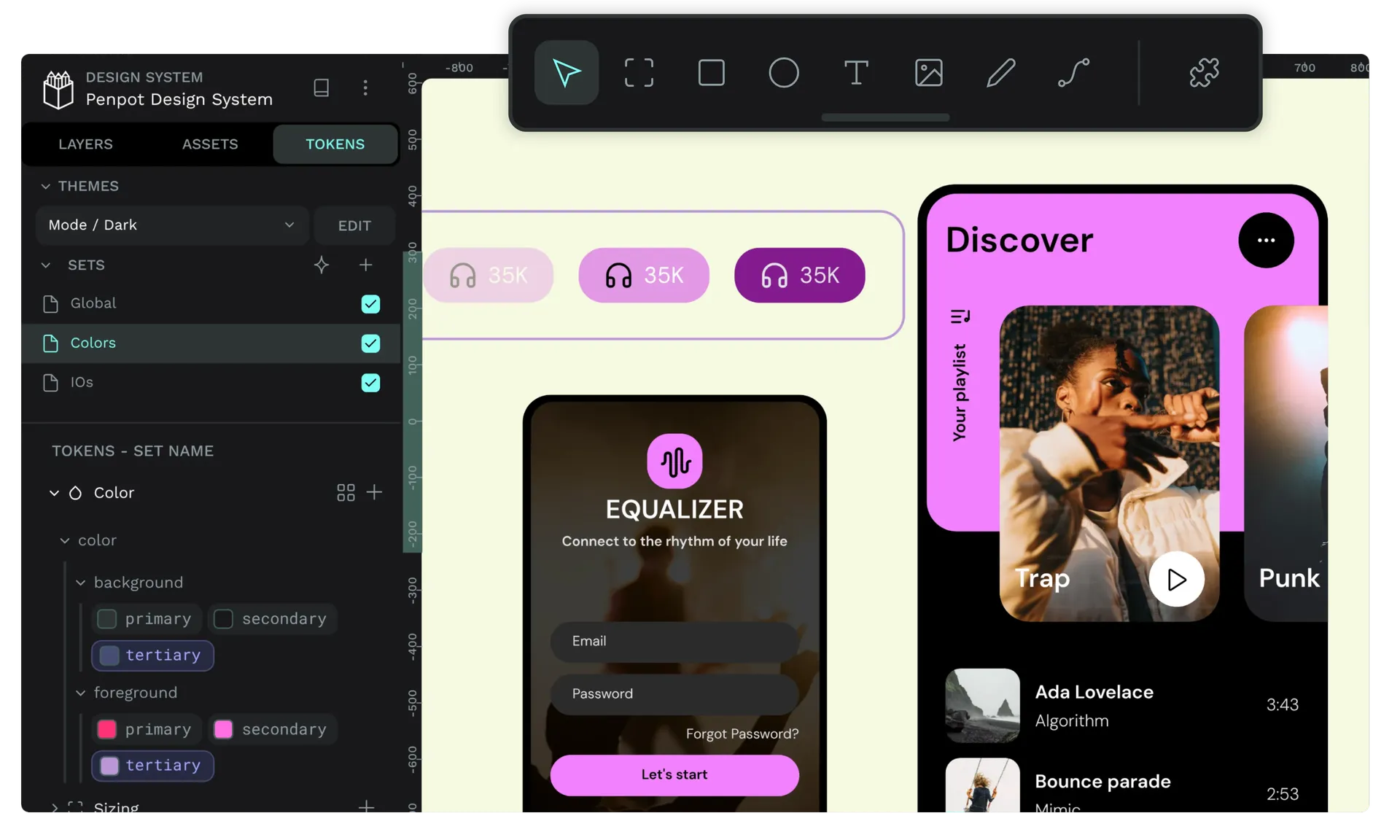
- Vector design, components, variants and design tokens
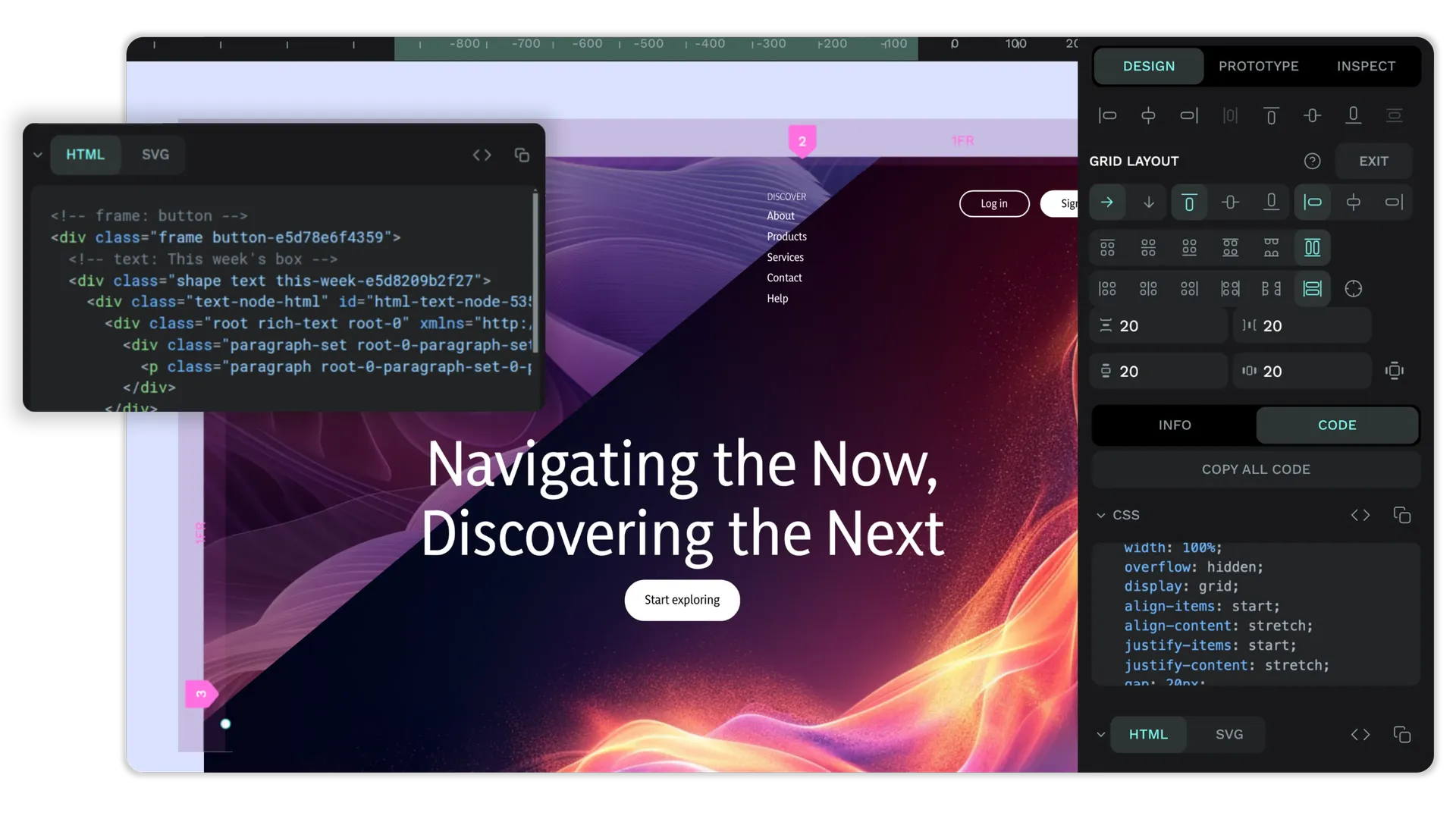
- Flex and grid layouts that match how CSS works
- Interactive prototypes with flows and transitions
- Real-time teamwork with comments and version history
- Inspect mode with ready-to-copy CSS, SVG and HTML
- Exports to PNG, JPG, SVG and PDF, plus plugins and an API
How to use
- Set
PUBLIC_URLtohttp://[ZIMAOS-IP-ADDRESS]:6751with your ZimaOS IP before you install. - Open Penpot and choose Create an account. The first account is yours.
- Start a new project and a new file from the dashboard.
- Invite your team from the team settings. Invitation emails show up in the mail viewer at
/mailuntil you set an email server. - Use View mode to share prototypes and Inspect mode to hand designs to developers.
Left out: the admin console and the MCP server.
Before you install
You must set PUBLIC_URL first. It starts as http://[ZIMAOS-IP-ADDRESS]:6751: replace [ZIMAOS-IP-ADDRESS] with your ZimaOS IP, like http://192.168.1.20:6751. Until you do, other devices see a page that tells them to. Behind a domain, use that address instead (https://design.example.com).
The first start takes about 5 minutes. Then open your PUBLIC_URL and choose Create an account; no email check is needed. To stop others signing up afterwards, add PENPOT_FLAGS=disable-registration in the app settings. Emails go to the mail viewer at http://[ZIMAOS-IP-ADDRESS]:6751/mail/ until you set an email server; its login is in the app's logs in the box marked CREDENTIALS. More settings (email, sign-in with Google, GitHub, GitLab, OIDC or LDAP) are in the Variables tab; add them in the app settings.
The settings in the first table are already in the app settings. To use any other one, open the app settings, add the variable with your value, save, and the app restarts with it. A setting you leave out uses its default.
In the app settings
| Variable | Default value | Description |
|---|---|---|
TZ | $TZ | Your time zone. It is filled in from your ZimaOS time zone. Leave it unless you need another. |
PUBLIC_ | http://[ZIMAOS-IP-ADDRESS]:6751 | Required. Replace [ZIMAOS-IP-ADDRESS] with your ZimaOS IP, like http://192.168.1.20:6751. It must be the exact address you open Penpot at; images, exports and sign-in use it. Behind a domain, use that instead, like https://design.example.com. |
Features
| Variable | Default value | Description |
|---|---|---|
PENPOT_ | — | Extra Penpot flags, added after the built-in ones, separated by spaces. For example disable-registration (only invited people can join), enable-login-with-oidc or disable-login-with-password. |
PENPOT_ | false | Set to true to send anonymous usage numbers to the Penpot team. |
Sign-up and accounts
| Variable | Default value | Description |
|---|---|---|
PENPOT_ | — | Only let people with these email domains sign up, separated by commas, like example.com. |
Email (SMTP)
| Variable | Default value | Description |
|---|---|---|
PENPOT_ | — | Your email server, like smtp.gmail.com. Leave it out to send every email to the built-in mail viewer at /mail instead. |
PENPOT_ | 587 | Your email server port. |
PENPOT_ | — | The user name for your email server. |
PENPOT_ | — | The password for your email server. |
PENPOT_ | false | Set to true for STARTTLS (usually port 587). |
PENPOT_ | false | Set to true for TLS from the start (usually port 465). |
PENPOT_ | [email protected] | The sender address on emails. |
PENPOT_ | [email protected] | The reply-to address on emails. |
Sign in with Google, GitHub or GitLab
| Variable | Default value | Description |
|---|---|---|
PENPOT_ | — | Your Google OAuth client ID. Also add enable-login-with-google to PENPOT_FLAGS. |
PENPOT_ | — | Your Google OAuth client secret. |
PENPOT_ | — | Your GitHub OAuth app client ID. Also add enable-login-with-github to PENPOT_FLAGS. |
PENPOT_ | — | Your GitHub OAuth app client secret. |
PENPOT_ | https://gitlab.com | Your GitLab address. Also add enable-login-with-gitlab to PENPOT_FLAGS. |
PENPOT_ | — | Your GitLab application ID. |
PENPOT_ | — | Your GitLab application secret. |
Sign in with OIDC
| Variable | Default value | Description |
|---|---|---|
PENPOT_ | — | Your OIDC provider's address, like https://auth.example.com/. Also add enable-login-with-oidc to PENPOT_FLAGS. |
PENPOT_ | — | The client ID from your OIDC provider. |
PENPOT_ | — | The client secret from your OIDC provider. |
PENPOT_ | — | The name on the sign-in button, like Pocket ID. |
PENPOT_ | openid profile email | The scopes to ask for, separated by spaces. |
Sign in with LDAP
| Variable | Default value | Description |
|---|---|---|
PENPOT_ | — | Your LDAP server. Also add enable-login-with-ldap to PENPOT_FLAGS. |
PENPOT_ | 10389 | Your LDAP server port. |
PENPOT_ | — | Where users are found, like ou=people,dc=example,dc=com. |
PENPOT_ | — | The account Penpot signs in to LDAP with. |
PENPOT_ | — | That account's password. |
Mail viewer
| Variable | Default value | Description |
|---|---|---|
MP_ | — | Your own login for the mail viewer at /mail, written as user:password. Leave it out for user admin and a password made on first start (shown in the CREDENTIALS box). |
MP_ | 500 | How many emails the mail viewer keeps. |
name: penpot

services:
  penpot:
    image: ghcr.io/hsinghhira/penpot:latest
    container_name: penpot
    restart: unless-stopped
    stop_grace_period: 90s
    privileged: true
    environment:
      - TZ=$TZ
      - PUBLIC_URL=http://[ZIMAOS-IP-ADDRESS]:6751
    ports:
      - target: 8080
        published: "6751"
        protocol: tcp
    volumes:
      - type: bind
        source: /DATA/AppData/$AppID/data
        target: /data
        bind:
          create_host_path: true
    healthcheck:
      test: ["CMD", "curl", "-fsS", "-o", "/dev/null", "http://127.0.0.1:8080/readyz"]
      interval: 30s
      timeout: 10s
      retries: 5
      start_period: 300s
    deploy:
      resources:
        limits:
          cpus: "4.00"
          memory: 4096M
        reservations:
          cpus: "0.50"
          memory: 1024M
    labels:
      icon: https://cdn.jsdelivr.net/gh/HSinghHira/IceStore@main/Apps/penpot/icon.png
    x-casaos:
      id: com.icestore.penpot
      envs:
        - container: TZ
          description:
            en_US: >-
              Your time zone. It is filled in from your ZimaOS time zone.
              Leave it unless you need another.
        - container: PUBLIC_URL
          description:
            en_US: >-
              Required. Replace [ZIMAOS-IP-ADDRESS] with your ZimaOS IP, like
              http://192.168.1.20:6751. It must be the exact address you open
              Penpot at; images, exports and sign-in use it. Behind a domain,
              use that instead, like https://design.example.com.
      ports:
        - container: "8080"
          description:
            en_US: Penpot web app, API and mail viewer (/mail), published on host as 6751
      volumes:
        - container: /data
          description:
            en_US: >-
              The PostgreSQL database with every design, assets/ with the
              uploaded images and fonts, and state/secrets.env, this
              install's own keys made on first start. Back it up.

x-casaos:
  id: com.icestore.penpot
  architectures:
    - amd64
    - arm64
  main: penpot
  author: HSinghHira
  category: Developer
  developer: Kaleidos
  icon: https://cdn.jsdelivr.net/gh/HSinghHira/IceStore@main/Apps/penpot/icon.png
  thumbnail: https://cdn.jsdelivr.net/gh/HSinghHira/IceStore@main/Apps/penpot/screenshot-1.webp
  screenshot_link:
    - https://cdn.jsdelivr.net/gh/HSinghHira/IceStore@main/Apps/penpot/screenshot-1.webp
    - https://cdn.jsdelivr.net/gh/HSinghHira/IceStore@main/Apps/penpot/screenshot-2.webp
    - https://cdn.jsdelivr.net/gh/HSinghHira/IceStore@main/Apps/penpot/screenshot-3.webp
    - https://cdn.jsdelivr.net/gh/HSinghHira/IceStore@main/Apps/penpot/screenshot-4.webp
  title:
    en_US: Penpot
  tagline:
    en_US: Design and prototyping for teams, an open-source Figma alternative
  description:
    en_US: >-
      Penpot is a design and prototyping tool that runs in your browser and
      works with open standards like SVG, CSS and HTML. Designers and
      developers work in the same files at the same time. PostgreSQL, Redis,
      the exporter and a mail viewer are built in, so it is one container.


      **Features**


      - Vector design, components, variants and design tokens

      - Flex and grid layouts that match how CSS works

      - Interactive prototypes with flows and transitions

      - Real-time teamwork with comments and version history

      - Inspect mode with ready-to-copy CSS, SVG and HTML

      - Exports to PNG, JPG, SVG and PDF, plus plugins and an API


      **How to use?**


      1. Set PUBLIC_URL to http://[ZIMAOS-IP-ADDRESS]:6751 with your ZimaOS
         IP before you install.

      2. Open Penpot and choose Create an account. The first account is
         yours.

      3. Start a new project and a new file from the dashboard.

      4. Invite your team from the team settings. Invitation emails show up
         in the mail viewer at /mail until you set an email server.

      5. Use View mode to share prototypes and Inspect mode to hand designs
         to developers.


      Left out: the admin console and the MCP server.
  tips:
    before_install:
      en_US: >-
        1. You must do this first, or images and exports won't work. Find
           PUBLIC_URL in the settings. It says
           http://[ZIMAOS-IP-ADDRESS]:6751 now.


        2. Replace [ZIMAOS-IP-ADDRESS] with your ZimaOS IP. For example
           http://192.168.1.20:6751 is right.


        3. More settings, like your own email server and sign-in with
           Google, GitHub or OIDC, are listed on the Penpot page at
           https://icestore.hsinghhira.me/app/penpot/ (Variables tab). You
           can add them now or later in the app settings.


        4. Start the installation. The first start takes about 5 minutes.


        5. Open your PUBLIC_URL address. Choose Create an account and make
           your account.


        6. Emails go to the mail viewer at
           http://[ZIMAOS-IP-ADDRESS]:6751/mail/ until you set an email
           server. Its login is in the app's logs, in the box marked
           CREDENTIALS.
  index: /
  port_map: "6751"
  scheme: http
  is_uncontrolled: false
  version: "2.19.3"
  update_at: "2026-11-20"
  release_notes:
    en_US: |-
      - First IceStore release, on port 6751
      - All in one container: penpotapp/backend 2.19.3, penpotapp/exporter 2.19.3, penpotapp/frontend 2.19.3, axllent/mailpit v1.34.0, PostgreSQL 15, Redis and an nginx gateway
      - Each install makes its own PENPOT_SECRET_KEY and database password on first start
      - The admin console and the MCP server are left out
  repo: "https://github.com/penpot/penpot"
  support: "https://github.com/penpot/penpot/issues"
  docs: "https://help.penpot.app/technical-guide/"
Install Penpot
Something not working with Penpot?
Report it so it gets fixed, or ask for an app that is not here yet.
 ZimaOS
Add the store link, then find Penpot in the App Store and install it.
 CasaOS
Add the store link, then find Penpot in the App Store and install it.
 ReCasaOS
Add the store link, then find Penpot in the App Store and install it.
 Homeio
Add the store link, then find Penpot in the App Store and install it.
 MOS
Add the repository in MOS Hub Settings, then find Penpot in Docker → MOS Hub and install it.


