
Reelix
One app for movies, TV, books, audiobooks and music: does the jobs of Radarr, Sonarr and friends.
- ghcr.io/demonzoned/reelix:0.8.7
- v0.8.7
- Updated 10 Nov 2026
- port 6726
- amd64 · arm64
- Media
- 2 stars
Screenshots
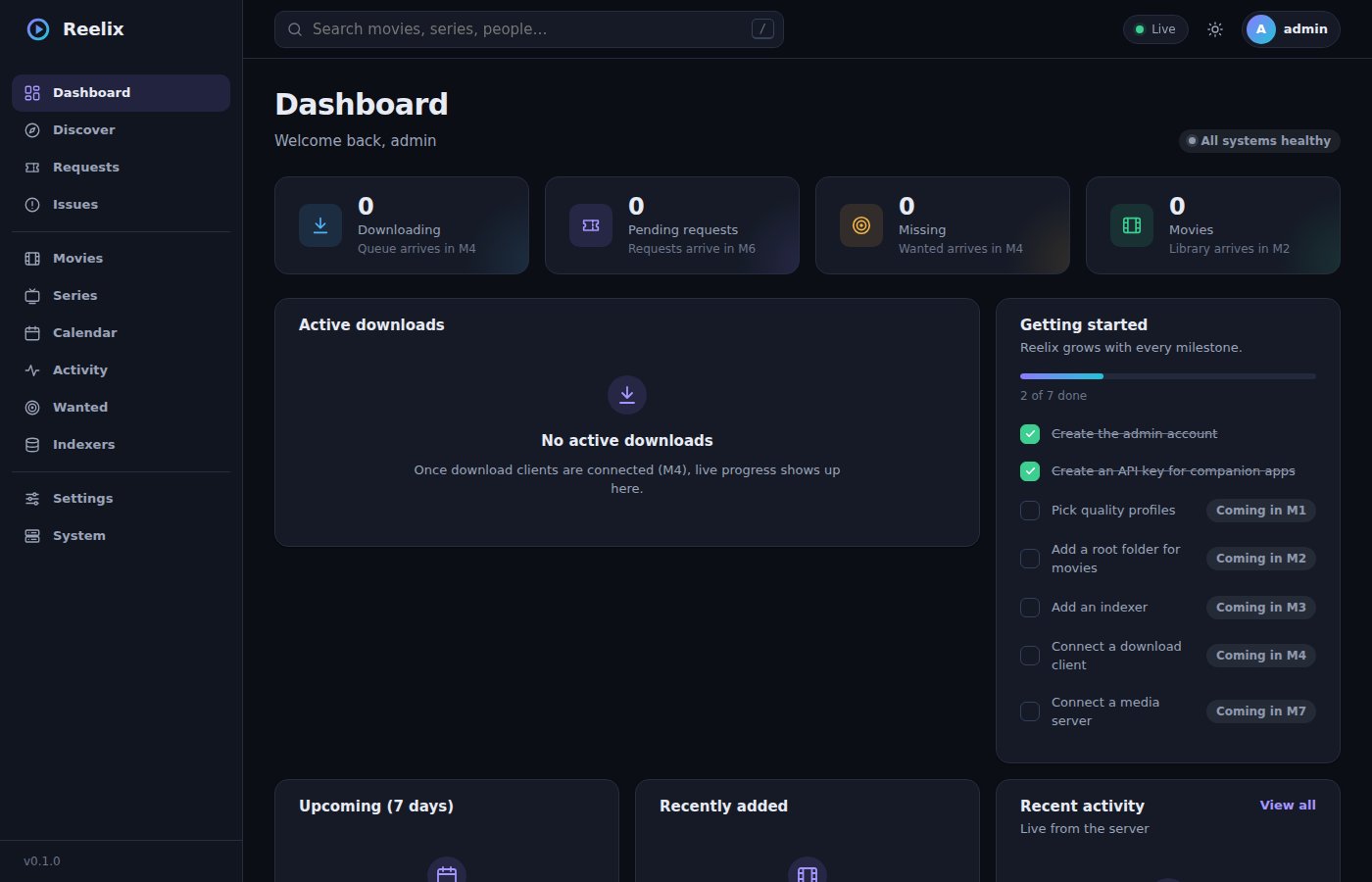
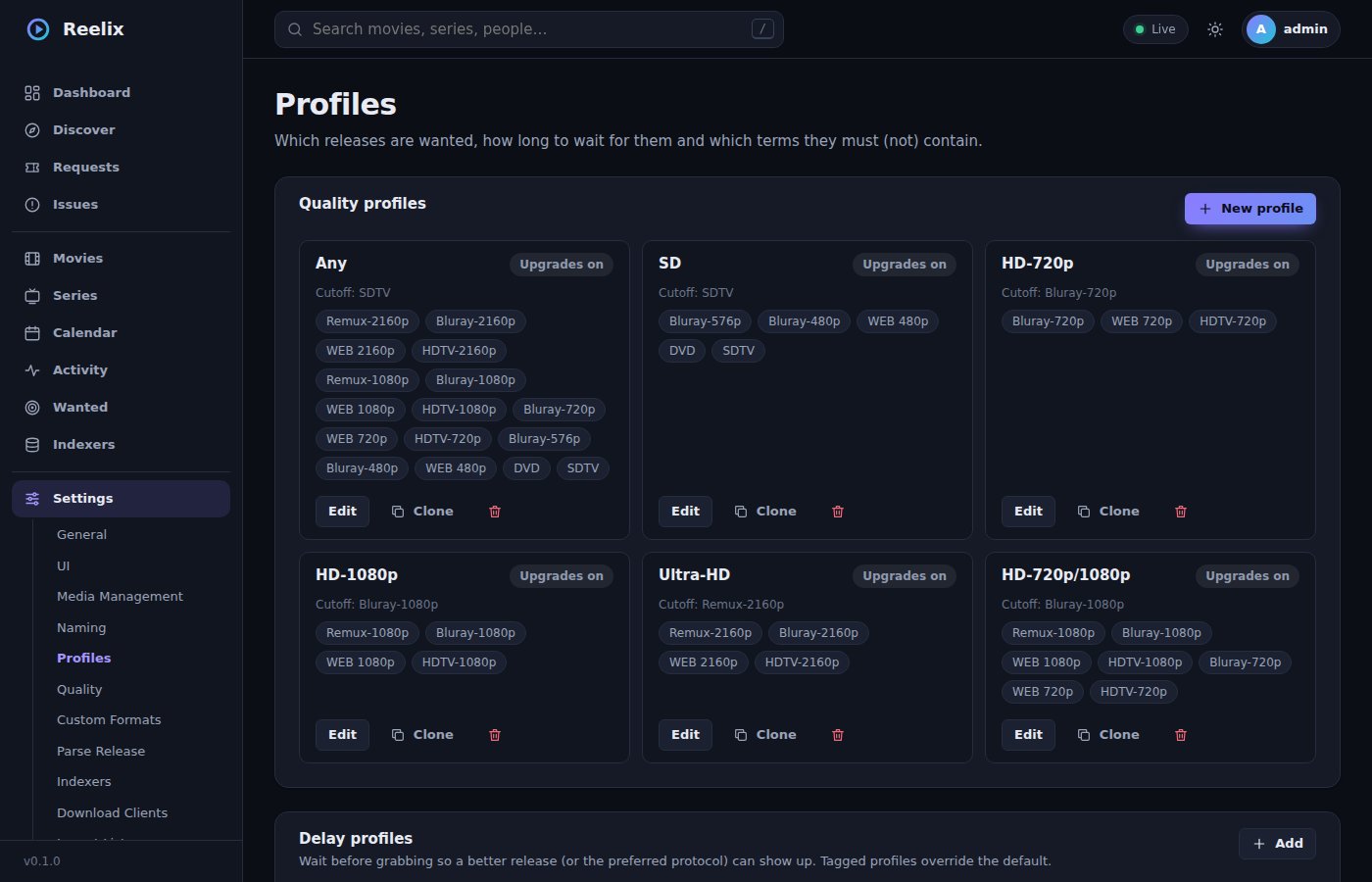
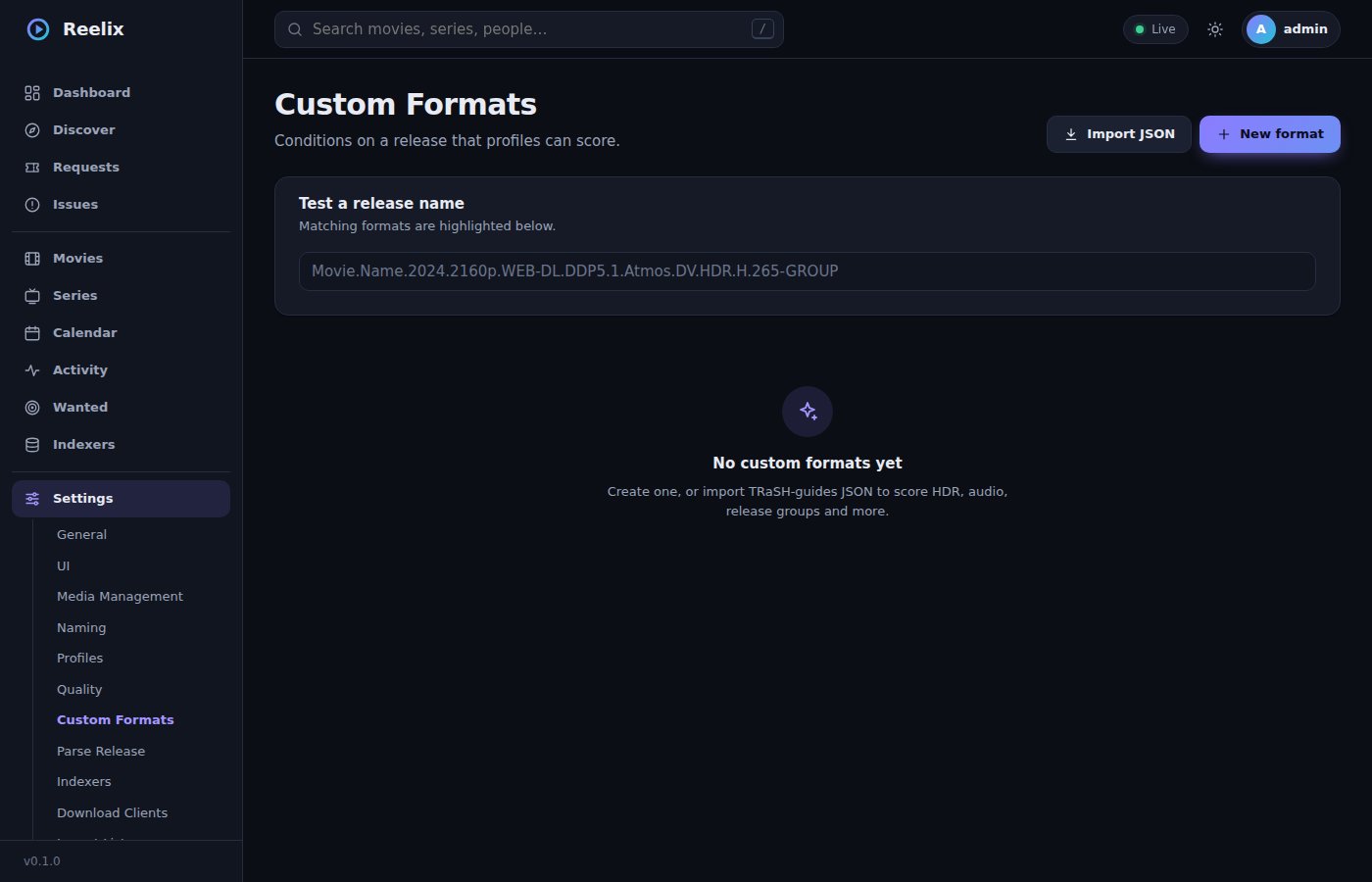
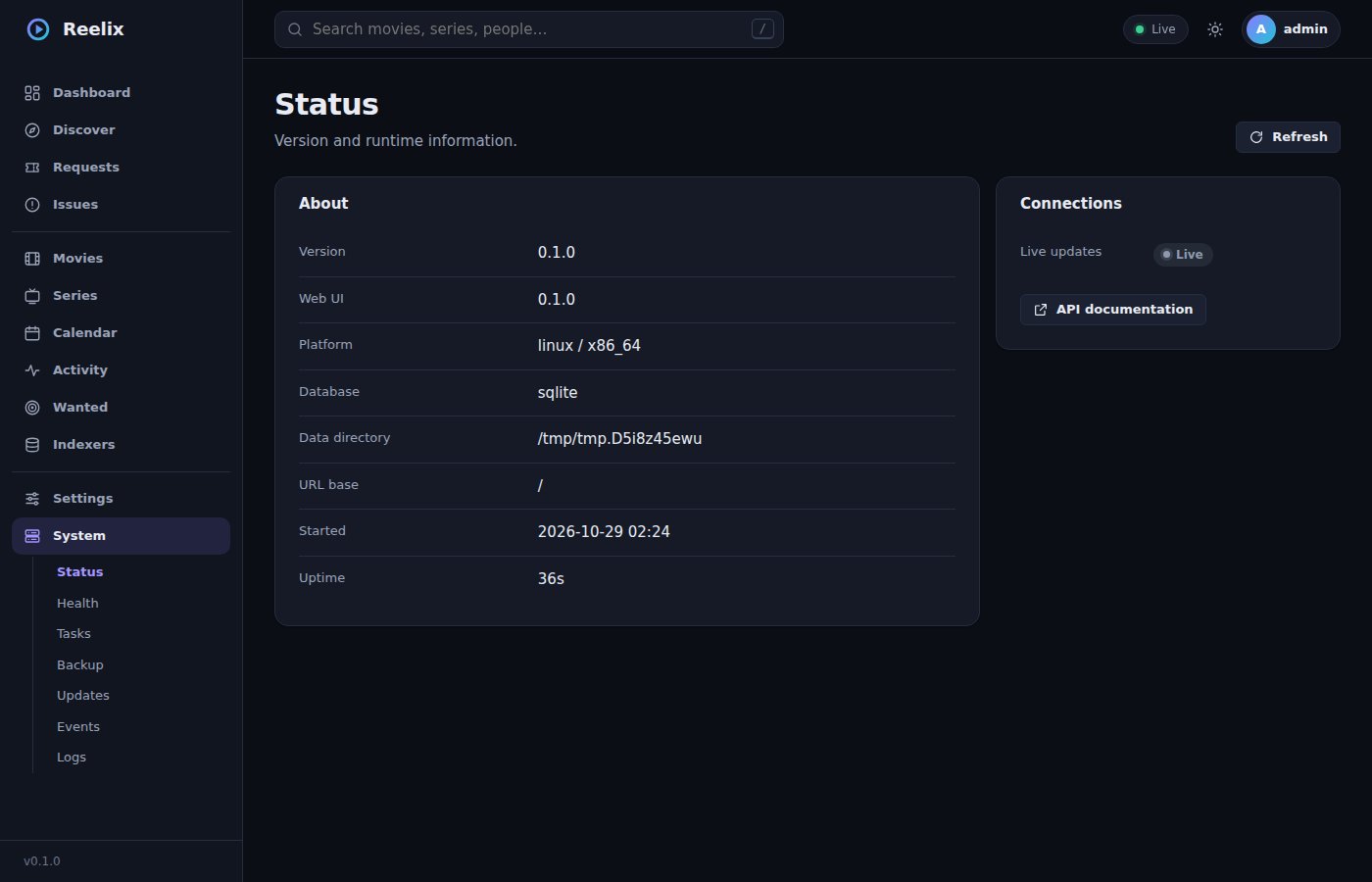
Open the app
About Reelix
Reelix is an all-in-one media manager: it finds, downloads, renames and organizes movies, series, books, audiobooks and music, the jobs of Radarr, Sonarr, Prowlarr, Lidarr and Readarr in one app written in Rust. It can migrate from those apps.
Features
- Movies, series, books, audiobooks and music in one library
- Indexers, download clients, quality profiles and custom formats
- Requests, a calendar, wanted lists and a queue
- Media server and notification connections
- Migration from Radarr, Sonarr, Prowlarr, Lidarr and Readarr
How to use
- Open Reelix from your dashboard and make the admin account.
- Add your indexers and download client under Settings.
- Point your media folders at
/data/...(your/DATA) and add movies and series.
Before you install
Nothing to set first; the setup makes the admin account on the first visit. Your ZimaOS storage is mounted at /data inside (upstream's one mount for downloads and media, so hardlinks work): /DATA/Media/Movies is /data/Media/Movies. Give your download client the same mount so its paths match. Coming from Radarr or Sonarr, use System › Migrate.
The settings in the first table are already in the app settings. To use any other one, open the app settings, add the variable with your value, save, and the app restarts with it. A setting you leave out uses its default.
In the app settings
| Variable | Default value | Description |
|---|---|---|
TZ | $TZ | Your time zone. It is filled in from your ZimaOS time zone. |
PUID | $PUID | The user that owns the files Reelix writes. Filled in by ZimaOS. |
PGID | $PGID | The group that owns the files Reelix writes. Filled in by ZimaOS. |
Files
| Variable | Default value | Description |
|---|---|---|
UMASK | 022 | The permissions of files Reelix creates. |
name: reelix

services:
  reelix:
    image: ghcr.io/demonzoned/reelix:0.8.7
    container_name: reelix
    restart: unless-stopped
    stop_grace_period: 30s
    network_mode: bridge
    environment:
      - TZ=$TZ
      - PUID=$PUID
      - PGID=$PGID
    ports:
      - target: 7700
        published: "6726"
        protocol: tcp
    volumes:
      - type: bind
        source: /DATA/AppData/$AppID/config
        target: /config
        bind:
          create_host_path: true
      - type: bind
        source: /DATA
        target: /data
    deploy:
      resources:
        limits:
          cpus: "2.00"
          memory: 1024M
        reservations:
          cpus: "0.00"
          memory: 64M
    labels:
      icon: https://cdn.jsdelivr.net/gh/HSinghHira/IceStore@main/Apps/reelix/icon.png
    x-casaos:
      id: com.icestore.reelix
      envs:
        - container: TZ
          description:
            en_US: >-
              Your time zone. It is filled in from your ZimaOS time zone.
        - container: PUID
          description:
            en_US: >-
              The user that owns the files Reelix writes. Filled in by ZimaOS.
        - container: PGID
          description:
            en_US: >-
              The group that owns the files Reelix writes. Filled in by ZimaOS.
      ports:
        - container: "7700"
          description:
            en_US: Reelix web app and API, published on host as 6726
      volumes:
        - container: /config
          description:
            en_US: The database, settings and backups.
        - container: /data
          description:
            en_US: >-
              Your ZimaOS storage (/DATA), one mount for downloads and media so
              hardlinks work. Your media is under /data inside, like
              /data/Media/Movies.

x-casaos:
  id: com.icestore.reelix
  architectures:
    - amd64
    - arm64
  main: reelix
  author: HSinghHira
  category: Media
  developer: demonzoned
  icon: https://cdn.jsdelivr.net/gh/HSinghHira/IceStore@main/Apps/reelix/icon.png
  thumbnail: https://cdn.jsdelivr.net/gh/HSinghHira/IceStore@main/Apps/reelix/screenshot-1.jpg
  screenshot_link:
    - https://cdn.jsdelivr.net/gh/HSinghHira/IceStore@main/Apps/reelix/screenshot-1.jpg
    - https://cdn.jsdelivr.net/gh/HSinghHira/IceStore@main/Apps/reelix/screenshot-2.jpg
    - https://cdn.jsdelivr.net/gh/HSinghHira/IceStore@main/Apps/reelix/screenshot-3.jpg
    - https://cdn.jsdelivr.net/gh/HSinghHira/IceStore@main/Apps/reelix/screenshot-4.jpg
  title:
    en_US: Reelix
  tagline:
    en_US: "One app for movies, TV, books, audiobooks and music: does the jobs of Radarr, Sonarr and friends."
  description:
    en_US: >-
      Visit: [https://icestore.hsinghhira.me/app/reelix/](https://icestore.hsinghhira.me/app/reelix/) for full details


      Reelix is an all-in-one media manager: it finds, downloads, renames and
      organizes movies, series, books, audiobooks and music, the jobs of
      Radarr, Sonarr, Prowlarr, Lidarr and Readarr in one app written in
      Rust. It can migrate from those apps.


      **Features**


      - Movies, series, books, audiobooks and music in one library

      - Indexers, download clients, quality profiles and custom formats

      - Requests, a calendar, wanted lists and a queue

      - Media server and notification connections

      - Migration from Radarr, Sonarr, Prowlarr, Lidarr and Readarr


      **How to use?**


      1. Open Reelix from the Zima OS dashboard and make the admin account.


      2. Add your indexers and download client under Settings.


      3. Point your media folders at /data/... (your /DATA) and add movies
         and series.
  tips:
    before_install:
      en_US: >-
        1. Start the installation. It is ready in a few seconds.


        2. Open Reelix from your dashboard and make the admin account in the
           setup.


        3. Your ZimaOS storage is /data inside Reelix, so /DATA/Media/Movies
           is /data/Media/Movies. Give your download client the same mount
           (/DATA at /data) so hardlinks and imports work.


        4. Coming from Radarr or Sonarr? Use System, Migrate.
  index: /
  port_map: "6726"
  scheme: http
  is_uncontrolled: false
  version: "0.8.7"
  update_at: "2026-11-10"
  release_notes:
    en_US: |-
      - First IceStore version: ghcr.io/demonzoned/reelix 0.8.7
      - Port 6726; settings in /DATA/AppData/reelix/config and all of /DATA at /data (one mount for downloads and media, so hardlinks work).
  repo: "https://github.com/demonzoned/Reelix"
  support: "https://github.com/demonzoned/Reelix/issues"
  docs: "https://github.com/demonzoned/Reelix/tree/master/docs"
Install Reelix
Something not working with Reelix?
Report it so it gets fixed, or ask for an app that is not here yet.
 ZimaOS
Add the store link, then find Reelix in the App Store and install it.
 CasaOS
Add the store link, then find Reelix in the App Store and install it.
 ReCasaOS
Add the store link, then find Reelix in the App Store and install it.
 Homeio
Add the store link, then find Reelix in the App Store and install it.
 MOS
Add the repository in MOS Hub Settings, then find Reelix in Docker → MOS Hub and install it.


