
calit
Self-hosted, multi-user Calendly alternative. Scheduling you own
- ghcr.io/hsinghhira/calit:latest
- v1.28.1
- Updated 29 Oct 2026
- port 6137
- amd64 · arm64
- Productivity
- 11 stars
Screenshots
Open the app
About calit
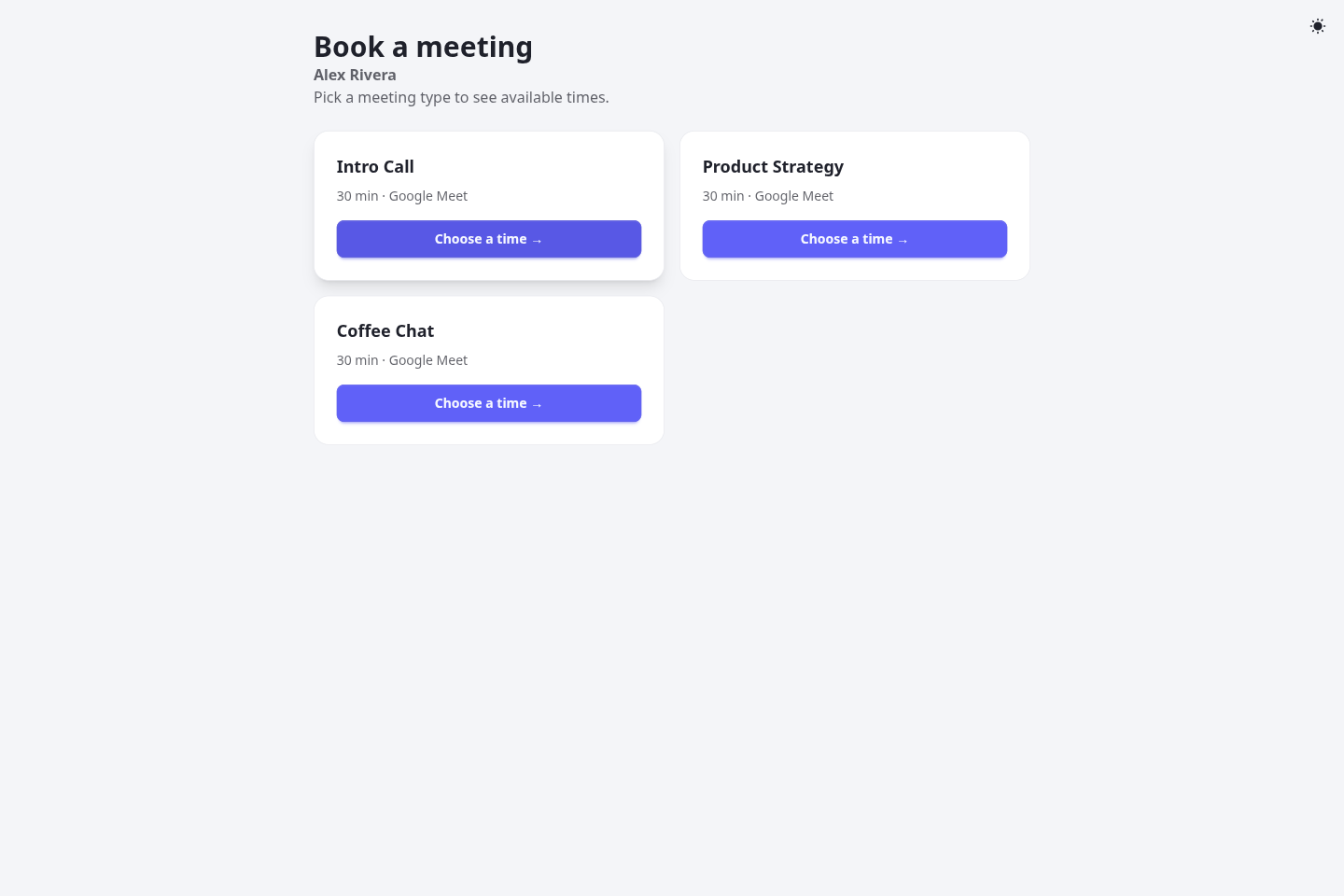
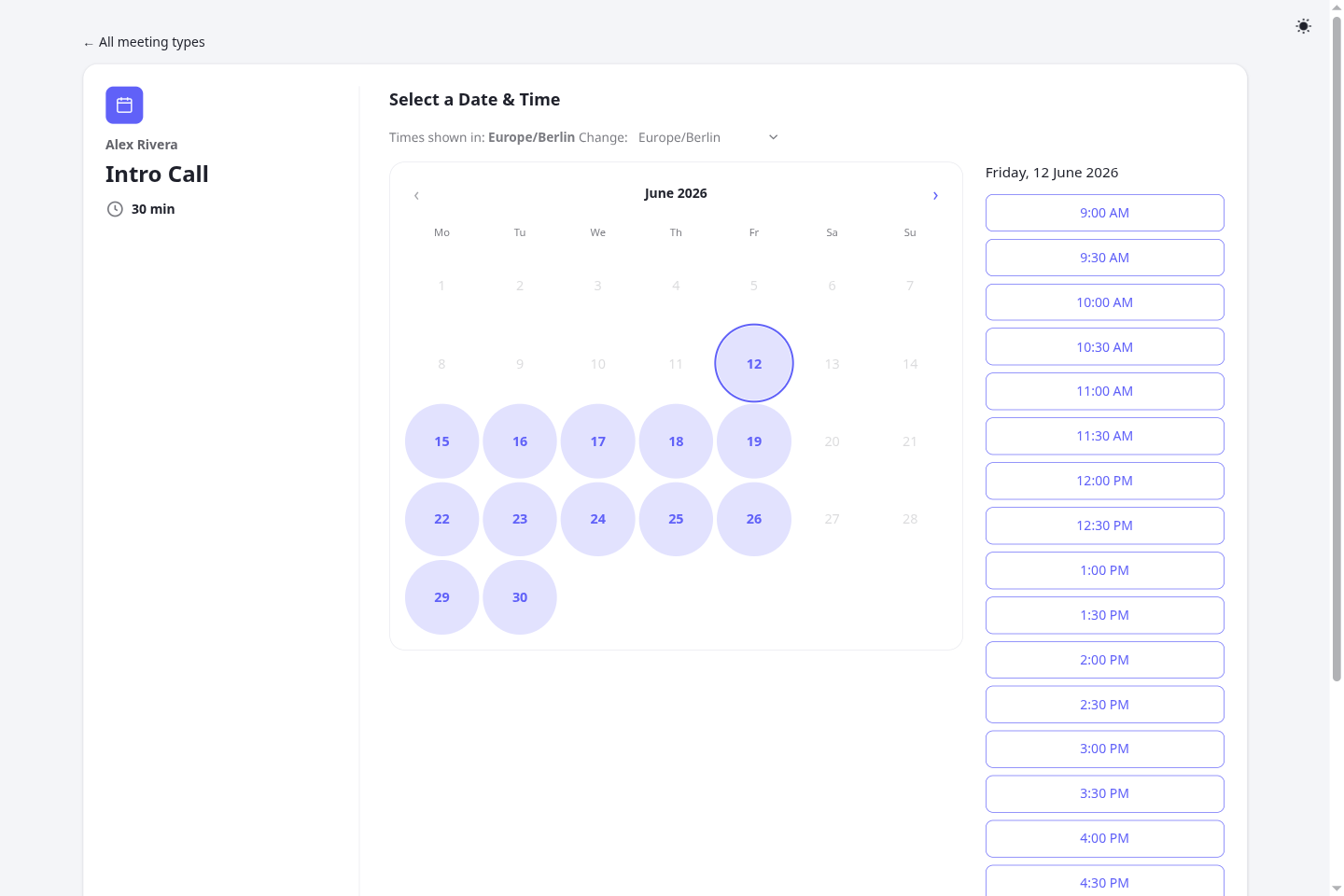
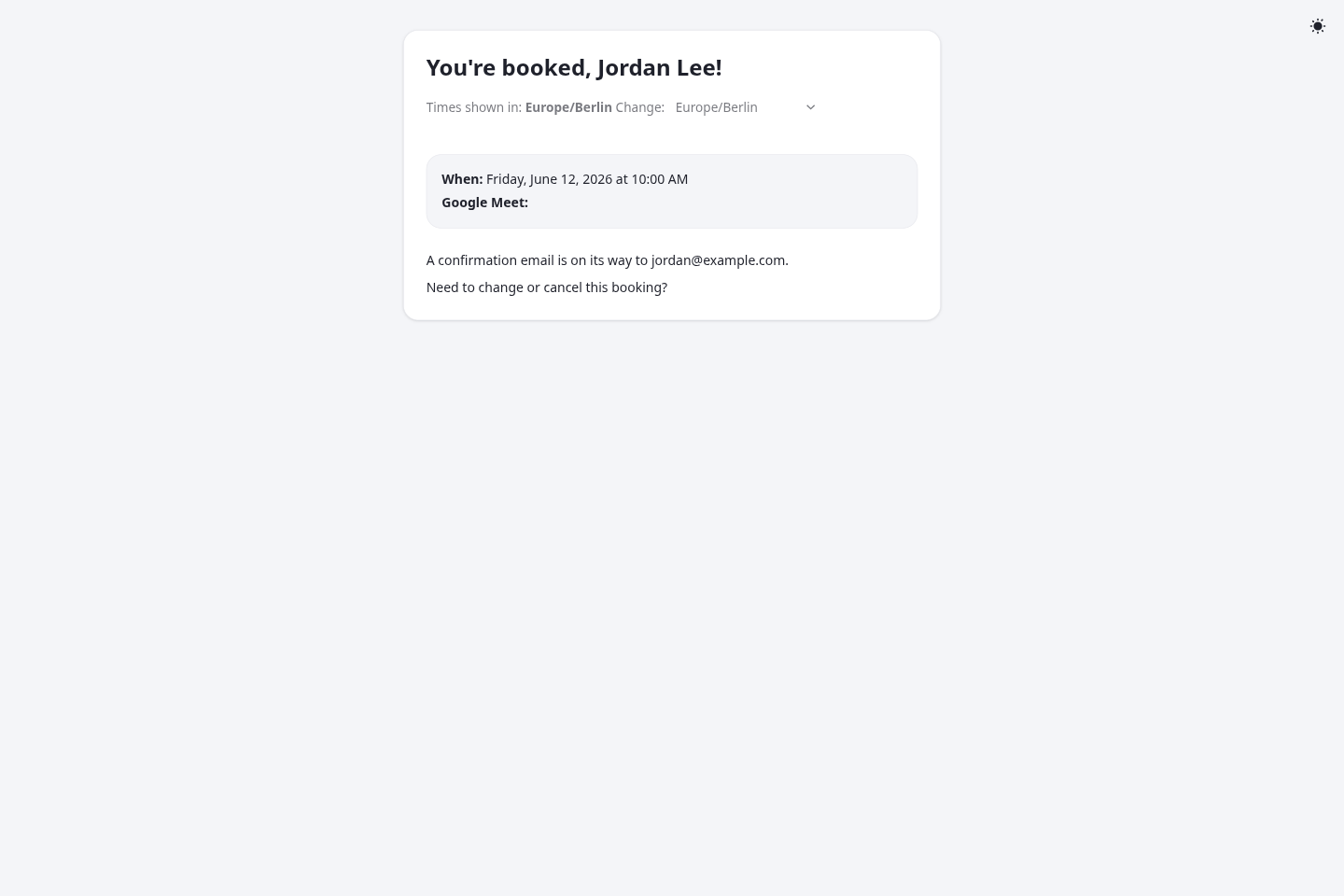
calit is a scheduling app you host yourself, like Calendly. Every user gets their own booking pages: people pick a free time and book, and both sides get an email. This is calit in a single container, with PostgreSQL inside, one port and one data folder. Secret keys are made for you on first start.
Features
- Booking pages per user and meeting type, with buffers, minimum notice and how far ahead people can book
- Weekly availability with date-by-date changes
- Optional approval before a booking is confirmed
- Extra questions on the booking form, reminder emails
- Optional Google Calendar sync with Google Meet links, and CalDAV
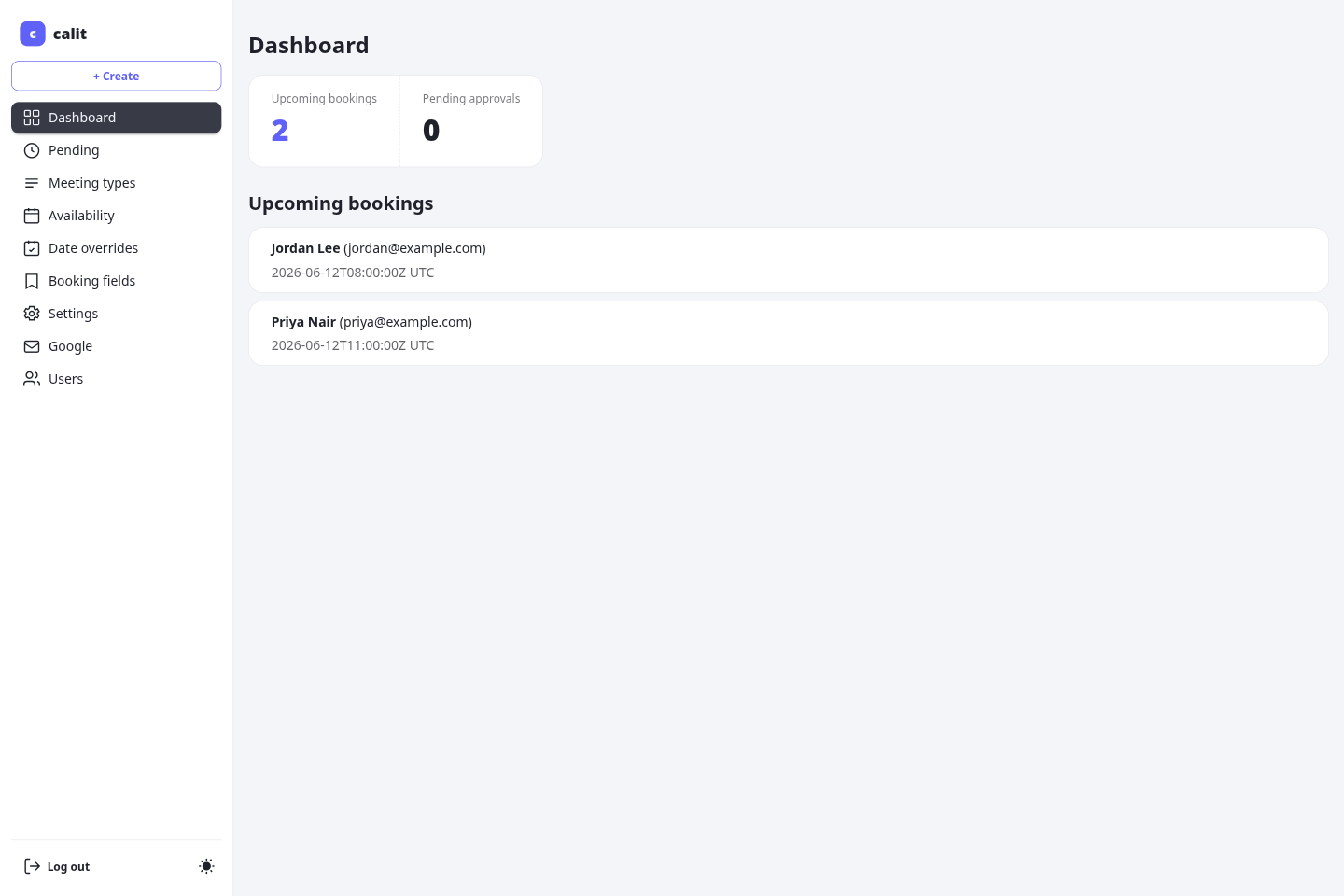
- Several users, with an admin to manage them; optional sign-in with OIDC (Authelia, Authentik, Pocket ID)
- Spam protection (Cloudflare Turnstile or self-hosted ALTCHA), notifications to Telegram, Slack, Discord, ntfy or Gotify
- PostgreSQL inside
How to use
- Open calit from your dashboard. The first visit goes to
/setup. - Create the first user. It is the admin.
- Make a meeting type and set when you are free.
- Share your booking page,
http://[ZIMAOS-IP-ADDRESS]:6137/<your user name>.
Before you install
Change localhost in PUBLIC_URL to your ZimaOS IP, like http://192.168.1.20:6137; every booking link and email link starts with it. Fill in MAIL_HOST, MAIL_USERNAME, MAIL_PASSWORD and MAIL_FROM with your email server: calit sends every confirmation and reminder by email, and without them bookings still work but nobody is told (the mail waits and goes out once you set them). There is no default password: the first visit goes to /setup, where you make the admin account. Google Calendar sync needs an https address. Every other setting is optional and listed in the Variables tab. To use one, add it in the app settings with your value; a setting you leave out keeps its default. The first start takes about a minute.
The settings in the first table are already in the app settings. To use any other one, open the app settings, add the variable with your value, save, and the app restarts with it. A setting you leave out uses its default.
In the app settings
| Variable | Default value | Description |
|---|---|---|
TZ | $TZ | Your time zone. It is filled in from your ZimaOS time zone. Leave it unless you need another. |
PUBLIC_ | http://localhost:6137 | The address people open your booking pages at. Every booking link and email link starts with it. It starts as localhost, which only works on this device: change localhost to your ZimaOS IP, like http://192.168.1.20:6137, or set your https address. Keep the port at 6137 unless you use a domain. |
MAIL_ | — | Your email server, like smtp.gmail.com. calit sends every booking confirmation, reminder and password reset by email. Left blank, bookings still work but nobody gets an email; the mail waits and goes out once you set this. |
MAIL_ | — | The user name for your email server, usually your email address. |
MAIL_ | — | The password for your email server. For Gmail, use an app password. |
MAIL_ | — | The address emails come from, like [email protected]. |
Email (SMTP)
| Variable | Default value | Description |
|---|---|---|
MAIL_ | 587 | Your email server port. For 465, also set MAIL_TLS to true and MAIL_START_TLS to OPTIONAL. |
MAIL_ | REQUIRED | REQUIRED for port 587 (STARTTLS), OPTIONAL for port 465. |
MAIL_ | false | Set to true for port 465 (TLS from the start). |
Sign-up and accounts
| Variable | Default value | Description |
|---|---|---|
SIGNUP_ | false | Set to true to let anyone make an account. Otherwise the admin adds users at /me/users. |
Sign in with OIDC
| Variable | Default value | Description |
|---|---|---|
OIDC_ | false | Set to true to show "Sign in with SSO" (Authelia, Authentik, Pocket ID and others). |
OIDC_ | — | Your provider's address, like https://auth.example.com. |
OIDC_ | — | The client ID from your provider. |
OIDC_ | — | The client secret from your provider. |
OIDC_ | — | Members of this provider group become calit admins. Leave it out for none. |
Google Calendar
| Variable | Default value | Description |
|---|---|---|
GOOGLE_ | — | Your Google OAuth client ID, for Calendar sync and Meet links. In Google, add PUBLIC_URL/api/google/callback and PUBLIC_URL/api/google/login/callback as redirect URIs. Google needs an https address or localhost. |
GOOGLE_ | — | Your Google OAuth client secret. |
GOOGLE_ | 1h | How often each Google connection is checked, like 30m or 1h. |
Calendars
| Variable | Default value | Description |
|---|---|---|
CALDAV_ | false | Set to true to use a CalDAV server on your own network. |
Bookings
| Variable | Default value | Description |
|---|---|---|
REMINDER_ | 1440 | How many minutes before a meeting the reminder email goes out. |
APPROVAL_ | 24 | How many hours a booking waits for approval before it expires. |
PER_ | 10 | Most bookings one email address can make in a day. |
INVITEE_ | true | Set to false so guests can't erase their own data from the manage link. |
BOOKING_ | — | Anonymise bookings this many days after they end, like 730. Leave it out to keep them. |
Spam protection
| Variable | Default value | Description |
|---|---|---|
CAPTCHA_ | none | none, turnstile or altcha (self-hosted, no outside service). |
ALTCHA_ | — | A long random secret. Needed when CAPTCHA_PROVIDER is altcha. |
ALTCHA_ | 100000 | How hard the ALTCHA puzzle is. |
TURNSTILE_ | false | Set to true to use Cloudflare Turnstile. |
TURNSTILE_ | — | Your Turnstile site key. |
TURNSTILE_ | — | Your Turnstile secret key. |
Notifications
| Variable | Default value | Description |
|---|---|---|
NOTIFY_ | * | Which notification channels users may add, like telegram,slack,discord,gotify,ntfy. * allows all. |
NOTIFY_ | true | Set to false so users can't send notifications to addresses on your network. |
NOTIFY_ | 3 | How many times a notification is tried. |
Privacy page
| Variable | Default value | Description |
|---|---|---|
OPERATOR_ | — | Your name or company, shown on /privacy and /terms. |
PRIVACY_ | — | The email shown on /privacy for data requests. |
GOOGLE_ | — | A Google Search Console verification token. |
Keys
| Variable | Default value | Description |
|---|---|---|
SESSION_ | — | Leave it out: each install makes its own on first start. Changing it signs everyone out. |
TOKEN_ | — | 64 hex characters. Leave it out: each install makes its own on first start. Never change it afterwards, or Google connections stop working. |
Logs
| Variable | Default value | Description |
|---|---|---|
QUARKUS_ | INFO | DEBUG, INFO, WARN or ERROR. |
name: calit

services:
  calit:
    image: ghcr.io/hsinghhira/calit:latest
    container_name: calit
    restart: unless-stopped
    stop_grace_period: 90s
    privileged: true
    environment:
      - TZ=$TZ
      - PUBLIC_URL=http://localhost:6137
      - MAIL_HOST=
      - MAIL_USERNAME=
      - MAIL_PASSWORD=
      - MAIL_FROM=
    ports:
      - target: 8080
        published: "6137"
        protocol: tcp
    volumes:
      - type: bind
        source: /DATA/AppData/$AppID/data
        target: /data
        bind:
          create_host_path: true
    healthcheck:
      test: ["CMD", "curl", "-fsS", "-o", "/dev/null", "http://127.0.0.1:8080/q/health/live"]
      interval: 30s
      timeout: 10s
      retries: 5
      start_period: 180s
    deploy:
      resources:
        limits:
          cpus: "2.00"
          memory: 1536M
        reservations:
          cpus: "0.00"
          memory: 384M
    labels:
      icon: https://cdn.jsdelivr.net/gh/HSinghHira/IceStore@main/Apps/calit/icon.png
    x-casaos:
      id: com.icestore.calit
      envs:
        - container: TZ
          description:
            en_US: >-
              Your time zone. It is filled in from your ZimaOS time zone.
              Leave it unless you need another.
        - container: PUBLIC_URL
          description:
            en_US: >-
              The address people open your booking pages at. Every booking
              link and email link starts with it. It starts as localhost,
              which only works on this device: change `localhost` to your
              ZimaOS IP, like http://192.168.1.20:6137, or set your https
              address. Keep the port at 6137 unless you use a domain.
        - container: MAIL_HOST
          description:
            en_US: >-
              Your email server, like smtp.gmail.com. calit sends every
              booking confirmation, reminder and password reset by email.
              Left blank, bookings still work but nobody gets an email; the
              mail waits and goes out once you set this.
        - container: MAIL_USERNAME
          description:
            en_US: >-
              The user name for your email server, usually your email
              address.
        - container: MAIL_PASSWORD
          description:
            en_US: >-
              The password for your email server. For Gmail, use an app
              password.
        - container: MAIL_FROM
          description:
            en_US: >-
              The address emails come from, like [email protected].
      ports:
        - container: "8080"
          description:
            en_US: calit web pages (booking pages and dashboard), published on host as 6137
      volumes:
        - container: /data
          description:
            en_US: >-
              The PostgreSQL database (postgres) and this install's own keys
              (state/secrets.env). Back this folder up; Google connections
              can't be read without the keys.

x-casaos:
  id: com.icestore.calit
  architectures:
    - amd64
    - arm64
  main: calit
  author: HSinghHira
  category: Productivity
  developer: asm0dey
  icon: https://cdn.jsdelivr.net/gh/HSinghHira/IceStore@main/Apps/calit/icon.png
  thumbnail: https://cdn.jsdelivr.net/gh/HSinghHira/IceStore@main/Apps/calit/screenshot-1.png
  screenshot_link:
    - https://cdn.jsdelivr.net/gh/HSinghHira/IceStore@main/Apps/calit/screenshot-1.png
    - https://cdn.jsdelivr.net/gh/HSinghHira/IceStore@main/Apps/calit/screenshot-2.png
    - https://cdn.jsdelivr.net/gh/HSinghHira/IceStore@main/Apps/calit/screenshot-3.png
    - https://cdn.jsdelivr.net/gh/HSinghHira/IceStore@main/Apps/calit/screenshot-4.png
  title:
    en_US: calit
  tagline:
    en_US: Self-hosted, multi-user Calendly alternative. Scheduling you own
  description:
    en_US: >-
      calit is a scheduling app you host yourself, like Calendly. Every user
      gets their own booking pages: people pick a free time and book, and
      both sides get an email. This is calit in a single container, with
      PostgreSQL inside, one port and one data folder. Secret keys are made
      for you on first start.


      **Features**


      - Booking pages per user and meeting type, with buffers, minimum
        notice and how far ahead people can book

      - Weekly availability with date-by-date changes

      - Optional approval before a booking is confirmed

      - Extra questions on the booking form, reminder emails

      - Optional Google Calendar sync with Google Meet links, and CalDAV

      - Several users, with an admin to manage them; optional sign-in with
        OIDC (Authelia, Authentik, Pocket ID)

      - Spam protection (Cloudflare Turnstile or self-hosted ALTCHA),
        notifications to Telegram, Slack, Discord, ntfy or Gotify


      **How to use?**


      1. Open calit from the Zima OS dashboard. The first visit goes to
         /setup.

      2. Create the first user. It is the admin.

      3. Make a meeting type and set when you are free.

      4. Share your booking page, http://[ZIMAOS-IP-ADDRESS]:6137/<your user
         name>.
  tips:
    before_install:
      en_US: >-
        1. Set PUBLIC_URL. Change `localhost` to your ZimaOS IP, like
           http://192.168.1.20:6137 (booking links and email links use it).


        2. Fill in MAIL_HOST, MAIL_USERNAME, MAIL_PASSWORD and MAIL_FROM with
           your email server. Without them nobody gets booking emails.


        3. If your email server uses port 465 instead of 587, add MAIL_PORT,
           MAIL_TLS and MAIL_START_TLS (see the Variables tab below).


        4. More settings, like Google Calendar, sign-up and single sign-on,
           are listed on the calit page at
           https://icestore.hsinghhira.me/app/calit/ (Variables tab). You can
           add them now or later in the app settings.


        5. Start the installation. The first start takes about 1 minute.


        6. Open http://[ZIMAOS-IP-ADDRESS]:6137 and you land on the setup
           page.


        7. Create your account. The first account is the admin.
  index: /
  port_map: "6137"
  scheme: http
  is_uncontrolled: false
  version: "1.28.1"
  update_at: "2026-10-29"
  release_notes:
    en_US: |-
      - First version in IceStore, on port 6137
      - Single container: calit and PostgreSQL 18 inside, one data folder
      - Built on ghcr.io/asm0dey/calit 1.28.1
      - Session, token and Google state keys are made on first start and kept in /data/state/secrets.env
      - Works on a plain http:// address on your network (the CSRF cookie is only forced secure on https)
  repo: "https://github.com/asm0dey/calit"
  support: "https://github.com/asm0dey/calit/issues"
  docs: "https://asm0dey.github.io/calit/"
Install calit
 ZimaOS
Add the store link, then find calit in the App Store and install it.
 CasaOS
Add the store link, then find calit in the App Store and install it.
 Homeio
Add the store link, then find calit in the App Store and install it.
Something not working with calit? Report a problem or request another app.


