
KyIdentity
Sign-in, users and MFA for the Ky Suite (Busnes) and any OpenID Connect app.
- ghcr.io/busnes-app/kyidentity-server:0.6.0
- v0.6.0
- Updated 9 Nov 2026
- port 6695
- amd64
- Networking
- 1 stars
Screenshots
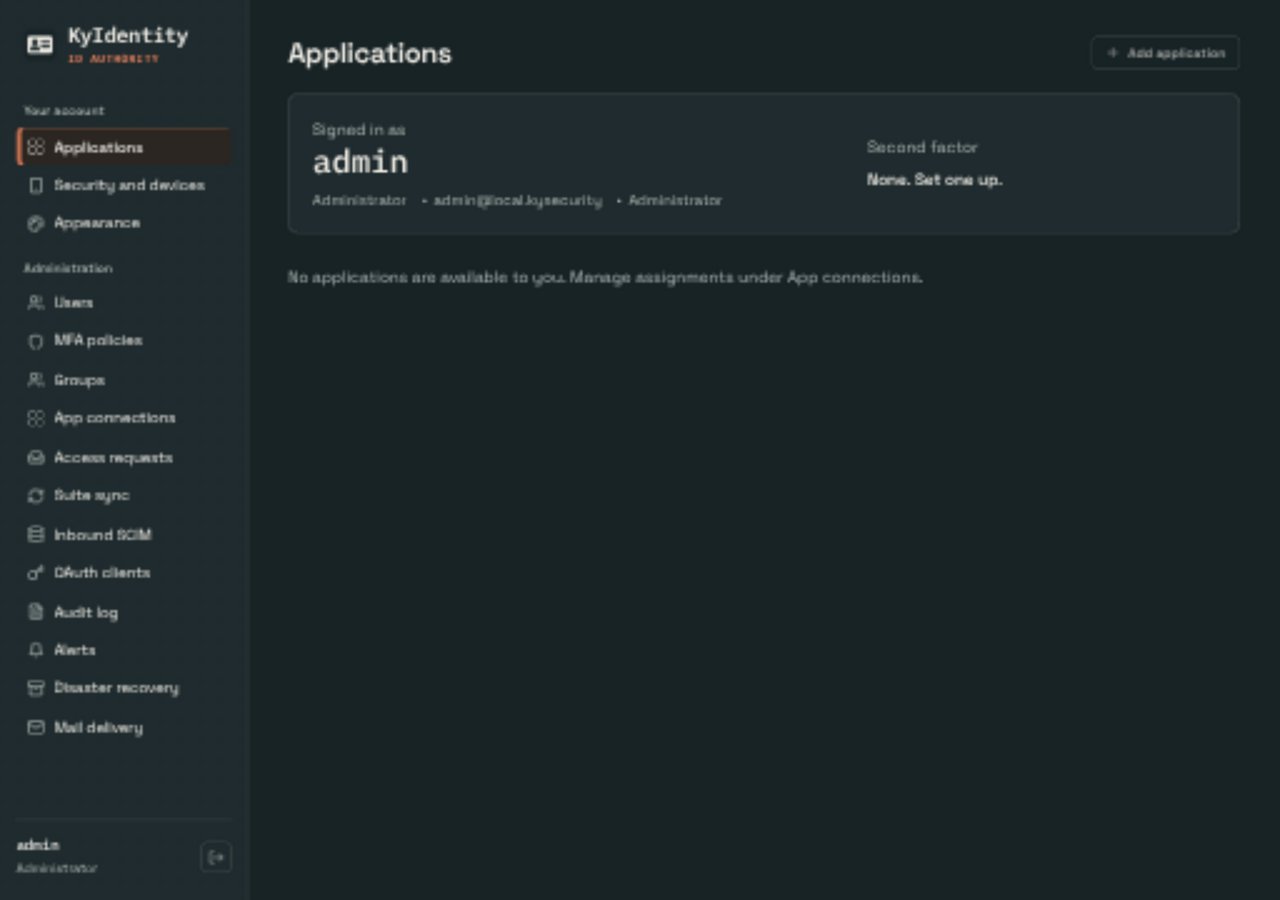
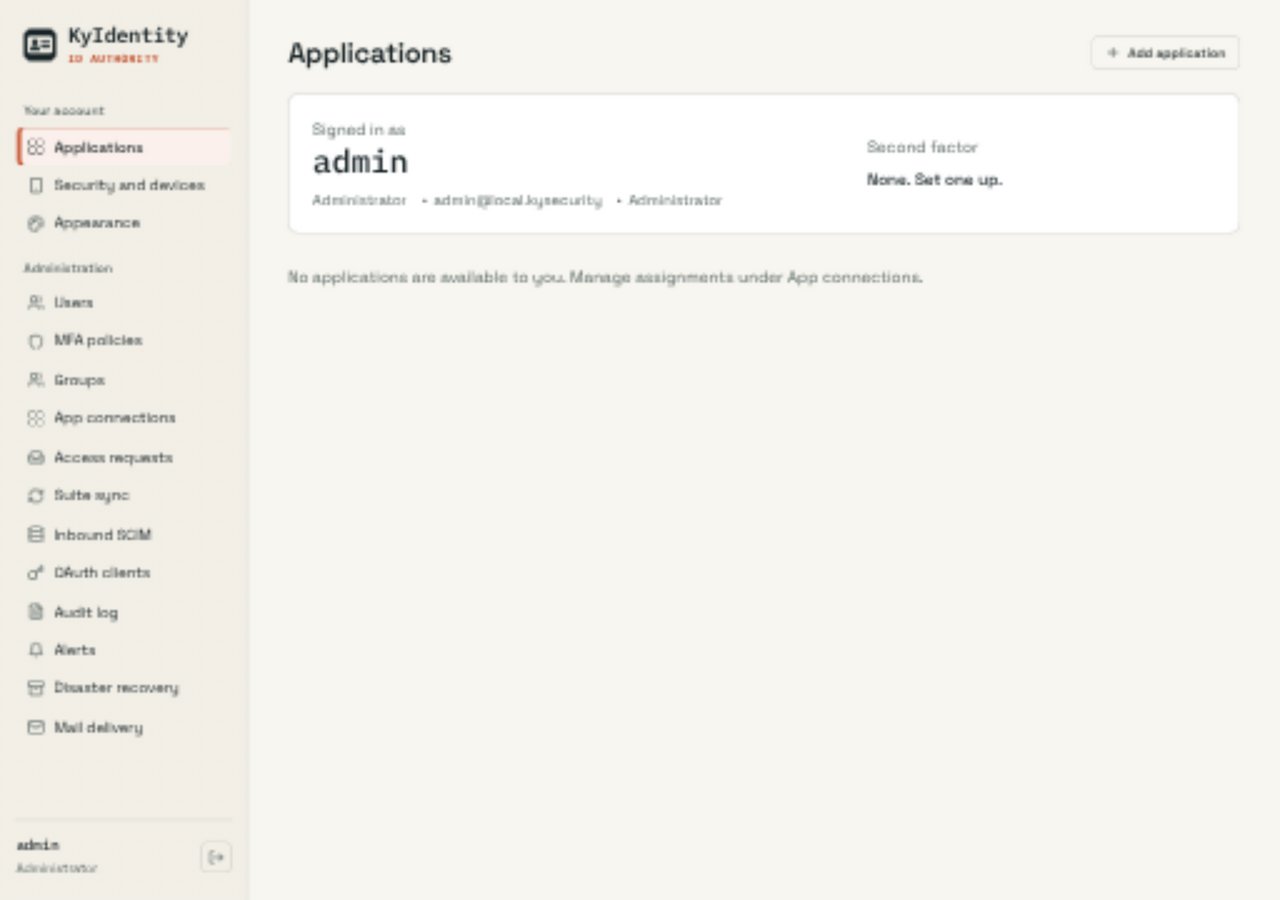
Open the app
About KyIdentity
KyIdentity is the identity provider of the Busnes Ky Suite: one place for people, groups, app access and MFA. KyNotes, KyDrive, KyCalendar, KyPost and the other Ky apps sign in through it, and so can any app that speaks OpenID Connect. It also works on its own.
Features
- User directory with groups, delegated admins and account end dates
- OpenID Connect and OAuth 2.0 provider (PKCE, JWKS, RS256)
- MFA: authenticator apps (TOTP), passkeys, recovery codes and push approvals with the KyAuth phone app
- App launcher, audit log, alerts and SCIM provisioning
- Encrypted backups to KyRecovery
How to use
- Put KyIdentity behind your reverse proxy with an https domain and set
KYIDENTITY_ISSUER_URLto it before you install. - Find the first password in
first-run-password.txtin the data folder. - Open your https address and sign in as
admin. - Choose a new password, set up MFA and add your users.
- Connect the other Ky apps under App connections.
Before you install
You must set KYIDENTITY_ISSUER_URL first. KyIdentity only runs on an https address (or on http://localhost:6695, on the box itself). Set up a reverse proxy with your own domain, like https://id.example.com, pointed at http://[ZIMAOS-IP-ADDRESS]:6695, and put that domain in KYIDENTITY_ISSUER_URL. Never change it after apps are connected.
The first administrator is admin. Leave BOOTSTRAP_ADMIN_PASS empty and a password is written to first-run-password.txt in /DATA/AppData/kyidentity/data (open it with the Files app); it is never printed in the logs. You choose a new password at the first sign-in, and the file is then deleted.
Tell KyIdentity your proxy's address with TRUSTED_PROXY_CIDRS so the audit log and rate limits see real visitor addresses. That and the other settings are in the Variables tab; add them in the app settings. It starts in a few seconds. The image is built for amd64 only.
The settings in the first table are already in the app settings. To use any other one, open the app settings, add the variable with your value, save, and the app restarts with it. A setting you leave out uses its default.
In the app settings
| Variable | Default value | Description |
|---|---|---|
TZ | $TZ | Your time zone. It is filled in from your ZimaOS time zone. Leave it unless you need another. |
KYIDENTITY_ | https://id.example.com | Required. The https address of KyIdentity through your reverse proxy, like https://id.example.com. KyIdentity refuses to start with an http address other than http://localhost:6695, and every connected app signs in through this address. Never change it after apps are connected. |
KYIDENTITY_ | /data | Where KyIdentity keeps its data inside the container. Leave it as /data. |
BOOTSTRAP_ | admin | The user name of the first administrator, made on first start. |
BOOTSTRAP_ | — | The first administrator's password. Leave it empty to have one made for you: it is saved in first-run-password.txt in the data folder (/DATA/AppData/kyidentity/data). You choose a new password at the first sign-in either way. |
Reverse proxy
| Variable | Default value | Description |
|---|---|---|
TRUSTED_ | — | The address of your reverse proxy as KyIdentity sees it, like 172.17.0.1/32, so it believes the visitor's IP and https from the proxy. Only your proxy; never a whole network. |
KYIDENTITY_ | X-Forwarded-For | The one header your proxy puts the visitor's IP in. Use CF-Connecting-IP behind Cloudflare. |
KYIDENTITY_ | — | Set to true when your proxy serves https but doesn't send X-Forwarded-Proto, so sign-in cookies are marked secure. |
Sign-in
| Variable | Default value | Description |
|---|---|---|
KYIDENTITY_ | 24h | How long a sign-in lasts, like 24h or 12h. |
KYIDENTITY_ | 8h | Sign out after this long without use, like 8h. Can't be longer than KYIDENTITY_SESSION_TTL. |
KYIDENTITY_ | false | Set to true when the other Ky apps call back over your home network (a 192.168.x.x or 10.x.x.x address, or plain http). |
Push MFA (KyAuth app)
| Variable | Default value | Description |
|---|---|---|
PUSH_ | https://fcm.relay.kyauth.busnes.app | The relay that sends sign-in approvals to KyAuth on Android. Set it empty to turn Android push off (TOTP and passkeys still work). |
APNS_ | https://apn.relay.kyauth.busnes.app | The relay that sends sign-in approvals to KyAuth on iPhone. Set it empty to turn iPhone push off. |
Backups
| Variable | Default value | Description |
|---|---|---|
KYIDENTITY_ | 24h | How often KyIdentity sends an encrypted backup to a paired KyRecovery. |
KYIDENTITY_ | — | A folder inside the container for local backup copies, like /data/backups. |
KYIDENTITY_ | 7 | How many local backup copies to keep. |
Keys
| Variable | Default value | Description |
|---|---|---|
KYIDENTITY_ | — | A 64-character hex key (openssl rand -hex 32). Made on first start and kept in the data folder when left out; never change it afterwards. |
KYIDENTITY_ | — | A 64-character hex key that encrypts MFA secrets. Made on first start when left out; never change it afterwards. |
name: kyidentity

services:
  kyidentity:
    image: ghcr.io/busnes-app/kyidentity-server:0.6.0
    container_name: kyidentity
    restart: unless-stopped
    stop_grace_period: 20s
    network_mode: bridge
    user: "0:0"
    environment:
      - TZ=$TZ
      - KYIDENTITY_ISSUER_URL=https://id.example.com
      - KYIDENTITY_DATA_DIR=/data
      - BOOTSTRAP_ADMIN_USER=admin
      - BOOTSTRAP_ADMIN_PASS=
    ports:
      - target: 5867
        published: "6695"
        protocol: tcp
    volumes:
      - type: bind
        source: /DATA/AppData/$AppID/data
        target: /data
        bind:
          create_host_path: true
    healthcheck:
      test: ["CMD-SHELL", "wget -q --spider http://localhost:5867/readyz || exit 1"]
      interval: 30s
      timeout: 5s
      retries: 3
      start_period: 20s
    deploy:
      resources:
        limits:
          cpus: "1.00"
          memory: 256M
        reservations:
          cpus: "0.00"
          memory: 32M
    labels:
      icon: https://cdn.jsdelivr.net/gh/HSinghHira/IceStore@main/Apps/kyidentity/icon.png
    x-casaos:
      id: com.icestore.kyidentity
      envs:
        - container: TZ
          description:
            en_US: >-
              Your time zone. It is filled in from your ZimaOS time zone.
              Leave it unless you need another.
        - container: KYIDENTITY_ISSUER_URL
          description:
            en_US: >-
              Required. The https address of KyIdentity through your reverse
              proxy, like https://id.example.com. KyIdentity refuses to start
              with an http address other than http://localhost:6695, and every
              connected app signs in through this address. Never change it
              after apps are connected.
        - container: KYIDENTITY_DATA_DIR
          description:
            en_US: >-
              Where KyIdentity keeps its data inside the container. Leave it
              as /data.
        - container: BOOTSTRAP_ADMIN_USER
          description:
            en_US: >-
              The user name of the first administrator, made on first start.
        - container: BOOTSTRAP_ADMIN_PASS
          description:
            en_US: >-
              The first administrator's password. Leave it empty to have one
              made for you: it is saved in first-run-password.txt in the data
              folder (/DATA/AppData/kyidentity/data). You choose a new password
              at the first sign-in either way.
      ports:
        - container: "5867"
          description:
            en_US: KyIdentity web app and OpenID Connect provider, published on host as 6695
      volumes:
        - container: /data
          description:
            en_US: >-
              The user database, the token signing key, the secret and
              encryption keys (made on first start) and first-run-password.txt.
              Back up the whole folder: without the keys, MFA secrets can't be
              read and connected apps must be paired again.

x-casaos:
  id: com.icestore.kyidentity
  architectures:
    - amd64
  main: kyidentity
  author: HSinghHira
  category: Networking
  developer: Busnes-app
  icon: https://cdn.jsdelivr.net/gh/HSinghHira/IceStore@main/Apps/kyidentity/icon.png
  thumbnail: https://cdn.jsdelivr.net/gh/HSinghHira/IceStore@main/Apps/kyidentity/screenshot-1.jpg
  screenshot_link:
    - https://cdn.jsdelivr.net/gh/HSinghHira/IceStore@main/Apps/kyidentity/screenshot-1.jpg
    - https://cdn.jsdelivr.net/gh/HSinghHira/IceStore@main/Apps/kyidentity/screenshot-2.jpg
  title:
    en_US: KyIdentity
  tagline:
    en_US: Sign-in, users and MFA for the Ky Suite (Busnes) and any OpenID Connect app.
  description:
    en_US: >-
      Visit: [https://icestore.hsinghhira.me/app/kyidentity/](https://icestore.hsinghhira.me/app/kyidentity/) for full details


      KyIdentity is the identity provider of the Busnes Ky Suite: one place
      for people, groups, app access and MFA. KyNotes, KyDrive, KyCalendar,
      KyPost and the other Ky apps sign in through it, and so can any app
      that speaks OpenID Connect. It also works on its own.


      **Features**


      - User directory with groups, delegated admins and account end dates

      - OpenID Connect and OAuth 2.0 provider (PKCE, JWKS, RS256)

      - MFA: authenticator apps (TOTP), passkeys, recovery codes and push
        approvals with the KyAuth phone app

      - App launcher, audit log, alerts and SCIM provisioning

      - Encrypted backups to KyRecovery


      **How to use?**


      1. Put KyIdentity behind your reverse proxy with an https domain and
         set KYIDENTITY_ISSUER_URL to it before you install.


      2. Find the first password in first-run-password.txt in the data
         folder.


      3. Open your https address and sign in as admin.


      4. Choose a new password, set up MFA and add your users.


      5. Connect the other Ky apps under App connections.
  tips:
    before_install:
      en_US: >-
        1. KyIdentity only works on an https address. Set up a reverse proxy
           first (like Nginx Proxy Manager or a Cloudflare tunnel) with your
           own domain, like https://id.example.com, pointed at
           http://[ZIMAOS-IP-ADDRESS]:6695.


        2. Open the app configuration and set KYIDENTITY_ISSUER_URL to that
           https address. You must do this, or sign-in won't work. Without a
           domain you can only try it on the box itself, at
           http://localhost:6695 (set that as the address).


        3. Leave BOOTSTRAP_ADMIN_PASS empty to get a made-up password, or
           type your own.


        4. More settings, like your proxy's address and session length, are
           listed on the KyIdentity page at
           https://icestore.hsinghhira.me/app/kyidentity/ (Variables tab).
           You can add them now or later in the app settings.


        5. Start the installation. It is ready in a few seconds.


        6. Open the Files app and go to AppData, kyidentity, data. Open
           first-run-password.txt to see the user name and password.


        7. Open your https address and sign in. Choose a new password when
           asked. The file is deleted after your first sign-in.
  index: /
  port_map: "6695"
  scheme: http
  is_uncontrolled: false
  version: "0.6.0"
  update_at: "2026-11-09"
  release_notes:
    en_US: |-
      - First IceStore version: ghcr.io/busnes-app/kyidentity-server 0.6.0
      - Port 6695; the data folder is /DATA/AppData/kyidentity/data. Runs as root so it can write to that folder.
      - The secret, encryption and signing keys are made by KyIdentity on first start and kept in the data folder.
  repo: "https://github.com/Busnes-app/KyIdentity-server"
  support: "https://github.com/Busnes-app/KyIdentity-server/issues"
  docs: "https://github.com/Busnes-app/KyIdentity-server/blob/master/INSTALL.md"
Install KyIdentity
Something not working with KyIdentity?
Report it so it gets fixed, or ask for an app that is not here yet.
 ZimaOS
Add the store link, then find KyIdentity in the App Store and install it.
 CasaOS
Add the store link, then find KyIdentity in the App Store and install it.
 ReCasaOS
Add the store link, then find KyIdentity in the App Store and install it.
 Homeio
Add the store link, then find KyIdentity in the App Store and install it.
 MOS
Add the repository in MOS Hub Settings, then find KyIdentity in Docker → MOS Hub and install it.


