
LinkStack
Your own link-in-bio page with all your links in one place
- ghcr.io/hsinghhira/linkstack:1.0.1
- v4.8.8
- Updated 21 Nov 2026
- port 6776
- amd64 · arm64
- Social
- 4k stars
Screenshots
Open the app
About LinkStack
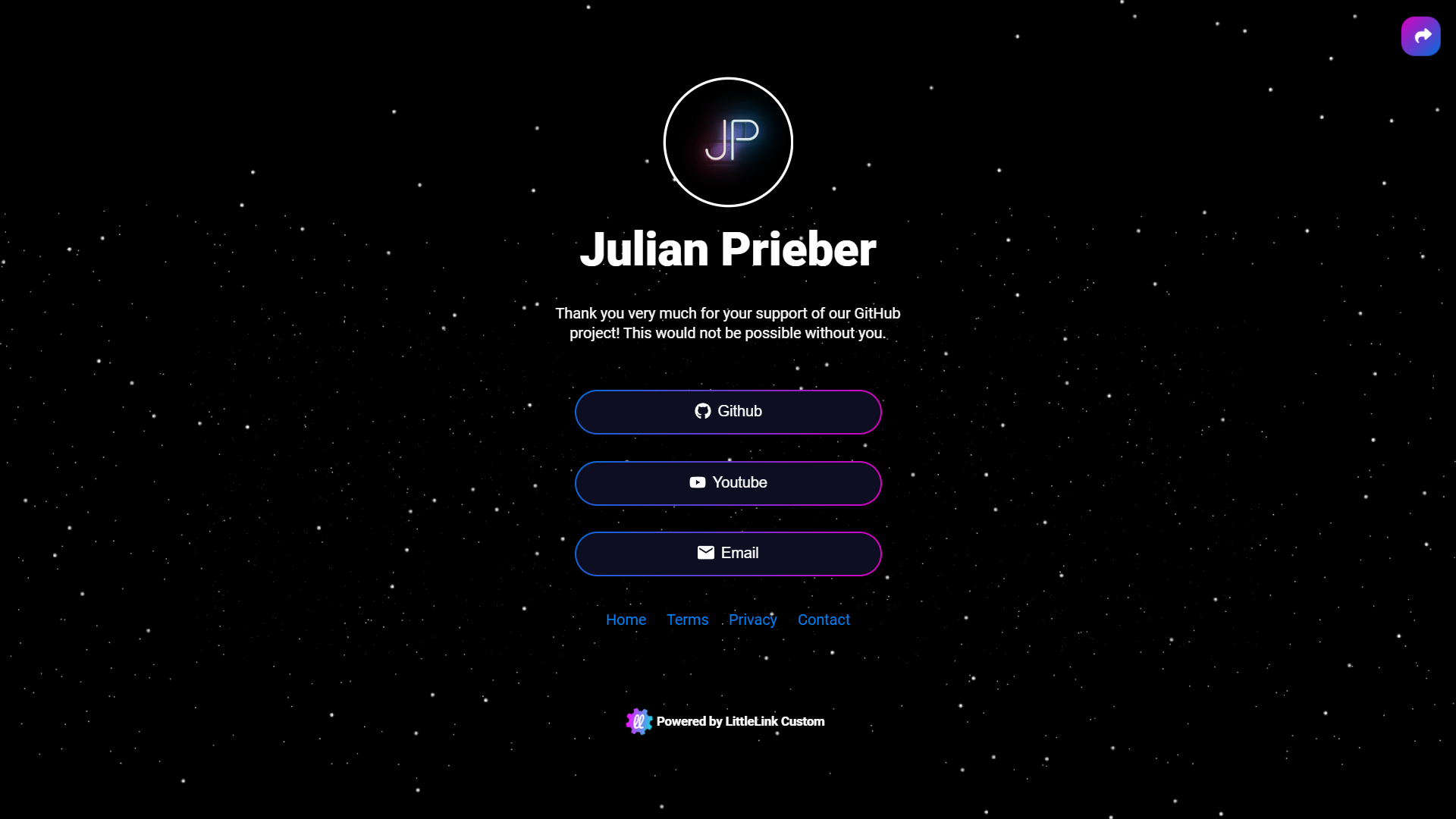
LinkStack gives you a personal page with all your links on it, like Linktree, on your own server. Add links to your socials, websites and shops, pick a theme and share one address. Several people can each have their own page.
Features
- One page with all your links, buttons and icons
- Many themes, and your own colors and pictures
- Click counts for every link
- Several users, each with their own page
- A setup wizard, no config files
- SQLite built in, or your own MySQL
How to use
- Open LinkStack from your dashboard.
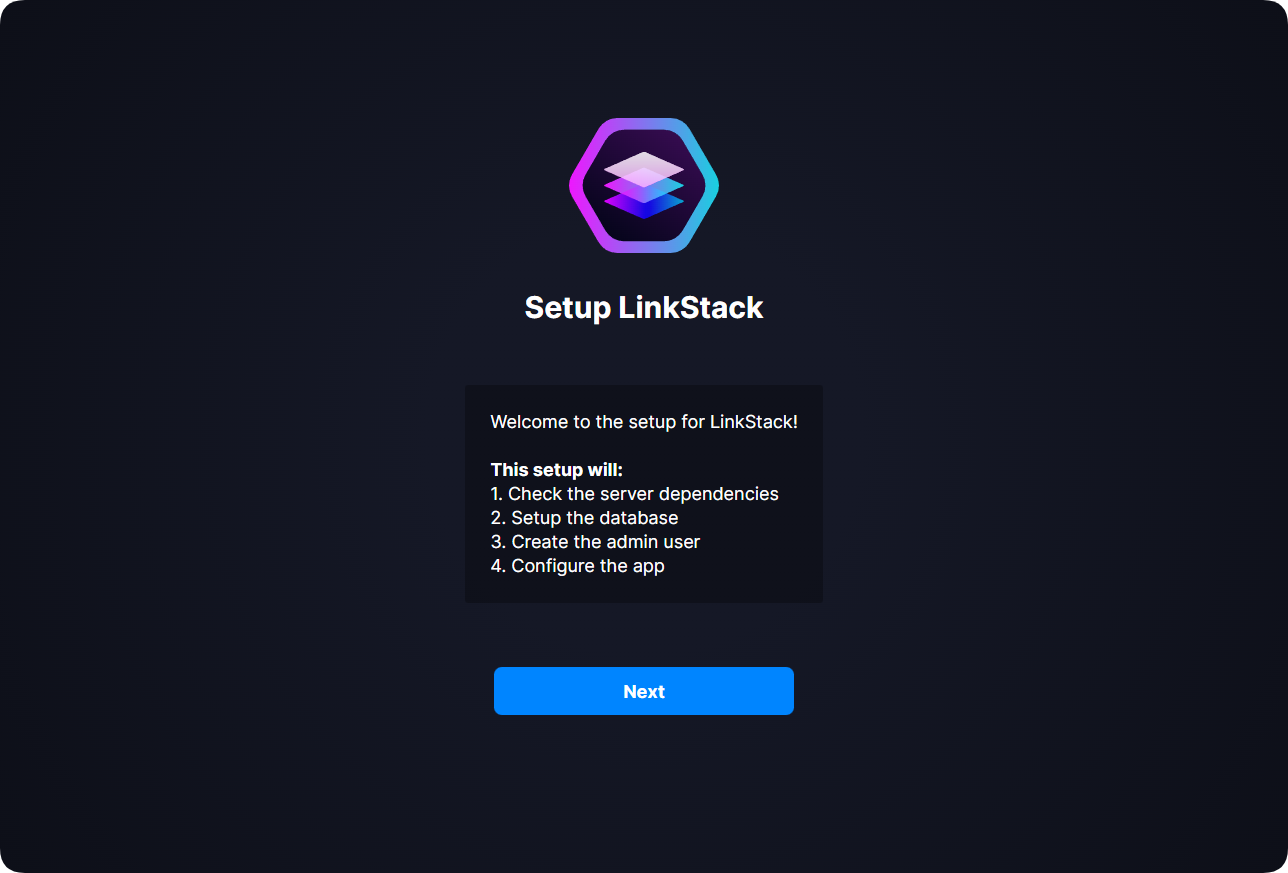
- Follow the setup wizard: pick SQLite and make the admin account.
- Open the admin panel and add your links.
- Pick a theme in Appearance.
- Share your page address.
Before you install
You can install it as it is and open it at http://[ZIMAOS-IP-ADDRESS]:6776. The setup wizard asks for the database (pick SQLite) and makes the admin account. On first start the app is copied into /DATA/AppData/linkstack/htdocs, as upstream's Docker volume does, so later updates to LinkStack itself are done in its admin panel under Updates. The other settings are in the Variables tab and are added in the app settings. It is ready in about a minute.
The settings in the first table are already in the app settings. To use any other one, open the app settings, add the variable with your value, save, and the app restarts with it. A setting you leave out uses its default.
In the app settings
| Variable | Default value | Description |
|---|---|---|
TZ | $TZ | Your time zone. It is filled in from your ZimaOS time zone. |
SERVER_ | [email protected] | Your email, shown on the web server's error pages. |
UPLOAD_ | 8M | The biggest file you can upload (profile pictures, themes), like 8M or 32M. |
Server
| Variable | Default value | Description |
|---|---|---|
HTTP_ | localhost | Your domain, like links.example.com, when you use one. |
LOG_ | info | How much the web server logs: debug, info, warn or error. |
PHP_ | 256M | Memory PHP may use. |
name: linkstack

services:
  linkstack:
    image: ghcr.io/hsinghhira/linkstack:1.0.1
    container_name: linkstack
    restart: unless-stopped
    stop_grace_period: 30s
    network_mode: bridge
    environment:
      - TZ=$TZ
      - [email protected]
      - UPLOAD_MAX_FILESIZE=8M
    ports:
      - target: 80
        published: "6776"
        protocol: tcp
    volumes:
      - type: bind
        source: /DATA/AppData/$AppID/htdocs
        target: /htdocs
        bind:
          create_host_path: true
    healthcheck:
      test: ["CMD", "curl", "-fsS", "-o", "/dev/null", "-A", "HealthCheck", "http://127.0.0.1:80/"]
      interval: 30s
      timeout: 10s
      retries: 5
      start_period: 120s
    deploy:
      resources:
        limits:
          cpus: "1.00"
          memory: 512M
        reservations:
          cpus: "0.05"
          memory: 64M
    labels:
      icon: https://cdn.jsdelivr.net/gh/HSinghHira/IceStore@main/Apps/linkstack/icon.png
    x-casaos:
      id: com.icestore.linkstack
      envs:
        - container: TZ
          description:
            en_US: >-
              Your time zone. It is filled in from your ZimaOS time zone.
        - container: SERVER_ADMIN
          description:
            en_US: >-
              Your email, shown on the web server's error pages.
        - container: UPLOAD_MAX_FILESIZE
          description:
            en_US: >-
              The biggest file you can upload (profile pictures, themes),
              like 8M or 32M.
      ports:
        - container: "80"
          description:
            en_US: LinkStack pages and admin panel, published on host as 6776
      volumes:
        - container: /htdocs
          description:
            en_US: >-
              The whole LinkStack app with its SQLite database, settings,
              themes and uploads. It is copied in on first start. Back it
              up.

x-casaos:
  id: com.icestore.linkstack
  architectures:
    - amd64
    - arm64
  main: linkstack
  author: HSinghHira
  category: Social
  developer: LinkStack
  icon: https://cdn.jsdelivr.net/gh/HSinghHira/IceStore@main/Apps/linkstack/icon.png
  thumbnail: https://cdn.jsdelivr.net/gh/HSinghHira/IceStore@main/Apps/linkstack/screenshot-1.png
  screenshot_link:
    - https://cdn.jsdelivr.net/gh/HSinghHira/IceStore@main/Apps/linkstack/screenshot-1.png
    - https://cdn.jsdelivr.net/gh/HSinghHira/IceStore@main/Apps/linkstack/screenshot-2.png
    - https://cdn.jsdelivr.net/gh/HSinghHira/IceStore@main/Apps/linkstack/screenshot-3.png
  title:
    en_US: LinkStack
  tagline:
    en_US: Your own link-in-bio page with all your links in one place
  description:
    en_US: >-
      LinkStack gives you a personal page with all your links on it, like
      Linktree, on your own server. Add links to your socials, websites and
      shops, pick a theme and share one address. Several people can each
      have their own page.


      **Features**


      - One page with all your links, buttons and icons

      - Many themes, and your own colors and pictures

      - Click counts for every link

      - Several users, each with their own page

      - A setup wizard, no config files

      - SQLite built in, or your own MySQL


      **How to use?**


      1. Open LinkStack from the ZimaOS dashboard.

      2. Follow the setup wizard: pick SQLite and make the admin account.

      3. Open the admin panel and add your links.

      4. Pick a theme in Appearance.

      5. Share your page address.
  tips:
    before_install:
      en_US: >-
        1. Start the installation. It is ready in about a minute.


        2. Open http://[ZIMAOS-IP-ADDRESS]:6776 and follow the setup
           wizard. Pick SQLite and make the admin account.


        3. Updates to LinkStack itself are done in its admin panel, under
           Updates.
  index: /
  port_map: "6776"
  scheme: http
  is_uncontrolled: false
  version: "v4.8.8"
  update_at: "2026-11-21"
  release_notes:
    en_US: |-
      - First IceStore release, on port 6776
      - Built on linkstackorg/linkstack v4.8.8
      - The app is copied into the data folder on first start, as upstream's Docker volume does; the setup wizard makes the admin account
      - Fixed: Apache stopped at start with "could not open error log file /dev/stderr".
      - The store now names the exact image version (1.0.1), so a new install downloads the fixed image instead of reusing an older one ZimaOS kept.
  repo: "https://github.com/LinkStackOrg/LinkStack"
  support: "https://github.com/LinkStackOrg/LinkStack/issues"
  docs: "https://docs.linkstack.org/"
Install LinkStack
Something not working with LinkStack?
Report it so it gets fixed, or ask for an app that is not here yet.
 ZimaOS
Add the store link, then find LinkStack in the App Store and install it.
 CasaOS
Add the store link, then find LinkStack in the App Store and install it.
 ReCasaOS
Add the store link, then find LinkStack in the App Store and install it.
 Homeio
Add the store link, then find LinkStack in the App Store and install it.
 MOS
Add the repository in MOS Hub Settings, then find LinkStack in Docker → MOS Hub and install it.


