
Monolith
A personal workspace for pages, projects, calendar and databases
- ghcr.io/hsinghhira/monolith:latest
- v0.1.22
- Updated 29 Oct 2026
- port 6138
- amd64
- Productivity
- 3 stars
Screenshots
Open the app
About Monolith
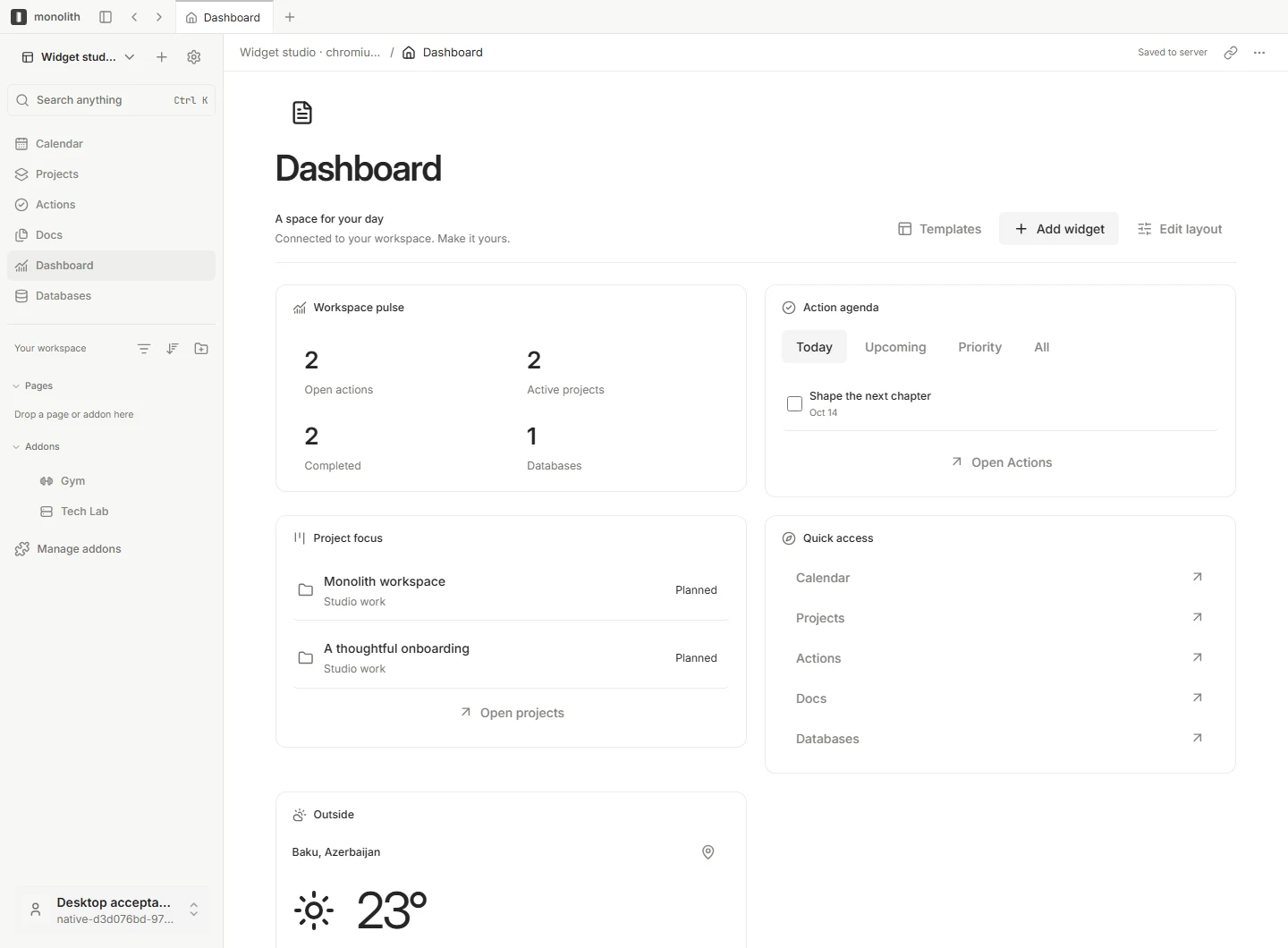
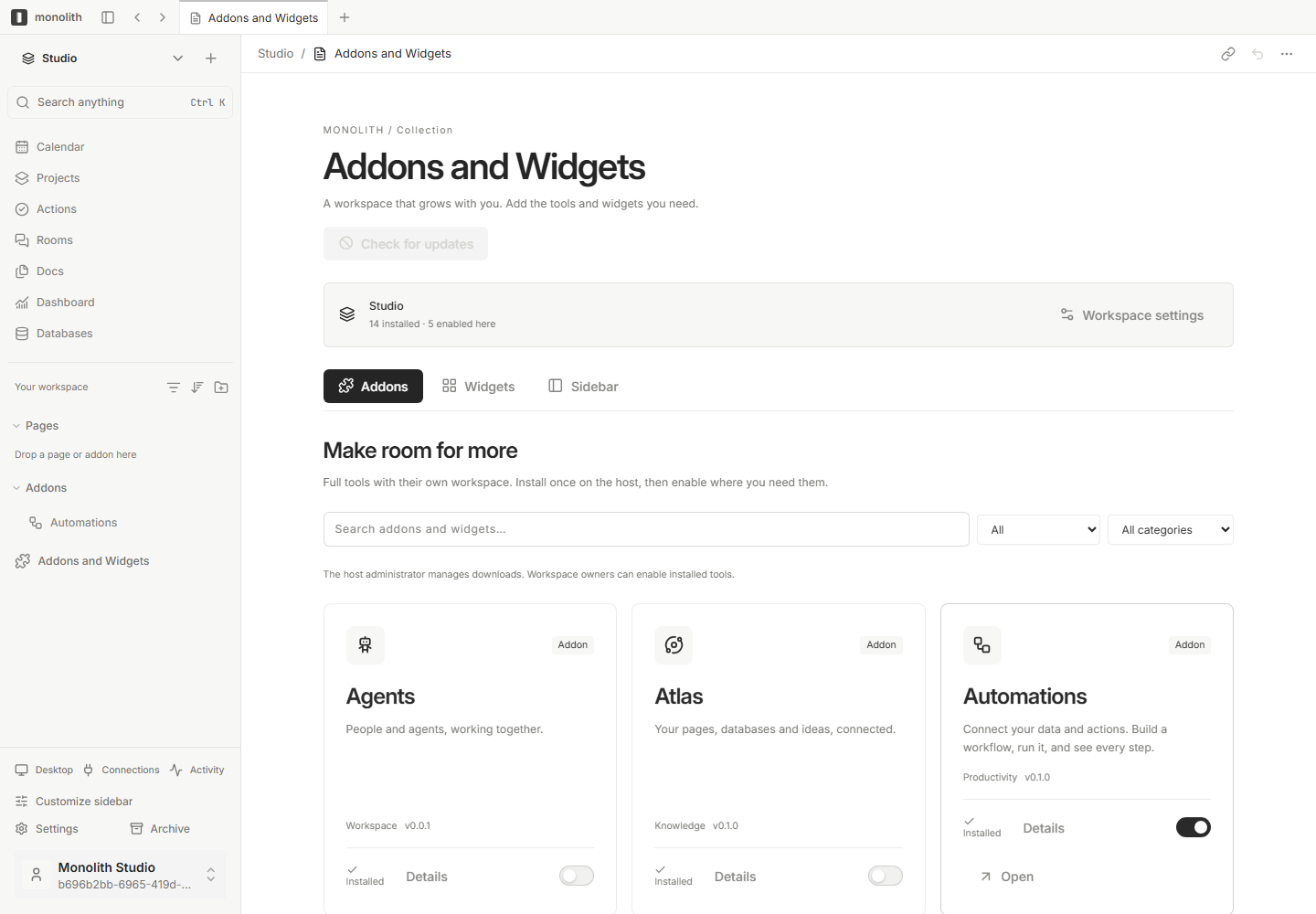
Monolith brings your pages, projects and everyday tools into one self-hosted workspace. Write documents, organize records, plan projects and build a dashboard around what matters to you. This is Monolith in a single container, with its API, gateway, web app and PostgreSQL inside, one port and one data folder. Secret keys are made for you on first start.
Features
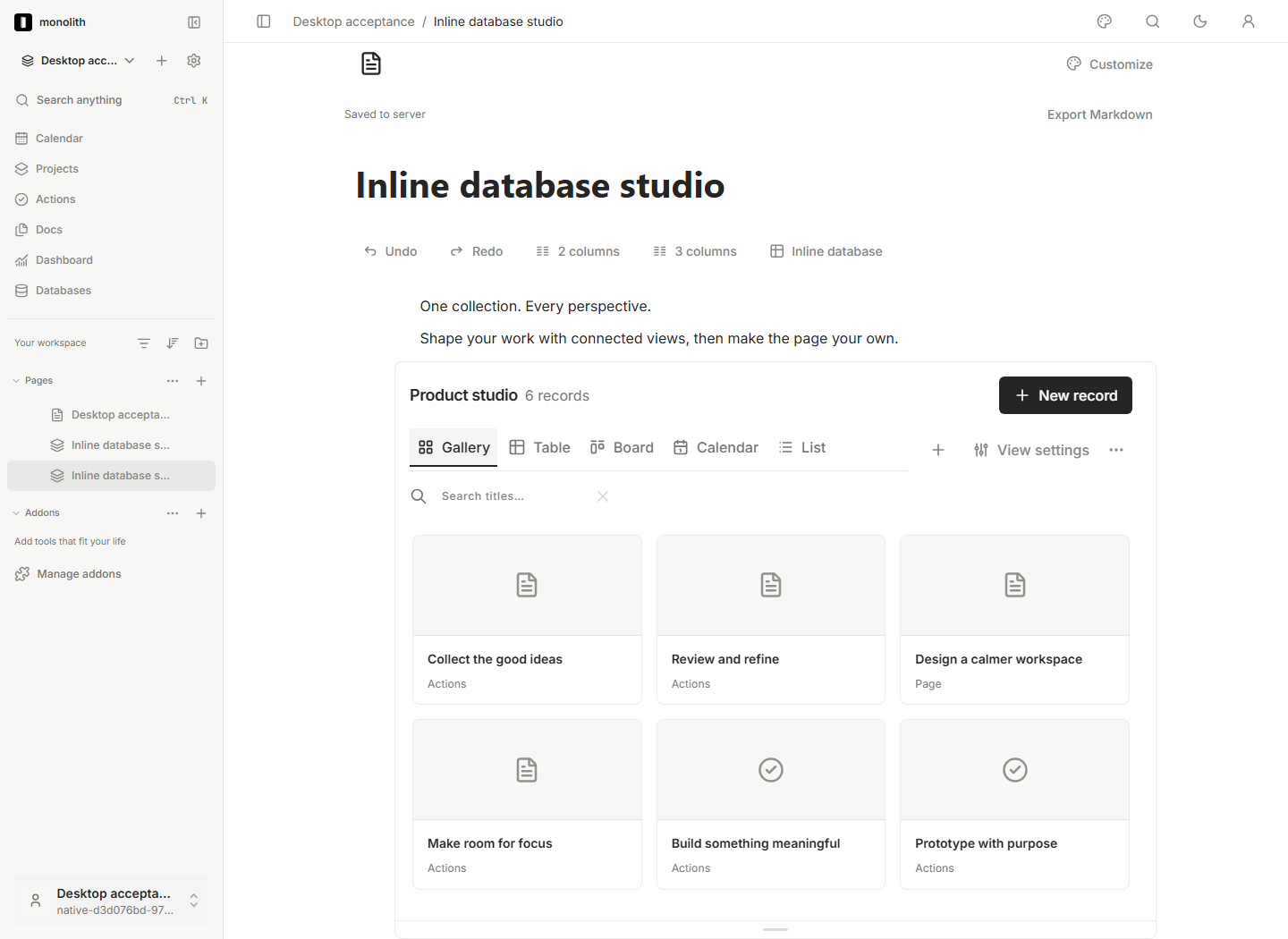
- Docs: nested pages, rich blocks, references, backlinks and inline databases
- Databases with typed properties, relations, filters and table, board and calendar views
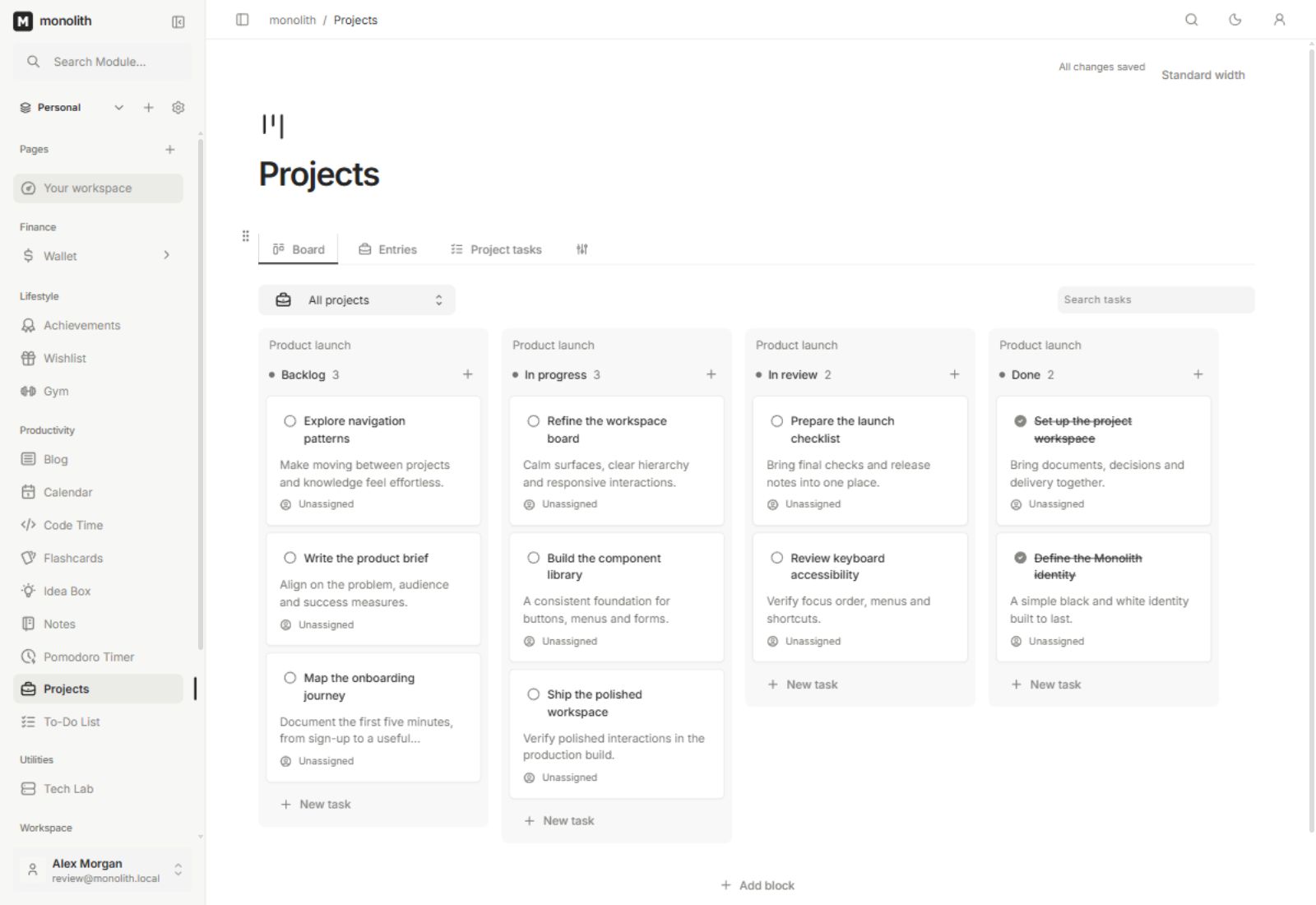
- Projects in boards, lists, timelines and Gantt; Actions for Today and Upcoming
- Calendar, Rooms for workspace chat, and a dashboard of widgets
- Workspaces with owner, editor and viewer roles
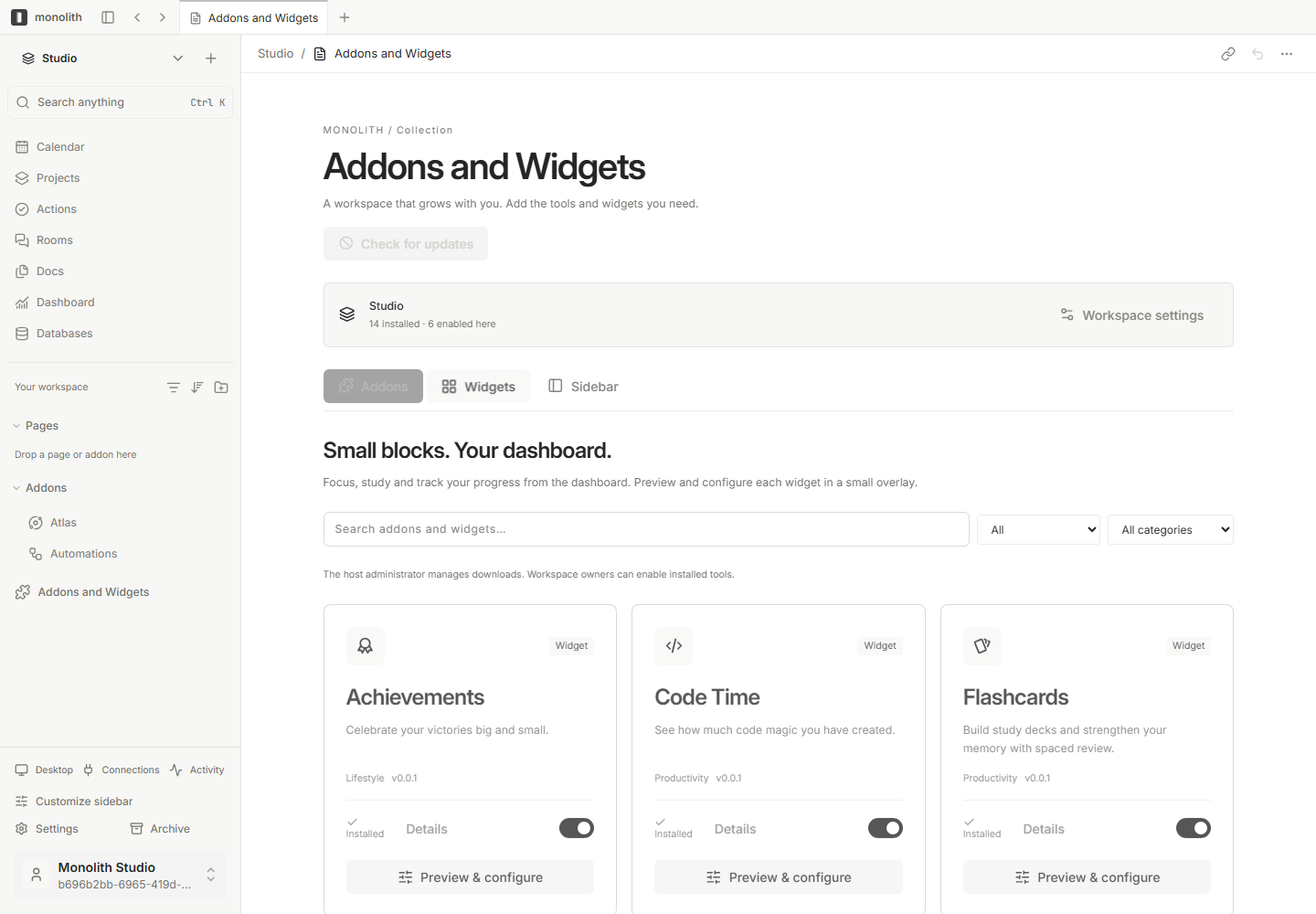
- Optional add-ons (Atlas, Automations, Agents, Redraw, Gym, Tech Lab) and MCP/CLI for AI agents
- Web app, plus Windows and macOS desktop apps
- PostgreSQL inside
How to use
- Monolith needs an https address to sign in from other devices. Put it behind a reverse proxy (or Tailscale) and set
PUBLIC_URLto that address. On the ZimaOS box itself,http://localhost:6138works. - Open your
PUBLIC_URLaddress. - Create your account. The first account is the owner.
- Make your first page, project or database.
Before you install
Monolith only signs you in on an https address. Make one with a reverse proxy (like Nginx Proxy Manager or Caddy) or Tailscale, pointed at http://[ZIMAOS-IP-ADDRESS]:6138, and set PUBLIC_URL to it, like https://monolith.example.com. Without it, Monolith only works in a browser on the ZimaOS box itself at http://localhost:6138; any other address shows a note saying what to do. There is no default password: create your account right after the first start, since the first account becomes the owner. The image is amd64 only for now. Every other setting is optional and listed in the Variables tab. To use one, add it in the app settings with your value; a setting you leave out keeps its default. The first start takes 2 to 5 minutes.
The settings in the first table are already in the app settings. To use any other one, open the app settings, add the variable with your value, save, and the app restarts with it. A setting you leave out uses its default.
In the app settings
| Variable | Default value | Description |
|---|---|---|
TZ | $TZ | Your time zone. It is filled in from your ZimaOS time zone. Leave it unless you need another. |
PUBLIC_ | http://localhost:6138 | The https address you open Monolith at, like https://monolith.example.com. Monolith only signs you in on https, or on http://localhost:6138 on the ZimaOS box itself, so to use it from other devices put it behind a reverse proxy (or Tailscale) with https and type that address here. |
Server
| Variable | Default value | Description |
|---|---|---|
SERVER_ | monolith | The server's name, shown to desktop apps that connect to it. |
FILE_ | 2147483648 | The largest file that can be uploaded, in bytes (2 GB by default). |
Admins
| Variable | Default value | Description |
|---|---|---|
MONOLITH_ | — | Account IDs (UUIDs), separated by commas, that may change the server's sign-in providers. |
MONOLITH_ | — | Account IDs (UUIDs), separated by commas, that may install and remove add-ons on this server. |
BOOTSTRAP_ | — | A long random token that lets a desktop app create the first account. Leave it out to create the first account in the browser. |
Add-ons
| Variable | Default value | Description |
|---|---|---|
MONOLITH_ | 0 | Set to 1 to load only the core features and download add-ons from the catalog instead of using the ones built in. |
MONOLITH_ | — | Your own add-on catalog address. Leave it out to use the official one. |
MONOLITH_ | — | The public key your own catalog is signed with. |
Rooms (calls)
| Variable | Default value | Description |
|---|---|---|
ROOMS_ | — | Your own TURN relay for calls in Rooms, like turn:turn.example.com:3478. No public relay is used by default. |
ROOMS_ | — | The shared secret of that TURN relay. |
name: monolith

services:
  monolith:
    image: ghcr.io/hsinghhira/monolith:latest
    container_name: monolith
    restart: unless-stopped
    stop_grace_period: 90s
    privileged: true
    environment:
      - TZ=$TZ
      - PUBLIC_URL=http://localhost:6138
    ports:
      - target: 8080
        published: "6138"
        protocol: tcp
    volumes:
      - type: bind
        source: /DATA/AppData/$AppID/data
        target: /data
        bind:
          create_host_path: true
    healthcheck:
      test: ["CMD", "curl", "-fsS", "-o", "/dev/null", "http://127.0.0.1:8080/healthz"]
      interval: 30s
      timeout: 10s
      retries: 5
      start_period: 300s
    deploy:
      resources:
        limits:
          cpus: "2.00"
          memory: 3072M
        reservations:
          cpus: "0.00"
          memory: 512M
    labels:
      icon: https://cdn.jsdelivr.net/gh/HSinghHira/IceStore@main/Apps/monolith/icon.png
    x-casaos:
      id: com.icestore.monolith
      envs:
        - container: TZ
          description:
            en_US: >-
              Your time zone. It is filled in from your ZimaOS time zone.
              Leave it unless you need another.
        - container: PUBLIC_URL
          description:
            en_US: >-
              The https address you open Monolith at, like
              https://monolith.example.com. Monolith only signs you in on
              https, or on http://localhost:6138 on the ZimaOS box itself, so
              to use it from other devices put it behind a reverse proxy (or
              Tailscale) with https and type that address here.
      ports:
        - container: "8080"
          description:
            en_US: Monolith web app and API, published on host as 6138
      volumes:
        - container: /data
          description:
            en_US: >-
              The PostgreSQL database (postgres), uploaded files and installed
              add-ons (storage) and this install's own keys
              (state/secrets.env). Back this folder up; the data can't be read
              without the keys.

x-casaos:
  id: com.icestore.monolith
  architectures:
    - amd64
  main: monolith
  author: HSinghHira
  category: Productivity
  developer: MaxJafar
  icon: https://cdn.jsdelivr.net/gh/HSinghHira/IceStore@main/Apps/monolith/icon.png
  thumbnail: https://cdn.jsdelivr.net/gh/HSinghHira/IceStore@main/Apps/monolith/screenshot-1.webp
  screenshot_link:
    - https://cdn.jsdelivr.net/gh/HSinghHira/IceStore@main/Apps/monolith/screenshot-1.webp
    - https://cdn.jsdelivr.net/gh/HSinghHira/IceStore@main/Apps/monolith/screenshot-2.png
    - https://cdn.jsdelivr.net/gh/HSinghHira/IceStore@main/Apps/monolith/screenshot-3.png
    - https://cdn.jsdelivr.net/gh/HSinghHira/IceStore@main/Apps/monolith/screenshot-4.png
    - https://cdn.jsdelivr.net/gh/HSinghHira/IceStore@main/Apps/monolith/screenshot-5.png
  title:
    en_US: Monolith
  tagline:
    en_US: A personal workspace for pages, projects, calendar and databases
  description:
    en_US: >-
      Monolith brings your pages, projects and everyday tools into one
      self-hosted workspace. Write documents, organize records, plan projects
      and build a dashboard around what matters to you. This is Monolith in a
      single container, with its API, gateway, web app and PostgreSQL inside,
      one port and one data folder. Secret keys are made for you on first
      start.


      **Features**


      - Docs: nested pages, rich blocks, references, backlinks and inline
        databases

      - Databases with typed properties, relations, filters and table, board
        and calendar views

      - Projects in boards, lists, timelines and Gantt; Actions for Today and
        Upcoming

      - Calendar, Rooms for workspace chat, and a dashboard of widgets

      - Workspaces with owner, editor and viewer roles

      - Optional add-ons (Atlas, Automations, Agents, Redraw, Gym, Tech Lab)
        and MCP/CLI for AI agents

      - Web app, plus Windows and macOS desktop apps


      **How to use?**


      1. Monolith needs an https address to sign in from other devices. Put
         it behind a reverse proxy (or Tailscale) and set PUBLIC_URL to that
         address. On the ZimaOS box itself, http://localhost:6138 works.

      2. Open your PUBLIC_URL address.

      3. Create your account. The first account is the owner.

      4. Make your first page, project or database.
  tips:
    before_install:
      en_US: >-
        1. Monolith only signs you in on an https address. You must set this
           up to use it from your phone or other computers.


        2. Make an https address for Monolith with a reverse proxy (like Nginx
           Proxy Manager or Caddy) or Tailscale. Point it at
           http://[ZIMAOS-IP-ADDRESS]:6138.


        3. Set PUBLIC_URL to that https address, like
           https://monolith.example.com.


        4. Without it, Monolith only works in a browser on the ZimaOS box
           itself, at http://localhost:6138.


        5. More settings, like admins, add-ons and call relays, are listed on
           the Monolith page at https://icestore.hsinghhira.me/app/monolith/
           (Variables tab). You can add them now or later in the app settings.


        6. Start the installation. The first start takes 2 to 5 minutes.


        7. Open your PUBLIC_URL address. Create your account right away: the
           first account is the owner.
  index: /
  port_map: "6138"
  scheme: http
  is_uncontrolled: false
  version: "v0.1.22"
  update_at: "2026-10-29"
  release_notes:
    en_US: |-
      - First version in IceStore, on port 6138
      - Single container: Monolith's API server, Go gateway and web app, with PostgreSQL 17 inside
      - Built from upstream release v0.1.22 (upstream publishes no server image), on node 22.23.4-bookworm-slim
      - Database migrations run on every start, as upstream's migrate service does
      - Master key, JWT key and database passwords are made on first start and kept in /data/state/secrets.env
      - amd64 only for now: the build compiles the whole workspace, which is too slow under arm64 emulation
      - Left out: upstream's host updater (update by updating the app in ZimaOS instead)
  repo: "https://github.com/MaxJafar/monolith"
  support: "https://github.com/MaxJafar/monolith/issues"
  docs: "https://monolith-site-maxjafars-projects.vercel.app/docs/self-hosting"
Install Monolith
 ZimaOS
Add the store link, then find Monolith in the App Store and install it.
 CasaOS
Add the store link, then find Monolith in the App Store and install it.
 Homeio
Add the store link, then find Monolith in the App Store and install it.
Something not working with Monolith? Report a problem or request another app.


