
Stirling-PDF
Edit, merge, split, convert, sign and OCR PDF files in your browser.
- stirlingtools/stirling-pdf:3.3.0
- v3.3.0
- Updated 16 Nov 2026
- port 6736
- amd64 · arm64
- Productivity
- 97.2k stars
Screenshots
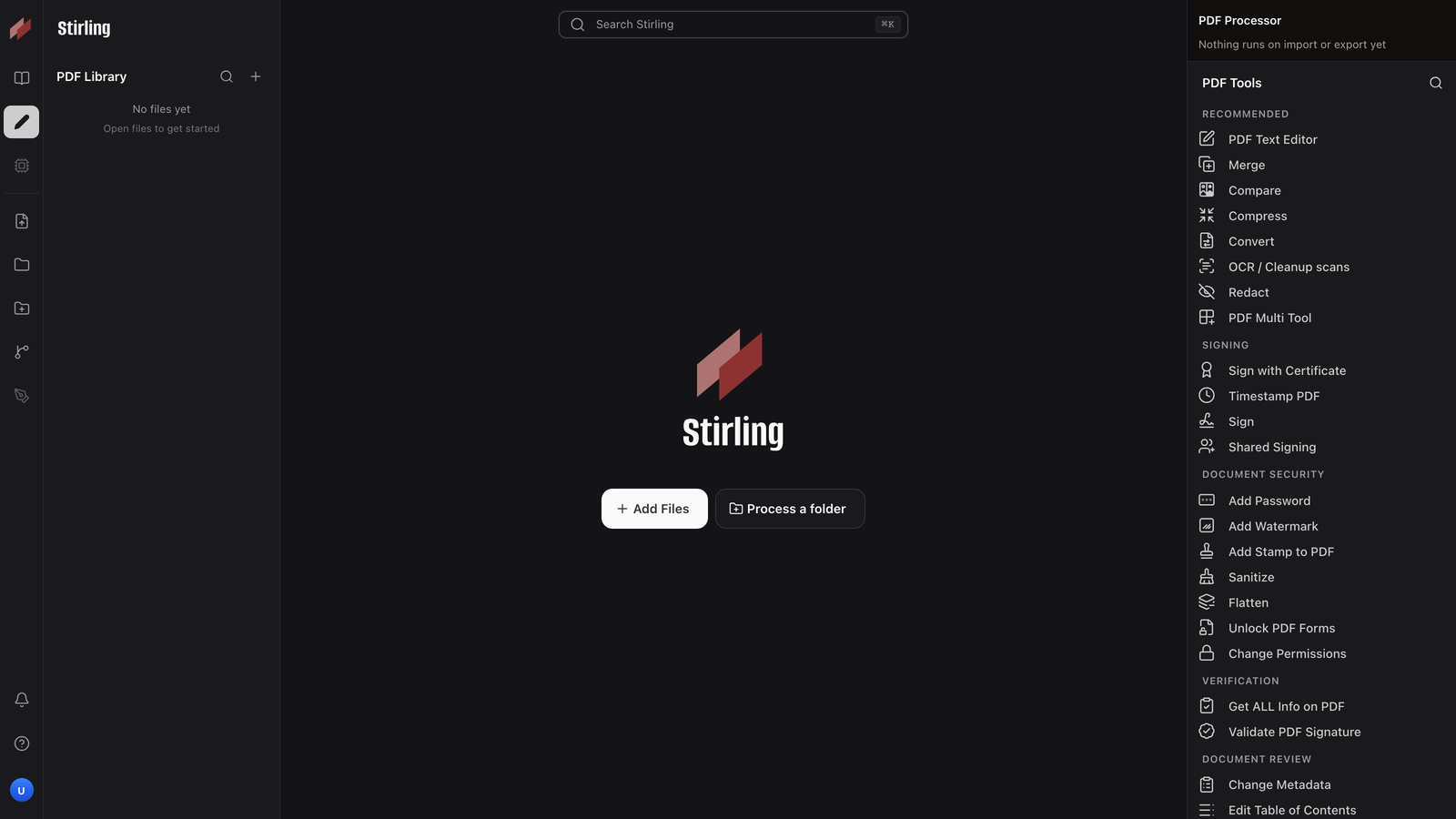
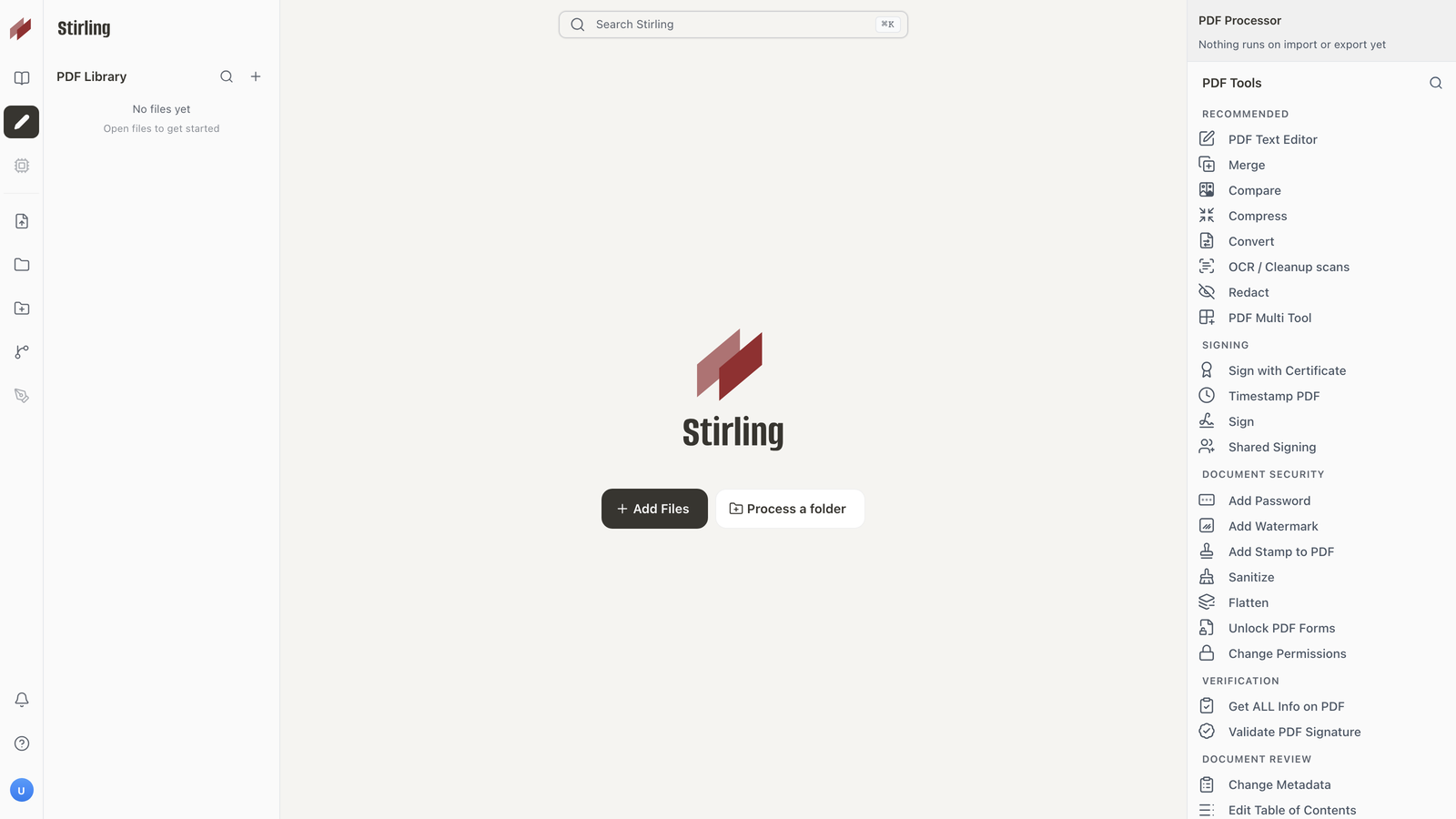
Open the app
About Stirling-PDF
Stirling-PDF is a PDF toolbox you run yourself. Merge, split, rotate, compress, convert, sign, redact and OCR your PDFs in the browser, and the files never leave your server.
Features
- Over 50 tools: merge, split, reorder, rotate, compress, watermark
- Convert to and from PDF: Office files, images, HTML, Markdown
- OCR for scanned pages, in many languages
- Sign, add passwords, redact and change permissions
- Edit text in a PDF and compare two files
- Chain tools into pipelines, and a REST API for scripts
- Optional login with users, teams and OIDC
How to use
- Open
http://[ZIMAOS-IP-ADDRESS]:6736in your browser. - Press Add Files and pick your PDFs.
- Pick a tool on the right, then download the result.
Before you install
There is no login by default; keep port 6736 on your home network. To need a login, set SECURITY_ENABLELOGIN to true: the first login is admin with the password stirling, and you must pick a new password straight away. The first start takes a minute or two, and the app likes 1 to 2 GB of memory for big files and Office conversions. The language, upload limit and other settings are in the Variables tab; add them in the app settings.
The settings in the first table are already in the app settings. To use any other one, open the app settings, add the variable with your value, save, and the app restarts with it. A setting you leave out uses its default.
In the app settings
| Variable | Default value | Description |
|---|---|---|
TZ | $TZ | Your time zone. It is filled in from your ZimaOS time zone. Leave it unless you need another. |
PUID | $PUID | The user Stirling-PDF runs as. ZimaOS fills this in. |
PGID | $PGID | The group Stirling-PDF runs as. ZimaOS fills this in. |
SECURITY_ | false | Set to true to need a login. The first login is admin with the password stirling, and you must pick a new password right away. Leave it false for no login on your home network. |
Server
| Variable | Default value | Description |
|---|---|---|
SYSTEM_ | — | The language for new users, like en-GB, de-DE or fr-FR. Leave it out to follow each browser. |
SYSTEM_ | — | The address people open Stirling-PDF at, like http://192.168.1.20:6736. Needed for share links and the phone QR code upload. |
UI_ | — | The name shown in the browser tab. Leave it out for Stirling PDF. |
JAVA_ | — | Extra Java options, like -Xmx2g to give it at most 2 GB of memory. |
Login
| Variable | Default value | Description |
|---|---|---|
SECURITY_ | — | With login on, the first admin's name instead of admin. Only used on the very first start. |
SECURITY_ | — | With login on, the first admin's password instead of stirling. Only used on the very first start. |
Features
| Variable | Default value | Description |
|---|---|---|
SYSTEM_ | — | Set to false to turn off sending usage statistics to Stirling. Left out, the admin is asked on first launch. |
SYSTEM_ | false | Set to true to let search engines list your Stirling-PDF. |
name: stirling-pdf

services:
  stirling-pdf:
    image: stirlingtools/stirling-pdf:3.3.0
    container_name: stirling-pdf
    restart: unless-stopped
    stop_grace_period: 30s
    network_mode: bridge
    environment:
      - TZ=$TZ
      - PUID=$PUID
      - PGID=$PGID
      - SECURITY_ENABLELOGIN=false
    ports:
      - target: 8080
        published: "6736"
        protocol: tcp
    volumes:
      - type: bind
        source: /DATA/AppData/$AppID/configs
        target: /configs
        bind:
          create_host_path: true
      - type: bind
        source: /DATA/AppData/$AppID/tessdata
        target: /usr/share/tessdata
        bind:
          create_host_path: true
      - type: bind
        source: /DATA/AppData/$AppID/logs
        target: /logs
        bind:
          create_host_path: true
    healthcheck:
      test: ["CMD", "curl", "-fsS", "http://127.0.0.1:8080/api/v1/info/status"]
      interval: 30s
      timeout: 15s
      retries: 5
      start_period: 180s
    deploy:
      resources:
        limits:
          cpus: "2.00"
          memory: 4096M
        reservations:
          cpus: "0.00"
          memory: 512M
    labels:
      icon: https://cdn.jsdelivr.net/gh/HSinghHira/IceStore@main/Apps/stirling-pdf/icon.png
    x-casaos:
      id: com.icestore.stirling-pdf
      envs:
        - container: TZ
          description:
            en_US: >-
              Your time zone. It is filled in from your ZimaOS time zone.
              Leave it unless you need another.
        - container: PUID
          description:
            en_US: The user Stirling-PDF runs as. ZimaOS fills this in.
        - container: PGID
          description:
            en_US: The group Stirling-PDF runs as. ZimaOS fills this in.
        - container: SECURITY_ENABLELOGIN
          description:
            en_US: >-
              Set to true to need a login. The first login is admin with the
              password stirling, and you must pick a new password right away.
              Leave it false for no login on your home network.
      ports:
        - container: "8080"
          description:
            en_US: Stirling-PDF web page and API, published on host as 6736
      volumes:
        - container: /configs
          description:
            en_US: >-
              Settings (settings.yml) and, with login on, the user database.
              Back this folder up.
        - container: /usr/share/tessdata
          description:
            en_US: OCR language files. Add more languages here.
        - container: /logs
          description:
            en_US: Stirling-PDF's log files.

x-casaos:
  id: com.icestore.stirling-pdf
  architectures:
    - amd64
    - arm64
  main: stirling-pdf
  author: HSinghHira
  category: Productivity
  developer: Stirling-Tools
  icon: https://cdn.jsdelivr.net/gh/HSinghHira/IceStore@main/Apps/stirling-pdf/icon.png
  screenshot_link:
    - https://cdn.jsdelivr.net/gh/HSinghHira/IceStore@main/Apps/stirling-pdf/screenshot-1.png
    - https://cdn.jsdelivr.net/gh/HSinghHira/IceStore@main/Apps/stirling-pdf/screenshot-2.png
  thumbnail: https://cdn.jsdelivr.net/gh/HSinghHira/IceStore@main/Apps/stirling-pdf/screenshot-1.png
  title:
    en_US: Stirling-PDF
  tagline:
    en_US: Edit, merge, split, convert, sign and OCR PDF files in your browser.
  description:
    en_US: >-
      Visit: [https://icestore.hsinghhira.me/app/stirling-pdf/](https://icestore.hsinghhira.me/app/stirling-pdf/) for full details


      Stirling-PDF is a PDF toolbox you run yourself. Merge, split, rotate,
      compress, convert, sign, redact and OCR your PDFs in the browser, and
      the files never leave your server.


      **Features**


      - Over 50 tools: merge, split, reorder, rotate, compress, watermark

      - Convert to and from PDF: Office files, images, HTML, Markdown

      - OCR for scanned pages, in many languages

      - Sign, add passwords, redact and change permissions

      - Edit text in a PDF and compare two files

      - Chain tools into pipelines, and a REST API for scripts

      - Optional login with users, teams and OIDC


      **How to use?**


      1. Open http://[ZIMAOS-IP-ADDRESS]:6736 in your browser.


      2. Press Add Files and pick your PDFs.


      3. Pick a tool on the right, then download the result.
  tips:
    before_install:
      en_US: >-
        1. Leave SECURITY_ENABLELOGIN as false for no login, or set it to
           true to need one.


        2. Start the installation. The first start takes a minute or two.


        3. Open http://[ZIMAOS-IP-ADDRESS]:6736 in your browser, like
           http://192.168.1.20:6736 on your laptop.


        4. With login on, sign in as admin with the password stirling, then
           pick a new password.


        5. More settings, like the language and the file size limit, are
           listed on the Stirling-PDF page at
           https://icestore.hsinghhira.me/app/stirling-pdf/ (Variables tab).
           You can add them now or later in the app settings.
  index: /
  port_map: "6736"
  scheme: http
  is_uncontrolled: false
  version: "3.3.0"
  update_at: "2026-11-16"
  release_notes:
    en_US: |-
      - First IceStore version: stirlingtools/stirling-pdf 3.3.0
      - Web page on port 6736, login off by default
  repo: "https://github.com/Stirling-Tools/Stirling-PDF"
  support: "https://github.com/Stirling-Tools/Stirling-PDF/issues"
  docs: "https://docs.stirlingpdf.com"
Install Stirling-PDF
Something not working with Stirling-PDF?
Report it so it gets fixed, or ask for an app that is not here yet.
 ZimaOS
Add the store link, then find Stirling-PDF in the App Store and install it.
 CasaOS
Add the store link, then find Stirling-PDF in the App Store and install it.
 ReCasaOS
Add the store link, then find Stirling-PDF in the App Store and install it.
 Homeio
Add the store link, then find Stirling-PDF in the App Store and install it.
 MOS
Add the repository in MOS Hub Settings, then find Stirling-PDF in Docker → MOS Hub and install it.


