
Baserow
No-code database and app builder, an Airtable alternative
- ghcr.io/hsinghhira/baserow:1.0.1
- v2.4.3
- Updated 21 Nov 2026
- port 6766
- amd64 · arm64
- Productivity
- 6.4k stars
Screenshots
Open the app
About Baserow
Baserow lets you build databases as easily as a spreadsheet, then turn them into forms, dashboards and small apps without writing code. This is Baserow's own all-in-one image: PostgreSQL, Redis and the web server are inside, so there is nothing else to set up.
Features
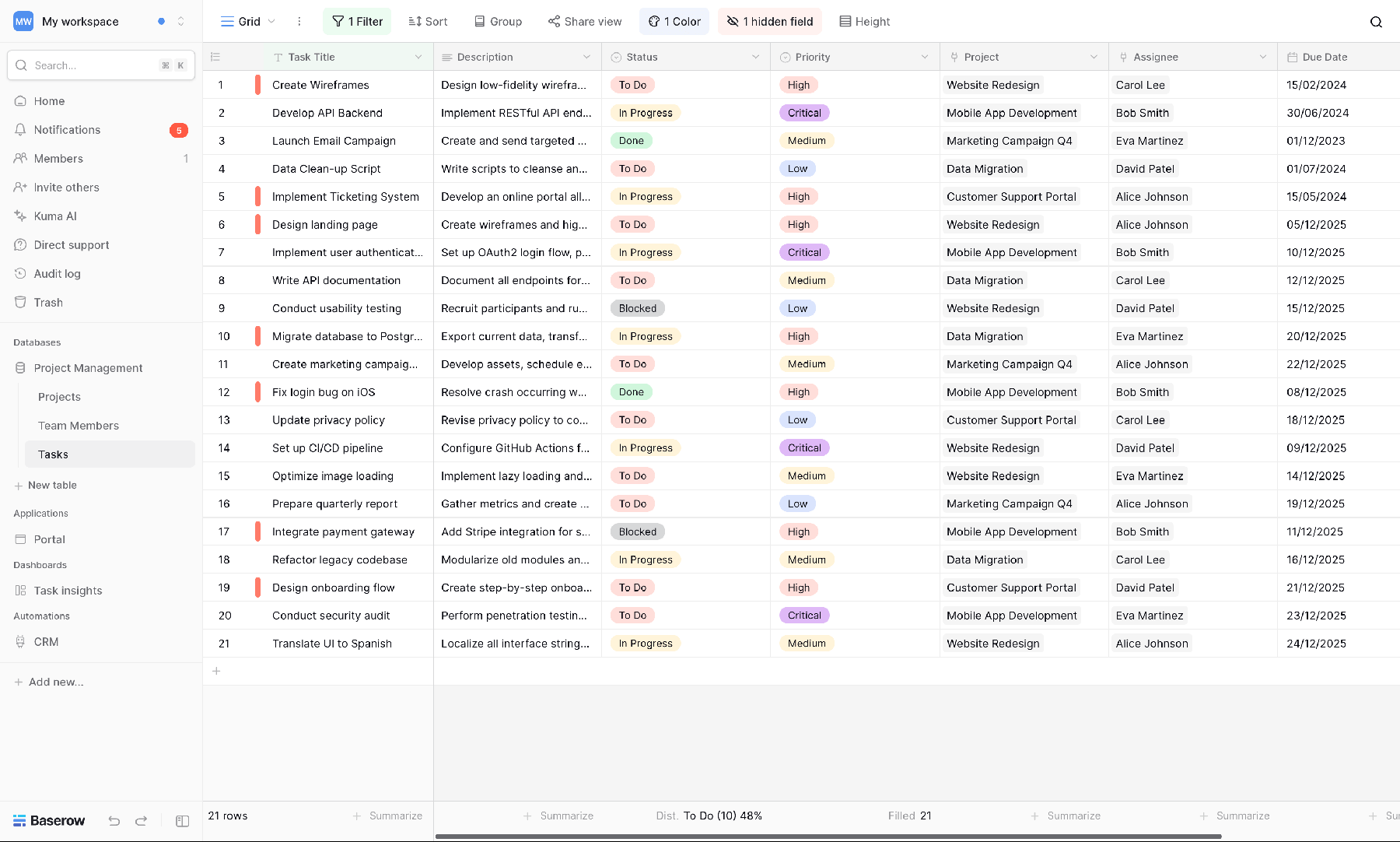
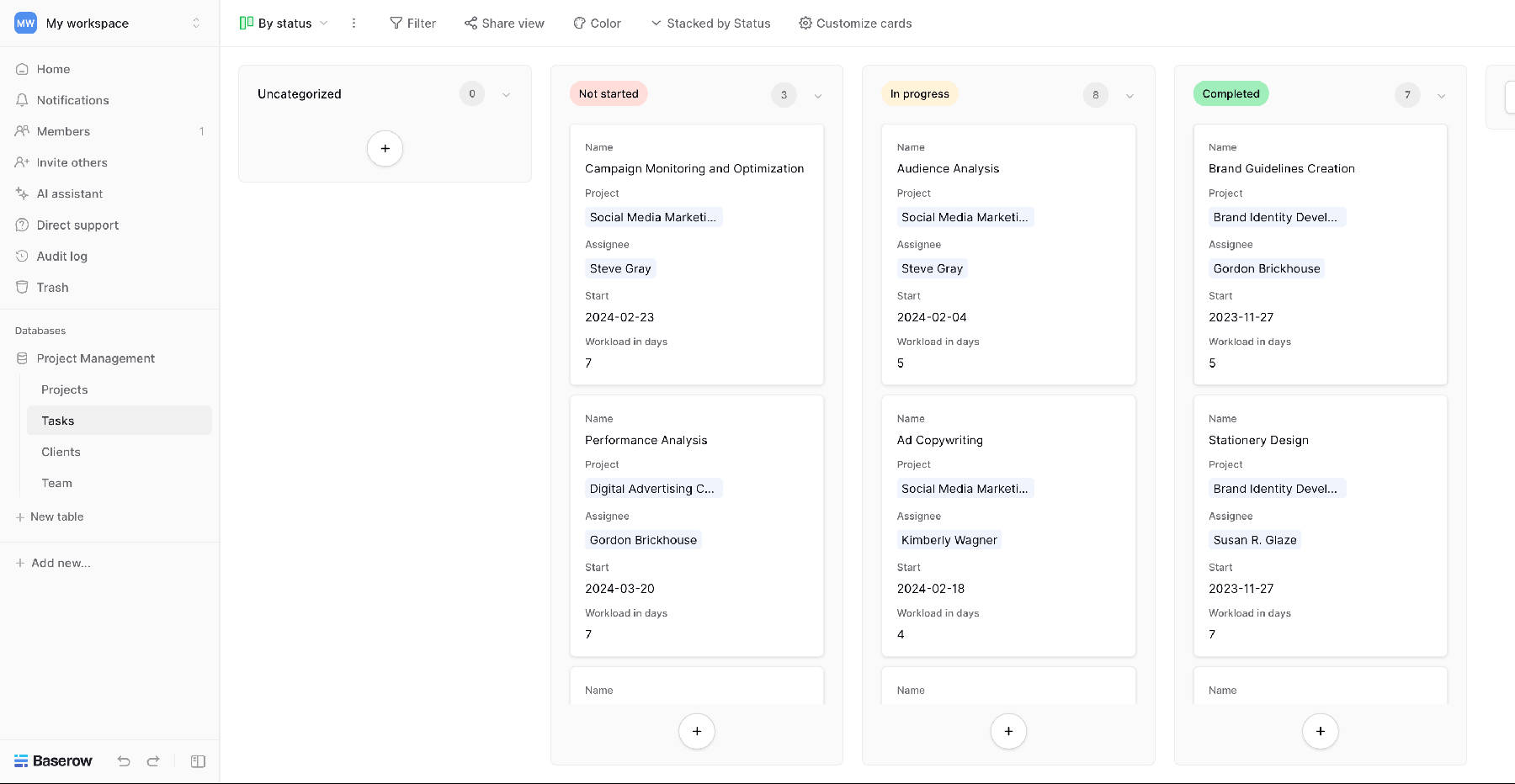
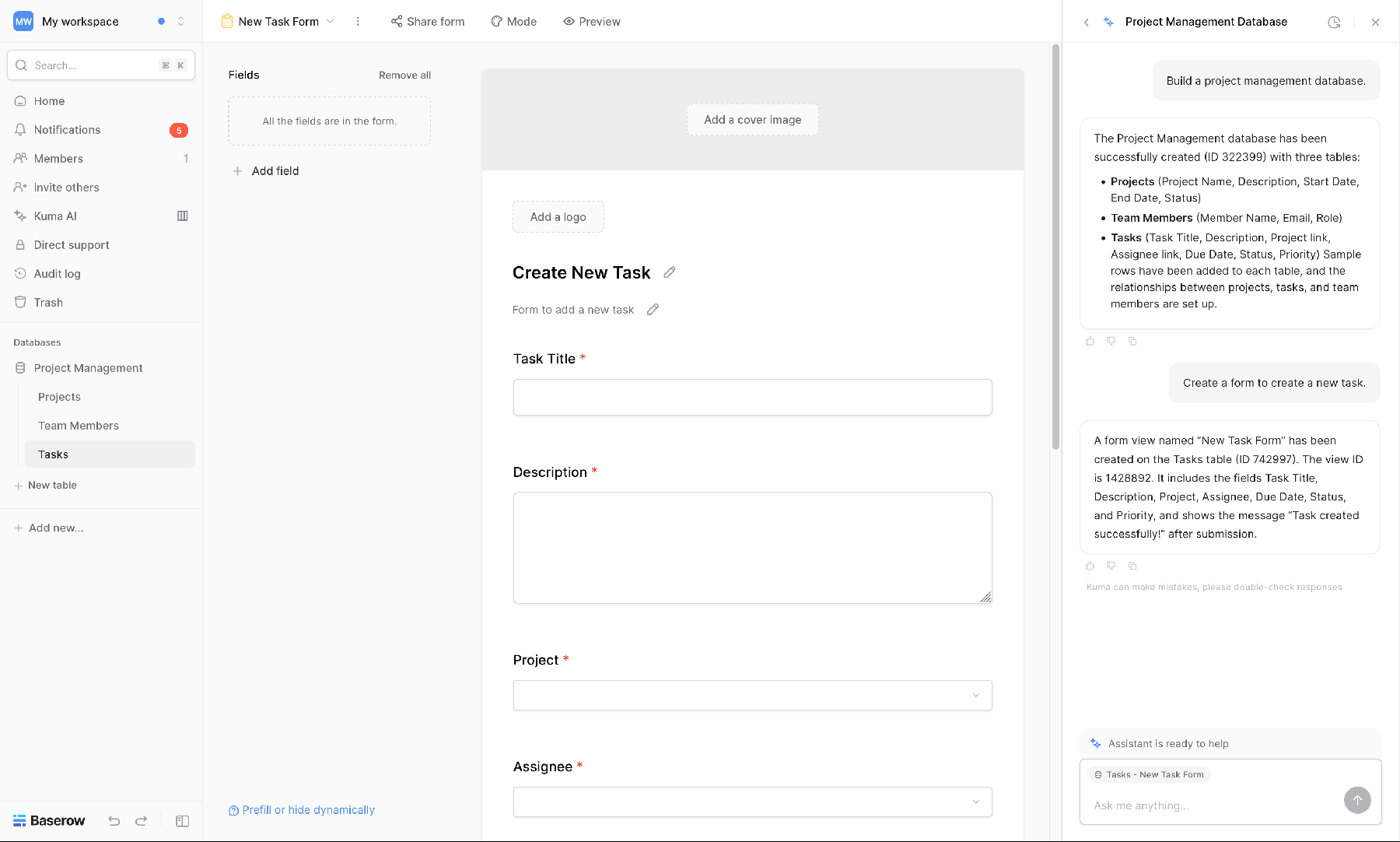
- Tables with grid, kanban, gallery, calendar, timeline and form views
- Links between tables, lookups, formulas and filters
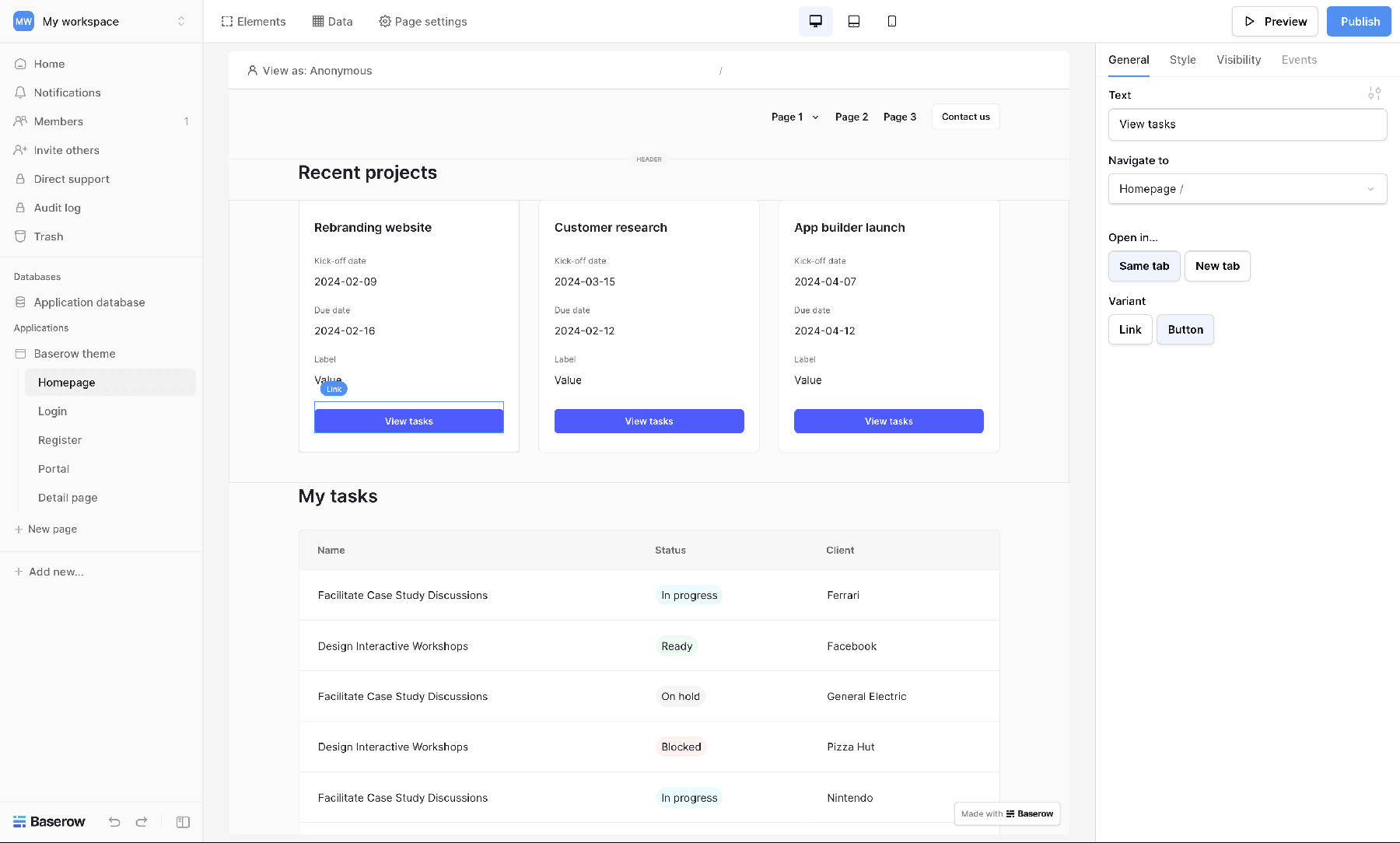
- Application builder for small apps and portals on your data
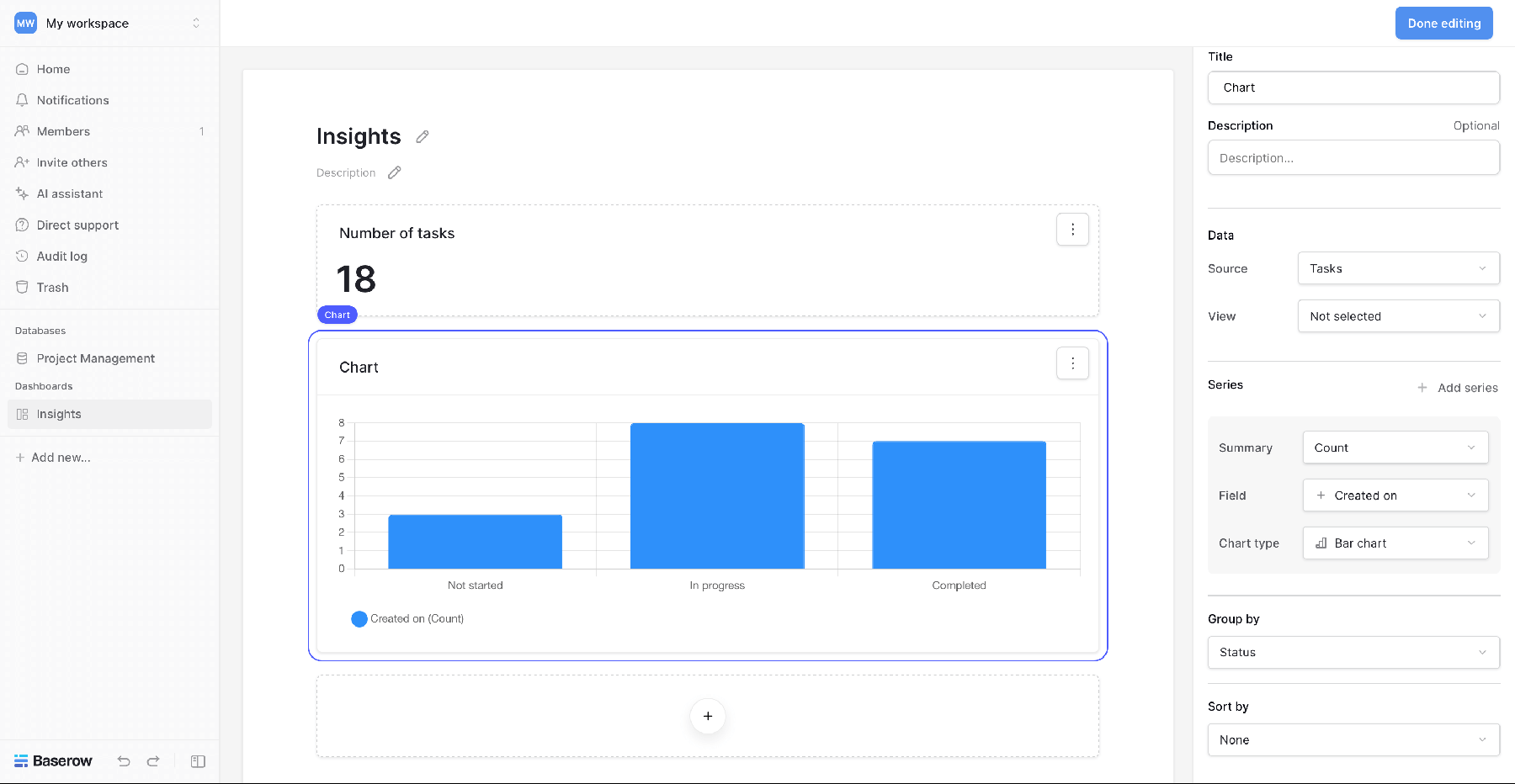
- Dashboards and automations
- Real-time collaboration, comments and row history
- REST API, webhooks and imports from CSV, Excel and Airtable
How to use
- Set
BASEROW_PUBLIC_URLto your server's address before you install. - Open Baserow from your dashboard.
- Click Sign up and make your account. The first account becomes the instance admin.
- Make a workspace, then a database, and add your tables.
- Invite people from the workspace menu.
Before you install
You must set BASEROW_PUBLIC_URL first. It starts as http://[ZIMAOS-IP-ADDRESS]:6766: replace [ZIMAOS-IP-ADDRESS] with your ZimaOS IP, like http://192.168.1.20:6766. Your browser talks to Baserow's API at that address, so the page won't work at any other. There is no admin account yet: the first person to sign up becomes the instance admin. Baserow makes its own secret keys on first start and keeps them in the data folder. Email and the other settings are in the Variables tab and are added in the app settings. It needs about 2 GB of memory, and the first start takes about 5 minutes.
The settings in the first table are already in the app settings. To use any other one, open the app settings, add the variable with your value, save, and the app restarts with it. A setting you leave out uses its default.
In the app settings
| Variable | Default value | Description |
|---|---|---|
TZ | $TZ | Your time zone. It is filled in from your ZimaOS time zone. |
BASEROW_ | http://[ZIMAOS-IP-ADDRESS]:6766 | Required. Replace [ZIMAOS-IP-ADDRESS] with your ZimaOS IP, like http://192.168.1.20:6766. Your browser talks to Baserow at this address. For a domain use https://tables.example.com. |
Server
| Variable | Default value | Description |
|---|---|---|
BASEROW_ | — | Other host names Baserow may be opened at, comma separated, like baserow.local. |
BASEROW_ | 512 | The biggest file you can import, in MB. |
BASEROW_ | 1048576 | The biggest file people can upload into a row, in MB. |
BASEROW_ | 1 | How many web workers to run. Raise it for many users, if you have the memory. |
Email (SMTP)
| Variable | Default value | Description |
|---|---|---|
EMAIL_ | — | Set to true to send emails: invites, password resets and notifications. |
EMAIL_ | — | Your email server, like smtp.gmail.com. |
EMAIL_ | 25 | Your email server port, usually 587 or 465. |
EMAIL_ | — | Set to true for port 587 (STARTTLS). |
EMAIL_ | — | Set to true for port 465. |
EMAIL_ | — | The user name for your email server. |
EMAIL_ | — | The password for your email server. |
FROM_ | — | The address emails are sent from. |
Logs
| Variable | Default value | Description |
|---|---|---|
BASEROW_ | false | Set to true to send traces to an OpenTelemetry collector. |
name: baserow

services:
  baserow:
    image: ghcr.io/hsinghhira/baserow:1.0.1
    container_name: baserow
    restart: unless-stopped
    stop_grace_period: 90s
    network_mode: bridge
    environment:
      - TZ=$TZ
      - BASEROW_PUBLIC_URL=http://[ZIMAOS-IP-ADDRESS]:6766
    ports:
      - target: 80
        published: "6766"
        protocol: tcp
    volumes:
      - type: bind
        source: /DATA/AppData/$AppID/data
        target: /baserow/data
        bind:
          create_host_path: true
    healthcheck:
      test: ["CMD", "/bin/bash", "/baserow/backend/docker/docker-entrypoint.sh", "backend-healthcheck"]
      interval: 60s
      timeout: 20s
      retries: 5
      start_period: 300s
    deploy:
      resources:
        limits:
          cpus: "2.00"
          memory: 3072M
        reservations:
          cpus: "0.25"
          memory: 1024M
    labels:
      icon: https://cdn.jsdelivr.net/gh/HSinghHira/IceStore@main/Apps/baserow/icon.png
    x-casaos:
      id: com.icestore.baserow
      envs:
        - container: TZ
          description:
            en_US: >-
              Your time zone. It is filled in from your ZimaOS time zone.
        - container: BASEROW_PUBLIC_URL
          description:
            en_US: >-
              Required. Replace [ZIMAOS-IP-ADDRESS] with your ZimaOS IP, like
              http://192.168.1.20:6766. Your browser talks to Baserow at this
              address. For a domain use https://tables.example.com.
      ports:
        - container: "80"
          description:
            en_US: Baserow web UI and API, published on host as 6766
      volumes:
        - container: /baserow/data
          description:
            en_US: >-
              Everything: the built-in PostgreSQL database, uploaded files,
              and the secret keys Baserow makes on first start (.secret,
              .jwt_signing_key, .pgpass). Back it up.

x-casaos:
  id: com.icestore.baserow
  architectures:
    - amd64
    - arm64
  main: baserow
  author: HSinghHira
  category: Productivity
  developer: Baserow
  icon: https://cdn.jsdelivr.net/gh/HSinghHira/IceStore@main/Apps/baserow/icon.png
  thumbnail: https://cdn.jsdelivr.net/gh/HSinghHira/IceStore@main/Apps/baserow/screenshot-1.png
  screenshot_link:
    - https://cdn.jsdelivr.net/gh/HSinghHira/IceStore@main/Apps/baserow/screenshot-1.png
    - https://cdn.jsdelivr.net/gh/HSinghHira/IceStore@main/Apps/baserow/screenshot-2.png
    - https://cdn.jsdelivr.net/gh/HSinghHira/IceStore@main/Apps/baserow/screenshot-3.png
    - https://cdn.jsdelivr.net/gh/HSinghHira/IceStore@main/Apps/baserow/screenshot-4.png
    - https://cdn.jsdelivr.net/gh/HSinghHira/IceStore@main/Apps/baserow/screenshot-5.png
  title:
    en_US: Baserow
  tagline:
    en_US: No-code database and app builder, an Airtable alternative
  description:
    en_US: >-
      Baserow lets you build databases as easily as a spreadsheet, then turn
      them into forms, dashboards and small apps without writing code. This
      is Baserow's own all-in-one image: PostgreSQL, Redis and the web server
      are inside, so there is nothing else to set up.


      **Features**


      - Tables with grid, kanban, gallery, calendar, timeline and form views

      - Links between tables, lookups, formulas and filters

      - Application builder for small apps and portals on your data

      - Dashboards and automations

      - Real-time collaboration, comments and row history

      - REST API, webhooks and imports from CSV, Excel and Airtable


      **How to use?**


      1. Set BASEROW_PUBLIC_URL to your ZimaOS address before you install.

      2. Open Baserow from the ZimaOS dashboard.

      3. Click Sign up and make your account. The first account becomes the
         instance admin.

      4. Make a workspace, then a database, and add your tables.

      5. Invite people from the workspace menu.
  tips:
    before_install:
      en_US: >-
        1. You must set BASEROW_PUBLIC_URL first, or Baserow won't load. It
           starts as http://[ZIMAOS-IP-ADDRESS]:6766 and you replace
           [ZIMAOS-IP-ADDRESS] with your ZimaOS IP, like
           http://192.168.1.20:6766 for example.


        2. More settings, like email, are listed on the Baserow page at
           https://icestore.hsinghhira.me/app/baserow/ (Variables tab). You
           can add them now or later in the app settings.


        3. Start the installation. The first start takes about 5 minutes.


        4. Open the address you put in BASEROW_PUBLIC_URL and click Sign up.
           The first account becomes the admin.
  index: /
  port_map: "6766"
  scheme: http
  is_uncontrolled: false
  version: "2.4.3"
  update_at: "2026-11-21"
  release_notes:
    en_US: |-
      - The CREDENTIALS box now checks the backend directly, so the log no longer repeats "Site not found" while Baserow starts (image 1.0.1)
      - First IceStore release, on port 6766
      - Built on baserow/baserow 2.4.3, Baserow's own all-in-one image, which makes its secret keys on first start
      - A BASEROW_PUBLIC_URL left as [ZIMAOS-IP-ADDRESS] falls back to localhost and the log says what to set
  repo: "https://github.com/baserow/baserow"
  support: "https://github.com/baserow/baserow/issues"
  docs: "https://baserow.io/docs/installation/install-with-docker"
Install Baserow
Something not working with Baserow?
Report it so it gets fixed, or ask for an app that is not here yet.
 ZimaOS
Add the store link, then find Baserow in the App Store and install it.
 CasaOS
Add the store link, then find Baserow in the App Store and install it.
 ReCasaOS
Add the store link, then find Baserow in the App Store and install it.
 Homeio
Add the store link, then find Baserow in the App Store and install it.
 MOS
Add the repository in MOS Hub Settings, then find Baserow in Docker → MOS Hub and install it.


