
K7
Self-hosted media server for movies, series and music, for family and friends
- ghcr.io/hsinghhira/k7:latest
- v1.17.2
- Updated 7 Nov 2026
- port 6186
- amd64 · arm64
- Media
- 344 stars
Screenshots
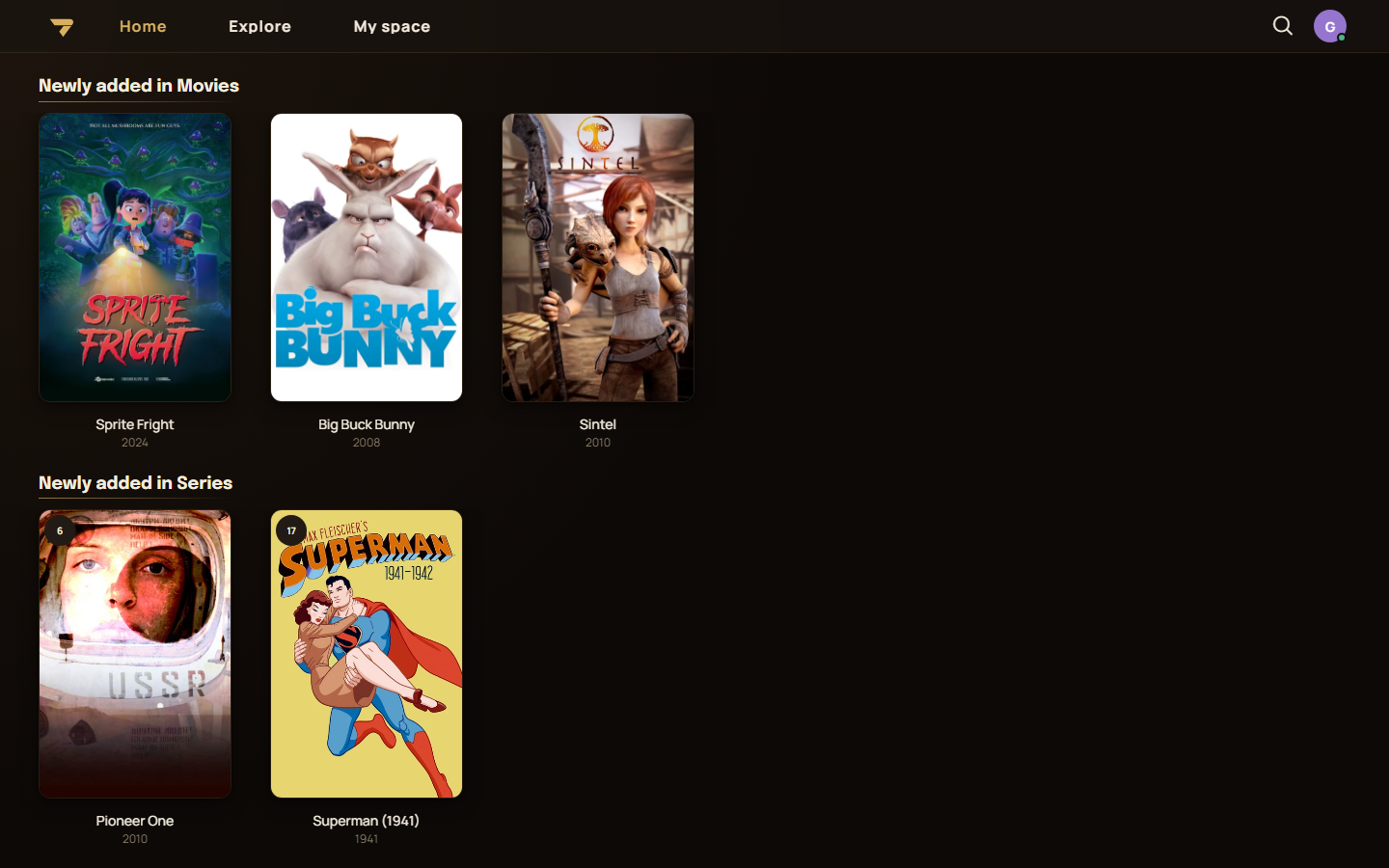
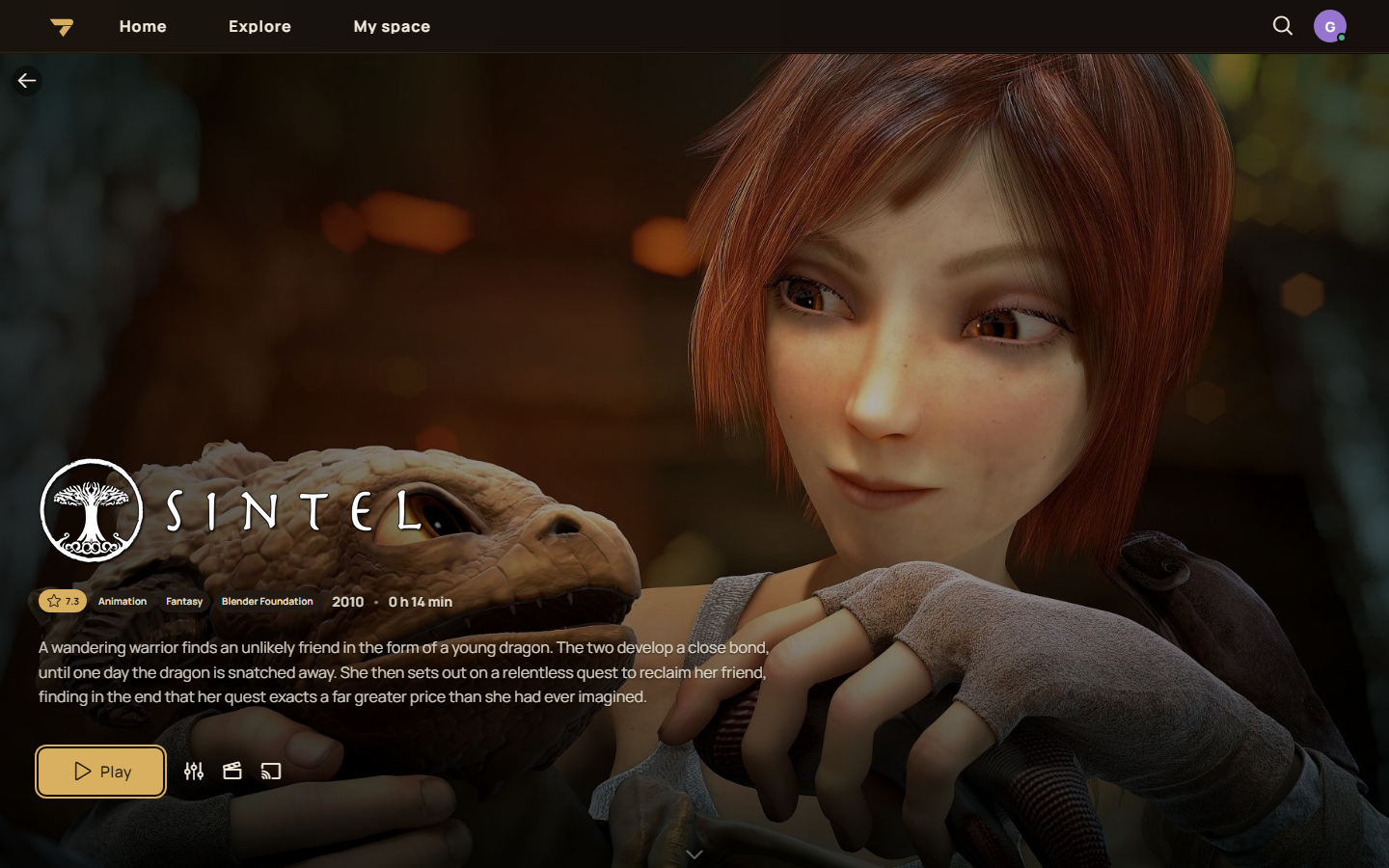
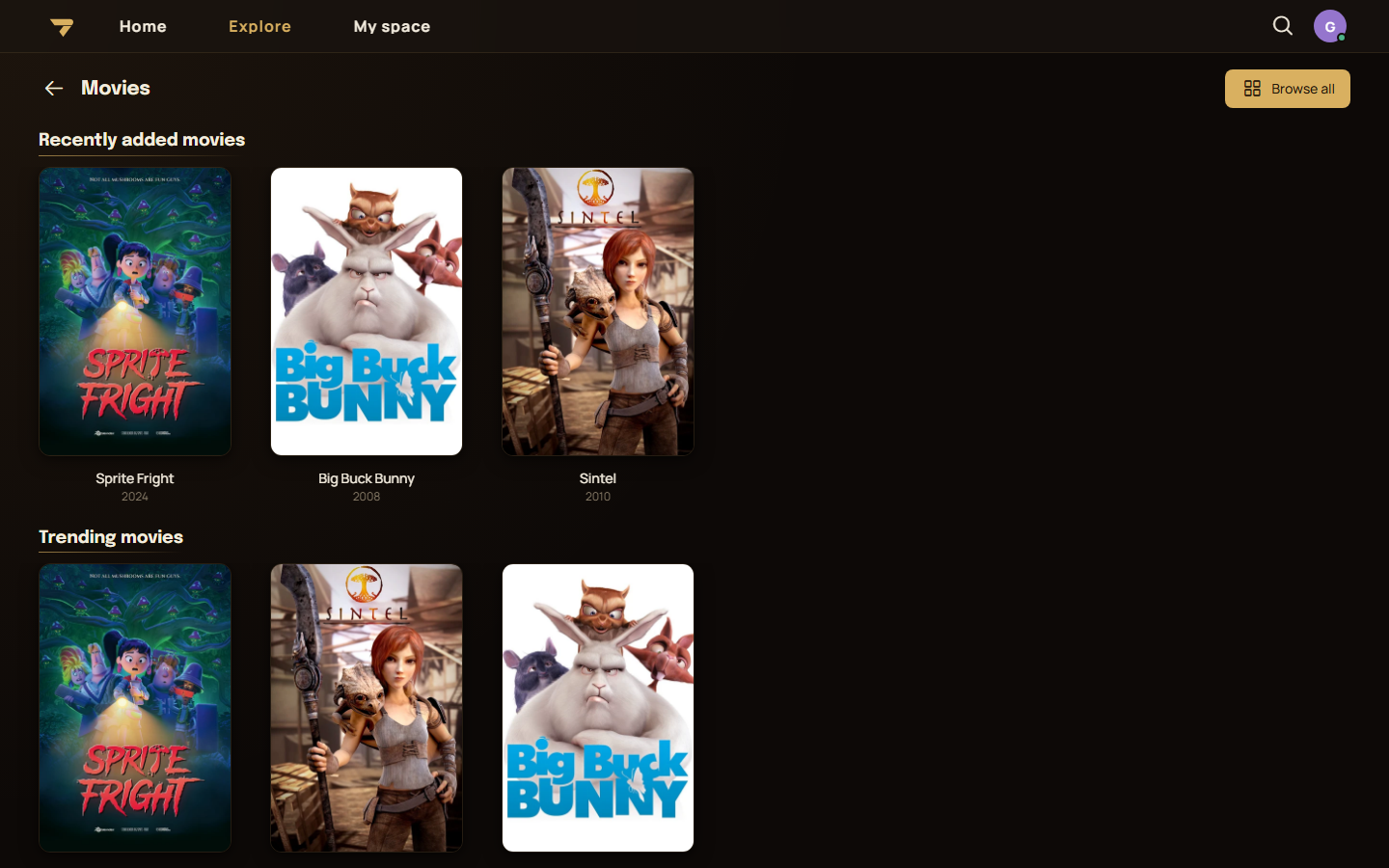
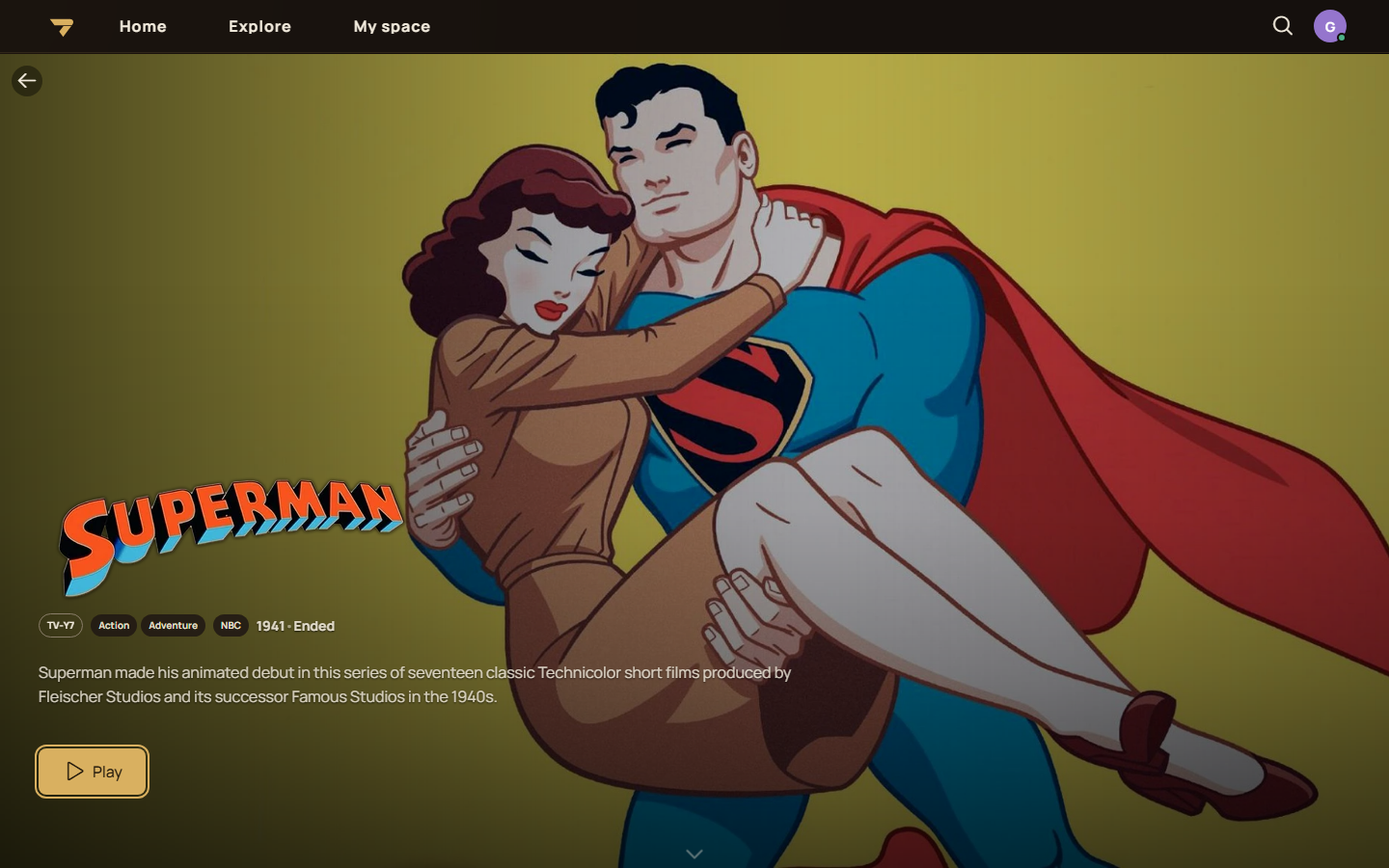
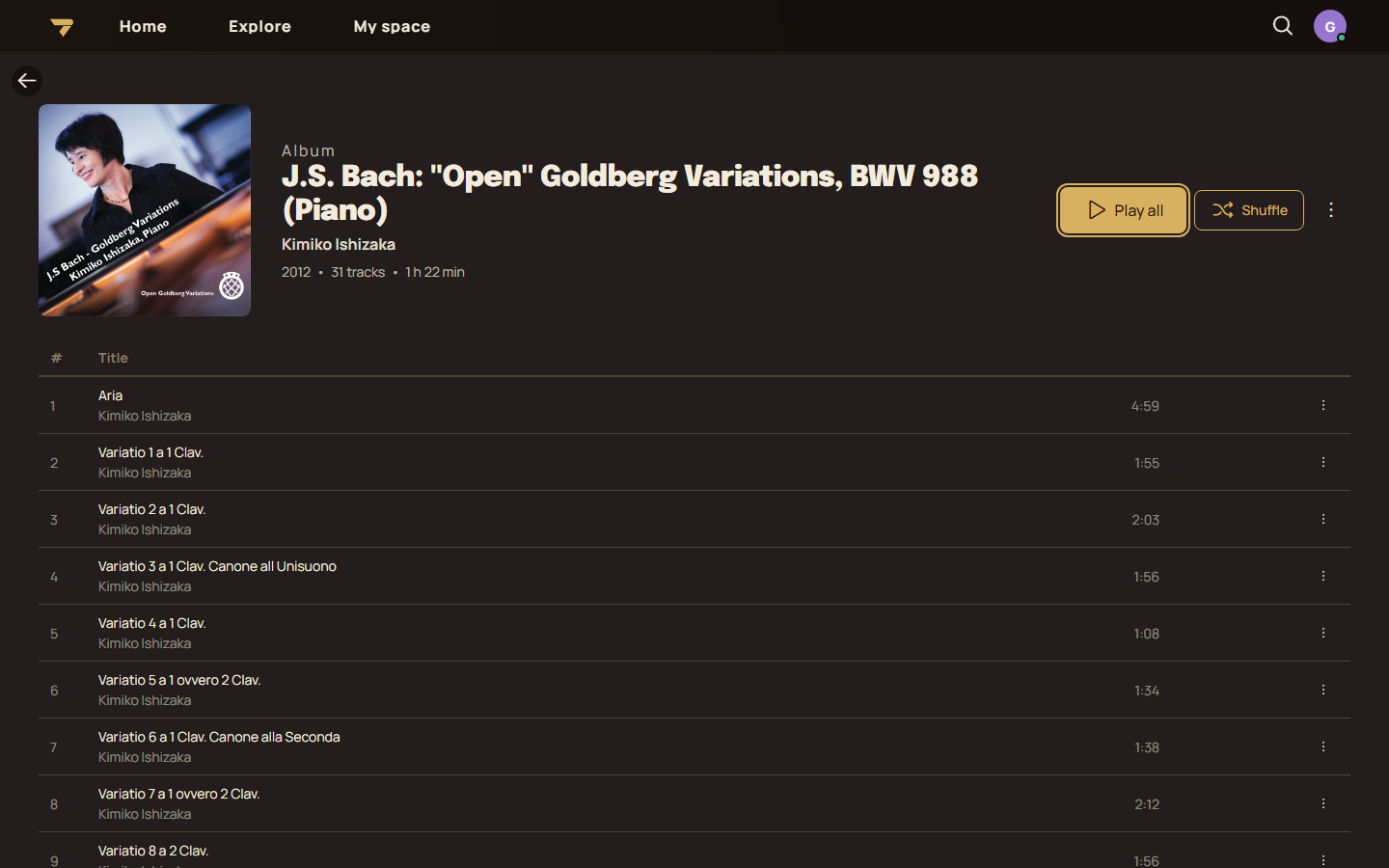
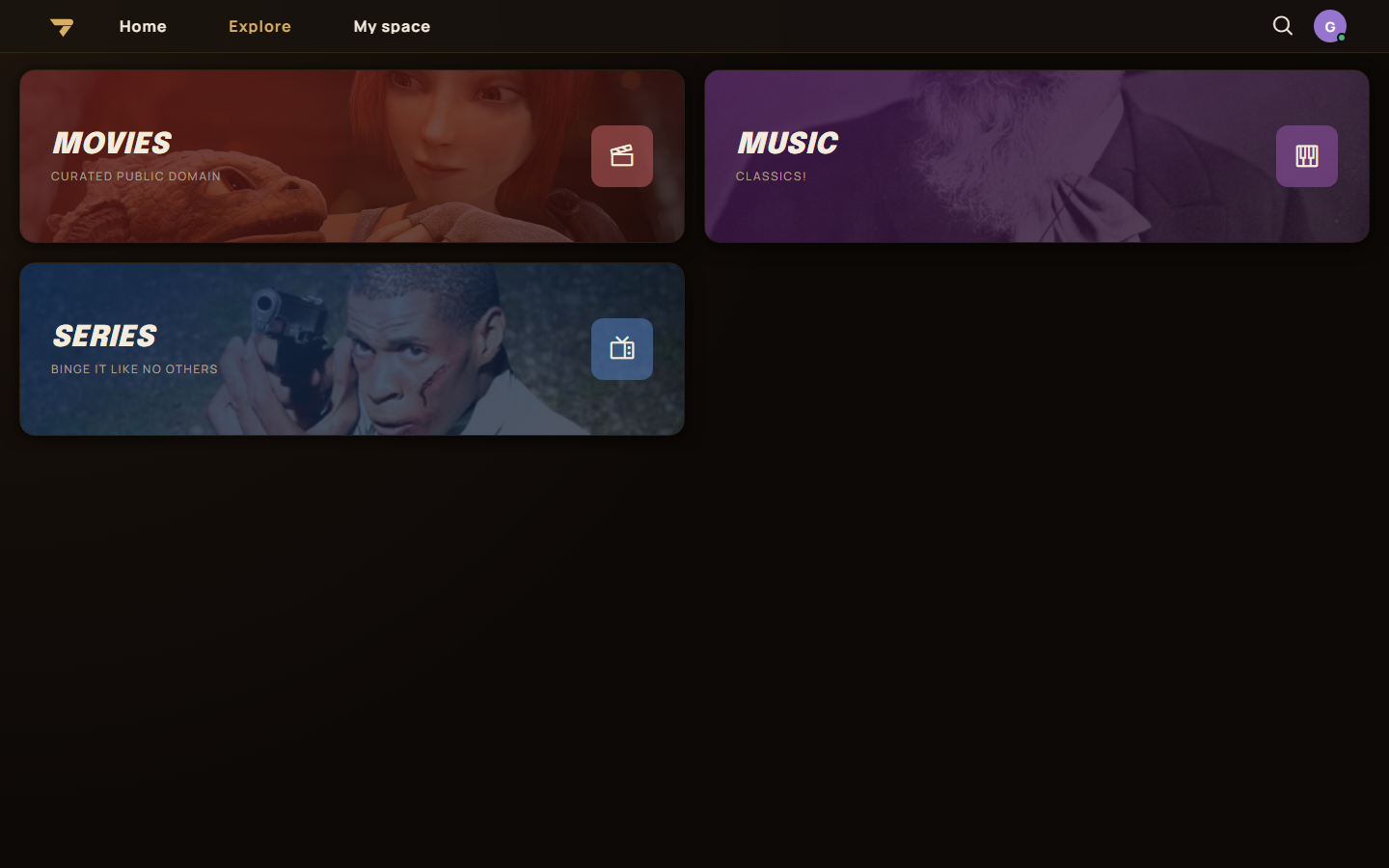
Open the app
About K7
K7 is a media server you host yourself, like Plex, Jellyfin or Emby, made for a small circle of family and friends. Watch your movies and series and play your music in the browser, on Android and Android TV, Windows, iOS and Mac. This is K7 in a single container, with PostgreSQL inside, one port and one data folder. Secret keys and the admin account are made for you on first start.
Features
- Movies, series and music libraries with artwork and editable details
- Transcoding with ffmpeg, with Intel and AMD hardware acceleration when the box has a GPU
- Playlists, smart playlists, collections, history and statistics
- Sync Play, shared profiles, remote control and Chromecast
- Two-factor sign-in, guest mode and optional OIDC single sign-on
- Works with OpenSubsonic music apps
- Import from Plex, Jellyfin and Spotify; share with friends' K7 servers (federation)
How to use
- Open K7 from your dashboard.
- Sign in with the admin user name and password.
- Go to Administration, Content, Library, New library. Pick a folder under
/media.
Before you install
Put your movies, series and music in /DATA/Media (in folders like Movies, Series and Music), or change the /media folder in the app settings to where they are. Leave ADMIN_PASSWORD blank to get a random one, shown in the app log as "admin password is", or type your own with 10 or more characters, an uppercase letter, a lowercase letter and a number. Watching works from every device with the default PUBLIC_URL; for OIDC sign-in or federation, set it to http://[ZIMAOS-IP-ADDRESS]:6186, like http://192.168.1.20:6186, or your https address. Every other setting is optional and listed in the Variables tab. To use one, add it in the app settings with your value; a setting you leave out keeps its default. The first start takes about 3 minutes. Hardware transcoding works on its own when the box has an Intel or AMD GPU; check it in Administration, Transcoding.
The settings in the first table are already in the app settings. To use any other one, open the app settings, add the variable with your value, save, and the app restarts with it. A setting you leave out uses its default.
In the app settings
| Variable | Default value | Description |
|---|---|---|
TZ | $TZ | Your time zone. It is filled in from your ZimaOS time zone. Leave it unless you need another. |
PUID | $PUID | The user that reads your media files. It is filled in by ZimaOS. Leave it unless your media folder belongs to another user. |
PGID | $PGID | The group that reads your media files. It is filled in by ZimaOS. Leave it unless your media folder belongs to another group. |
PUBLIC_ | http://localhost:6186 | The address of K7. Watching works from every device with the default. For sign-in with OIDC or sharing with other K7 servers, change it to http://[ZIMAOS-IP-ADDRESS]:6186 or your https address. Keep the port at 6186. |
ADMIN_ | admin | The user name of the admin account made on first start. |
ADMIN_ | — | The admin password, used only on first start. Leave it blank and the app makes a random one, shown in the app log and saved in the data folder. Your own needs 10 or more characters with an uppercase letter, a lowercase letter and a number. Change it later in K7's account settings. |
Sign-up and accounts
| Variable | Default value | Description |
|---|---|---|
ADMIN_ | — | An email for the admin account made on first start. Leave it out to make the admin without an email. |
Authentication_ | false | Set to true to let anyone make an account at /sign-up. Otherwise the admin adds users. |
Authentication_ | true | Set to false to turn off user name and password sign-in, so people sign in with OIDC only. Turn on OIDC first. |
Sign in with OIDC
| Variable | Default value | Description |
|---|---|---|
Authentication_ | false | Set to true to sign in with Authentik, Pocket ID, Authelia, Keycloak or another OIDC server. Set PUBLIC_URL to your real address first. |
Authentication_ | — | The issuer URL of your OIDC server, like https://auth.example.com/application/o/k7/. |
Authentication_ | — | The client ID from your OIDC server. |
Authentication_ | — | The client secret from your OIDC server. Its redirect URI is PUBLIC_URL followed by /api/authentication/callback/login/oidc. |
Authentication_ | openid,profile | Scopes asked from the OIDC server, separated by commas. |
Authentication_ | — | The text on the sign-in button, like Authentik. |
Authentication_ | true | Set to false so only people who already have a K7 account can sign in with OIDC. |
Authentication_ | 7.00:00:00 | How long an OIDC sign-in lasts in the browser, as days.hours:minutes:seconds. |
Server
| Variable | Default value | Description |
|---|---|---|
Server_ | — | A name for this server, shown in federation invites and in link previews. |
Security_ | false | Set to true when K7 is only used through an https reverse proxy. Keep false for http:// addresses, or sign-in fails. |
Security_ | true | Set to false to stop trusting reverse proxies on private networks. Then list them in Security__KnownProxies__0, __1 and so on. |
Security_ | — | The IP or network of a reverse proxy to trust, like 10.0.0.5 or 172.16.0.0/12. Add more as Security__KnownProxies__1 and so on. |
AllowedHosts | * | The host names K7 answers to, separated by semicolons. * answers to all. |
Cors_ | — | Another web address allowed to call K7's API. Only needed when the web client is hosted somewhere else. |
Federation
| Variable | Default value | Description |
|---|---|---|
Security_ | false | Set to true to share with other K7 servers on plain http:// addresses. |
Security_ | false | Set to true to refuse K7 servers on private network addresses. |
Logs
| Variable | Default value | Description |
|---|---|---|
Serilog_ | Warning | How much K7 writes to its log: Debug, Information, Warning or Error. |
OTEL_ | — | An OpenTelemetry collector address to send logs and metrics to. |
name: k7

services:
  k7:
    image: ghcr.io/hsinghhira/k7:latest
    container_name: k7
    restart: unless-stopped
    stop_grace_period: 90s
    privileged: true
    environment:
      - TZ=$TZ
      - PUID=$PUID
      - PGID=$PGID
      - PUBLIC_URL=http://localhost:6186
      - ADMIN_USERNAME=admin
      - ADMIN_PASSWORD=
    ports:
      - target: 8080
        published: "6186"
        protocol: tcp
    volumes:
      - type: bind
        source: /DATA/AppData/$AppID/data
        target: /data
        bind:
          create_host_path: true
      - type: bind
        source: /DATA/Media
        target: /media
        bind:
          create_host_path: true
    healthcheck:
      test: ["CMD", "curl", "-fsS", "-o", "/dev/null", "http://127.0.0.1:8080/alive"]
      interval: 30s
      timeout: 10s
      retries: 5
      start_period: 180s
    deploy:
      resources:
        limits:
          cpus: "4.00"
          memory: 4096M
        reservations:
          cpus: "0.25"
          memory: 512M
    labels:
      icon: https://cdn.jsdelivr.net/gh/HSinghHira/IceStore@main/Apps/k7/icon.png
    x-casaos:
      id: com.icestore.k7
      envs:
        - container: TZ
          description:
            en_US: >-
              Your time zone. It is filled in from your ZimaOS time zone.
              Leave it unless you need another.
        - container: PUID
          description:
            en_US: >-
              The user that reads your media files. It is filled in by
              ZimaOS. Leave it unless your media folder belongs to another
              user.
        - container: PGID
          description:
            en_US: >-
              The group that reads your media files. It is filled in by
              ZimaOS. Leave it unless your media folder belongs to another
              group.
        - container: PUBLIC_URL
          description:
            en_US: >-
              The address of K7. Watching works from every device with the
              default. For sign-in with OIDC or sharing with other K7
              servers, change it to http://[ZIMAOS-IP-ADDRESS]:6186 or your
              https address. Keep the port at 6186.
        - container: ADMIN_USERNAME
          description:
            en_US: >-
              The user name of the admin account made on first start.
        - container: ADMIN_PASSWORD
          description:
            en_US: >-
              The admin password, used only on first start. Leave it blank
              and the app makes a random one, shown in the app log and saved
              in the data folder. Your own needs 10 or more characters with
              an uppercase letter, a lowercase letter and a number. Change it
              later in K7's account settings.
      ports:
        - container: "8080"
          description:
            en_US: K7 web app, API and video streams, published on host as 6186
      volumes:
        - container: /data
          description:
            en_US: >-
              The database, K7 settings and keys, artwork, logs and the
              transcoding cache.
        - container: /media
          description:
            en_US: >-
              Your movies, series and music. Point it at the folder that holds
              them, like /DATA/Media with Movies, Series and Music inside.

x-casaos:
  id: com.icestore.k7
  architectures:
    - amd64
    - arm64
  main: k7
  author: HSinghHira
  category: Media
  developer: kaybi-gh
  icon: https://cdn.jsdelivr.net/gh/HSinghHira/IceStore@main/Apps/k7/icon.png
  thumbnail: https://cdn.jsdelivr.net/gh/HSinghHira/IceStore@main/Apps/k7/screenshot-1.png
  screenshot_link:
    - https://cdn.jsdelivr.net/gh/HSinghHira/IceStore@main/Apps/k7/screenshot-1.png
    - https://cdn.jsdelivr.net/gh/HSinghHira/IceStore@main/Apps/k7/screenshot-2.png
    - https://cdn.jsdelivr.net/gh/HSinghHira/IceStore@main/Apps/k7/screenshot-3.png
    - https://cdn.jsdelivr.net/gh/HSinghHira/IceStore@main/Apps/k7/screenshot-4.png
    - https://cdn.jsdelivr.net/gh/HSinghHira/IceStore@main/Apps/k7/screenshot-5.png
    - https://cdn.jsdelivr.net/gh/HSinghHira/IceStore@main/Apps/k7/screenshot-6.png
  title:
    en_US: K7
  tagline:
    en_US: Self-hosted media server for movies, series and music, for family and friends
  description:
    en_US: >-
      K7 is a media server you host yourself, like Plex, Jellyfin or Emby,
      made for a small circle of family and friends. Watch your movies and
      series and play your music in the browser, on Android and Android TV,
      Windows, iOS and Mac. This is K7 in a single container, with
      PostgreSQL inside, one port and one data folder. Secret keys and the
      admin account are made for you on first start.


      **Features**


      - Movies, series and music libraries with artwork and editable
        details

      - Transcoding with ffmpeg, with Intel and AMD hardware acceleration
        when the box has a GPU

      - Playlists, smart playlists, collections, history and statistics

      - Sync Play, shared profiles, remote control and Chromecast

      - Two-factor sign-in, guest mode and optional OIDC single sign-on

      - Works with OpenSubsonic music apps

      - Import from Plex, Jellyfin and Spotify; share with friends' K7
        servers (federation)


      **How to use?**


      1. Open K7 from the Zima OS dashboard.

      2. Sign in with the admin user name and password.

      3. Go to Administration, Content, Library, New library. Pick a folder
         under /media.
  tips:
    before_install:
      en_US: >-
        1. Put your movies, series and music in /DATA/Media, in folders like
           Movies, Series and Music. Or change the /media folder in the app
           settings to where they are.


        2. Leave ADMIN_PASSWORD blank to get a random one. Or type your own,
           with 10 or more characters, an uppercase letter, a lowercase
           letter and a number.


        3. Leave PUBLIC_URL as it is to watch on your home network. For OIDC
           sign-in or sharing with friends' K7 servers, set it to
           http://[ZIMAOS-IP-ADDRESS]:6186, like http://192.168.1.20:6186.


        4. More settings, like sign-up, OIDC and log level, are listed on the
           K7 page at https://icestore.hsinghhira.me/app/k7/ (Variables tab).
           You can add them now or later in the app settings.


        5. Start the installation.


        6. Wait about 3 minutes for K7 to start the first time.


        7. If you left ADMIN_PASSWORD blank, open the app log. Find the box marked CREDENTIALS.


        8. Open K7 from the Zima OS dashboard and sign in as admin.


        9. Go to Administration, Content, Library, New library. Pick a folder
           under /media.


        10. To check hardware transcoding, go to Administration, Transcoding
            and run the encoder test.
  index: /
  port_map: "6186"
  scheme: http
  is_uncontrolled: false
  version: "1.17.2"
  update_at: "2026-11-07"
  release_notes:
    en_US: |-
      - Single-container K7 with one port (6186) and one data folder
      - Secret keys and the first admin are made on first start, so each install gets its own
      - PostgreSQL 18 inside; your media folder is mounted at /media
      - ghcr.io/kaybi-gh/k7 1.17.2
  repo: "https://github.com/kaybi-gh/K7"
  support: "https://github.com/kaybi-gh/K7/issues"
  docs: "https://github.com/kaybi-gh/K7/tree/main/docs"
Install K7
Something not working with K7?
Report it so it gets fixed, or ask for an app that is not here yet.
 ZimaOS
Add the store link, then find K7 in the App Store and install it.
 CasaOS
Add the store link, then find K7 in the App Store and install it.
 ReCasaOS
Add the store link, then find K7 in the App Store and install it.
 Homeio
Add the store link, then find K7 in the App Store and install it.
 MOS
Add the repository in MOS Hub Settings, then find K7 in Docker → MOS Hub and install it.


