
Poke
A privacy-friendly YouTube front-end, with its own Invidious inside.
- ghcr.io/hsinghhira/poke:latest
- v20.25
- Updated 28 Oct 2026
- port 6133
- amd64 · arm64
- Media
Screenshots
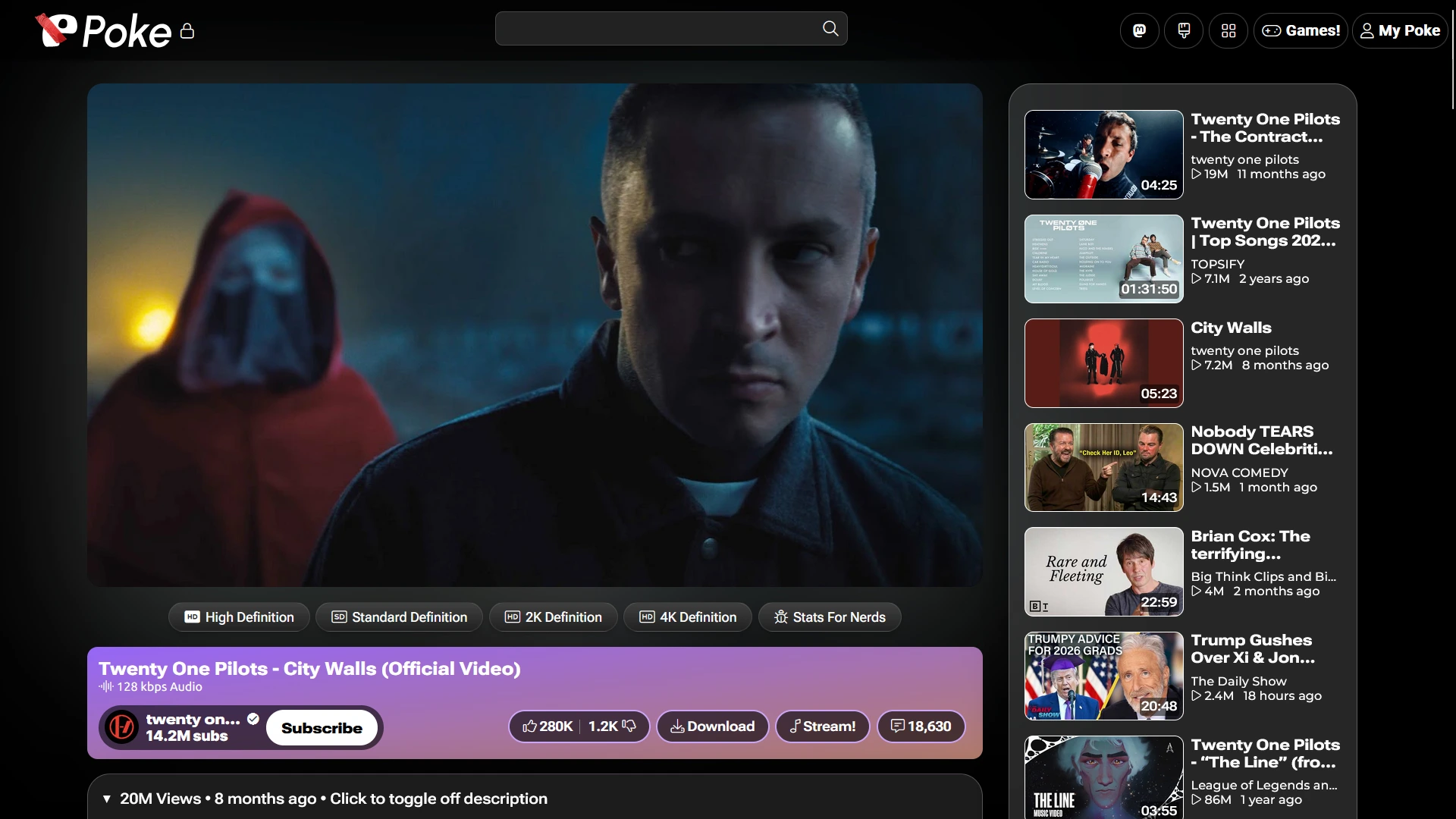
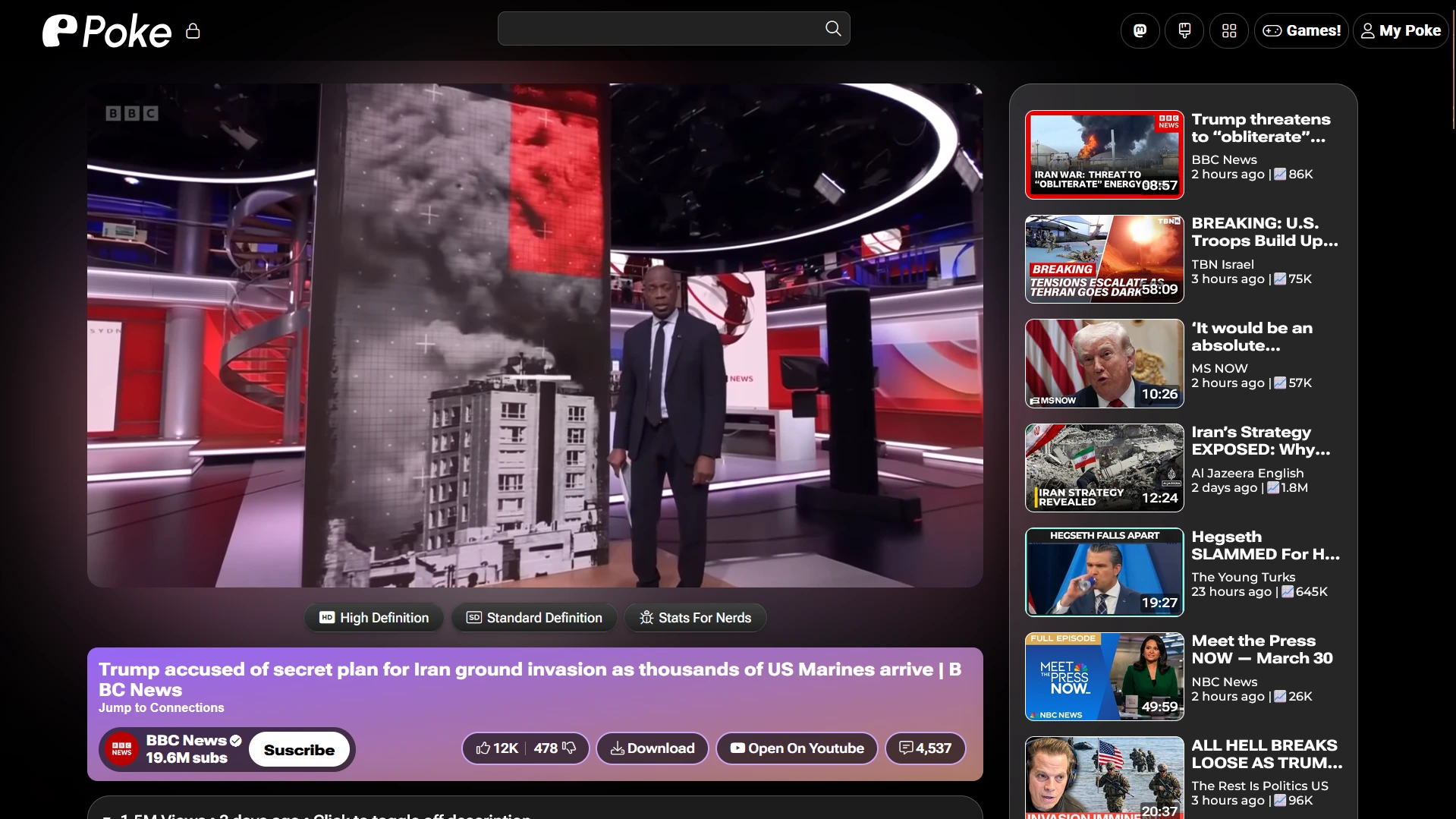
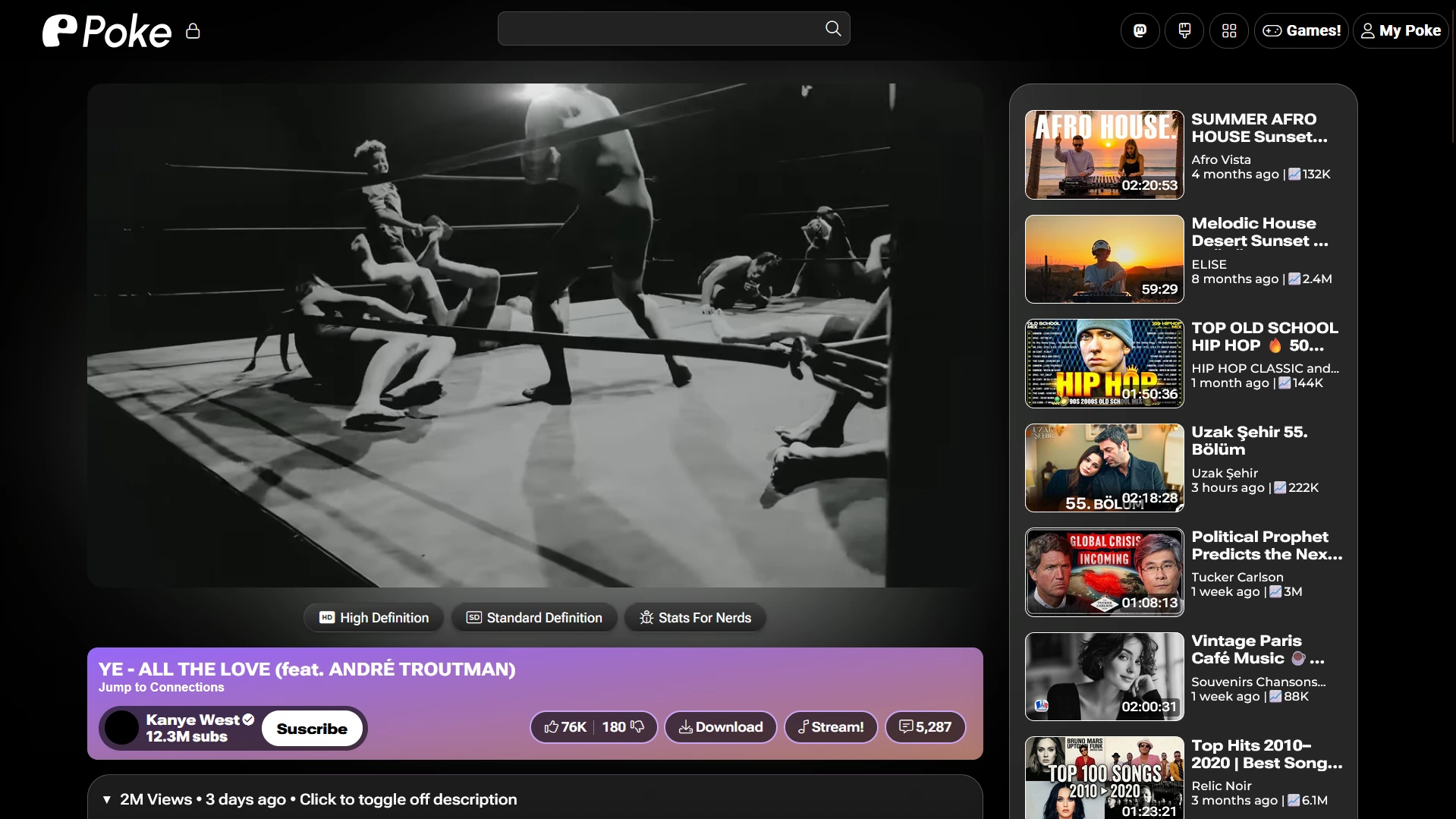
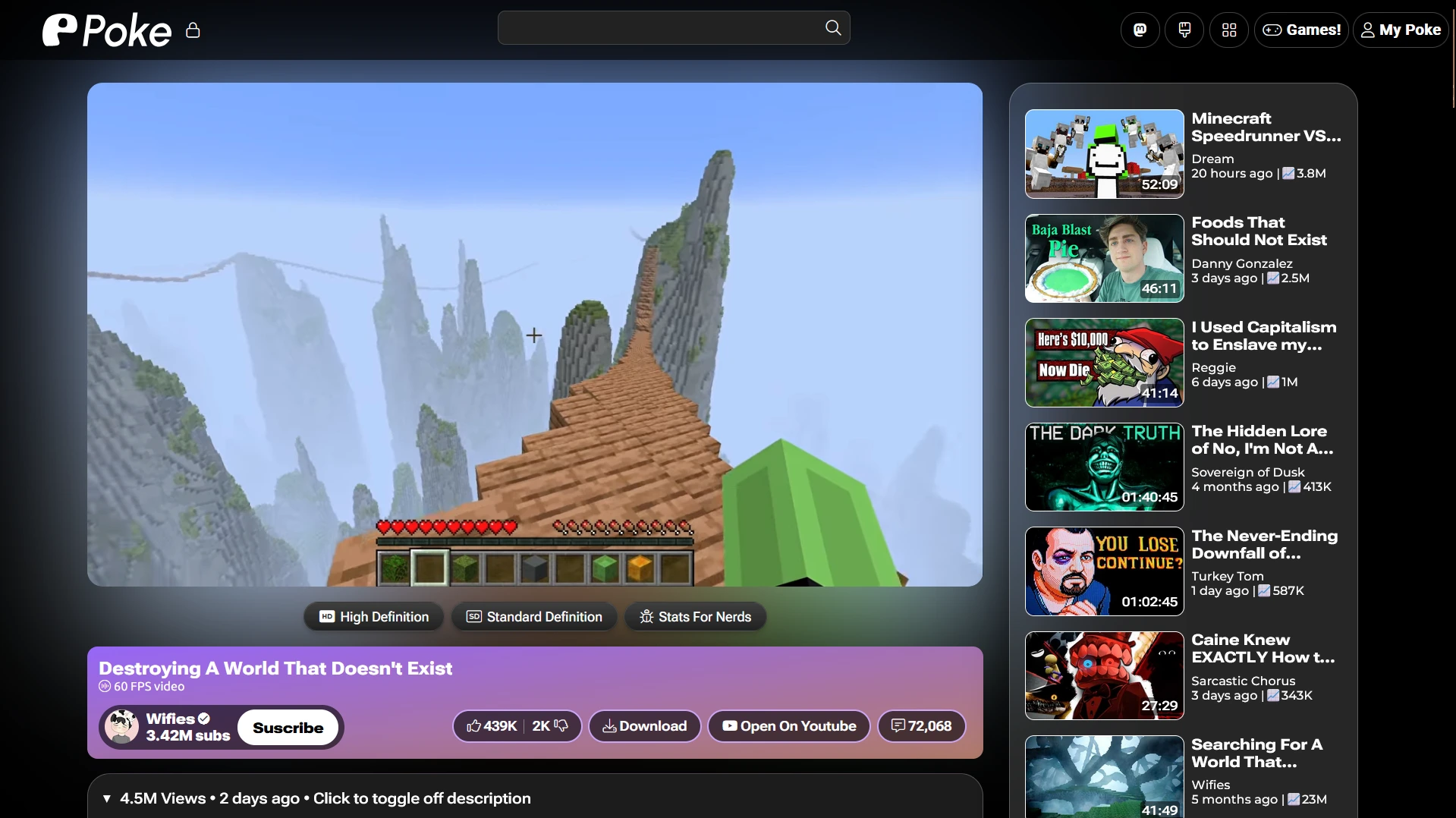
Open the app
About Poke
Poke is a YouTube front-end that keeps Google out of your browser. Watch videos, follow channels and listen to music without ads or tracking. This is Poke in a single container, with one port and one data folder. It brings its own Invidious, Invidious companion and PostgreSQL, so it does not lean on poketube.fun's video servers. Thumbnails and dislike counts still come from Poke's and Return YouTube Dislike's public services.
Features
- Watch YouTube without ads, tracking or a Google account
- Videos stream through your own server
- Return YouTube Dislike counts built in
- Accounts to follow channels, without Google
- Captions, ambient mode and audio boost
- Installs like an app (PWA)
How to use
- Open Poke from your dashboard.
- Search for a video or a channel.
- Make an account to follow channels.
Before you install
There is nothing to set: Poke works from whatever address you open it at, like http://[ZIMAOS-IP-ADDRESS]:6133. Every setting is optional and listed in the Variables tab. To use one, add it in the app settings with your value; a setting you leave out keeps its default. If videos stop playing, YouTube may be blocking your address: add POKE_YOUTUBE_PROXY. The first start takes about four minutes while Invidious sets up its database.
The settings in the first table are already in the app settings. To use any other one, open the app settings, add the variable with your value, save, and the app restarts with it. A setting you leave out uses its default.
In the app settings
| Variable | Default value | Description |
|---|---|---|
TZ | $TZ | Your time zone. It is filled in from your ZimaOS time zone. Leave it unless you need another. |
Server
| Variable | Default value | Description |
|---|---|---|
POKE_ | welcome to poke! | The short message shown on Poke's landing page. |
POKE_ | false | Set to true when you open Poke through your own https:// domain, so it always makes https links. |
POKE_ | — | How many Poke processes to run. Blank picks one for each CPU core. Lower it to use less memory. |
POKE_ | on | Set to off to run Poke as a single process. |
POKE_ | https://image-proxy.poketube.fun | The image proxy for thumbnails and banners. Point it at your own copy of Poke's image proxy if you run one. |
YouTube
| Variable | Default value | Description |
|---|---|---|
POKE_ | — | A proxy for talking to YouTube, like http://user:pass@proxy:8080. Use it if YouTube blocks your address and videos stop playing. |
YOUTUBE_ | — | YouTube cookies for the Invidious companion, if YouTube asks it to sign in. Most people leave this out. |
CAPTIONS_ | true | Set to false to turn captions off, if YouTube blocks your address for fetching them. |
name: poke

services:
  poke:
    image: ghcr.io/hsinghhira/poke:latest
    container_name: poke
    restart: unless-stopped
    stop_grace_period: 90s
    privileged: true
    environment:
      - TZ=$TZ
    ports:
      - target: 8080
        published: "6133"
        protocol: tcp
    volumes:
      - type: bind
        source: /DATA/AppData/$AppID/data
        target: /data
        bind:
          create_host_path: true
    healthcheck:
      test: ["CMD", "curl", "-fsS", "-o", "/dev/null", "http://127.0.0.1:8080/api/version.json"]
      interval: 30s
      timeout: 10s
      retries: 5
      start_period: 240s
    deploy:
      resources:
        limits:
          cpus: "2.00"
          memory: 3072M
        reservations:
          cpus: "0.00"
          memory: 512M
    labels:
      icon: https://cdn.jsdelivr.net/gh/HSinghHira/IceStore@main/Apps/poke/icon.png
    x-casaos:
      id: com.icestore.poke
      envs:
        - container: TZ
          description:
            en_US: >-
              Your time zone. It is filled in from your ZimaOS time zone.
              Leave it unless you need another.
      ports:
        - container: "8080"
          description:
            en_US: Poke web app and video streams, published on host as 6133
      volumes:
        - container: /data
          description:
            en_US: >-
              Poke accounts and subscriptions (poke/json.sqlite), the
              Invidious database and the secret keys (state/secrets.env).

x-casaos:
  id: com.icestore.poke
  architectures:
    - amd64
    - arm64
  main: poke
  author: HSinghHira
  category: Media
  developer: ashleyirispuppy
  icon: https://cdn.jsdelivr.net/gh/HSinghHira/IceStore@main/Apps/poke/icon.png
  thumbnail: https://cdn.jsdelivr.net/gh/HSinghHira/IceStore@main/Apps/poke/screenshot-1.webp
  screenshot_link:
    - https://cdn.jsdelivr.net/gh/HSinghHira/IceStore@main/Apps/poke/screenshot-1.webp
    - https://cdn.jsdelivr.net/gh/HSinghHira/IceStore@main/Apps/poke/screenshot-2.webp
    - https://cdn.jsdelivr.net/gh/HSinghHira/IceStore@main/Apps/poke/screenshot-3.webp
    - https://cdn.jsdelivr.net/gh/HSinghHira/IceStore@main/Apps/poke/screenshot-4.webp
  title:
    en_US: Poke
  tagline:
    en_US: A privacy-friendly YouTube front-end, with its own Invidious inside.
  description:
    en_US: >-
      Poke is a YouTube front-end that keeps Google out of your browser.
      Watch videos, follow channels and listen to music without ads or
      tracking. This is Poke in a single container, with one port and one
      data folder. It brings its own Invidious, Invidious companion and
      PostgreSQL, so it does not lean on poketube.fun's video servers.
      Thumbnails and dislike counts still come from Poke's and Return
      YouTube Dislike's public services.


      **Features**


      - Watch YouTube without ads, tracking or a Google account

      - Videos stream through your own server

      - Return YouTube Dislike counts built in

      - Accounts to follow channels, without Google

      - Captions, ambient mode and audio boost

      - Installs like an app (PWA)


      **How to use?**


      1. Open Poke from the Zima OS dashboard.


      2. Search for a video or a channel.


      3. Make an account to follow channels.
  tips:
    before_install:
      en_US: >-
        1. There is nothing to set before you install. Poke works from any
           address.


        2. More settings, like a proxy for YouTube or your own image proxy,
           are listed on the Poke page at
           https://icestore.hsinghhira.me/app/poke/ (Variables tab). You can
           add them now or later in the app settings.


        3. Start the installation.


        4. Wait about four minutes for all parts to start.


        5. Open http://[ZIMAOS-IP-ADDRESS]:6133 in your browser.


        6. If videos stop playing, YouTube may be blocking your address. Add
           POKE_YOUTUBE_PROXY in the app settings.
  index: /
  port_map: "6133"
  scheme: http
  is_uncontrolled: false
  version: "20.25"
  update_at: "2026-10-28"
  release_notes:
    en_US: |-
      - Single-container Poke with one port (6133) and one data folder
      - Poke 20.25, built from commit a623457 of its main branch (the stable-2026a tag refuses every self-hosted address)
      - quay.io/invidious/invidious 2026.10.26-1c4b41f
      - quay.io/invidious/invidious-companion 2026.10.18-fcb0456
      - PostgreSQL 17 inside
      - The database passwords, Invidious keys and Poke's account secret are made on first start, so each install gets its own
      - Poke's usage ping stays inside the container
      - Thumbnails, static files and dislike counts still use Poke's and Return YouTube Dislike's public services
  repo: "https://codeberg.org/ashleyirispuppy/poke"
  support: "https://codeberg.org/ashleyirispuppy/poke/issues"
  docs: "https://codeberg.org/ashleyirispuppy/poke#readme"
Install Poke
 ZimaOS
Add the store link, then find Poke in the App Store and install it.
 CasaOS
Add the store link, then find Poke in the App Store and install it.
 Homeio
Add the store link, then find Poke in the App Store and install it.
Something not working with Poke? Report a problem or request another app.


