
Kith
Private family history website for your family tree.
- ghcr.io/hsinghhira/kith:latest
- v0.4.5
- Updated 10 Nov 2026
- port 6707
- amd64 · arm64
- Home
- 2 stars
Screenshots
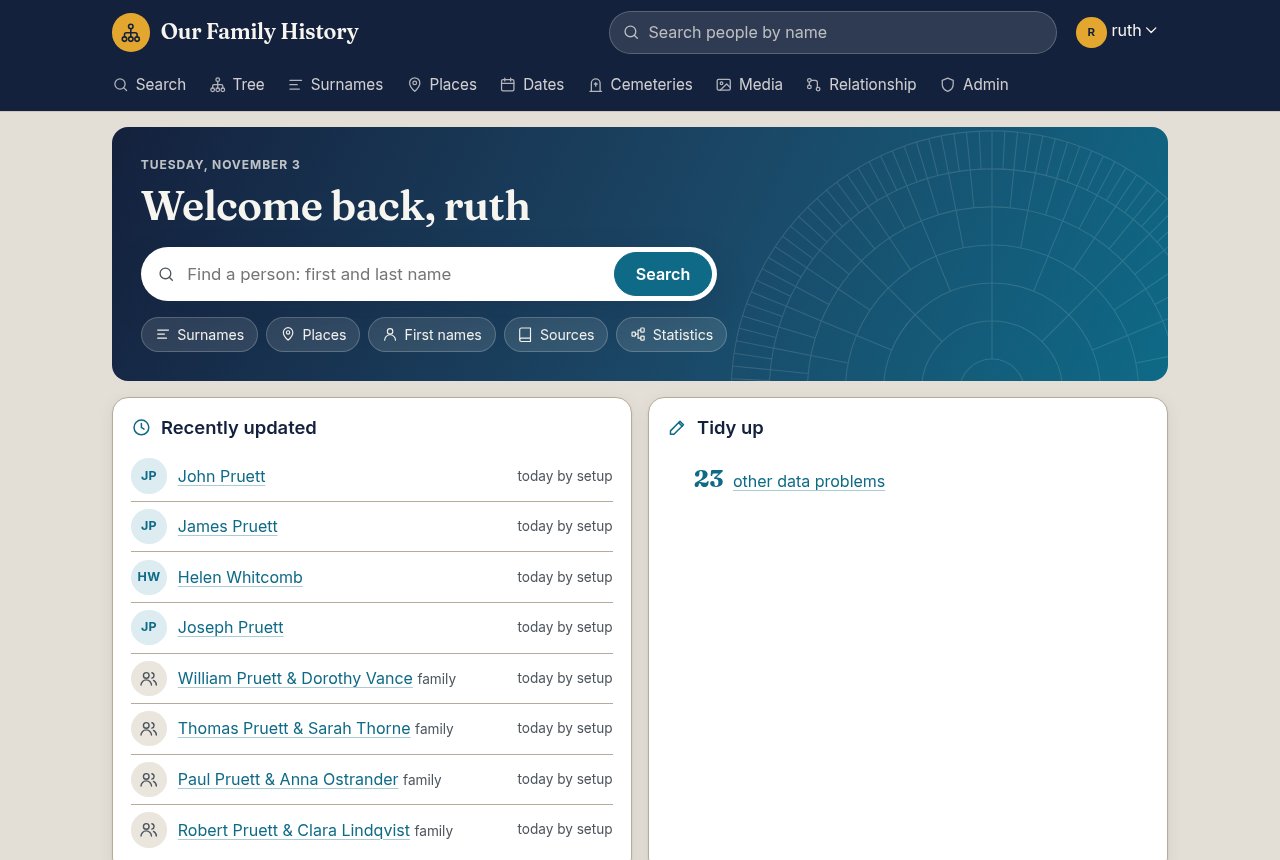
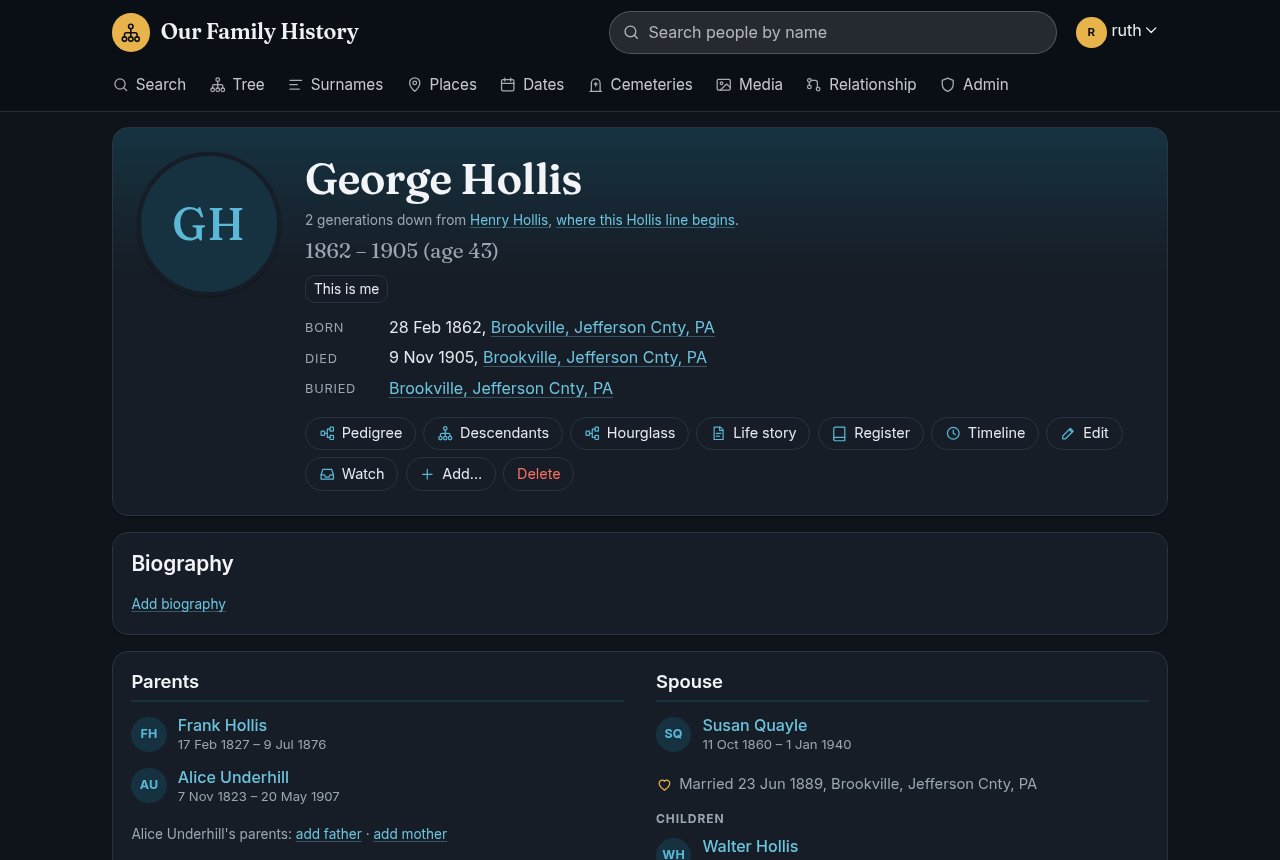
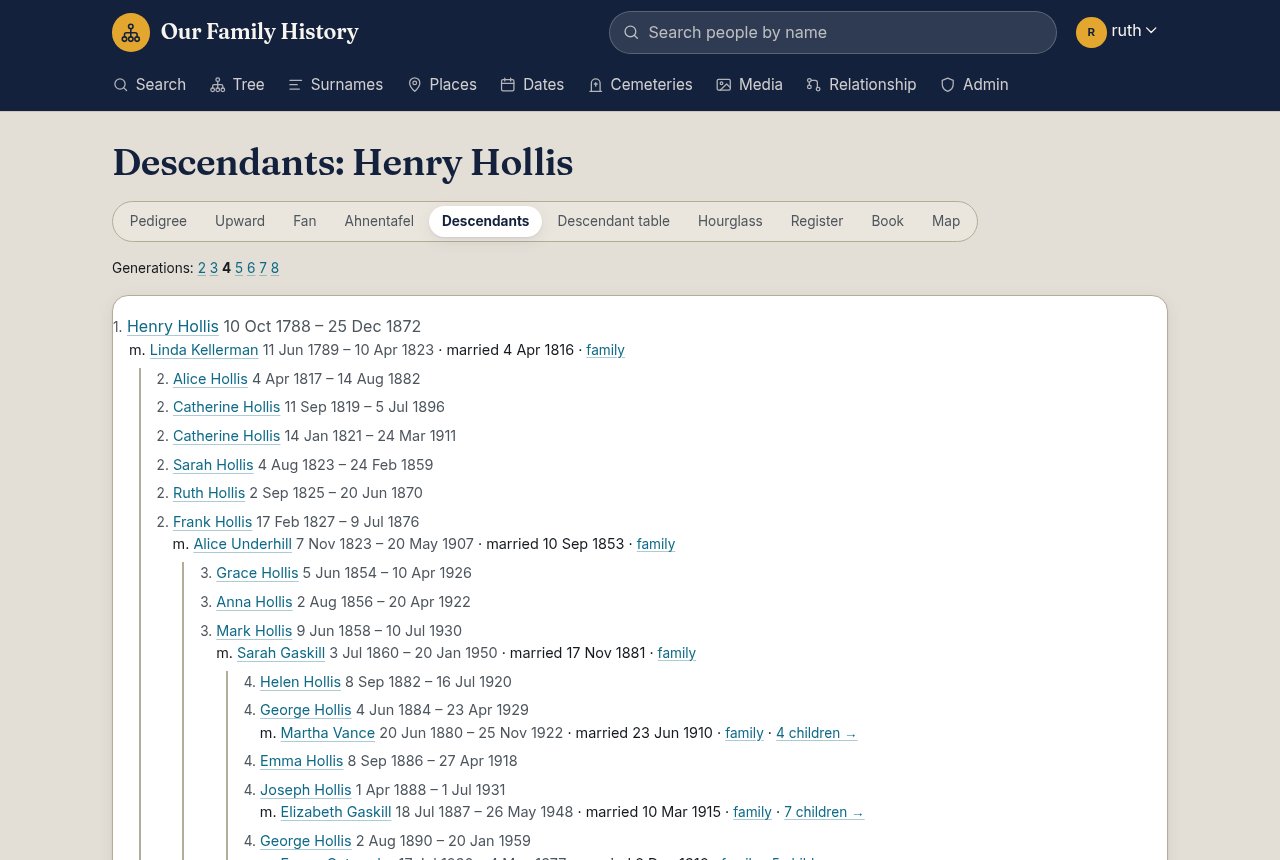
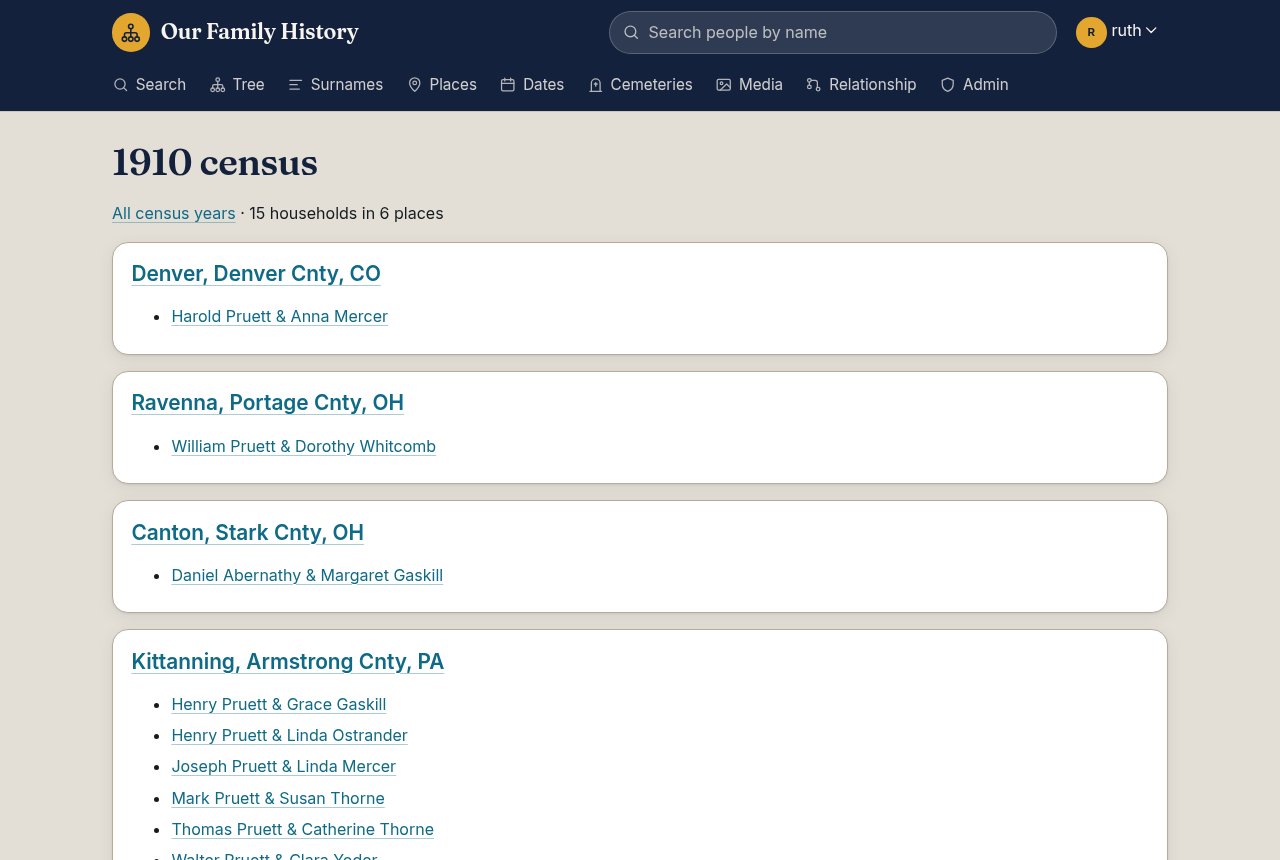
Open the app
About Kith
Kith is a private family history website you host yourself: your family tree, people's stories, photos and documents, for your family to see and add to. Built here from upstream's source, with MariaDB and the scheduled jobs inside one container.
Features
- Family tree with people, families, events, places and sources
- Charts, a family hourglass, census and timeline views
- Photos and documents (PDF thumbnails), and a map of places
- Accounts for family members with their own rights, invitations and "what's new"
- GEDCOM and TNG import, five themes including large print
How to use
- Copy the admin password from the app's logs (CREDENTIALS box).
- Open Kith from your dashboard and log in as
admin. - Add people, or import a GEDCOM file from another program.
- Invite your family from the admin page.
Before you install
Nothing to set first. On the first start the container creates the database and an admin account with a password made for this install; both are in the app's logs, in the box marked CREDENTIALS, on every start. Change the password after you log in.
Upstream's scheduled jobs run inside the container: place coordinates nightly at 02:30, the version check at 04:00 and the weekly email on Mondays at 13:00 (your time zone). Before your family uses it from outside your home, put Kith behind HTTPS and set KITH_SECURE_COOKIES=1 and KITH_TRUSTED_PROXIES=1. More settings are in the Variables tab.
The settings in the first table are already in the app settings. To use any other one, open the app settings, add the variable with your value, save, and the app restarts with it. A setting you leave out uses its default.
In the app settings
| Variable | Default value | Description |
|---|---|---|
TZ | $TZ | Your time zone. It is filled in from your ZimaOS time zone and sets when the nightly jobs and weekly email run. |
Server
| Variable | Default value | Description |
|---|---|---|
KITH_ | — | The site's address, like https://tree.example.org, for links in email. |
KITH_ | — | Set to 1 once Kith is behind HTTPS, so the login cookie is only sent over HTTPS. |
KITH_ | — | Set to 1 behind a reverse proxy, so login throttling sees each visitor's address. |
KITH_ | default | The site's theme. Each person can still pick their own. |
KITH_ | 50 | The largest photo or document upload, in MB. |
KITH_ | — | Set to 0 to never check kithgenealogy.org for new versions. |
Email (SMTP)
| Variable | Default value | Description |
|---|---|---|
KITH_ | — | Your mail server, for account confirmations, password resets and invitations. |
KITH_ | 587 | Your mail server's port. |
KITH_ | — | The user name for your mail server. Email is off until this is set. |
KITH_ | — | The password for your mail server. |
KITH_ | — | The address email comes from. |
First start
| Variable | Default value | Description |
|---|---|---|
KITH_ | admin | The first admin's user name. Only used on the very first start. |
name: kith

services:
  kith:
    image: ghcr.io/hsinghhira/kith:latest
    container_name: kith
    restart: unless-stopped
    stop_grace_period: 60s
    network_mode: bridge
    environment:
      - TZ=$TZ
    ports:
      - target: 8000
        published: "6707"
        protocol: tcp
    volumes:
      - type: bind
        source: /DATA/AppData/$AppID/data
        target: /data
        bind:
          create_host_path: true
    healthcheck:
      test: ["CMD", "curl", "-fsS", "-o", "/dev/null", "http://127.0.0.1:8000/"]
      interval: 30s
      timeout: 10s
      retries: 5
      start_period: 90s
    deploy:
      resources:
        limits:
          cpus: "2.00"
          memory: 1024M
        reservations:
          cpus: "0.10"
          memory: 192M
    labels:
      icon: https://cdn.jsdelivr.net/gh/HSinghHira/IceStore@main/Apps/kith/icon.png
    x-casaos:
      id: com.icestore.kith
      envs:
        - container: TZ
          description:
            en_US: >-
              Your time zone. It is filled in from your ZimaOS time zone and
              sets when the nightly jobs and weekly email run.
      ports:
        - container: "8000"
          description:
            en_US: Kith family history site, published on host as 6707
      volumes:
        - container: /data
          description:
            en_US: >-
              The database (mysql/), photos and documents (media/), the site's
              own files and secret key (instance/) and the passwords made on
              first start (state/). Back up the whole folder.

x-casaos:
  id: com.icestore.kith
  architectures:
    - amd64
    - arm64
  main: kith
  author: HSinghHira
  category: Home
  developer: dreed47
  icon: https://cdn.jsdelivr.net/gh/HSinghHira/IceStore@main/Apps/kith/icon.png
  thumbnail: https://cdn.jsdelivr.net/gh/HSinghHira/IceStore@main/Apps/kith/screenshot-1.jpg
  screenshot_link:
    - https://cdn.jsdelivr.net/gh/HSinghHira/IceStore@main/Apps/kith/screenshot-1.jpg
    - https://cdn.jsdelivr.net/gh/HSinghHira/IceStore@main/Apps/kith/screenshot-2.jpg
    - https://cdn.jsdelivr.net/gh/HSinghHira/IceStore@main/Apps/kith/screenshot-3.jpg
    - https://cdn.jsdelivr.net/gh/HSinghHira/IceStore@main/Apps/kith/screenshot-4.jpg
  title:
    en_US: Kith
  tagline:
    en_US: Private family history website for your family tree.
  description:
    en_US: >-
      Visit: [https://icestore.hsinghhira.me/app/kith/](https://icestore.hsinghhira.me/app/kith/) for full details


      Kith is a private family history website you host yourself: your family
      tree, people's stories, photos and documents, for your family to see
      and add to. Built here from upstream's source, with MariaDB and the
      scheduled jobs inside one container.


      **Features**


      - Family tree with people, families, events, places and sources

      - Charts, a family hourglass, census and timeline views

      - Photos and documents (PDF thumbnails), and a map of places

      - Accounts for family members with their own rights, invitations and
        "what's new"

      - GEDCOM and TNG import, five themes including large print


      **How to use?**


      1. Copy the admin password from the app's logs (CREDENTIALS box).


      2. Open Kith from the Zima OS dashboard and log in as admin.


      3. Add people, or import a GEDCOM file from another program.


      4. Invite your family from the admin page.
  tips:
    before_install:
      en_US: >-
        1. Nothing to set first. Start the installation.


        2. Wait about a minute. The first start creates the database and the
           admin account.


        3. Look in the app's logs for the box marked CREDENTIALS. It has the
           admin user name and password. It is printed again on every start.


        4. Open http://[ZIMAOS-IP-ADDRESS]:6707 and log in as admin. Change
           the password under your account.


        5. Email, the theme and HTTPS settings are listed on the Kith page at
           https://icestore.hsinghhira.me/app/kith/ (Variables tab). You can
           add them later in the app settings.
  index: /
  port_map: "6707"
  scheme: http
  is_uncontrolled: false
  version: "v0.4.5"
  update_at: "2026-11-10"
  release_notes:
    en_US: |-
      - First IceStore release: Kith v0.4.5, built from upstream's source (upstream publishes no image), with MariaDB 11.8 and the scheduled jobs (place coordinates, version check, weekly email) in one container.
      - Port 6707 and one data folder. The database password and the first admin password are made on first start.
      - Fixed: the site never started ("exec: as_kith: not found"); the web server now starts after the first-start setup.
  repo: "https://github.com/dreed47/kith"
  support: "https://github.com/dreed47/kith/issues"
  docs: "https://github.com/dreed47/kith#readme"
Install Kith
Something not working with Kith?
Report it so it gets fixed, or ask for an app that is not here yet.
 ZimaOS
Add the store link, then find Kith in the App Store and install it.
 CasaOS
Add the store link, then find Kith in the App Store and install it.
 ReCasaOS
Add the store link, then find Kith in the App Store and install it.
 Homeio
Add the store link, then find Kith in the App Store and install it.
 MOS
Add the repository in MOS Hub Settings, then find Kith in Docker → MOS Hub and install it.


